













公式サプライヤー
公式および認定ディストリビューターとして200社以上の開発元から正規ライセンスを直接ご提供いたします。
当社のすべてのブランドをご覧ください。
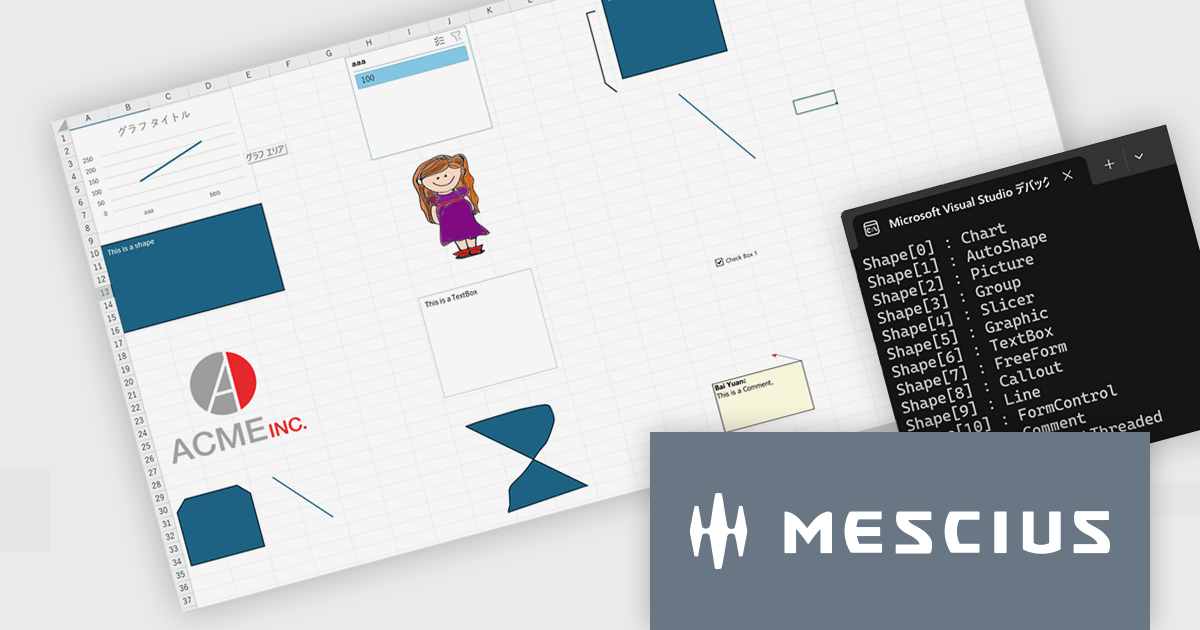
このバージョンでは、Excel操作APIとして重要な数式処理・帳票テンプレート生成・ファイル操作の3領域において、処理パフォーマンスの大幅な改善が実現されています。具体的には、VLOOKUP、XLOOKUP、HLOOKUP、LOOKUP、MATCH、XMATCH、UNIQUE など幅広い検索・計算系関数に対し、大規模な範囲に対する文字列検索性能が強化されました。また、AVERAGEIF の条件付き平均や POISSON.DIST、COMBIN といった関数でも、大きな引数を扱う場面での実行速度が改善されています。
帳票テンプレートの分野では、ITableDataSource を利用して大規模データを処理する際のメモリ使用量が削減され、長大な帳票を生成する際のシステム負荷が軽減されています。また、ワークブックの開閉や保存時に DefinedNames が多数含まれている場合でも、処理が速くなっており、ファイル操作の効率性も上がっています。
Excel帳票・計算処理を伴う業務アプリケーション開発において、特に大量データを扱ったり複雑な数式やテンプレートを頻用している開発現場では、V8J SP2の性能改善は即効的な効果が期待されます。
V8J SP2の新機能については、リリースノートをご覧ください。
DioDocs(日本語版)シリーズの製品や販売情報の詳細は下記のリンクをご参考ください。
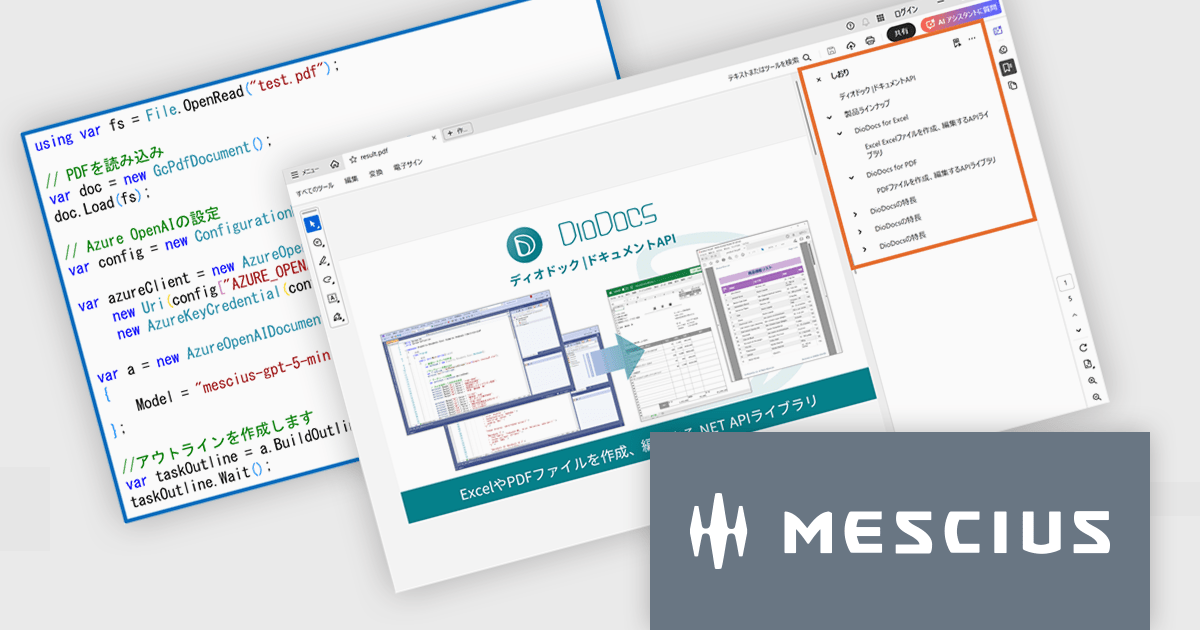
DioDocs for PDFのV8J SP2最新バージョンでは、AI技術を活用してPDF文書の解析・整理を支援する「AIアシスタント機能」が搭載されました。この機能はOpenAIおよびAzure OpenAI Serviceと連携し、ドキュメント内容の要約、アウトライン(目次)生成、テーブルデータ抽出といった作業を自動的に行えます。
要約機能では、長文のレポートや技術資料から重要な情報を抽出し、簡潔なサマリーを生成します。これにより、文書全体を読む時間を短縮し、要点を素早く把握できるようになります。アウトライン生成では、文書構造を自動的に分析し、章や節ごとの目次を作成します。これによりPDF内のナビゲーション性が向上し、資料を効率的に閲覧できます。さらに、テーブル抽出機能を利用すると、PDF内の表をAIが認識し、必要なデータを抽出して再利用できます。これにより、分析やレポート作成などの後工程がスムーズになります。
AIアシスタント機能の導入によって、従来手作業で行っていた要約作成や目次整理の負担が軽減され、業務効率が大幅に向上します。特に、大量のドキュメントを扱う企業や、情報整理に時間を要する部門にとって有効です。今回のアップデートにより、DioDocs for PDFは単なるPDF操作ツールから、AIによる情報活用を支援するスマートなドキュメントソリューションへと進化しました。業務のスピードアップと生産性向上を実現する新機能として、ぜひ活用を検討してみてください。
V8J SP2の新機能については、リリースノートをご覧ください。
DioDocs(日本語版)シリーズの製品や販売情報の詳細は下記のリンクをご参考ください。
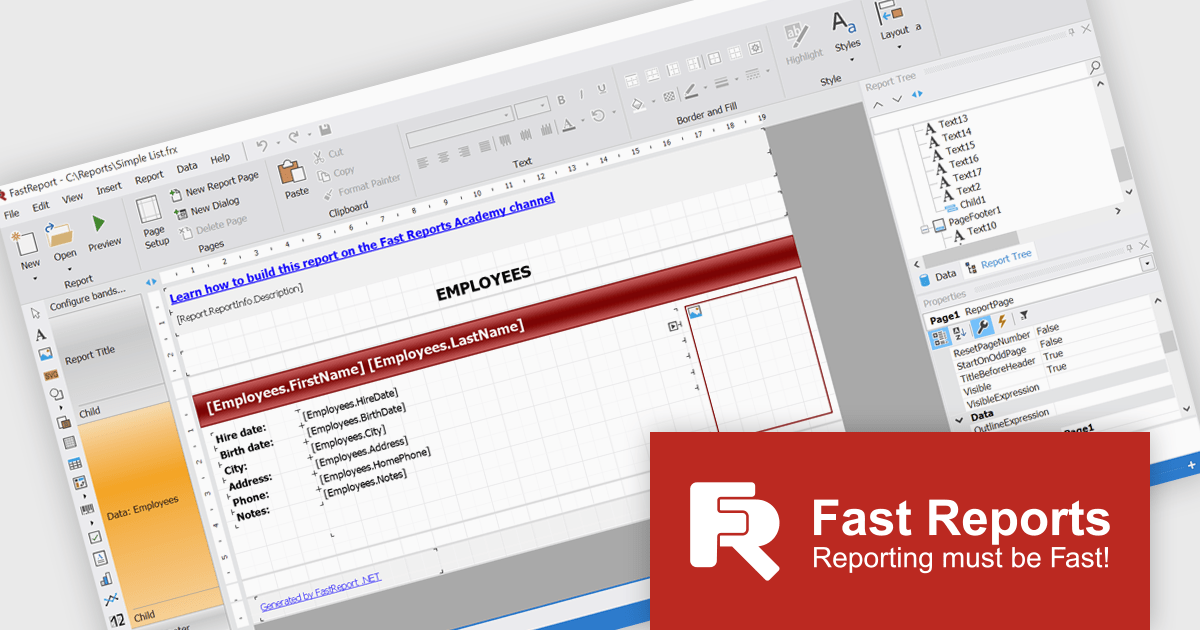
FastReport .NET Ultimate is a comprehensive reporting solution for developers working within the Microsoft .NET ecosystem. It supports the creation, design, and delivery of rich, interactive reports across Windows Forms, ASP.NET, MVC, and .NET Core applications. The Ultimate edition includes server deployment capabilities and extensive export options, such as PDF, Excel, Word, and HTML. It connects to various data sources, including SQL databases and business objects, providing flexibility for enterprise-level reporting. With the integrated FastReport Online Designer, users can edit reports directly in their browsers, enabling efficient collaboration and modern, full-featured report design across both desktop and web platforms.
The FastReport .NET Ultimate 2026.1 update introduces an improved Ribbon interface and a new 'RibbonDesignerControl', giving developers a more intuitive and efficient report design experience. The redesigned Ribbon UI offers a cleaner, more structured layout that simplifies access to tools and settings, improving usability and reducing development time. This addition allows developers to integrate the same modern Ribbon interface directly into their own applications, providing a consistent and familiar design environment for end users. This enhancement supports smoother workflows, greater customization, and a more professional user experience across both desktop and web reporting solutions.
To see a full list of what's new in version 2026.1, see our release notes.
FastReport .NET Ultimate is licensed per named user and is available as a perpetual license with a one-year subscription for updates and support. See our FastReport .NET Ultimate licensing page for full details.
For more information, visit our FastReport .NET Ultimate product page.
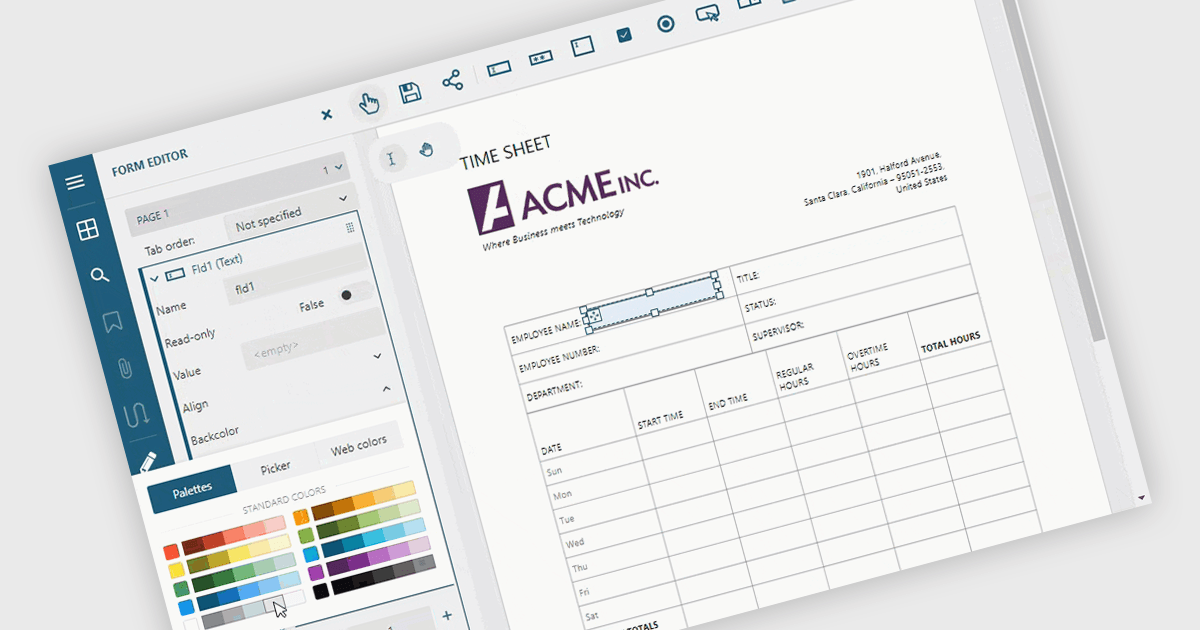
Adding and modifying form fields in PDF editing provides full control over form design and content. It lets users insert, modify, delete, or rename interactive fields such as text boxes, checkboxes, and signature areas to keep forms accurate and up to date. Visual customization, including adjusting field colors and layouts, helps create professional, branded documents. Common uses include updating HR application forms, refining finance templates, and simplifying legal agreements for faster completion.
Several ASP.NET Core PDF components allow you to add, edit and remove form fields from PDF forms, including:
For an in-depth analysis of features and price, visit our comparison of ASP.NET Core PDF components.
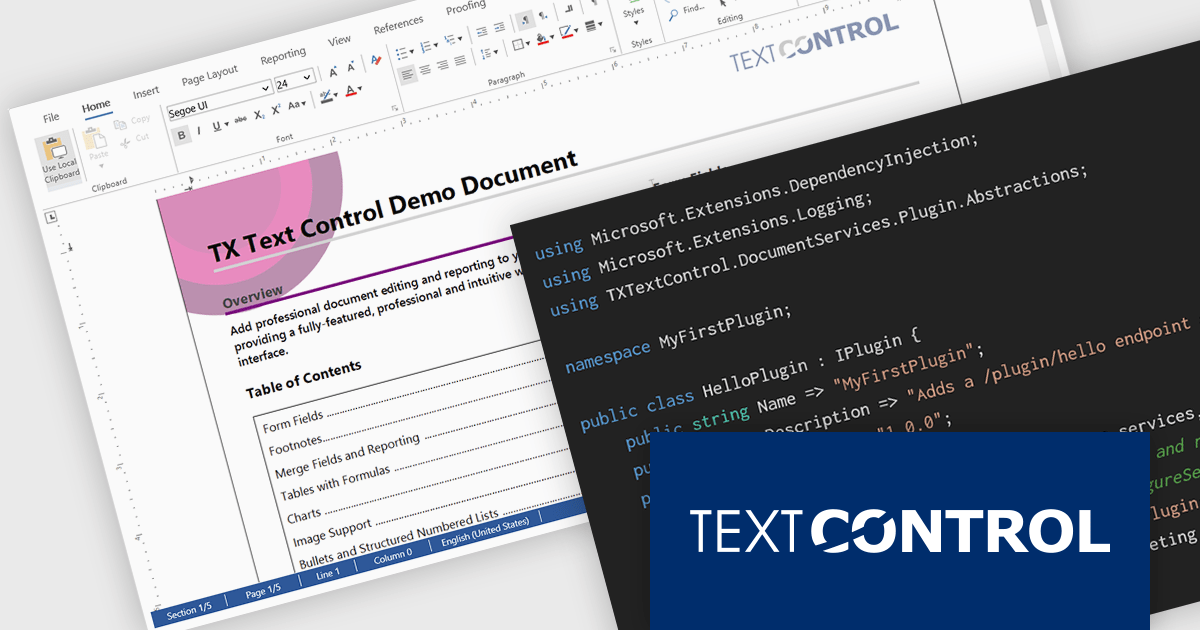
DS Server by Text Control is a powerful document processing backend designed to integrate seamlessly into web applications, providing developers with a robust set of APIs for creating, editing, viewing, and converting documents. Built for scalability and security, DS Server allows organizations to automate document workflows within their own infrastructure or cloud environments, eliminating the need for external dependencies. With support for popular formats like DOCX, PDF, and HTML, it enables rich document capabilities while maintaining full control over data and compliance. Whether you're generating dynamic reports, creating user-editable templates, or embedding secure document viewers, DS Server delivers high-performance document services tailored to modern application needs.
The DS Server 4.1.0 updated introduces a robust plug-in architecture that enables developers to extend the server’s core capabilities by injecting custom middleware, registering services, and integrating with APIs and the UI. Designed for easy deployment, plug-ins can be dropped into a dedicated folder and auto-loaded without altering the base system. Whether you're handling document conversion, templating, or workflow automation, the new plug-in architecture allows you to tailor DS Server’s behavior to match your application’s exact requirements.
To see a full list of what's new in version 4.1.0, see our release notes.
Text Control DS Server is licensed per server and is available as an Annual License that includes software updates. See our Text Control DS Server licensing page for full details.
For more information, visit our Text Control DS Server product page.
電話: (888) 850 9911
Fax: +1 770 250 6199


