













公式サプライヤー
公式および認定ディストリビューターとして200社以上の開発元から正規ライセンスを直接ご提供いたします。
当社のすべてのブランドをご覧ください。
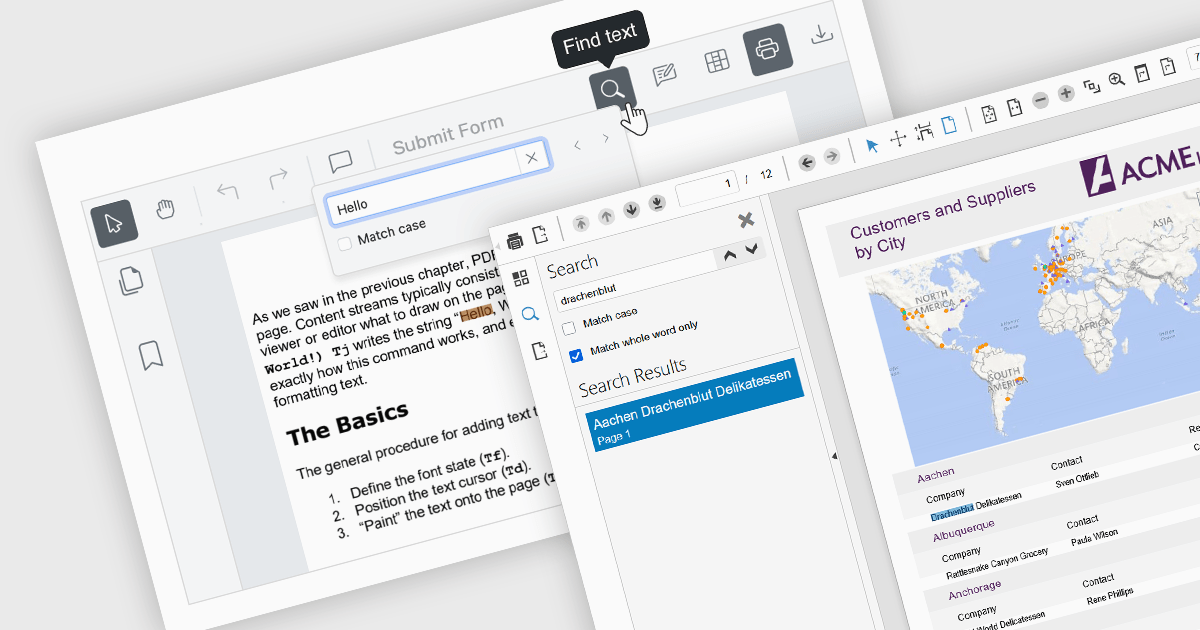
Text searching functionality in a PDF viewer allows users to quickly locate specific words or phrases within a PDF document by entering the keywords into a search field built into the viewer. It works by scanning the text layer of the PDF, highlighting matching results, and enabling fast navigation between the occurrences. Considered as baseline functionality, this very widely used feature provides an important benefit by eliminating the need to manually scroll and read through content, saving a significant amount of time when finding relevant information, especially in lengthy, complex or densely formatted documents.
Several Angular PDF viewer components allow you to search text, including:
For an in-depth analysis of features and price, visit our comparison of Angular PDF viewer components.
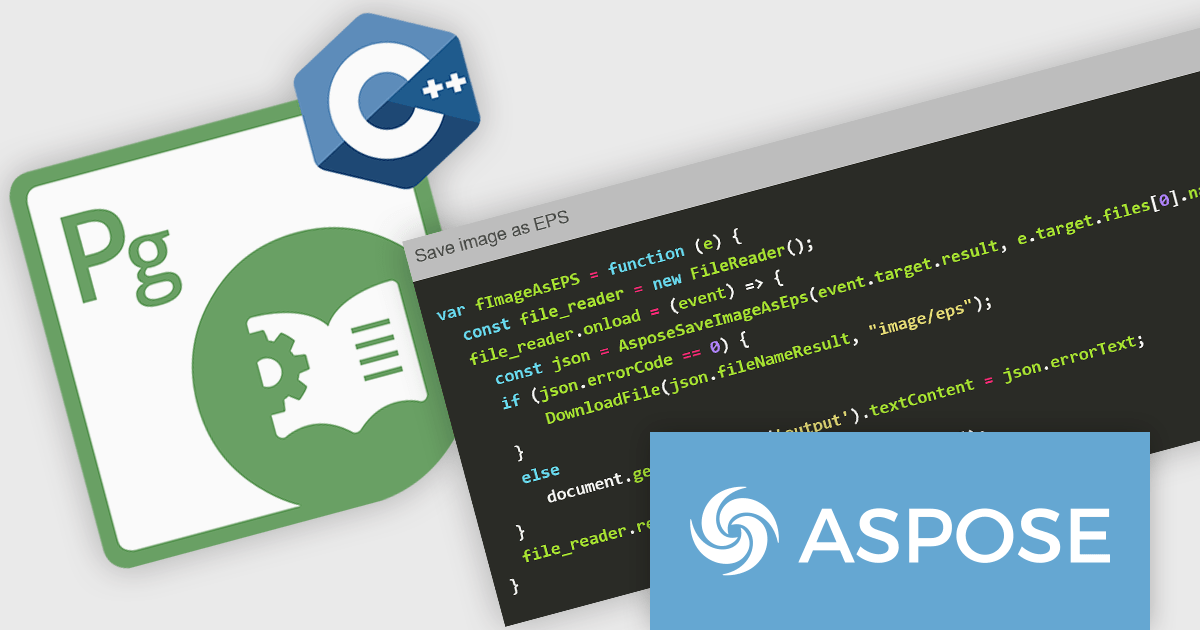
Aspose.Page for JavaScript via C++ and Aspose.Page for Node.js via C++ are lightweight, cross-platform APIs designed for working with Page Description Language (PDL) files, including XPS, PostScript (PS), and Encapsulated PostScript (EPS) formats. Built on a high-performance C++ core and exposed via WebAssembly or Node.js bindings, these libraries allow developers to load, view, convert, and manipulate PDL documents entirely in client-side or server-side JavaScript environments. The APIs support conversion to PDF and a wide range of raster image formats (JPEG, PNG, TIFF, BMP, GIF), along with control over page settings, color spaces, document structure, and vector content. Both libraries operate without dependencies on external software, making them ideal for embedding in modern web apps or backend services.
These products are particularly well-suited for scenarios where precise document rendering and format conversion are required. With Aspose.Page, developers can automate the transformation of PS, EPS, or XPS documents into PDFs or images for publishing, archiving, or web display. The libraries also support operations such as merging files, editing document metadata, and preserving complex graphical content, making them valuable in print workflows, digital asset pipelines, and compliance-driven industries. The JavaScript version enables interactive document processing within the browser, while the Node.js variant supports scalable automation on the server. Both options offer high fidelity and performance, enabling seamless integration into document management systems and web-based PDF workflows
Aspose products are offered as Developer Small Business, Developer OEM, Developer SDK, Site Small Business, Site OEM and Site SDK licenses catering to a range of business needs. Licenses are perpetual, and include 1 year of support and maintenance. Subscription renewals are also available. For full details, see our licensing pages for JavaScript via C++ and Node.js via C++.
These new products are available individually or as part of several suites, including: Aspose.Total Product Family.
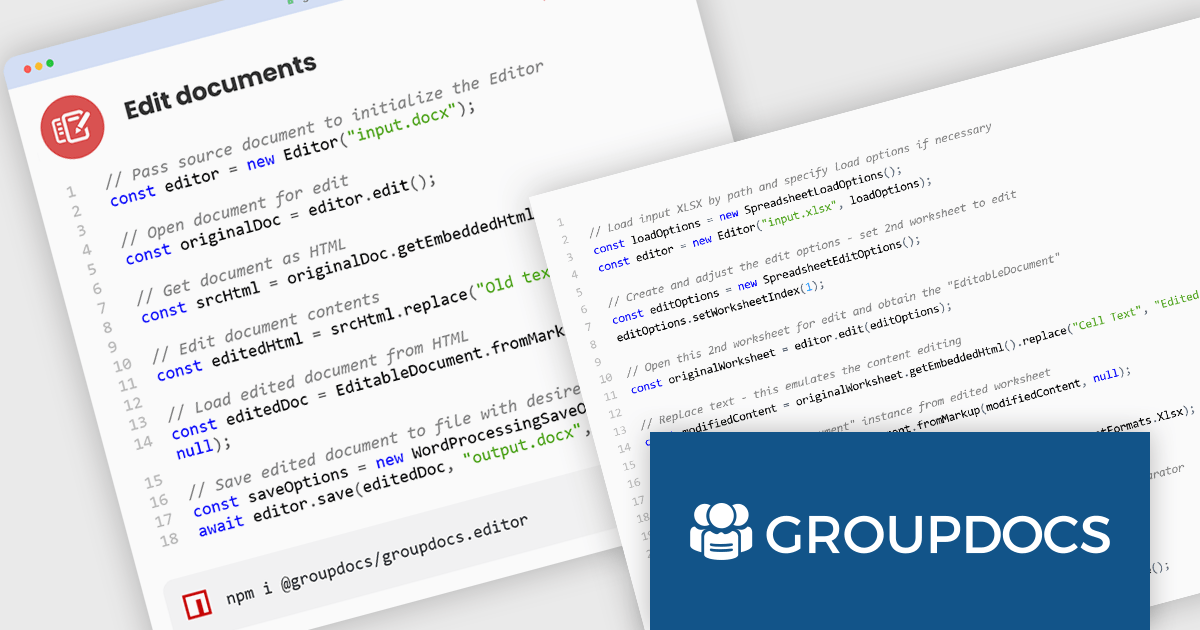
GroupDocs.Editor for Node.js via Java is a document editing API that allows developers to load, edit, and save a wide variety of document formats directly within Node.js applications. Built on top of GroupDocs' Java back end and exposed to JavaScript via a thin integration layer, the library supports Word documents, Excel spreadsheets, PowerPoint presentations, PDFs, HTML, XML, TXT, and more. It works by converting documents into editable HTML, enabling seamless integration with popular WYSIWYG editors, and then converting the edited content back into the original format - all without needing Microsoft Office or third-party plugins.
This product is particularly valuable in scenarios where real-time document editing is needed within web platforms or enterprise systems. By handling document transformation entirely on the server, it supports secure workflows for collaborative editing, content management systems, and automated document pipelines. Organizations can build browser-based editors, allow users to update structured documents without altering layout or formatting, or embed document editing in client portals. The support for password-protected documents, resource management, and high-fidelity round-trip conversion makes GroupDocs.Editor a practical tool for digital offices, legal document workflows, and business applications that require editable, yet controlled, document interaction.
GroupDocs.Editor for Node.js via Java is offered as Developer Small Business, Developer OEM, Site Small Business, and Site OEM licenses catering to a range of business needs. Licenses are perpetual, and include 1 year of support and maintenance. Subscription renewals are also available. See our GroupDocs.Editor for Node.js via Java licensing page for full details.
GroupDocs.Editor for Node.js via Java is available individually or as part of the following products:
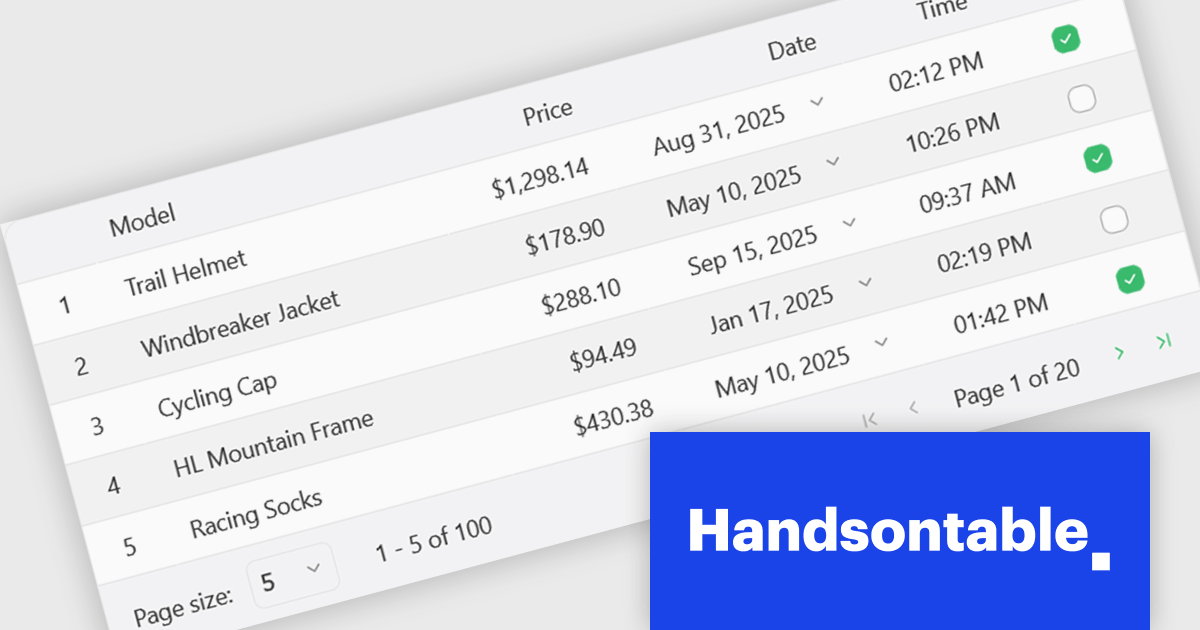
Handsontable is a JavaScript library designed to help developers build interactive data grids into their web applications. Offering a familiar spreadsheet-like interface, it allows users to edit, sort, and filter data with ease. Highly customizable and compatible with popular frameworks like React and Angular, Handsontable empowers developers to build robust data manipulation features into their web applications.
The Handsontable 16.1.0 update brings client-side row pagination, allowing users to divide large tables into smaller, more manageable chunks. This feature is especially beneficial when working with high-volume data, as it improves rendering speed and ensures smoother interaction. By enabling page-based navigation within the grid, developers can maintain a responsive user interface even as datasets scale up significantly.
To see a full list of what's new in version 16.1.0, see our release notes.
Handsontable is licensed per developer and is available as an Annual or Perpetual license with 1 year support and maintenance. See our Handsontable licensing page for full details.
For more information, visit our Handsontable product page.
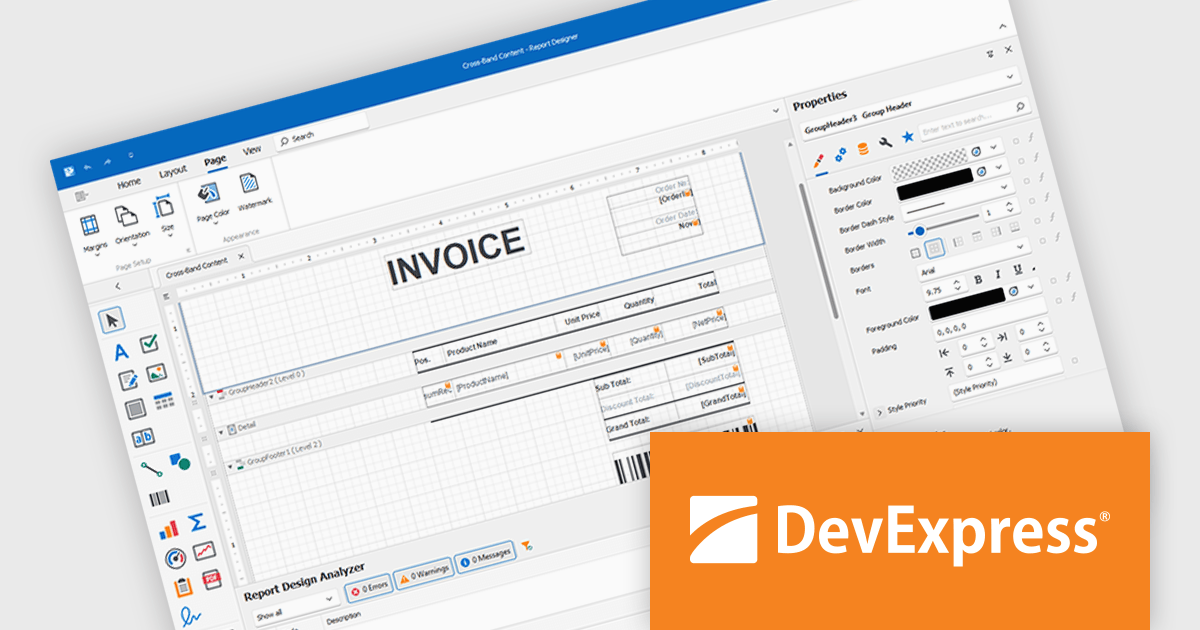
DevExpress Reporting is a comprehensive suite of reporting tools that help developers create visually stunning and highly customizable reports for various applications. With its rich feature set, including data binding, layout design, printing, and exporting capabilities, DevExpress Reporting enables the efficient creation of reports that meet the most demanding business requirements.
DevExpress Reporting lets developers build custom report controls that go beyond the built-in options, making it easier to meet specific project needs. These controls can include unique visual elements or functions that fit naturally into the existing reporting setup, keeping reports consistent in both appearance and behavior. Custom controls also help standardize design, support reusable logic, and handle specialized data presentation that standard controls may not cover, improving maintainability and scalability over time.
DevExpress Reporting is licensed per developer and is available as a Perpetual License with a 12 month support and maintenance subscription. See our DevExpress Reporting licensing page for full details.
DevExpress Reporting is available to buy in the following products:
電話: (888) 850 9911
Fax: +1 770 250 6199


