













公式サプライヤー
公式および認定ディストリビューターとして200社以上の開発元から正規ライセンスを直接ご提供いたします。
当社のすべてのブランドをご覧ください。
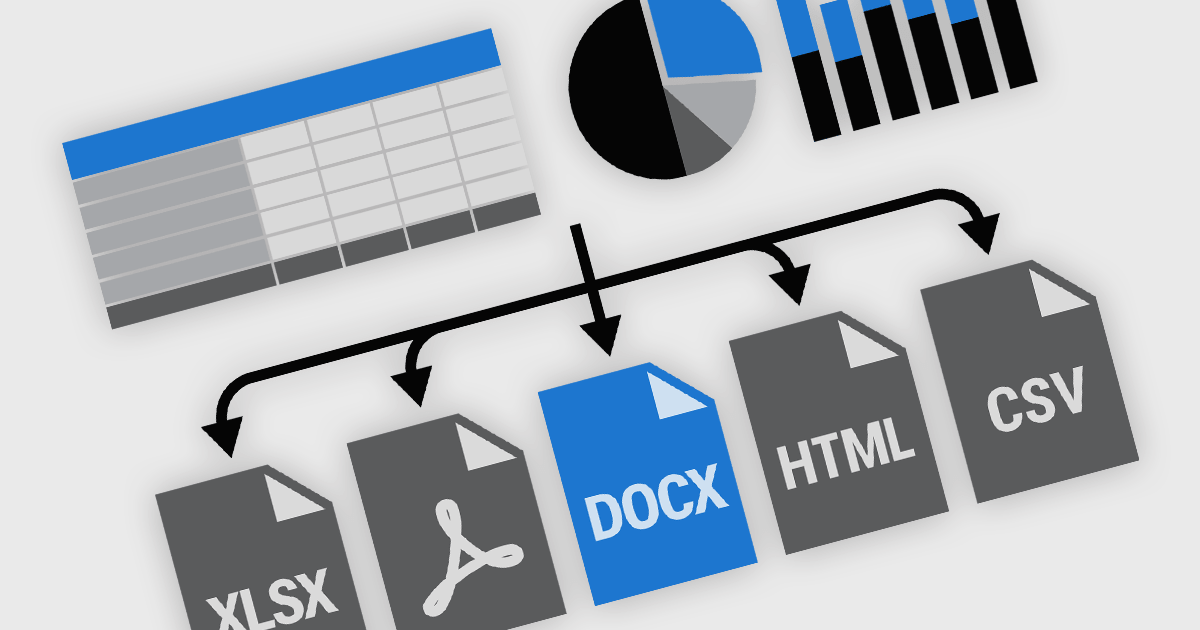
Exporting and printing functionality in reporting components is a core requirement for many software applications, particularly those used in business, finance, and analytics. These capabilities enable users to transform dynamic, on-screen reports into portable or hard-copy formats suitable for distribution, archiving, or further processing. High-performance reporting tools offer flexible export and print options to accommodate various workflows, whether for regulatory compliance, client communications, or internal documentation. Support for a broad range of output formats ensures that users can interact with report content in the way that best suits their needs.
Common features include:
For an in-depth analysis of features and price, visit our React reporting components comparison.
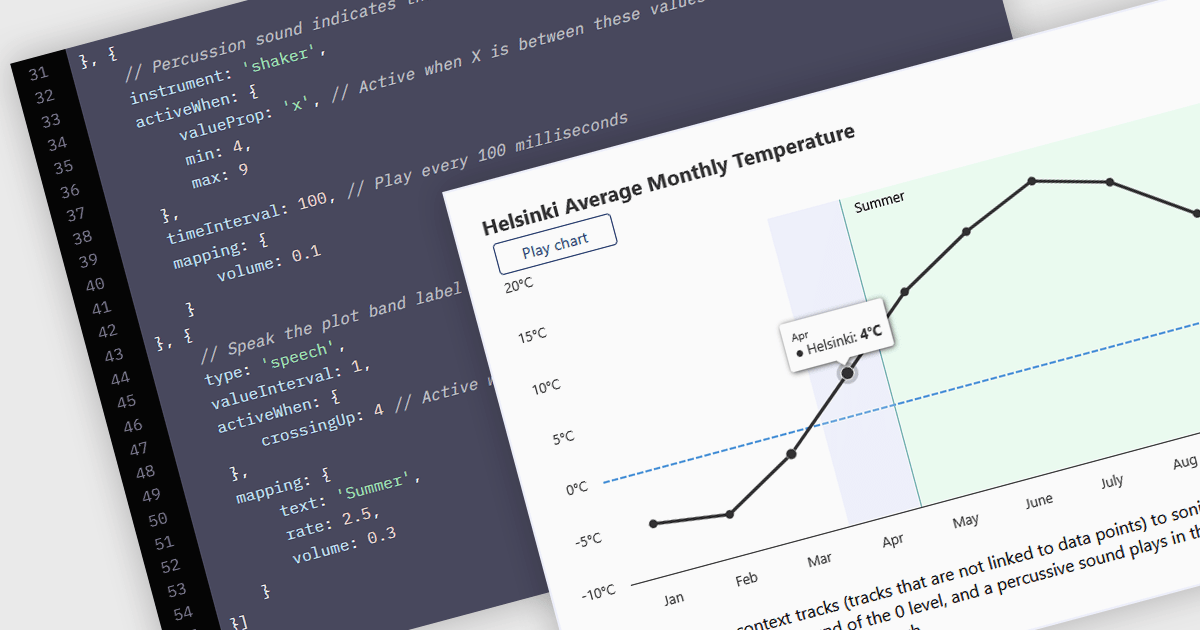
WCAG (Web Content Accessibility Guidelines) compliance in JavaScript charts ensures that visual data representations are accessible to all users, including those with disabilities. This involves implementing features such as semantic markup for assistive technologies, keyboard navigation support, high-contrast color schemes for users with visual impairments, and descriptive alternative text for charts and data points. Additionally, it may include providing data tables or summaries as textual alternatives and ensuring that interactive elements are operable without reliance on a mouse. Achieving WCAG 2.0 compliance enhances usability, meets legal accessibility standards, and promotes inclusive user experiences across web applications.
Several JavaScript chart controls offer WCAG compliance including:
For an in-depth analysis of features and price, visit our comparison of JavaScript Chart Controls.
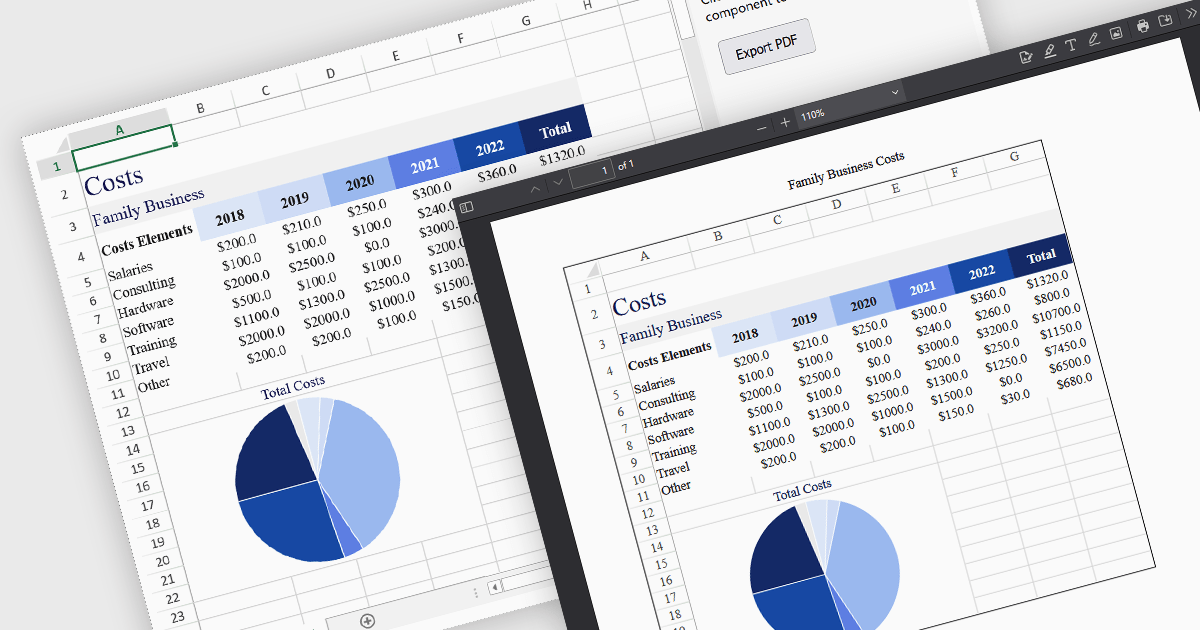
Exporting a spreadsheet to PDF from a JavaScript application is a widely used feature that allows users to generate portable, print-ready documents directly from the browser. It converts the contents of a spreadsheet, such as cell data, formulas, formatting, charts, and images into a Portable Document Format (PDF) file. This capability ensures that the data, formatting, and layout from the original spreadsheet are preserved without relying on external applications or manual intervention. It is particularly useful for generating reports, invoices, or records that need to be shared, printed, or archived in a fixed format. By enabling PDF generation directly within the web application, developers can offer users a straightforward method to archive, print, or share spreadsheet content in a consistent and professional format across devices and platforms.
Several JavaScript spreadsheet components allow you to export to PDF, including:
For an in-depth analysis of features and price, visit our comparison of JavaScript spreadsheet components.
Smart UI by Smart HTML Elements is an enterprise-grade UI library offering pre-built web components for developers in Angular, React, Vue, Blazor, and JavaScript. It boasts over 60 ready-to-use components like grids, charts, schedulers, and editors, all featuring two-way data binding, responsiveness, accessibility, and theming capabilities. This library helps developers rapidly build dynamic and modern web applications with consistent look-and-feel and rich functionalities, accelerating development time and ensuring professional quality.
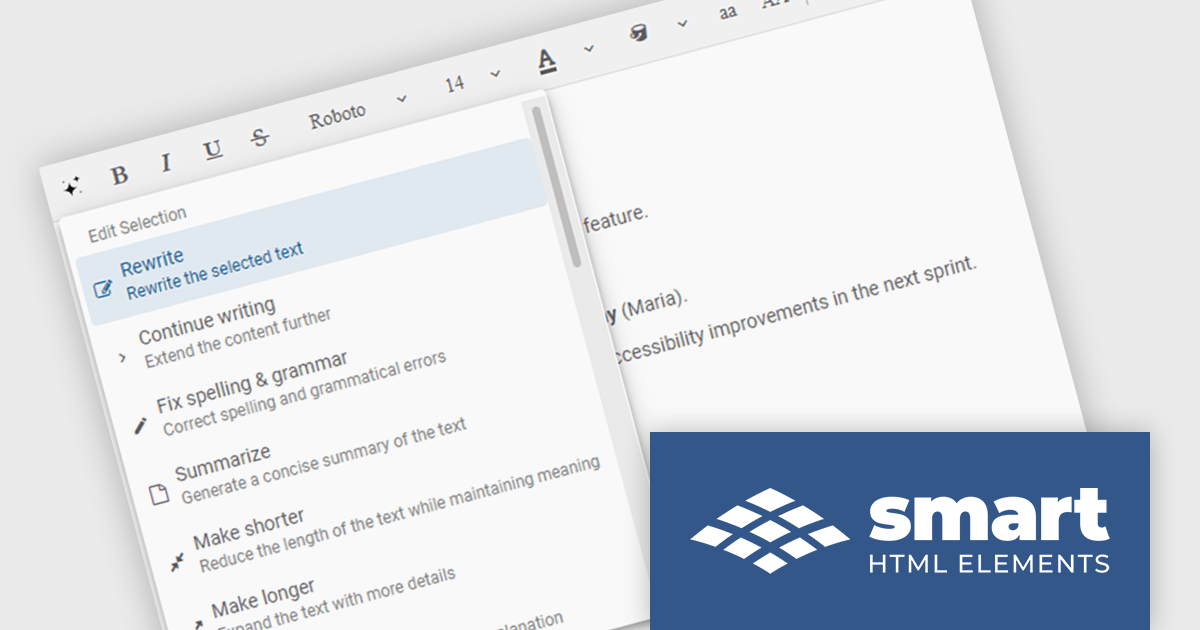
The Smart UI v23.0.0 release adds new features to Smart.Editor, including content generation, text summarization and the ability to rewrite, expand or shorten content by using AI. These capabilities enable users to quickly craft content, distill lengthy text into key points, and tailor messaging with precision, all without leaving the editing environment. Whether expanding a brief idea into a full paragraph or condensing verbose content for clarity, the new AI tools simplify content creation and editing.
To see a full list of what's new in v23.0.0, see our release notes.
Smart UI (Smart HTML Elements) is licensed per developer and is available as a perpetual license with 1 year support and maintenance. It includes distribution to unlimited Web applications, SaaS projects, Intranets and Websites. Team, OEM and Enterprise licensing options are also available. See our Smart UI (Smart HTML Elements) licensing page for full details.
Learn more on our Smart UI product page.
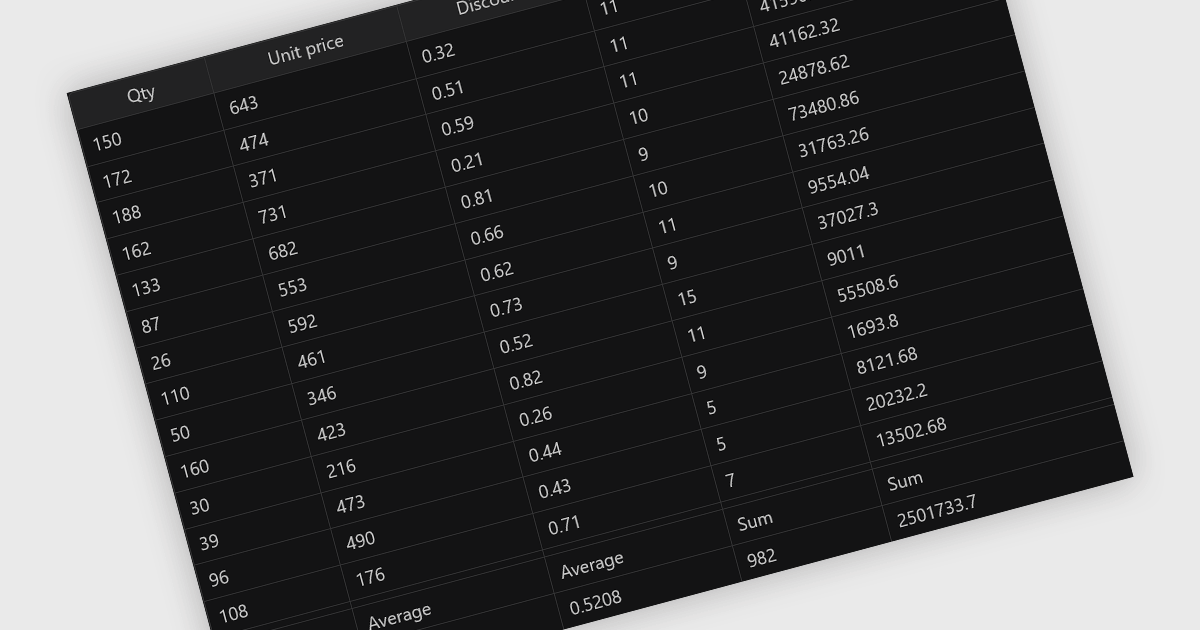
Aggregation in grid components allows users to automatically compute and display summary values, such as totals, averages, minimums, and maximums, across rows or columns of data. This feature enhances the analytical capability of a data grid by offering quick insights directly within the interface, reducing the need to export data for external processing. It is particularly valuable in business intelligence dashboards, financial applications, and administrative tools where on-the-fly data synthesis is essential.
Several React grid controls offer aggregation including:
For an in-depth analysis of features and price, visit our React grid controls comparison.
電話: (888) 850 9911
Fax: +1 770 250 6199


