













公式サプライヤー
公式および認定ディストリビューターとして200社以上の開発元から正規ライセンスを直接ご提供いたします。
当社のすべてのブランドをご覧ください。
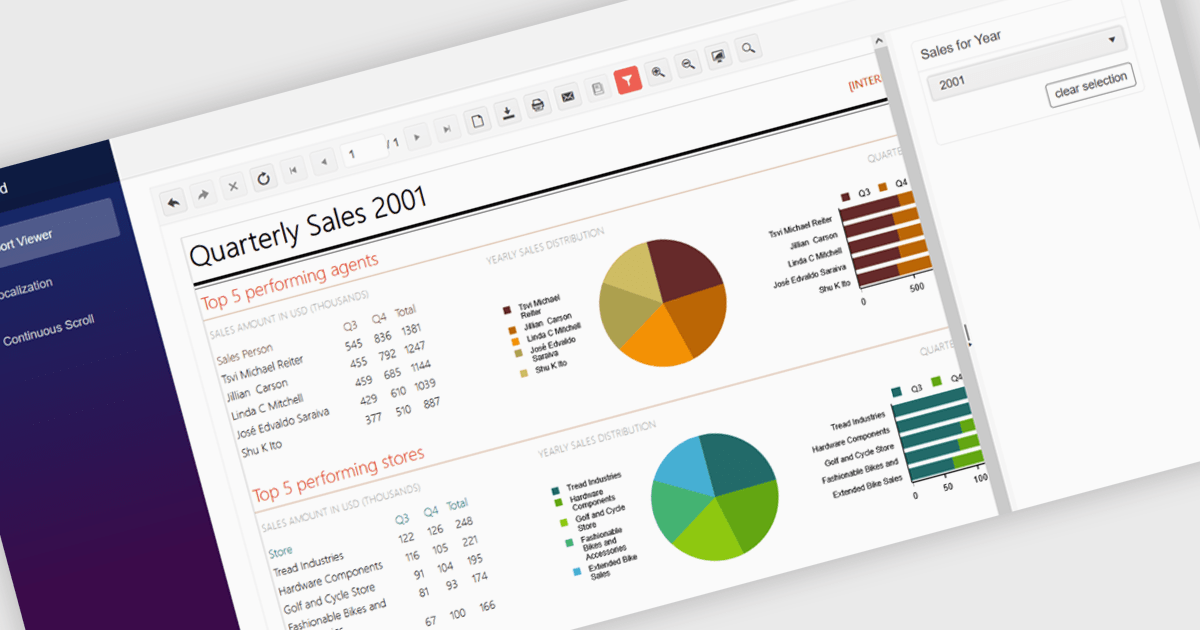
A report viewer in a Blazor report control allows developers to display interactive, paginated, and print-ready reports directly within Blazor applications. This component bridges the gap between server-side reporting capabilities and client-side UI responsiveness, offering a way to render complex reports in-browser without relying on external viewers or plugins. It supports common report features such as drill-down, export to various formats, and parameterized filtering, making it highly useful for enterprise dashboards and data-driven web applications. By integrating directly into the Blazor ecosystem, it ensures a cohesive development experience with consistent styling, fast rendering, and reduced client-server communication overhead.
Several Blazor reporting controls offer a report viewer including:
For an in-depth analysis of features and price, visit our comparison of Blazor reporting controls.
Syncfusion Essential Studio Enterprise provides a comprehensive collection of UI components and frameworks for building modern cross-platform applications. It offers over 1,800 components compatible with .NET WinForms, WPF, ASP.NET Core & MVC, WinUI, MAUI, JavaScript, Blazor, and more, enabling seamless application development across diverse devices and operating systems.
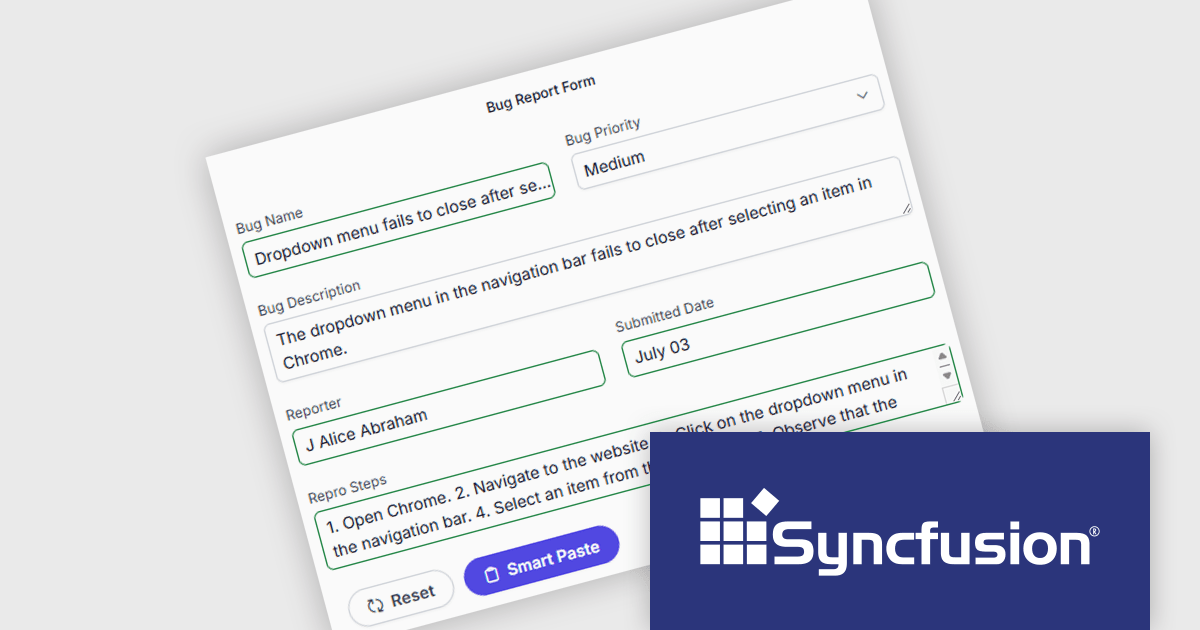
The Syncfusion Essential Studio Enterprise 2025 Volume 3 (31.1.17) release adds new Blazor Smart Paste Button and Smart TextArea components, embedding AI‑assisted intelligence directly in data entry workflows. The Smart Paste Button component analyzes clipboard content, such as structured forms, text snippets, or multi-field data, and pastes it intelligently into relevant form fields with proper formatting and mapping. Meanwhile, the Smart TextArea offers context-aware sentence‑level autocompletion, suggesting text continuations as users type to reduce keystrokes and improve writing consistency. Together, these components reduce user friction, speed up form filling, minimize input errors, and help developers deliver more polished, intelligent interfaces with less custom logic.
To see a full list of what's new in 2025 Volume 3 (31.1.17), see our release notes.
Syncfusion Essential Studio Enterprise is licensed per developer and is available as a 12 Month Timed Subscription License which includes support and maintenance. See our Syncfusion Essential Studio Enterprise licensing page for full details.
Learn more on our Syncfusion Essential Studio Enterprise product page.
Telerik UI for Blazor is a comprehensive UI library that provides over 110 native and customizable Blazor components for building modern and feature-rich web applications. This professional-grade solution offers a complete set of components to satisfy all user interface requirements, saving time and effort in UI design.
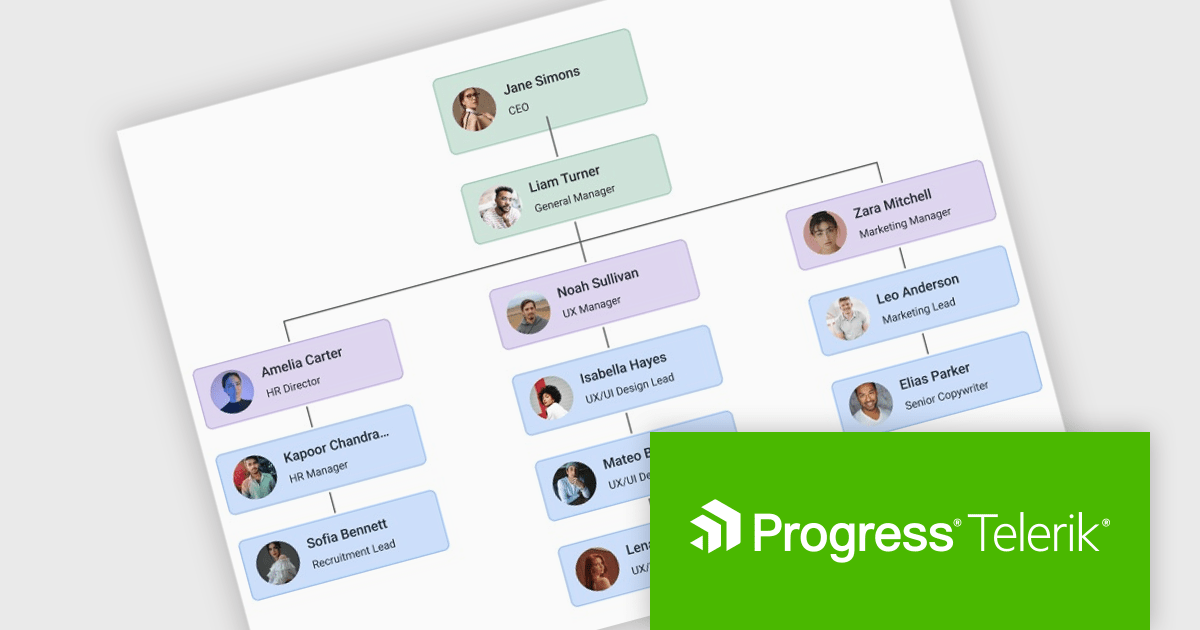
The Telerik UI for Blazor 2025 Q3 update introduces a new Diagram component that enables developers to effectively model, display, and manage complex data, structures, and processes within their applications. With support for built-in layouts, customizable shapes, and flexible connections, the Diagram improves the creation of organizational charts, process flows, and other visual representations without requiring extensive manual coding. Workflow-ready elements and user interaction capabilities ensure that diagrams are not static images but functional components that respond to events and actions, making them a practical tool for building interactive and data-driven Blazor applications.
To see a full list of what's new in 2025 Q3 (v11.1.1), see our release notes.
Telerik UI for Blazor is licensed per developer and has two licensing models: an annual Subscription License and a Perpetual License. The Subscription license provides access to the latest product updates, technical support, and exclusive benefits for a flat annual fee, and must be renewed to continue using the software. The Perpetual license is a one-time purchase granting access to the current released version and includes a one-year subscription for product updates and technical support. After this initial period, users can choose to renew the subscription element to continue receiving updates and support; otherwise, they may continue using the installed version available during their active subscription term but will forgo future updates and support. See our Telerik UI for Blazor licensing page for full details.
Telerik UI for Blazor is available individually or as part of the following products:
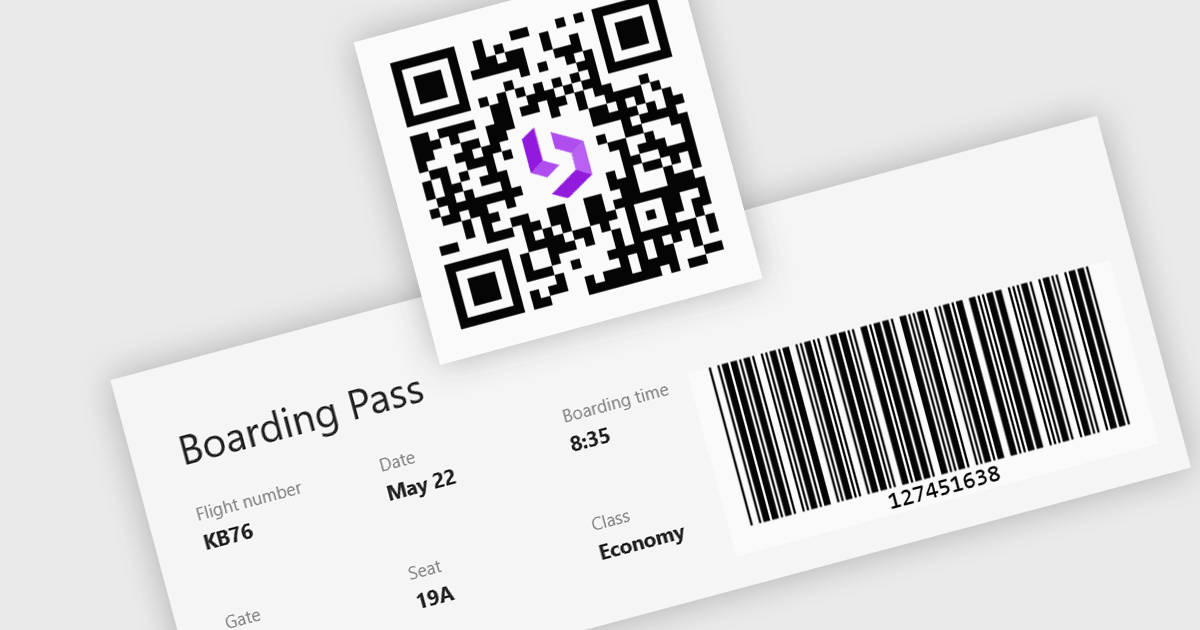
Barcode support in a Blazor UI suite refers to built-in components or controls that enable developers to generate and display barcodes directly within applications. This functionality simplifies the integration of barcode-based processes in retail, logistics, healthcare, and inventory management systems by allowing data encoding and visualization without relying on third-party tools. For software developers, the key benefit is faster implementation of barcode features with consistent styling and customization options, helping maintain application cohesion while supporting machine-readable data formats.
Several Blazor UI suites provide barcode functionality, including:
For an in-depth analysis of features and price, visit our comparison of Blazor UI suites.
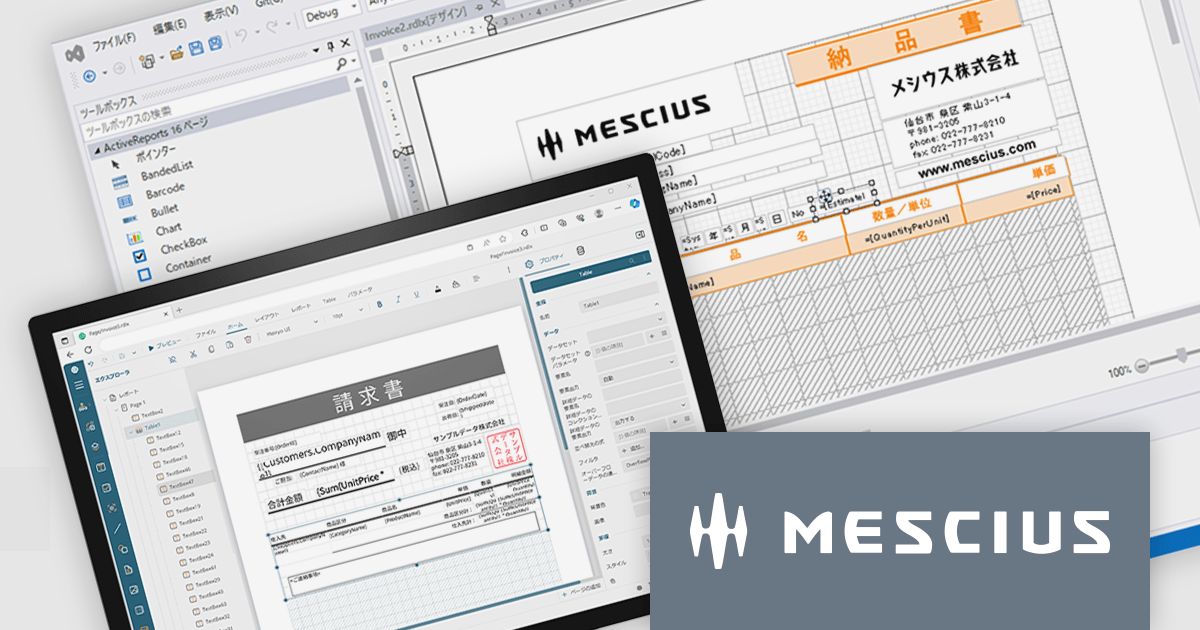
ActiveReportsは、帳票開発を強力に支援する.NET向け帳票ツールです。最新の 18.0J では、使いやすさとパフォーマンスがさらに向上し、直感的なデザイナや豊富な帳票出力形式、最新フレームワークへの対応を実現しています。開発効率を高めながら、高品質な帳票を短時間で作成できます。
2025年10月に予定されている Windows 10のサポート終了 に伴い、今後の業務システムは Windows 11対応 が求められます。ActiveReports for .NET 18.0J は最新環境への最適化が施されており、円滑な移行を実現するためには本バージョンへのアップグレードが必要です。旧バージョンのままでは、Windows 11での安定稼働が保証されませんのでご注意ください。
現在、ActiveReports for .NET 18.0J カムバックキャンペーンを実施中です。ActiveX版を含むすべての旧バージョンのActiveReportsユーザー様が対象として、特別価格でのアップグレードをご提供しております。お得なこの機会にぜひ最新環境へ移行し、今後の開発基盤を安心・安定の最新バージョンでご活用ください。
製品別のキャンペーン詳細およびご購入は、以下のリンクからご確認いただけます。
電話: (888) 850 9911
Fax: +1 770 250 6199


