













公式サプライヤー
公式および認定ディストリビューターとして200社以上の開発元から正規ライセンスを直接ご提供いたします。
当社のすべてのブランドをご覧ください。
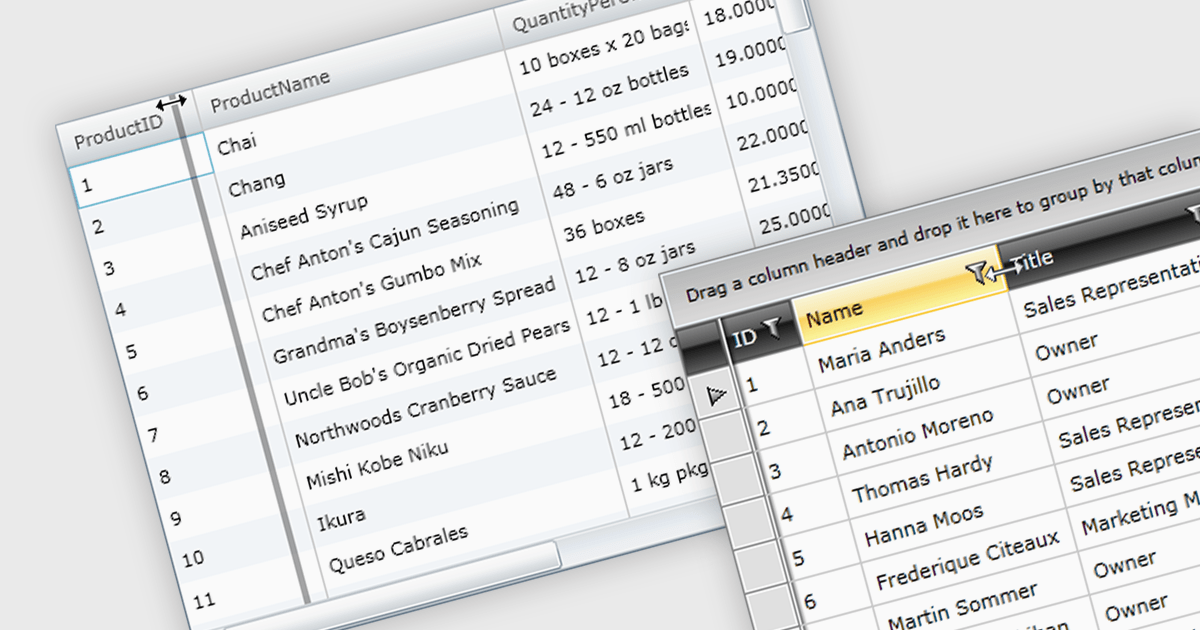
Column resizing in a datagrid empowers users to dynamically adjust column widths, enhancing data visibility and analysis. By dragging column boundaries, users can prioritize information, reveal hidden content, and improve readability. This flexibility accommodates diverse screen sizes, data volumes, and user preferences, ultimately optimizing the datagrid's usability for various tasks like data entry, reporting, and analysis.
Several WPF grid controls offer support for expanding and resizing columns including:
For an in-depth analysis of features and price, visit our WPF grid controls comparison.
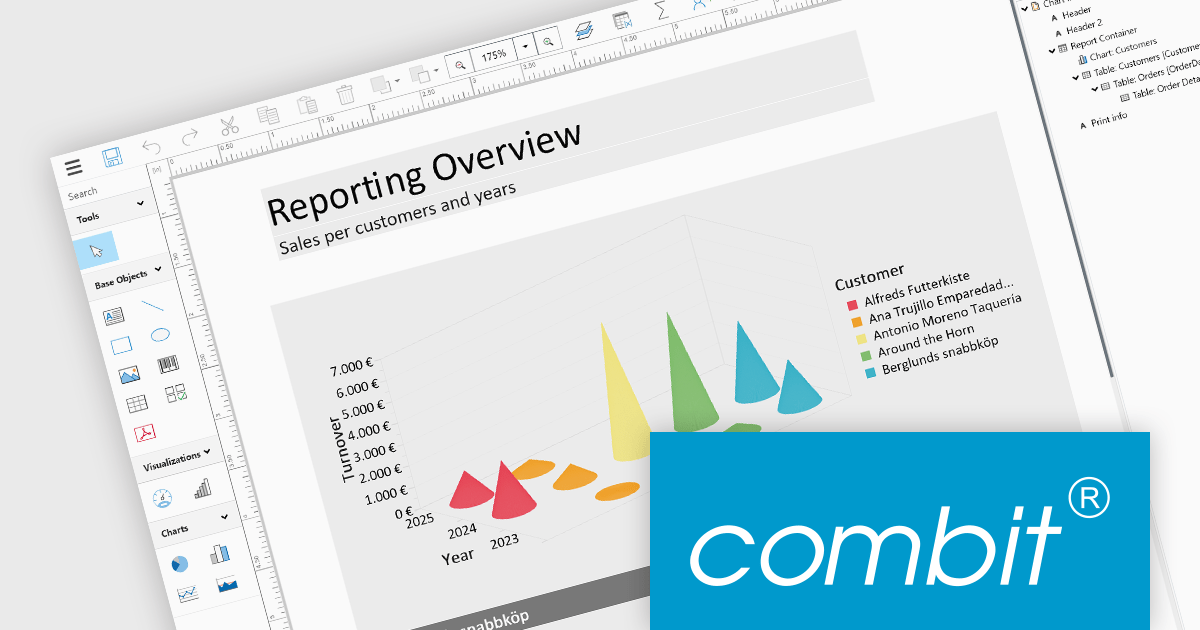
List & Label by combit is a software development toolkit that empowers developers to integrate comprehensive reporting functionalities into their desktop, web, and cloud applications. It offers features such as data binding, complex data visualization, and a user-friendly report designer, along with printing, exporting, and previewing capabilities. List & Label operates independently of programming languages and data sources, providing developers with the flexibility to design and deliver informative reports within their development environment.
The List & Label 29.003 service pack introduces multiple caching mechanisms to optimize performance during operations involving large data structures within the Web Designer. With these mechanisms, the system significantly reduces the frequency of resource-intensive web server requests, thereby decreasing the load on the server. This approach optimizes resource utilization by storing frequently accessed data in temporary storage, thus decreasing the need for repeated data retrieval from the server. The result is faster data processing and improved response times, which is especially beneficial when handling complex design scenarios that demand extensive data processing.
To see a full list of what's new in 29.003, see our release notes.
List & Label is licensed per developer and is available as a Perpetual License with a 12 month support and maintenance subscription. See our List & Label licensing page for full details.
List & Label is available in the following products:

PDF to image conversion within in WPF PDF Viewer components enables developers to programmatically export individual PDF pages as images such as PNG, JPEG, or BMP. This capability enables applications to create image-based representations of PDF content, facilitating tasks such as generating thumbnails, exporting visual data, or integrating PDF content into image-centric workflows, enhancing application versatility and user experience.
Several .NET 8 WPF PDF viewer components support PDF to image conversion including:
For an in-depth analysis of features and price, visit our comparison of .NET 8 WPF PDF Viewer Components.
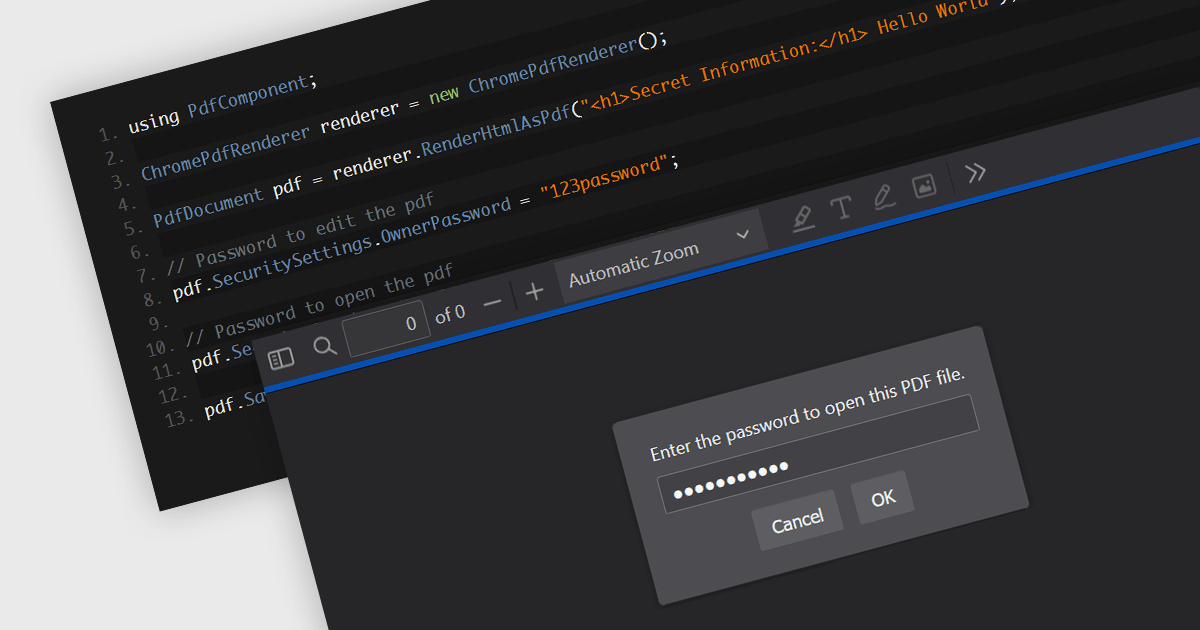
Password protection in a PDF component is a security feature enabling the encryption of PDF documents to restrict unauthorized access. Crucial for applications where sensitive data is handled, setting passwords ensures that only authorized individuals can view or make changes to the document, thereby protecting confidential information from unauthorized access and data breaches. This functionality safeguards sensitive information by controlling who can view, modify, print, or copy the document's content, providing an essential layer of protection for confidential data and increasing the trustworthiness of the application that holds it.
Several Windows Presentation Foundation (WPF) PDF components allow you to add password protection to PDF files, including:
For an in-depth analysis of features and price, visit our comparison of WPF PDF components.
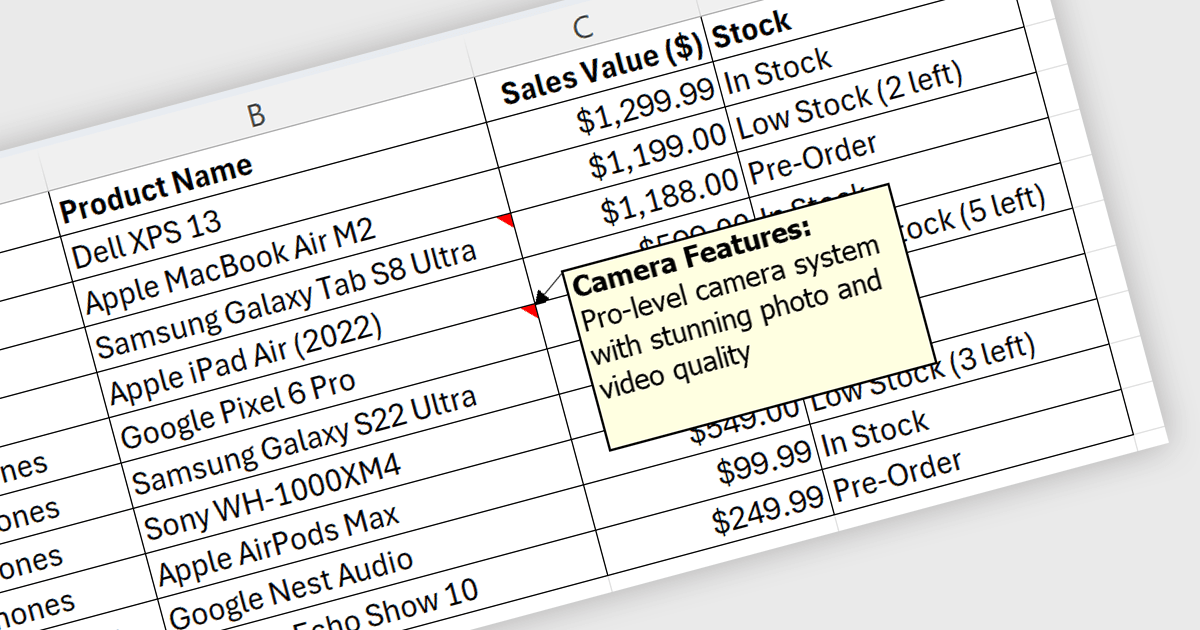
Spreadsheet cell comments/tooltips, provide a way to display additional information on hover over a specific cell. This enhances the user experience by offering context beyond the cell's main value. Common use cases include displaying formulas used for calculations, extended data not suitable for the main view, or data validation rules. They improve spreadsheet clarity and reduce the need for separate documentation or cluttered cell content.
Several .NET WPF Spreadsheet controls offer cell comments/tooltips including:
For an in-depth analysis of features and price, visit our WPF Spreadsheet controls comparison.
電話: (888) 850 9911
Fax: +1 770 250 6199


