













公式サプライヤー
公式および認定ディストリビューターとして200社以上の開発元から正規ライセンスを直接ご提供いたします。
当社のすべてのブランドをご覧ください。

A time picker (time editor) component allows users to select a specific time from a predefined range. It often presents a visual representation of time, such as a clock face or a digital display, and provides intuitive controls for adjusting hours, minutes, and sometimes seconds. This component simplifies time input and selection processes, enhancing user experience and reducing potential errors in applications that require precise time specification, such as scheduling tools, appointment booking systems, and time-based data entry forms.
Several WPF data editor collections feature a time editor, including:
For an in-depth analysis of features and price, visit our WPF data editors comparison.

Chart components with image export features empower users to save a chart's visual representation as a static image file, providing a convenient way to share, embed, or print data insights. This capability is valuable for developers and end-users alike, as it removes the need for access to the original dataset or charting software when distributing visualizations. With image export, users can preserve the chart's design, style, and formatting, ensuring that its presentation remains consistent across various platforms, from presentations to reports. Additionally, by offering support for standard formats such as PNG, JPEG, or SVG, this feature enables seamless integration of charts into documents, websites, or printed materials, enhancing flexibility and broadening the ways in which data insights can be shared and utilized.
Several WPF charting components support exporting to images including:
For an in-depth analysis of features and price, visit our comparison of WPF charting components.

ActiveReports.NET from MESCIUS, is a comprehensive reporting solution for developers building applications in .NET. It empowers you to design and deliver visually appealing reports through user-friendly designers and a wide range of controls. ActiveReports simplifies report creation and distribution with a versatile API, rich data source connectivity, and support for multiple export formats. This translates to increased developer productivity and improved end-user experience with powerful reporting functionalities within your .NET applications.
The ActiveReports.NET v18.2 update enhances the XML Data Display in the Web Designer by introducing a tree structure for data fields, making it significantly easier to navigate and understand complex XML data. This intuitive format allows developers to quickly explore hierarchical data structures, streamlining the data binding process and reducing the effort required to interpret XML data. As a result, developers can focus more on designing reports efficiently rather than spending time deciphering the data itself, leading to a more productive and user-friendly report development experience.
To see a full list of what's new in 18.2, see our release notes.
ActiveReports.NET is licensed per developer and is available with or without a 12 month support and maintenance subscription. See our ActiveReports.NET licensing page for full details.
Learn more on our ActiveReports.NET product page.

Read-only columns in a data grid are vertically displayed fields that are not editable by users, but can still be viewed. These columns typically display information that is derived from other data or is considered static and should not be altered. By stopping users from directly modifying certain content, developers can ensure data integrity and consistency while still providing full visibility. This feature prevents accidental or intentional changes that might disrupt the system's functionality. Such restrictions streamline workflows by distinguishing between editable and non-editable data, reducing the risk of errors and improving overall system reliability.
Several WPF grid components allow you to display read-only columns, including:
For an in-depth analysis of features and price, visit our comparison of .NET WPF grid components.
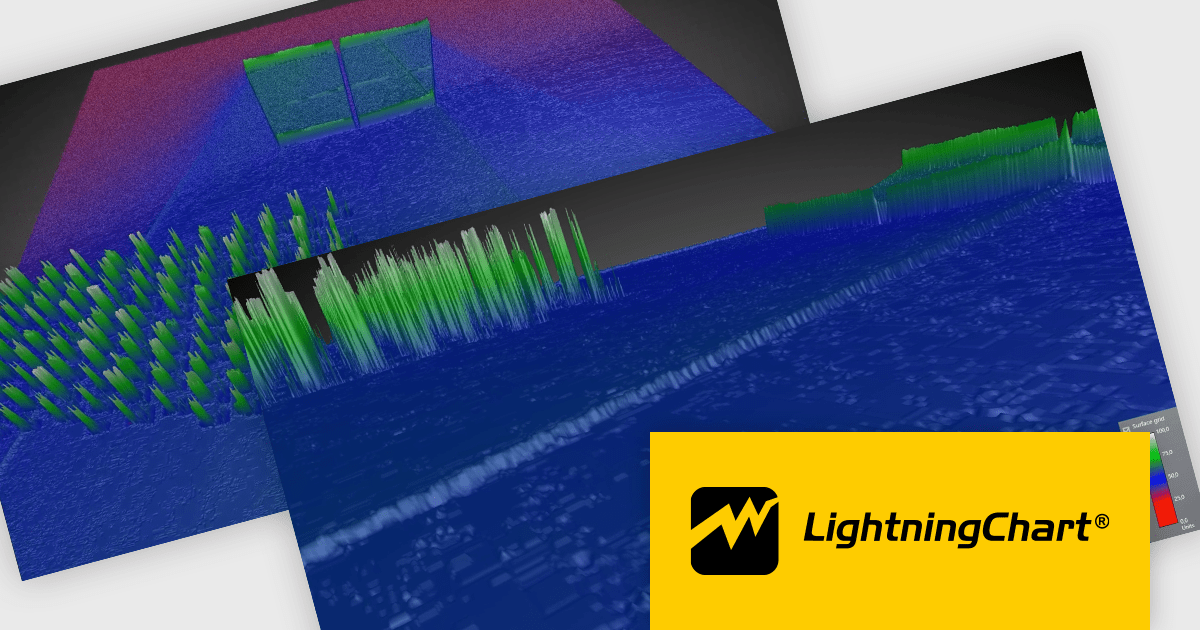
LightningChart .NET is a high-performance data visualization library designed for .NET developers working with WPF, WinForms, and UWP applications. It offers GPU-accelerated rendering for smooth real-time visualization of massive datasets, exceeding billions of data points. This library supports a wide variety of chart types, including 2D, 3D, polar, and geographic maps, along with extensive customization options for each. LightningChart .NET is a powerful tool for developers creating demanding data visualization applications requiring exceptional performance.
The LightningChart .NET v12.1.1 update delivers a substantial performance boost to 3D interactions, particularly for large surface-rendering objects such as SurfaceGridSeries3D, SurfaceMeshSeries3D, and MeshModel. This improvement allows for faster zooming, rotating, and panning, significantly enhancing the efficiency of workflows involving complex 3D models. Developers working on mid-level systems will experience at least double the performance, while high-end graphics setups can achieve up to a tenfold increase in speed. These optimizations enable smoother and more responsive interaction with large datasets, leading to more productive and seamless user experiences when working in demanding 3D environments.
To see a full list of what's new in v12.1.1, see our release notes.
LightningChart .NET is available per developer in packages for either WPF, WinForms, UWP or all 3. Each package comes as a subscription license (with 1 or 2 years of limited support), or a perpetual license (with 1 or 2 years of Standard or Premium support). Floating licenses and site licenses are available upon request. See our LightningChart .NET licensing page for full details.
Learn more on our LightningChart .NET product page.
電話: (888) 850 9911
Fax: +1 770 250 6199


