













公式サプライヤー
公式および認定ディストリビューターとして200社以上の開発元から正規ライセンスを直接ご提供いたします。
当社のすべてのブランドをご覧ください。
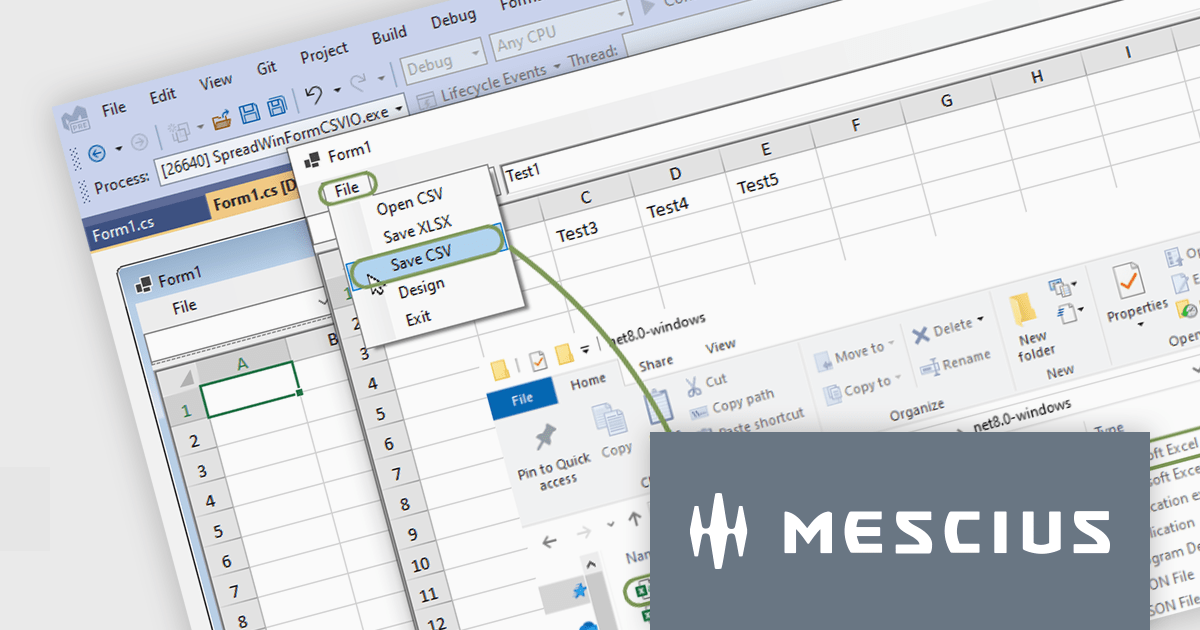
Spread.NET helps you create spreadsheets, grids, dashboards, and forms. It includes a powerful calculation engine with 450+ functions and the ability to import and export Excel spreadsheets. Leverage the extensive .NET spreadsheet API and powerful calculation engine to create analysis, budgeting, dashboard, data collection and management, scientific, and financial applications.
In this blog post, MESCIUS Product Marketing Specialist Mackenzie Albitz guides you through the four essential steps to import and export Excel spreadsheets on your way to creating robust .NET WinForms spreadsheet applications with Spread.NET. These steps include:
Sample code is included in the blog and you can download the sample app in either C# or VB.
Read the full blog post to discover how to use the full capabilities of the Spread.NET WinForms component.
Spread.NET is licensed per developer and is available as a Perpetual License with a 12 month support and maintenance subscription. We can supply any Spread.NET license including new licenses, maintenance renewals, and upgrade licenses. See our Spread.NET licensing page for full details.
For more information, visit our Spread.NET product page.

Stimulsoft Reports.WEB is a cross-platform reporting solution designed for integration within web applications. It leverages a client-server architecture for report generation, viewing, printing, and exporting directly in web browsers. Its powerful .NET report engine offers efficient report processing, a user-friendly HTML5 report designer for building reports with various data sources and visualizations, and an interactive HTML5 viewer for seamless report display within web applications. This integration allows developers to implement robust reporting functionalities without browser plugins or additional client-side dependencies.
The Stimulsoft Reports.WEB 2025.1.1 release adds a data dictionary to various component editors in the Web report designer, making it easier to access data dictionary elements when editing report components. This enhancement simplifies the report creation process, making it more intuitive and efficient for users.
To see a full list of what's new in 2025.1.1, see our release notes.
Stimulsoft Reports.WEB is licensed per developer and is available as a perpetual license with 1 year support and maintenance. See our Stimulsoft Reports.WEB licensing page for full details.
Stimulsoft Reports.WEB is available individually or as part of Stimulsoft Ultimate.
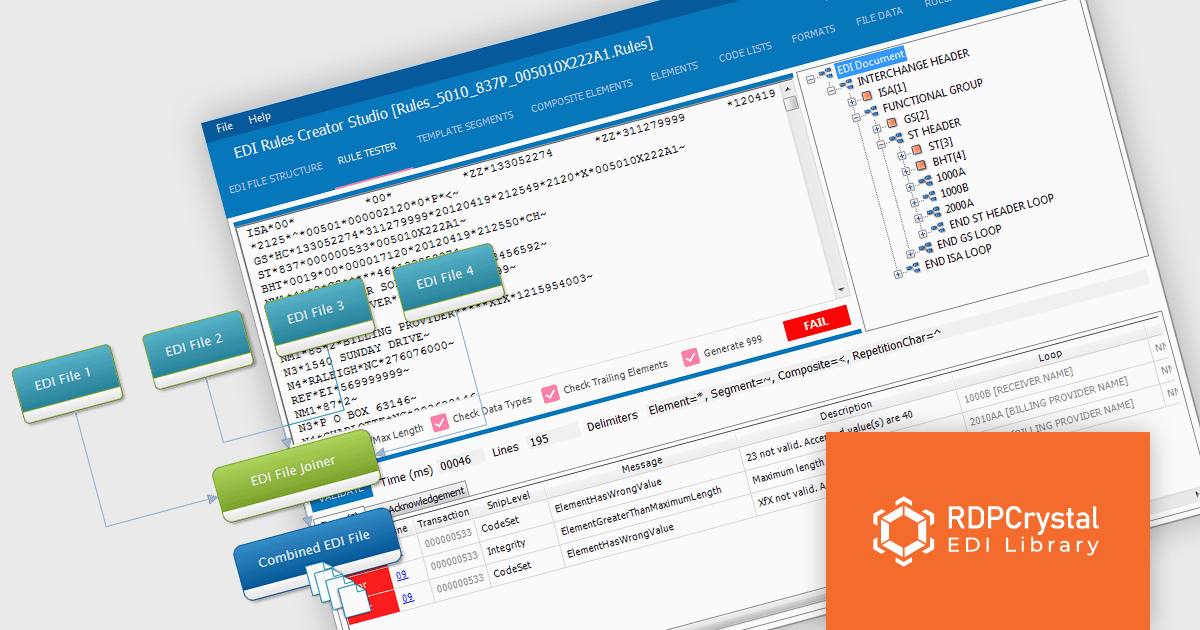
RDPCrystal EDI Library by Crystal Universe Software is a robust suite of components for .NET and .NET Core that simplifies working with X12 standard EDI files. Designed for developers, it enables seamless creation, manipulation, parsing, splitting, joining, and validation of EDI files. With cross-platform support, it runs on Windows, Linux, and macOS, making it versatile for modern development environments. The library integrates smoothly with WPF, WinForms, and Java applications (via Javonet) and supports any .NET language.
The RDPCrystal EDI Library enhances productivity for software developers by providing robust tools for creating, managing, and validating X12 EDI files with precision and efficiency. Its advanced features, including parsing, joining, and RDPScript-based validation, streamline complex EDI workflows while ensuring data accuracy and compliance. With cross-platform compatibility across Windows, Linux, and macOS, and seamless integration into .NET, .NET Core, WPF, WinForms, and Java applications, the library supports diverse development environments. This update delivers improved functionality and flexibility, enabling developers to optimize their applications for industries requiring reliable electronic data interchange.
The RDPCrystal EDI Library is licensed per developer, per year and includes technical support, component updates and upgrades. You must renew your license each year to continue to use the product. See our RDPCrystal EDI Library licensing page for full details. See our RDPCrystal EDI Library licensing page for full details.
For more information, visit our RDPCrystal EDI Library product page.

ONLYOFFICE Docs Enterprise Edition with Alfresco Connector combines an online document editor with a seamless integration for Alfresco Share, which is a content management platform that allows users to store, organize, and collaborate on documents and other digital assets. This integration allows teams to create, view, edit, and collaborate on spreadsheets, presentations, and text files online, directly within Alfresco Share using ONLYOFFICE editors, boosting efficiency and eliminating the need for file switching.
The ONLYOFFICE Connector for Alfresco v8.0 update introduces interactive PDF forms, enabling developers to create structured, fillable documents directly within Alfresco. This enhancement streamlines data collection and document automation by allowing users to add text fields, dropdowns, checkboxes, signature fields, and other interactive elements without requiring external tools. With native support for digital signatures and standardized input fields, the update improves workflow efficiency, reduces manual data entry, and ensures seamless integration into existing document management processes.
To see a full list of what's new in ONLYOFFICE Docs Enterprise Edition v8.2.2 with Alfresco Connector 8.0, see our release notes.
ONLYOFFICE Docs Enterprise Edition with Alfresco Connector is licensed per server as an annual license with 1 year of support and updates, or as a perpetual license with 3 years of support and updates. See our ONLYOFFICE Alfresco connector licensing page for full details.
For more information, see our ONLYOFFICE Alfresco connector product page.
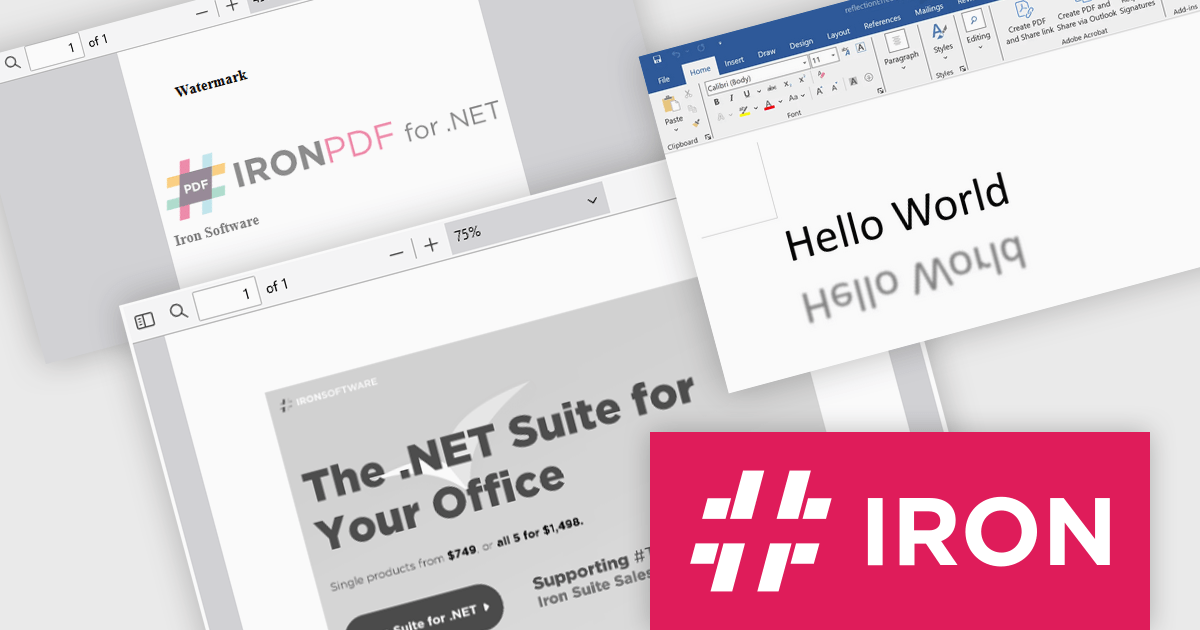
Iron Software offers a versatile suite of C# libraries specifically designed to enhance developer productivity. Its solutions empower developers to effortlessly tackle tasks like PDF manipulation, data extraction from websites and images (OCR), and seamless Excel automation, eliminating the need for external dependencies.
Iron Software products now support .NET 9, bringing enhanced performance, security, and efficiency to modern application development. This update ensures that Iron Suite for .NET remains a powerful solution for modern application development. Developers can benefit from faster execution speeds, reduced resource consumption, and improved cross-platform capabilities. With .NET 9’s enhanced features and optimizations, developers can build high-performance applications while maintaining compatibility with the evolving .NET ecosystem.
Iron Software products are licensed based on the number of developers, developer locations, and projects. They are available as perpetual licenses with 1 year of support and product updates. See our Iron Suite for .NET licensing page for full details.
For more information, visit our Iron Software product pages:
電話: (888) 850 9911
Fax: +1 770 250 6199


