













公式サプライヤー
公式および認定ディストリビューターとして200社以上の開発元から正規ライセンスを直接ご提供いたします。
当社のすべてのブランドをご覧ください。
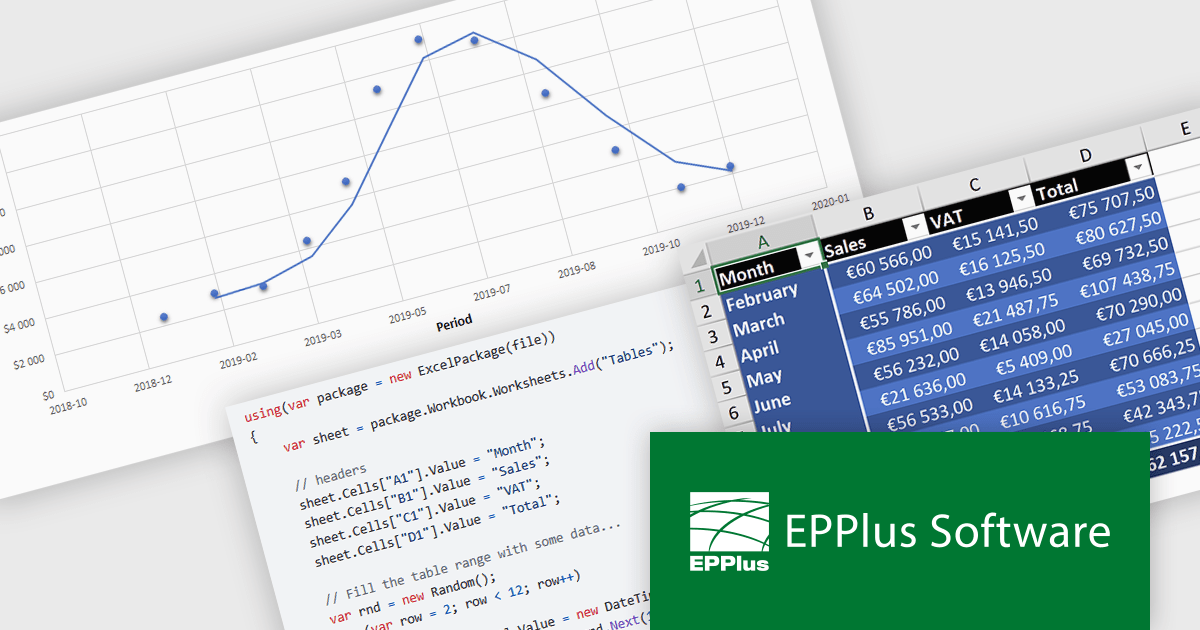
EPPlus is a powerful and versatile .NET library for managing and manipulating Microsoft Excel files using the Office Open XML (OOXML) format. It is a lightweight and efficient library that is easy to use and can be integrated into a wide range of applications. It allows developers to create, read and modify spreadsheets without dependencies on any other library. Features include pivot tables, styling, VBA/Form controls, conditional formatting, charts, tables, formula calculation, data validation, pictures/shapes, and more.
EPPlus v7.6.0 update introduces full support for .NET 9, ensuring compatibility with the latest framework advancements while enhancing performance, security, and long-term maintainability for spreadsheet processing in .NET applications. This update benefits developers by enabling seamless integration with modern .NET projects, improving efficiency in generating, reading, and manipulating Excel files. Ideal for enterprise applications, data analytics, and financial reporting, EPPlus with .NET 9 support ensures optimized performance and future-proofed development for handling large datasets and complex spreadsheet operations.
To see a full list of what's new in v7.6.0, see our release notes.
EPPlus is licensed per developer and is available as both perpetual licenses and subscription based licenses with periods of 1 year and 2 years, which include support and upgrades. See our EPPlus licensing page for full details.
For more information, see our EPPlus product page.
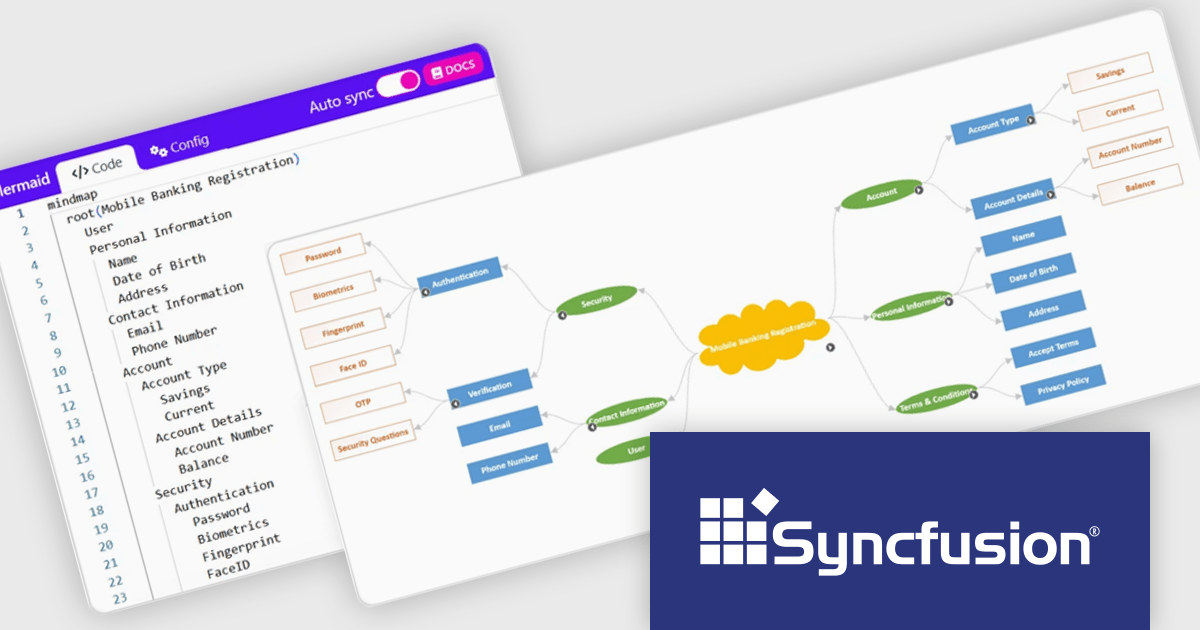
Syncfusion Essential Studio WPF (available as part of Syncfusion Essential Studio Enterprise) is a powerful suite of over 95 UI controls, 50+ charts, and document processing libraries designed to boost the development of high-performance line-of-business applications for the Windows Presentation Foundation (WPF) framework. With built-in themes, touch-friendly interfaces, and seamless Visual Studio integration, it empowers developers to craft modern, feature-rich, and cross-platform experiences with ease.
The Syncfusion Essential Studio WPF 2024 Volume 4 update introduces support for importing and exporting mind maps and flowcharts using Mermaid syntax, providing developers with a streamlined way to define, edit, and visualize diagrams through a simple text-based language. This feature enables seamless integration with AI-assisted tools for generating Mermaid syntax, enhances cross-platform compatibility for sharing and editing diagrams, and simplifies the process of creating dynamic visualizations within WPF applications. By leveraging this update, developers can efficiently incorporate diagramming capabilities into their workflows and applications with minimal overhead.
To see a full list of what's new in 2024 Volume 4, see our release notes.
Syncfusion Essential Studio WPF is available as part of Syncfusion Essential Studio Enterprise which is licensed per developer starting with a Team License of up to five developers. It is available as a 12 Month Timed Subscription License which includes support and maintenance. See our Syncfusion Essential Studio Enterprise licensing page for full details.
Learn more on our Syncfusion Essential Studio WPF product page.
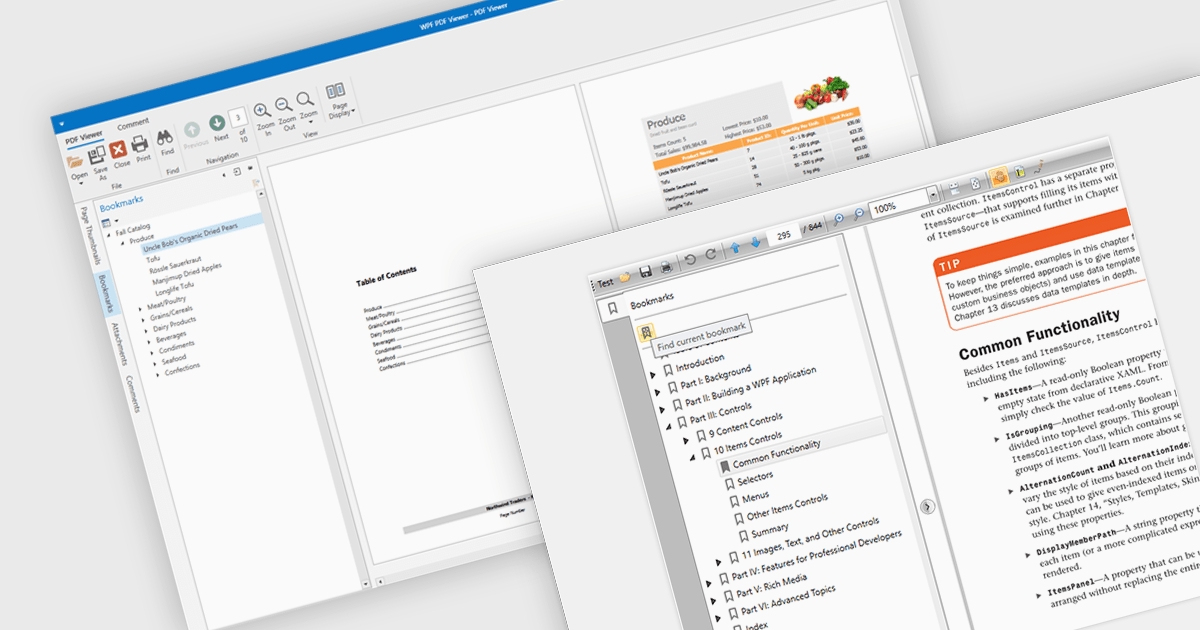
Bookmark navigation in a PDF viewer enhances the user experience by allowing quick access to specific sections within a document. This feature enables users to navigate through large PDFs efficiently by leveraging a predefined structure of bookmarks, which often correspond to headings or key sections. It improves the usability of the viewer by eliminating the need for manual scrolling or searching, making it easier to locate specific content within the document. Navigating via bookmarks is particularly beneficial for documents with complex structures, such as technical manuals, reports, and e-books, where streamlined access to key information enhances productivity and readability. By integrating bookmark support, developers can ensure that their applications provide a seamless way to jump between sections without manually scrolling or searching.
Several WPF (Windows Presentation Foundation) PDF viewer components allow you to navigate via bookmarks, including:
For an in-depth analysis of features and price, visit our WPF PDF viewer comparison.
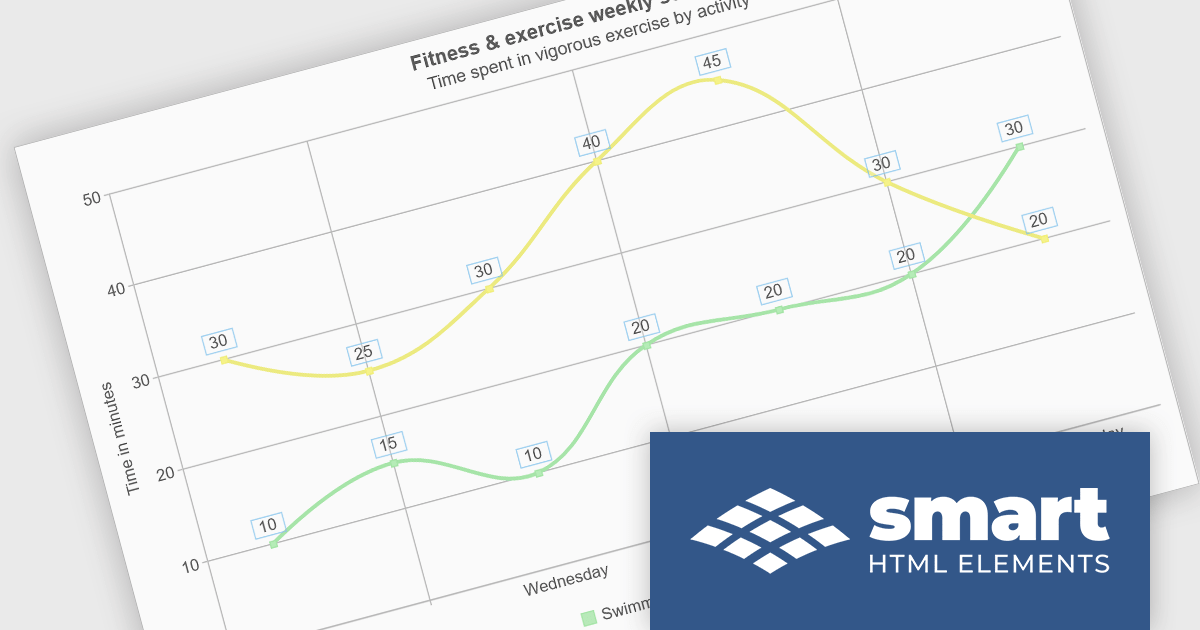
Smart UI by Smart HTML Elements is an enterprise-grade UI library offering pre-built web components for developers in Angular, React, Vue, Blazor, and JavaScript. It boasts over 60 ready-to-use components including grids, charts, schedulers, and editors, all featuring two-way data binding, responsiveness, accessibility, and theming capabilities. This library helps developers rapidly build dynamic and modern web applications with consistent look-and-feel and rich functionalities, accelerating development time and ensuring professional quality.
The Smart UI v21.1.0 release adds full support for Microsoft .NET 9 in all Smart.Blazor components, enhancing compatibility with the latest Blazor features and ecosystem updates. This integration ensures that developers can leverage the most recent advancements in .NET 9, leading to improved performance and stability in their applications.
To see a full list of what's new in v21.1.0, see our release notes.
Smart UI (Smart HTML Elements) is licensed per developer and is available as a perpetual license with 1 year support and maintenance. It includes distribution to unlimited Web applications, SaaS projects, Intranets and Websites. Team, OEM and Enterprise licensing options are also available. See our Smart UI licensing page for full details.
Learn more on our Smart UI product page.
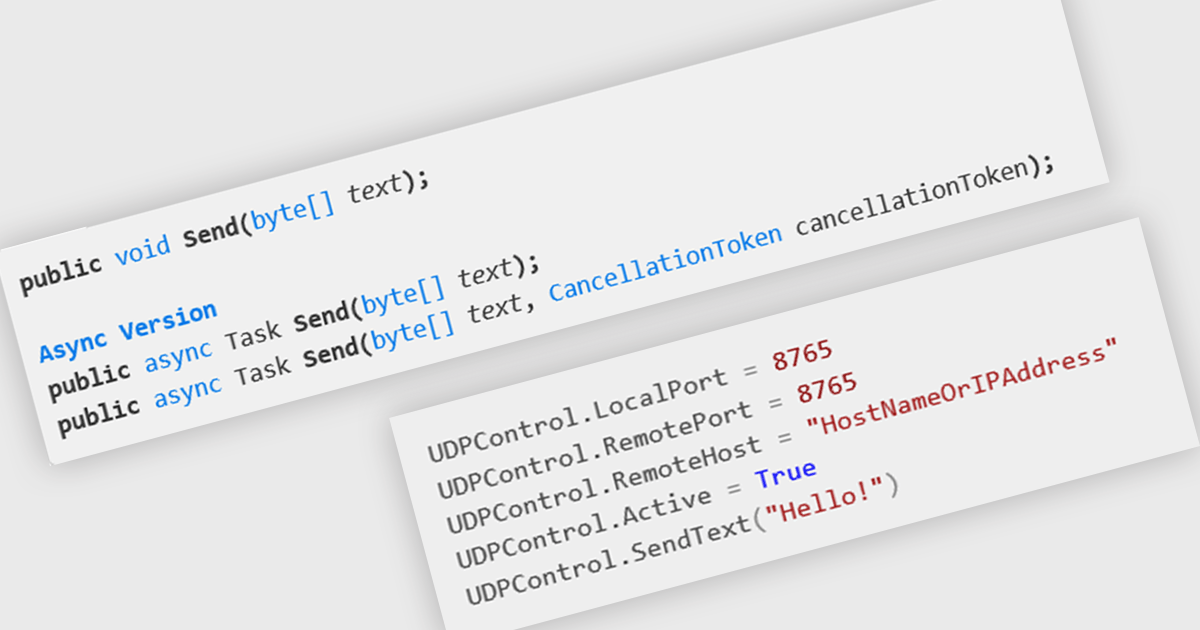
In internet communications, UDP (User Datagram Protocol) is a connectionless, message-oriented protocol that transmits data in the form of datagrams. It operates at the transport layer and prioritizes speed and efficiency over guaranteed delivery or ordered arrival of data. For .NET developers, UDP offers a lightweight alternative to TCP, enabling rapid data transfer for scenarios like streaming or real-time data feeds where performance is critical.
Several .NET communications and messaging components offer UDP features including:
For an in-depth analysis of features and price, visit our comparison of .NET communications & messaging components.
電話: (888) 850 9911
Fax: +1 770 250 6199


