













公式サプライヤー
公式および認定ディストリビューターとして200社以上の開発元から正規ライセンスを直接ご提供いたします。
当社のすべてのブランドをご覧ください。
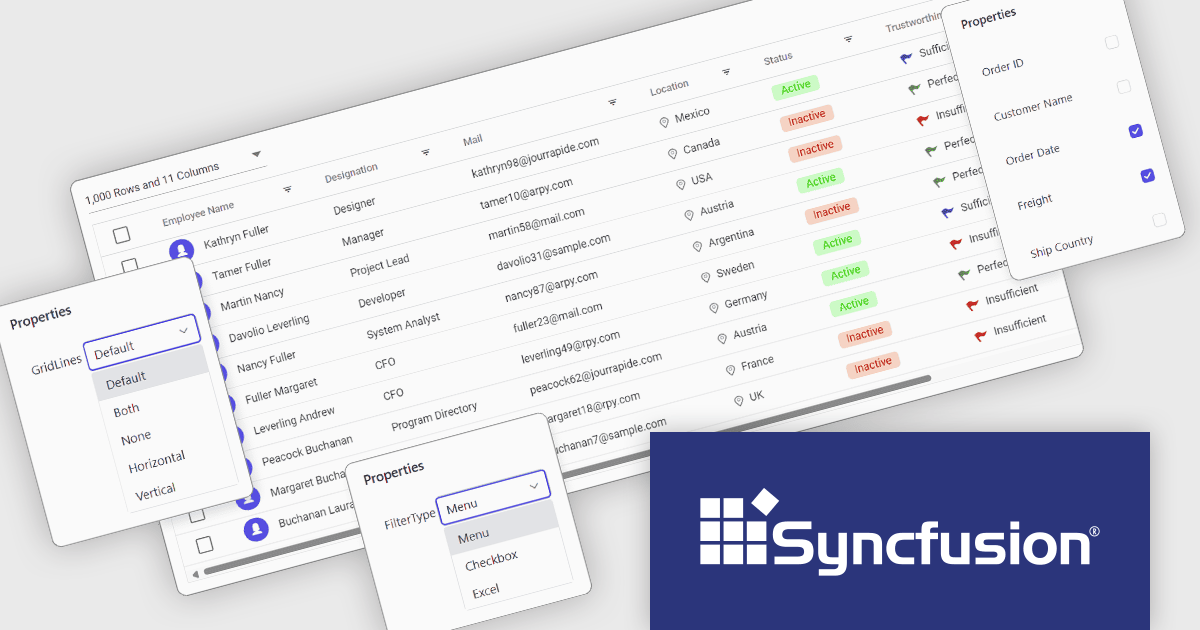
Syncfusion Essential Studio ASP.NET Core (available as part of Syncfusion Essential Studio Enterprise) empowers developers with a comprehensive suite of over 80 enterprise-grade UI components specifically designed for building modern and highly functional web applications. Leveraging the latest advancements in ASP.NET Core, it offers exceptional performance and scalability, streamlining development by eliminating the need for extensive custom coding. From data visualization tools like interactive charts and grids to sophisticated navigation elements and responsive layouts, Essential Studio equips developers with the building blocks to create rich user experiences, improve application efficiency, and accelerate time-to-market.
The Syncfusion Essential Studio ASP.NET Core 2024 Volume 4 update introduces Tailwind CSS 3.4 support, enabling developers to leverage the latest utilities, enhanced theme customization, and optimized performance. This integration simplifies the process of styling web applications by offering a utility-first approach with more flexible and responsive design options. The improved theming capabilities allow for easier adaptation of custom designs, while the performance enhancements help reduce CSS bloat and improve load times. This support enhances the overall developer experience, streamlining workflows and enabling the creation of modern, high-performance web applications.
To see a full list of what's new in 2024 Volume 4, see our release notes.
Syncfusion Essential Studio ASP.NET Core is available as part of Syncfusion Essential Studio Enterprise which is licensed per developer starting with a Team License of up to five developers. It is available as a 12 Month Timed Subscription License which includes support and maintenance. See our Syncfusion Essential Studio Enterprise licensing page for full details.
Learn more on our Syncfusion Essential Studio ASP.NET Core product page.
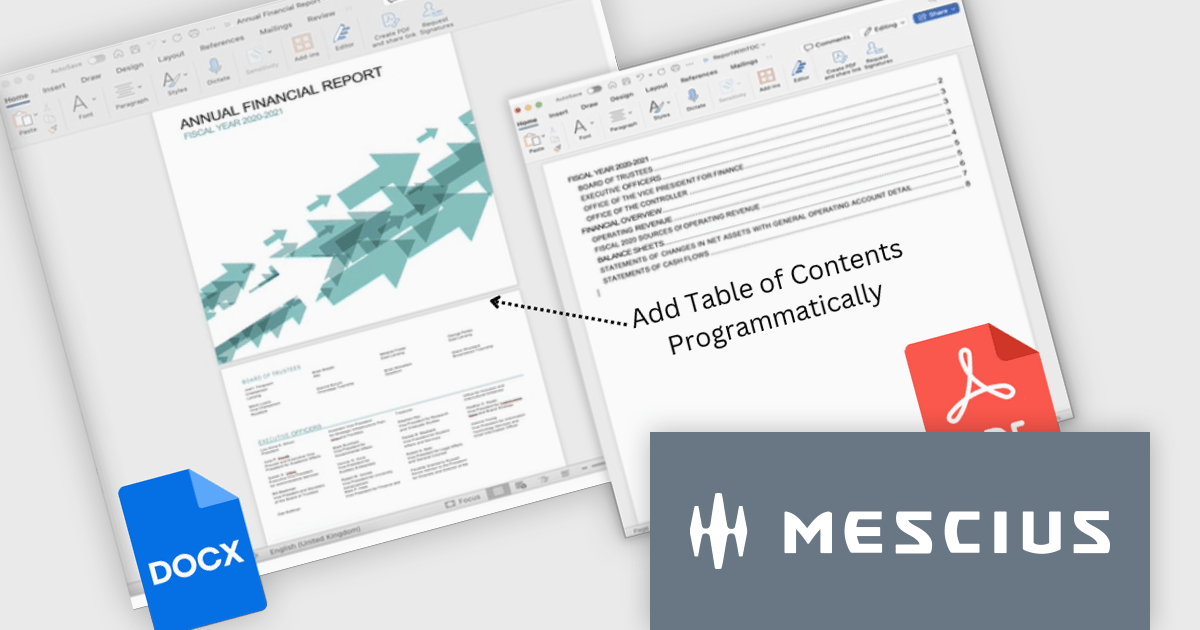
Document Solutions for Word (DsWord) by MESCIUS is a powerful .NET library designed to streamline document creation, editing, and conversion in Word (DOCX) format. It enables developers to automate complex Word processing tasks, such as generating dynamic reports, merging templates with data, or converting documents to PDF and other formats, all without relying on Microsoft Word installations. With its robust performance and ease of integration, the library is ideal for applications requiring automated document workflows, including enterprise reporting systems, content management solutions, and document archiving. By simplifying document handling processes, it enhances productivity, reduces manual effort, and ensures consistent, high-quality output.
The Document Solutions for Word v8 update introduces enhanced field support, enabling developers to programmatically manage dynamic placeholders in Word documents with greater precision and efficiency. This includes robust APIs for creating, updating, and formatting fields such as PAGE, PAGEREF, SECTION, SEQ, TC, and TOC, which streamline tasks like numbering, cross-referencing, and building tables of contents. With strong typed FieldOptions classes and the ability to recalculate fields using the new UpdateFields() method, developers can ensure accurate and consistent document outputs across DOCX, PDF, and image formats. These enhancements simplify automation, improve customization, and elevate the quality of generated documents.
To see a full list of what's new in version 8.0.0, see our release notes.
Document Solutions for Word is licensed per developer and is available in several license options for differing distribution needs. Team licenses are also available for multiple developers within the same organization. Visit our Document Solutions for Word licensing page to see more information regarding licenses.
Document Solutions for Word is available to buy individually or as part of Document Solutions .NET Bundle.
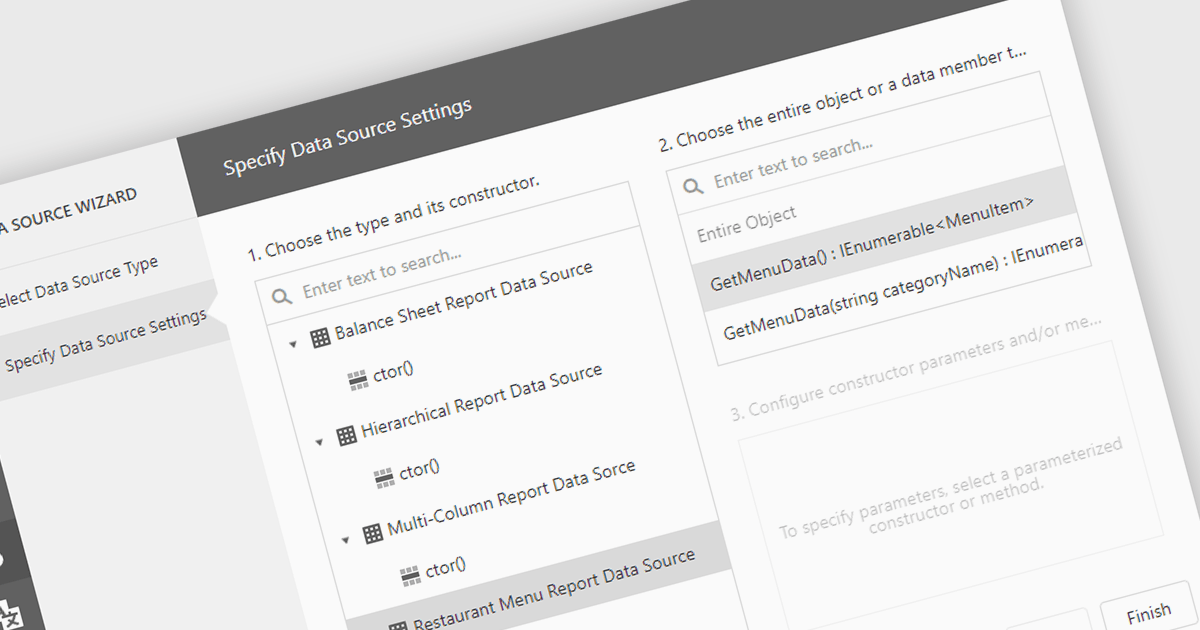
IEnumerable data connectivity allows for easy binding of reports to in-memory collections or objects that implement the IEnumerable interface, such as list
Several .NET reporting components offer IEnumerable data connectivity including:
For an in-depth analysis of features and price, visit our comparison of .NET reporting controls.
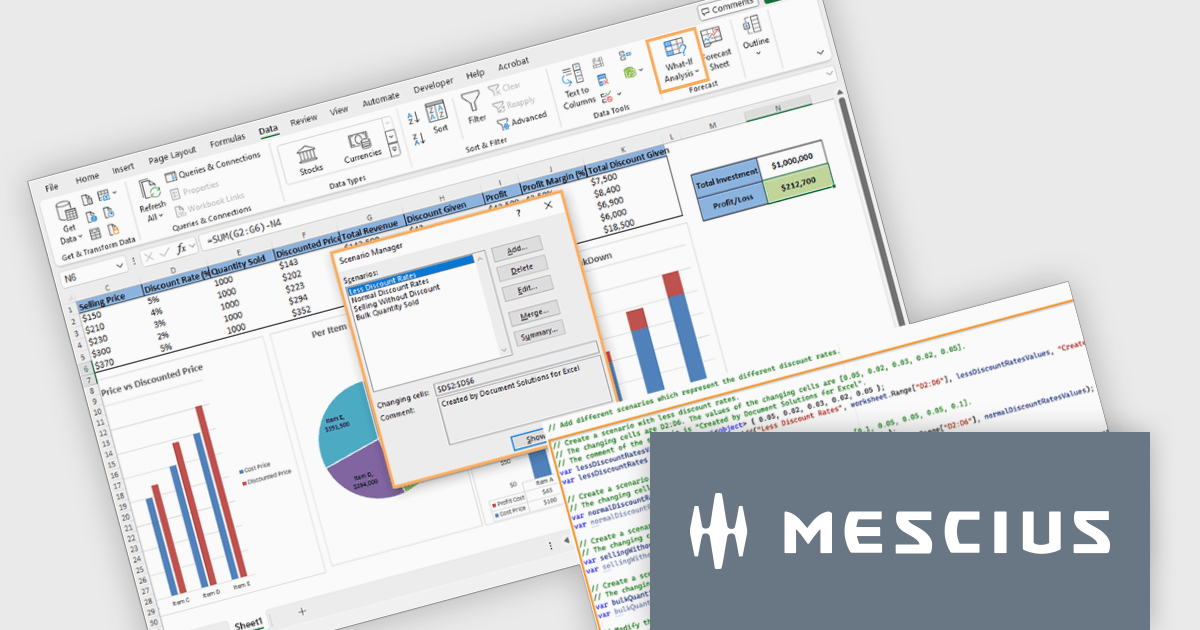
Document Solutions for Excel by MESCIUS is a comprehensive tool designed to streamline the creation, management, and distribution of Excel-based reports and documents. It simplifies tasks such as generating dynamic templates, automating complex data processing workflows, and ensuring consistency across reports. By integrating seamlessly with Excel, it caters to organizations needing efficient, scalable solutions for financial reporting, data analysis, and operational documentation. Its key benefits include reducing manual effort, minimizing errors, and improving productivity, making it ideal for finance teams, analysts, and any professionals managing high-volume data tasks.
The Document Solutions for Excel v8.0.0 update enhances what-if analysis capabilities by introducing programmatic support for scenarios, enabling developers to create, manage, and apply multiple sets of input values to dynamically assess their impact on spreadsheet calculations. This new functionality allows precise control over scenarios, including defining changing cells, locking or hiding scenarios for security, and modifying or deleting them as needed. Developers can seamlessly integrate scenario management into workflows, automate complex forecasting tasks, and ensure secure collaboration on protected worksheets. These enhancements streamline decision-making processes and provide robust tools for developing data-driven applications.
To see a full list of what's new in version 8.0.0, see our release notes.
Document Solutions for Excel is licensed per developer and is available in several license options for differing distribution needs. Team licenses are also available for multiple developers within the same organization. See our Document Solutions for Excel, .NET Edition licensing page for full details.
Document Solutions for Excel is available to buy in the following products:
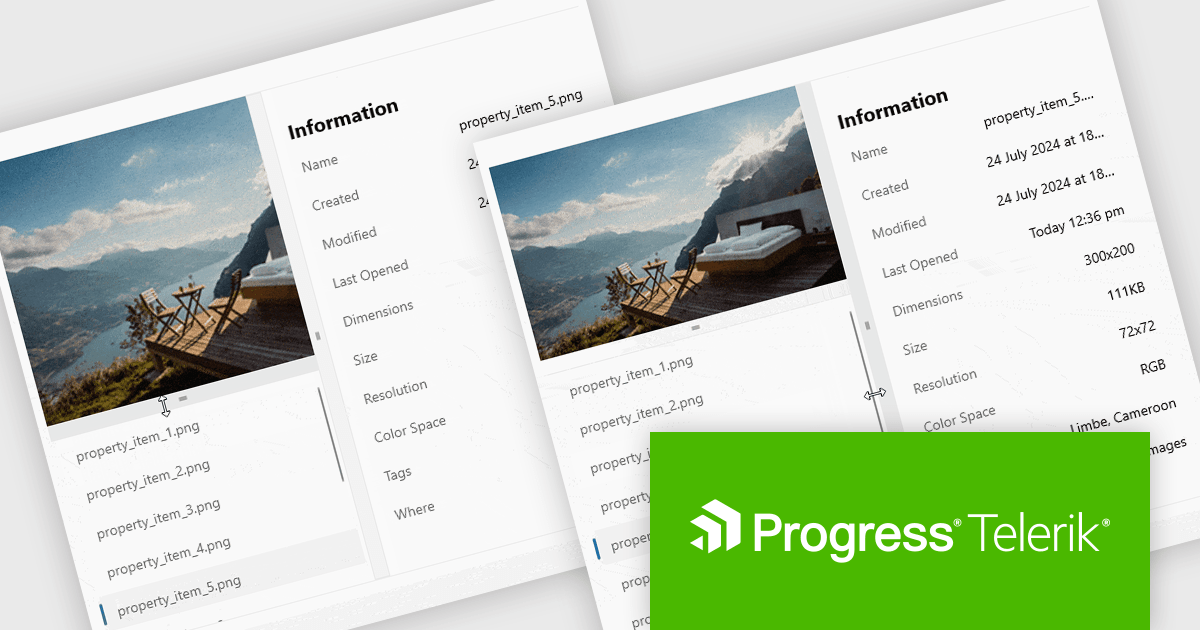
Telerik UI for .NET MAUI is a robust suite of user interface components designed to simplify the creation of cross-platform applications using .NET Multi-platform App UI (MAUI). It offers a wide range of pre-built controls, including charts, grids, and navigation elements, enabling developers to build visually appealing, high-performance apps for Android, iOS, Windows, and macOS from a shared codebase. By ensuring a consistent user experience across platforms, it accelerates development and allows a focus on functionality, making it ideal for business applications, dashboards, and data-driven projects.
Telerik UI for .NET MAUI v8.0.0 (part of the 2024 Q4 release) introduces the GridSplitter control which enables developers to dynamically resize grid columns or rows with precision and control. Supporting customizable resizing behavior, directional adjustments, and visual state management, the GridSplitter ensures intuitive user interactions and seamless layout adaptability. Its styling API allows for tailored aesthetics, making it easy to integrate into any application design while enhancing layout flexibility and responsiveness.
To see a full list of what's new in 2024 Q4 (v8.0.0), see our release notes.
Telerik UI for .NET MAUI is licensed per developer and is available as a perpetual license with a one year support subscription, which is available in three tiers: Lite, Priority or Ultimate. See our Telerik UI for .NET MAUI licensing page for full details.
Telerik UI for .NET MAUI is available individually or as part of the following products:
電話: (888) 850 9911
Fax: +1 770 250 6199


