













公式サプライヤー
公式および認定ディストリビューターとして200社以上の開発元から正規ライセンスを直接ご提供いたします。
当社のすべてのブランドをご覧ください。
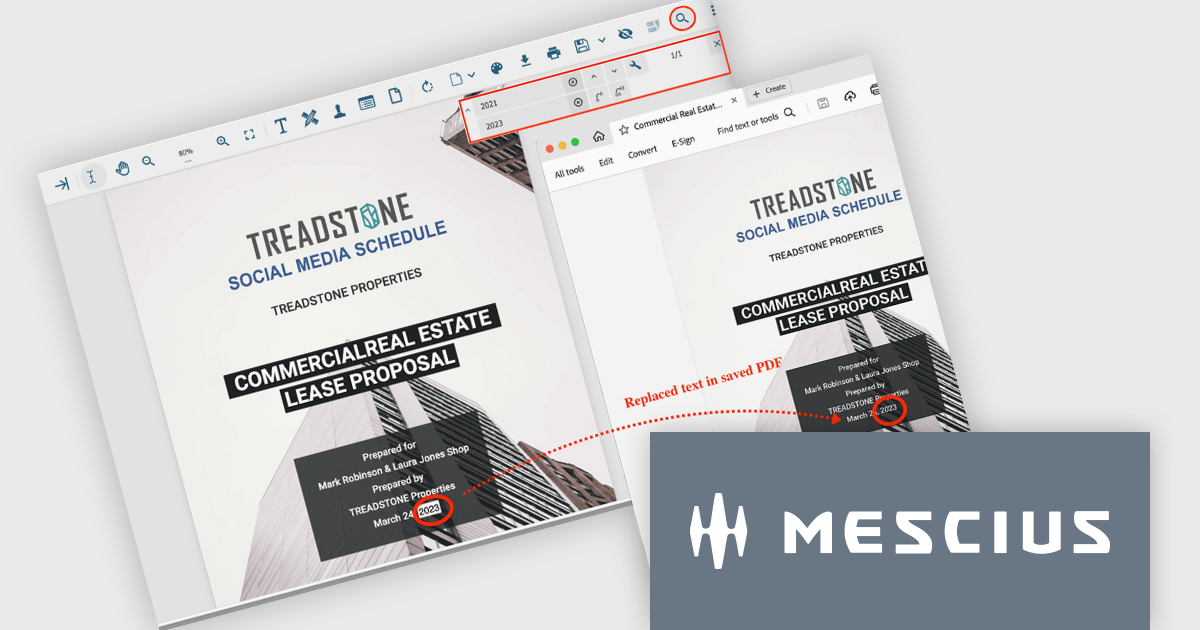
Document Solutions for PDF (DsPdf) by MESCIUS is a powerful .NET library for creating, managing, and manipulating PDF documents within applications. It supports advanced text and font management, multilingual capabilities, annotations, form fields, and the integration of graphics, images, and multimedia elements. With features such as document merging, content redaction, file compression, and digital signatures using X.509 certificates, DsPdf offers a comprehensive toolkit for modern PDF workflows. Compatible across Windows, macOS, and Linux, it also includes a JavaScript PDF Viewer for seamless viewing and editing within web applications, ensuring flexibility and performance for diverse use cases.
The Document Solutions for PDF 8.0.0 update brings advanced tools for the PDF viewer (DsPdfViewer) that greatly improve text management in PDF documents. Developers can now perform streamlined text replacement directly through the enhanced Search bar, offering precise control for individual or bulk edits. A new keyboard shortcut (Ctrl+H) enables quick access to replacement mode, further boosting efficiency. Powered by SupportApi, these features deliver robust editing capabilities, ensuring a smooth and productive development process while minimizing reliance on external tools.
To see a full list of what's new in version 8.0.0, see our release notes.
Document Solutions for PDF is licensed per developer and is available in several license options for differing distribution needs. Team licenses are also available for multiple developers within the same organization. See our Document Solutions for PDF licensing page for full details.
Document Solutions for PDF is available individually or as part of Document Solutions .NET Bundle.
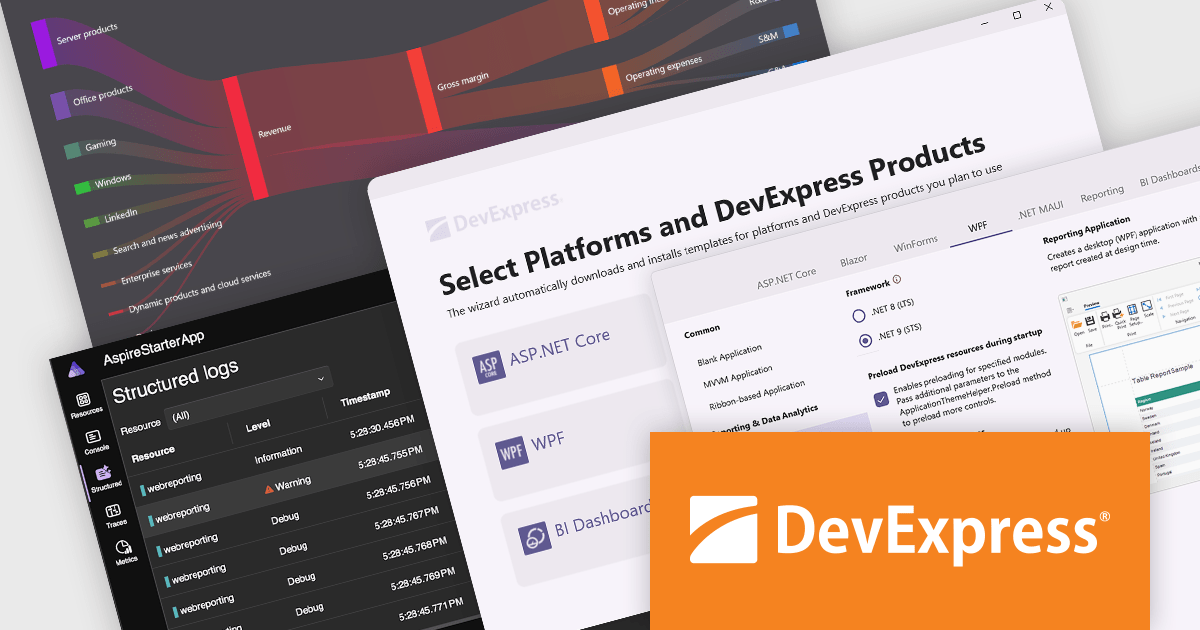
DevExpress provides modern .NET tools with a wide range of features, including powerful UI components such as data grids, charts, and forms, as well as tools for reporting, data visualization, and analytics. Built for platforms such as ASP.NET Core, Blazor, WinForms, and WPF, these tools make it easy to create responsive web apps, cross-platform mobile solutions, and desktop applications. Using DevExpress simplifies development, improves application performance, and helps deliver a seamless user experience. With support for complex needs like real-time data and customizable interfaces, DevExpress gives .NET developers the tools they need to build scalable, modern applications quickly and effectively.
The DevExpress 24.2 release introduces full support for .NET 9, the latest version of Microsoft's widely adopted framework. Developers can now leverage the improved performance and new features of .NET 9 while taking advantage of the powerful capabilities offered by DevExpress. All DevExpress .NET products, including Blazor, WinForms, WPF, ASP.NET Core, Reporting, BI Dashboard, and the Office File API, are now fully compatible with .NET 9. This update guarantees a smooth and consistent development experience across a wide range of modern platforms and technologies.
To see a full list of what's new in version 24.2, see our release notes.
DevExpress products are offered as perpetual licenses with a 12 month subscription for minor and major updates. Subscription renewals are also available. See our DevExpress Universal licensing page for full details.
For more information, visit our DevExpress product pages:
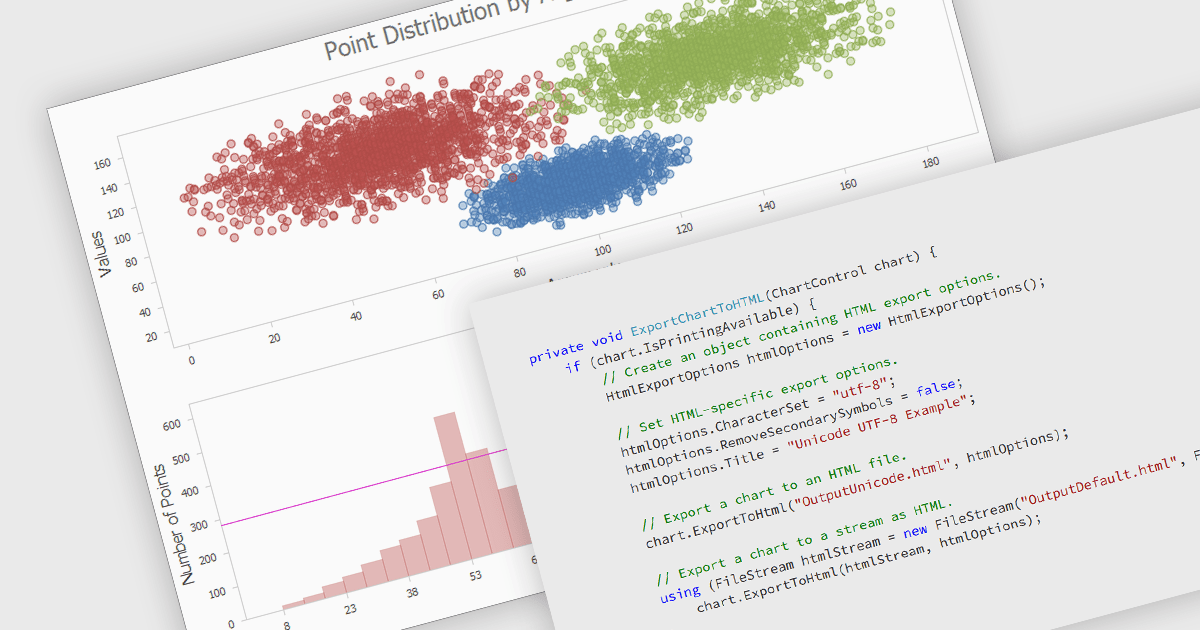
Exporting a chart to HTML transforms it into a format that can be embedded in web pages or applications as either an interactive or static element. This approach enhances accessibility, allowing charts to be viewed on any device without specialized software. HTML export often includes dynamic features like zooming, tooltips, and interactivity, making data more engaging and easier to understand. It also supports seamless integration with web applications, offering a scalable and user-friendly solution for sharing and analyzing visual data online.
Several .NET charting components allow you to export charts to HTML, including:
For an in-depth analysis of features and price, visit our .NET chart controls comparison.
Aspose.Words for .NET is a software development library that empowers developers to build document processing functionalities into their applications. It supports a wide range of document formats, including Microsoft Word (DOC, DOCX), OpenOffice (ODT), PDF, and HTML, allowing applications to generate, edit, convert, render, and print documents without relying on external programs like Microsoft Word. This streamlines development and ensures applications can handle various document needs.
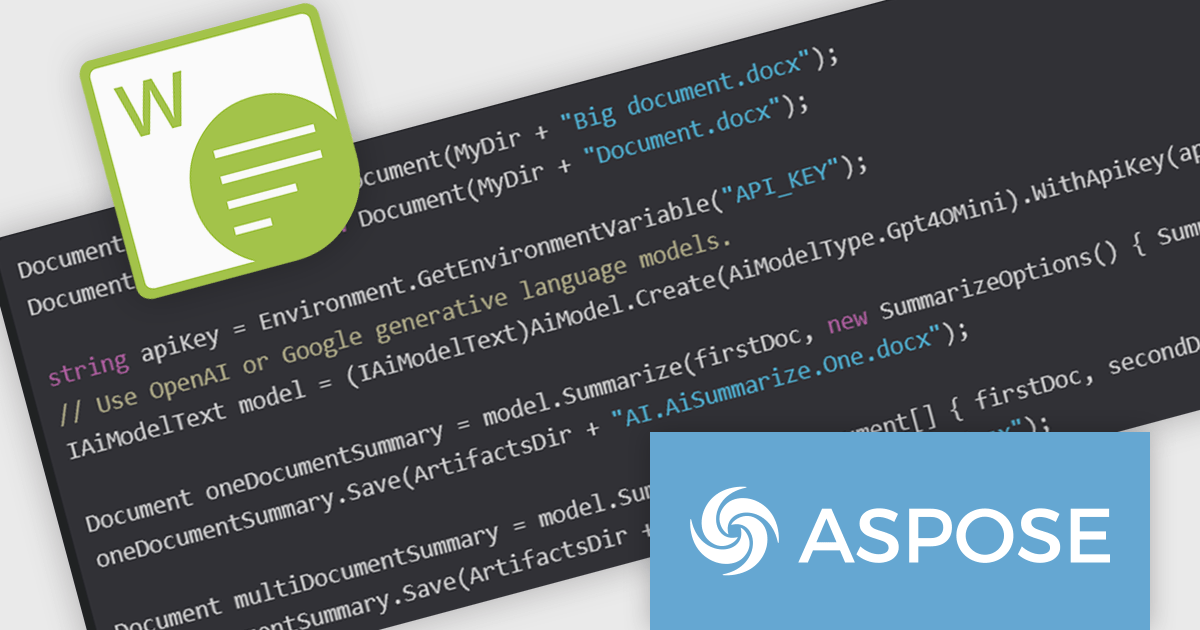
The Aspose.Words for .NET 24.11 release adds a new AI-powered document summarization feature that revolutionizes the way you process and understand lengthy documents. By harnessing the power of advanced generative AI models from industry leaders like OpenAI and Google, this innovative tool enables you to swiftly generate concise summaries of complex texts. Document summarization empowers you to extract the core meaning of your documents in mere seconds. This cutting-edge functionality significantly enhances efficiency and comprehension, making it an invaluable asset for anyone working with extensive textual data.
To see a full list of what's new in Aspose.Words for .NET version 24.11 see our release notes.
Aspose.Words for .NET is offered as Developer Small Business, Developer OEM, Developer SDK, Site Small Business, Site OEM and Site SDK licenses catering to a range of business needs. Licenses are perpetual, and include 1 year of support and maintenance. Subscription renewals are also available. See our Aspose.Words for .NET licensing pages for full details.
Aspose.Words for .NET is available individually or as part of the following products:
.netCHARTING is a comprehensive charting solution designed for C# and VB.NET developers working with ASP.NET or WinForms. It enables the rapid creation of dynamic, data-driven charts with minimal coding effort. Built entirely with managed C# code, .netCHARTING seamlessly integrates data access, aggregation, and visualization, allowing developers to generate interactive and visually compelling charts from various data sources, including SQL Server, Oracle, and MySQL. The platform supports a wide array of chart types—such as bar, line, pie, and geographic maps—and offers features like JavaScript and HTML5 charting for enhanced interactivity across devices, including mobile platforms. By automating complex tasks like date handling and data aggregation, .netCHARTING simplifies the development process, enabling professionals to deliver insightful data visualizations efficiently.
The .netCHARTING 10.7 release adds support for Microsoft .NET 9. This enables developers to create modern, high-performance data visualizations using the latest .NET framework. This allows for the creation of more sophisticated and interactive charts, taking advantage of the new features and performance improvements offered by .NET 9. Additionally, it ensures compatibility with the latest development tools and operating systems, making it easier for developers to integrate .netCHARTING into their projects and maintain their applications.
.netCHARTING is licensed per site (1 web site on 1 server), per server (unlimited web sites on 1 server) or per developer (single application) and is available as a perpetual license with a 12 month subscription which includes major and minor upgrades and priority email support. See our .netCHARTING licensing page for full details.
For more information, visit our .netCHARTING product page.
電話: (888) 850 9911
Fax: +1 770 250 6199


