













公式サプライヤー
公式および認定ディストリビューターとして200社以上の開発元から正規ライセンスを直接ご提供いたします。
当社のすべてのブランドをご覧ください。

Syncfusion Essential Studio Enterprise provides a comprehensive collection of UI components and frameworks for building modern cross-platform applications. It offers over 1,800 components compatible with .NET WinForms, WPF, ASP.NET Core & MVC, WinUI, MAUI, JavaScript, Xamarin, Blazor, and more, enabling seamless application development across diverse devices and operating systems.
The Syncfusion Essential Studio Enterprise 2024 Volume 3 SP1 (27.2.2) release introduces full support for .NET 9, allowing developers to target the latest version of Microsoft's popular framework, and benefit from performance and security improvements. Syncfusion products for all supported .NET platforms, including .NET MAUI, ASP.NET Core, Blazor, Windows Forms, and WPF, are now compatible with Microsoft .NET 9.
To see a full list of what's new in 2024 Volume 3 SP1 (27.2.2), see our release notes.
Syncfusion Essential Studio Enterprise is licensed per developer starting with a Team License of up to five developers. It is available as a 12 Month Timed Subscription License which includes support and maintenance. See our Syncfusion Essential Studio Enterprise licensing page for further details.
Learn more on our Syncfusion Essential Studio Enterprise product page.
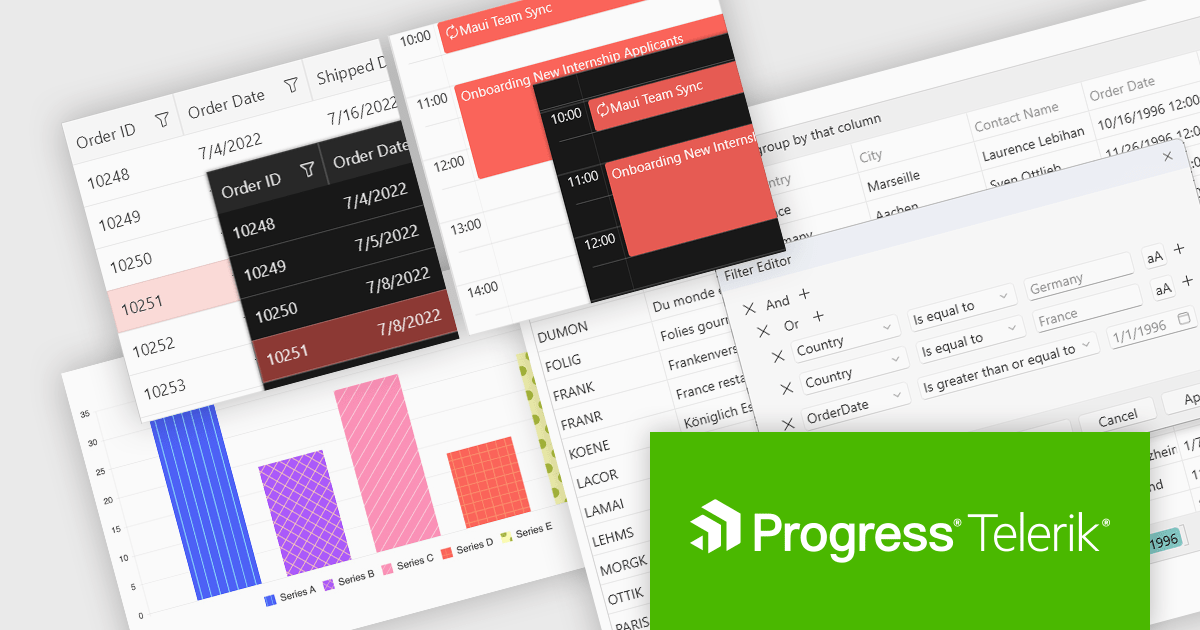
Progress Telerik is a leading provider of UI components, reporting software, and developer productivity tools. Its core Telerik UI product range provides a comprehensive set of libraries for building modern, high-performance and feature-rich applications. These suites are meticulously designed to integrate seamlessly with .NET and facilitate rapid development across such platforms as ASP.NET Core/MVC/AJAX, Blazor, .NET MAUI, WPF, and WinForms.
The Telerik 2024 Q4 releases add full compatibility with Microsoft .NET 9, providing developers with access to the latest features and enhancements in the .NET ecosystem. With day-zero support, developers can leverage the fine-tuned .NET 9 runtime for substantial performance gains, alongside better compression and caching in Blazor and an improved Blazor Server reconnection experience. It also brings increased platform and tooling stability, native library embeddings for .NET MAUI, and a new .NET MAUI Blazor Hybrid and Web app solution template to streamline hybrid app creation. With many other enhancements, .NET 9 and Telerik can provide a unified development experience, enabling faster app performance, superior user experiences, and access to the latest innovations in modern development, including AI integrations and advanced developer tooling.
Support for .NET 9 is available across the Telerik .NET product range:
For more information about what's new in 2024 Q4, see our release notes.
Telerik products are primarily licensed per developer and are available as perpetual licenses with a one year support subscription, which comes in three tiers: Lite, Priority or Ultimate. See our Telerik DevCraft Ultimate licensing page for full details.

S/MIME (Secure/Multipurpose Internet Mail Extensions) is a widely adopted protocol that provides cryptographic security for email communication. It uses public key infrastructure (PKI) to enable features such as message encryption, ensuring confidentiality, and digital signatures, ensuring message integrity and authentication. By integrating seamlessly with email clients, S/MIME secures emails against interception and tampering, making it suitable for sensitive or confidential exchanges. Developers often utilize S/MIME for enterprise-grade email systems where data protection and compliance with regulations like GDPR or HIPAA are critical. Implementing S/MIME typically involves managing certificates issued by trusted Certificate Authorities (CAs) and ensuring proper configuration of email servers and clients.
Several .NET Core communications and messaging components offer S/MIME support including:
For an in-depth analysis of features and price, visit our comparison of .NET Core comms & messaging components.
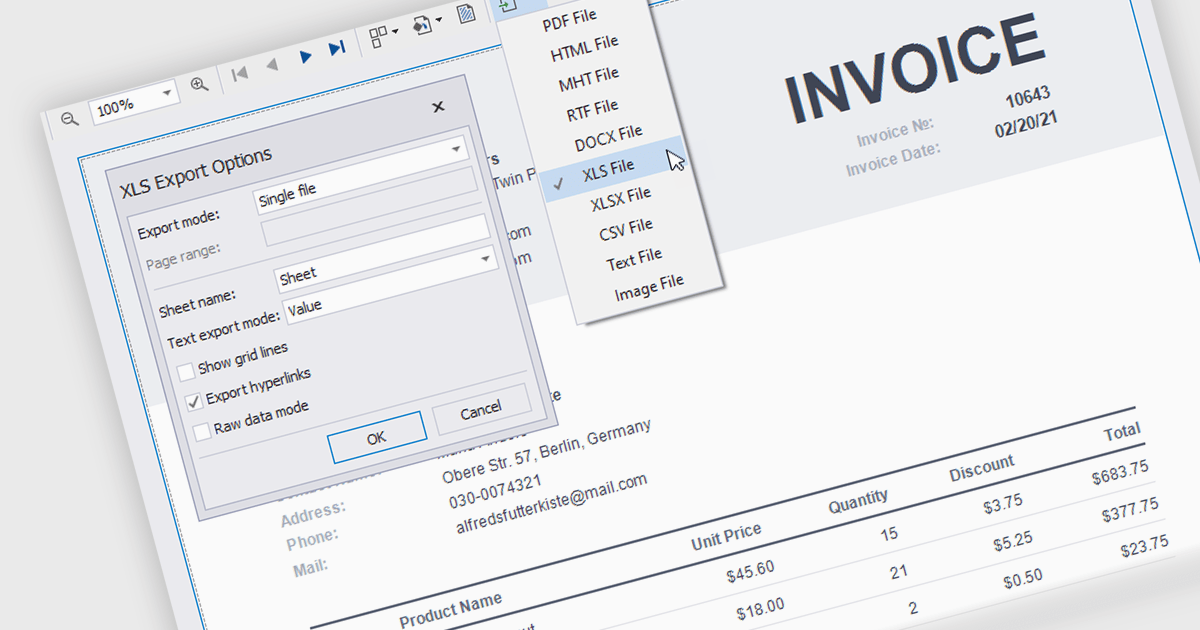
The ability to export reports to XLS/XLSX enables developers to transform report data into Microsoft Excel files in the widely-used XLS or XLSX formats. This allows easy integration of structured data with Excel's powerful data analysis and presentation tools and ensures compatibility with industry standards. It simplifies the dissemination of information by providing end-users with editable spreadsheets that preserve the layout, formatting, and accuracy of the original reports. The capability enhances user experience, streamlines workflows, and supports automated reporting solutions in enterprise and business applications.
Several .NET Reporting Controls offer exporting of reports to XLS/XLSX including:
For an in-depth analysis of features and price, visit our comparison of .NET Reporting Controls.

PDF manipulation tools empower users to reshape and optimize documents, transforming static files into versatile assets. These capabilities cater to diverse needs, from streamlining document management to enhancing accessibility and collaboration. Whether optimizing file sizes for seamless sharing, reorganizing content to better suit a project’s structure, or combining and customizing materials for tailored communication, PDF manipulation simplifies what could otherwise be a tedious process. Such tools bridge the gap between the rigidity of fixed-format documents and the flexibility modern workflows demand, ensuring professionals can work with PDFs in ways that are both efficient and precise.
Common features include:
For an in-depth analysis of features and price, visit our .NET PDF components comparison.
電話: (888) 850 9911
Fax: +1 770 250 6199


