













公式サプライヤー
公式および認定ディストリビューターとして200社以上の開発元から正規ライセンスを直接ご提供いたします。
当社のすべてのブランドをご覧ください。
Stimulsoft Reports.WEB is a cross-platform reporting solution designed for integration within web applications. It leverages a client-server architecture for report generation, viewing, printing, and exporting directly in web browsers. Its powerful .NET report engine offers efficient report processing, a user-friendly HTML5 report designer for building reports with various data sources and visualizations, and an interactive HTML5 viewer for seamless report display within web applications. This integration allows developers to implement robust reporting functionalities without browser plugins or additional client-side dependencies.
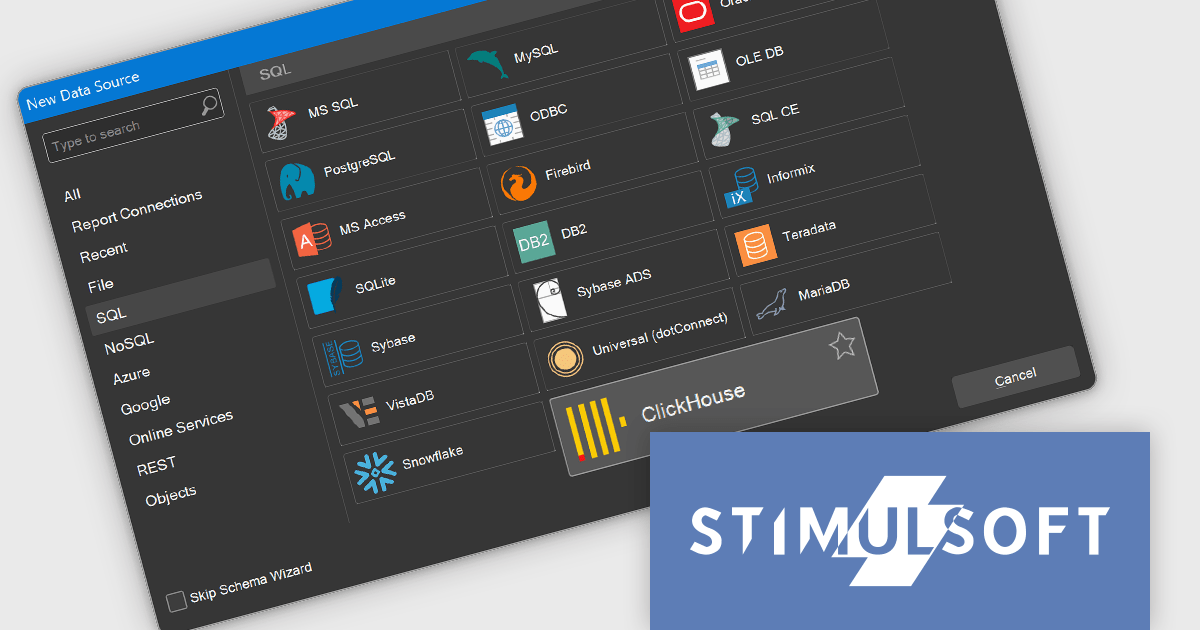
The Stimulsoft Reports.WEB 2024.4.1 release adds the ability to connect to the ClickHouse online data storage and exchange service directly from the report designer. This eliminates the need for complex data extraction and transformation processes, streamlining the reporting workflow and improving efficiency. By connecting to ClickHouse, users can leverage its powerful analytical capabilities and real-time data processing features to generate dynamic and informative reports.
To see a full list of what's new in 2024.4.1, see our release notes.
Stimulsoft Reports.WEB is licensed per developer and is available as a perpetual license with 1 year support and maintenance. See our Stimulsoft Reports.WEB licensing page for full details.
Stimulsoft Reports.WEB is available in the following products:
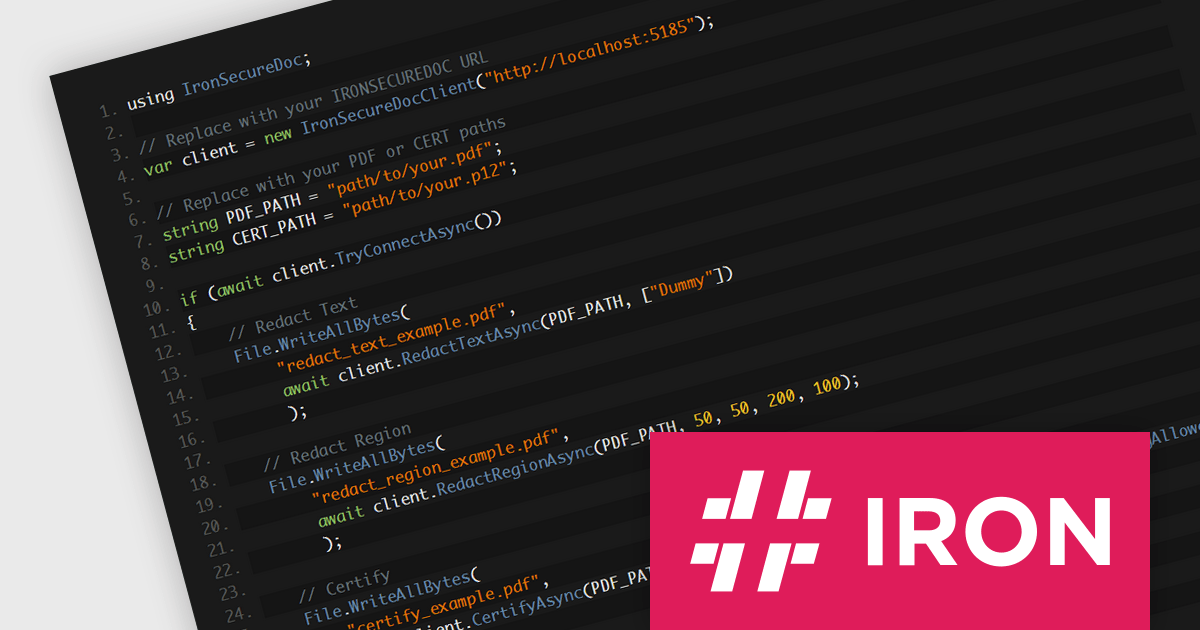
IronSecureDoc by Iron Software is a comprehensive solution for document security, designed to protect sensitive information throughout its lifecycle. This Docker container provides powerful PDF manipulation behind a simple REST API. It offers features for redacting and encrypting data, permissions and certification, whilst enabling you to comply with PDF/A and PDF/UA. By leveraging advanced security technologies, IronSecureDoc helps organizations safeguard confidential data, comply with regulatory standards, and mitigate the risks associated with data breaches.
Its encryption capabilities ensure that confidential information remains protected even if documents are compromised or lost. Access controls allow organizations to restrict access to specific individuals or groups, preventing unauthorized disclosure. Additionally, digital signatures provide tamper-evident verification, ensuring the integrity and authenticity of documents. These features are particularly valuable for organizations dealing with highly confidential data, such as healthcare records, financial information, or intellectual property. IronSecureDoc integrates seamlessly into existing workflows, allowing developers to embed document protection features directly into their applications, streamlining PDF security and compliance tasks without the need for third-party software.
IronSecureDoc is available as a perpetual license with unlimited users, locations, and projects. Support and product updates are included for 1, 2, 3, 4 or 5 years depending on the license option purchased. See our IronSecureDoc licensing page for full details.
IronSecureDoc is available in the following products:
List & Label by combit is a software development toolkit that empowers developers to integrate comprehensive reporting functionalities into their desktop, web, and cloud applications. It offers features such as data binding, complex data visualization, and a user-friendly report designer, along with printing, exporting, and previewing capabilities. List & Label operates independently of programming languages and data sources, providing developers with the flexibility to design and deliver informative reports within their development environment.
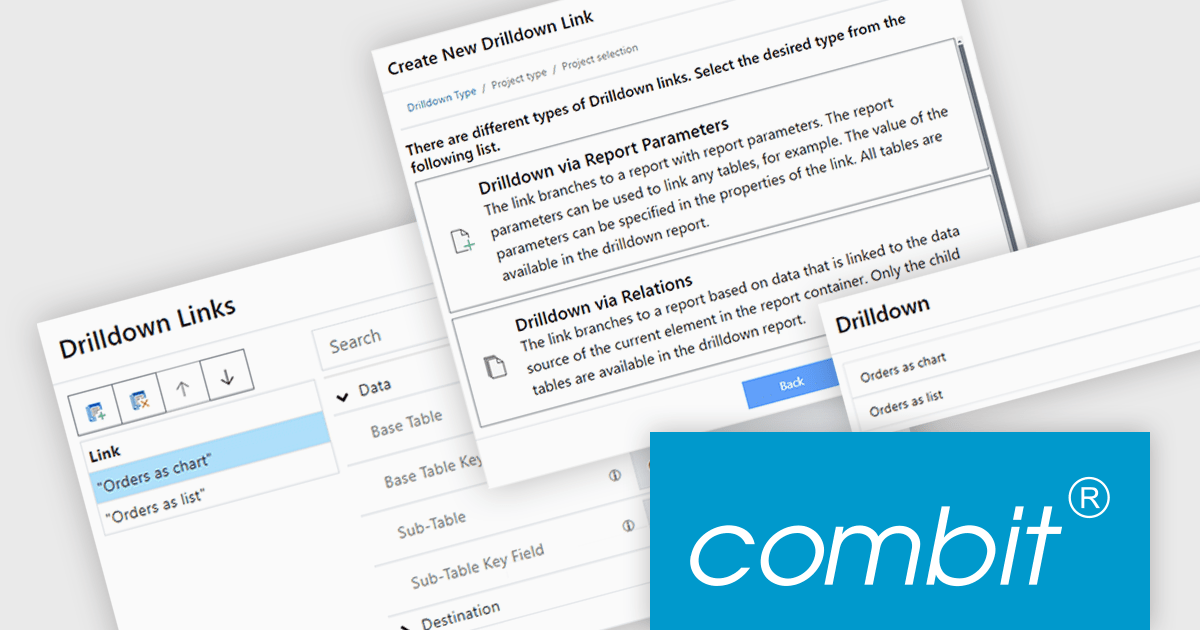
The List & Label version 30 update introduces the drilldown function to the Web Report Designer. This enables users to explore data hierarchies directly within web-based reports, allowing for more in-depth analysis by drilling down into detailed data layers without leaving the report context. Drilldown functionality enables developers to create interactive web reports, which provides users with a more intuitive and engaging experience when interacting with large and complex datasets.
To see a full list of what's new in version 30, see our release notes.
List & Label is licensed per developer and is available as a Perpetual License with a 12 month support and maintenance subscription. See our List & Label licensing page for full details.
List & Label is available in the following products:
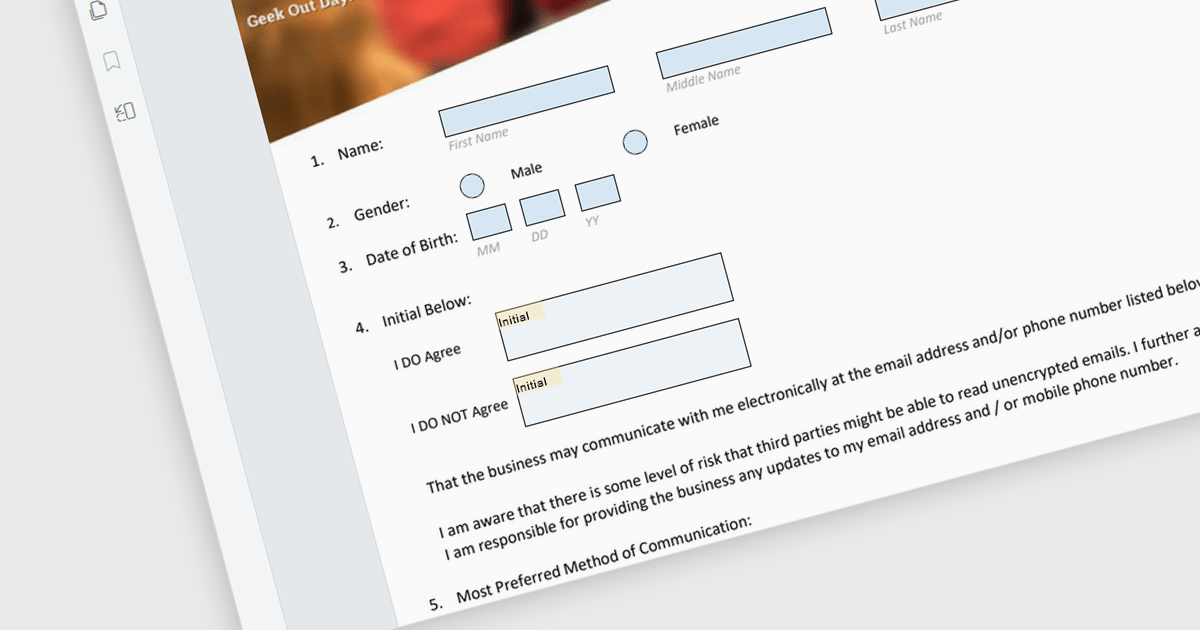
The ability to read and write form fields in a PDF viewer component enables users to interact with form elements directly within a PDF document. This functionality enables developers to create interactive forms that can be filled out, saved, and submitted online without needing additional software. It simplifies the process of collecting and managing form data by offering direct integration with ASP.NET Core applications. Developers can enhance the user experience by enabling direct interaction with PDF forms, supporting various input types like text boxes, checkboxes, radio buttons, and dropdowns, which can then be programmatically read and written. This approach improves data accuracy and accelerates workflows by allowing digital form completion, reducing the need for manual data entry and paper-based processes.
Many ASP.NET Core Assembly PDF viewer components offer support for filling form fields including:
For an in-depth analysis of features and price, visit our comparison of ASP.NET Core Assembly PDF viewer components.
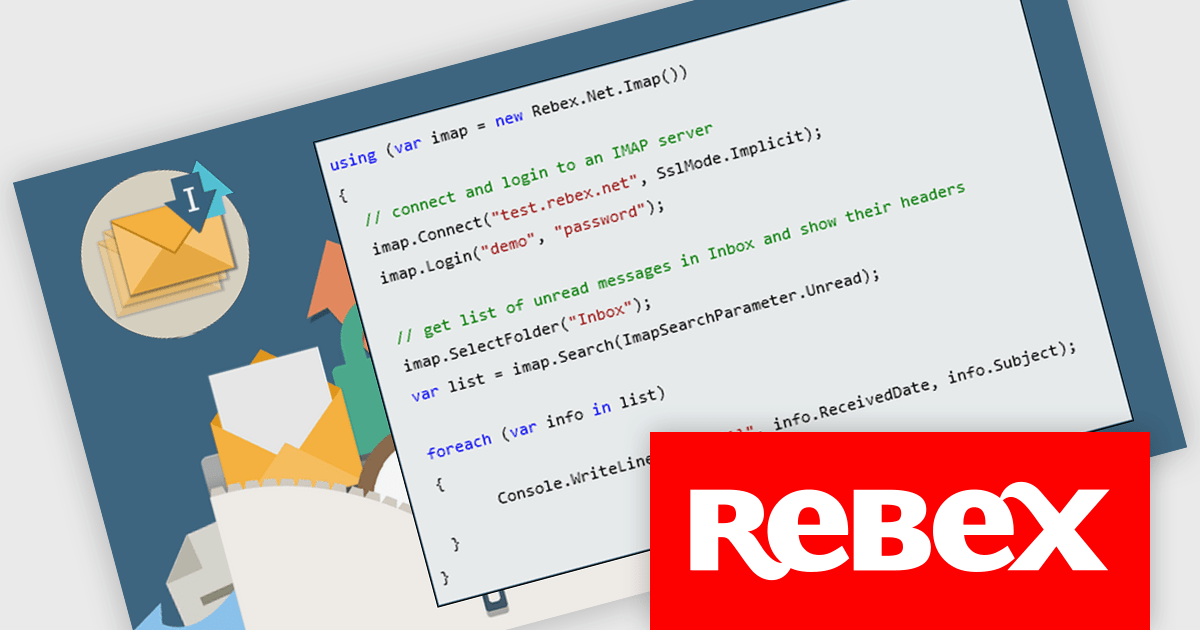
Rebex IMAP is a versatile new .NET library component that facilitates seamless interaction with IMAP servers for email management. It allows developers to efficiently receive, list, search, and delete messages, while providing enhanced security through TLS and S/MIME encryption. Additionally, its built-in SMTP support offers a complete solution for both sending and receiving emails, making it ideal for secure, reliable email communication in .NET applications.
Rebex IMAP is ideal for building custom email clients, automating workflows, and integrating secure email communication in business applications. Its ability to manage messages efficiently, makes it perfect for industries like finance, healthcare, and legal services that require data protection and compliance.
Rebex IMAP is licensed per developer and is available as a Perpetual License with a 1 Year Support Contract which includes priority support and all software updates. See our Rebex IMAP licensing page for full details.
Learn more on our Rebex IMAP product page.
電話: (888) 850 9911
Fax: +1 770 250 6199


