













公式サプライヤー
公式および認定ディストリビューターとして200社以上の開発元から正規ライセンスを直接ご提供いたします。
当社のすべてのブランドをご覧ください。
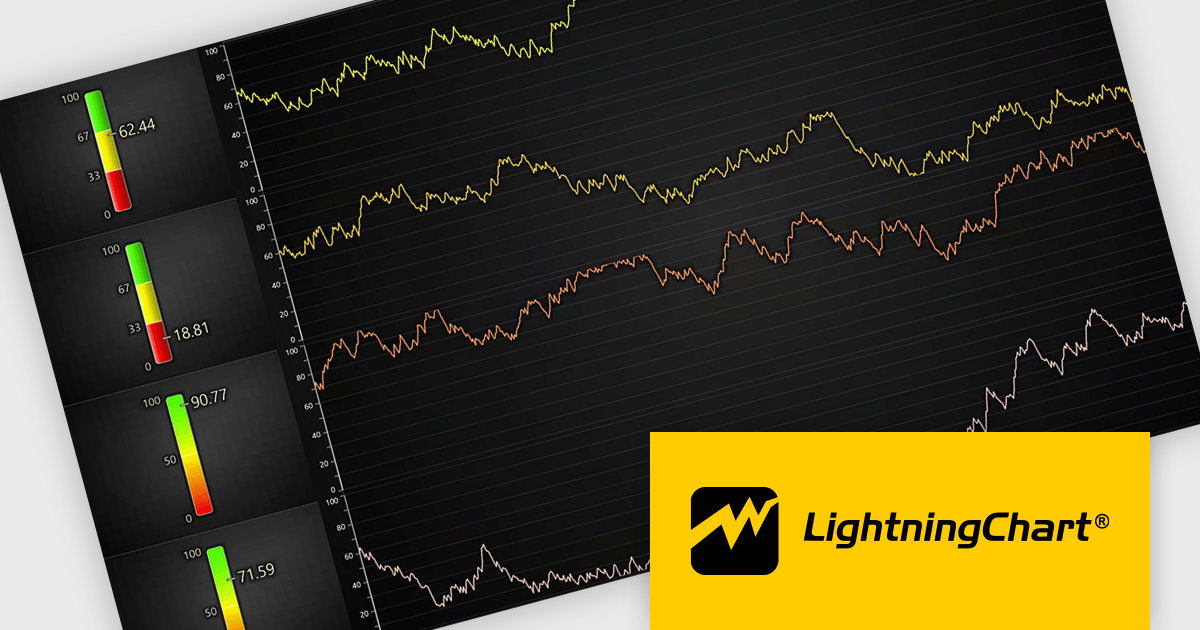
LightningChart JS is a high-performance JavaScript charting library that utilizes WebGL rendering and GPU acceleration to deliver exceptional performance for a wide range of data visualization needs. It is designed to handle large datasets and complex visualizations with ease, enabling developers to create interactive and visually appealing 2D and 3D charts. Ideal for applications demanding smooth real-time data updates, such as financial platforms, engineering tools, scientific research dashboards, and industrial monitoring systems, LightningChart JS provides a comprehensive API for customization and integration into web-based projects.
The LightningChart JS v8.2 update introduces a new Linear Gauge Chart that enables software developers to present real-time metrics in a clear, structured format within modern web applications. It supports continuous live data updates, configurable interpolated or discrete color steps for representing thresholds and ranges, and both vertical and horizontal orientations to accommodate different layout requirements. The chart also allows current values to be displayed directly on the gauge and supports custom icons, giving developers greater control over visual consistency while building intuitive, status-focused dashboards for monitoring and analytics use cases.
To see a full list of what's new in v8.2, see our release notes.
LightningChart JS is licensed per developer and is available as an annual license with 1 year support. See our LightningChart JS licensing page for full details.
For more information, see our LightningChart JS product page.
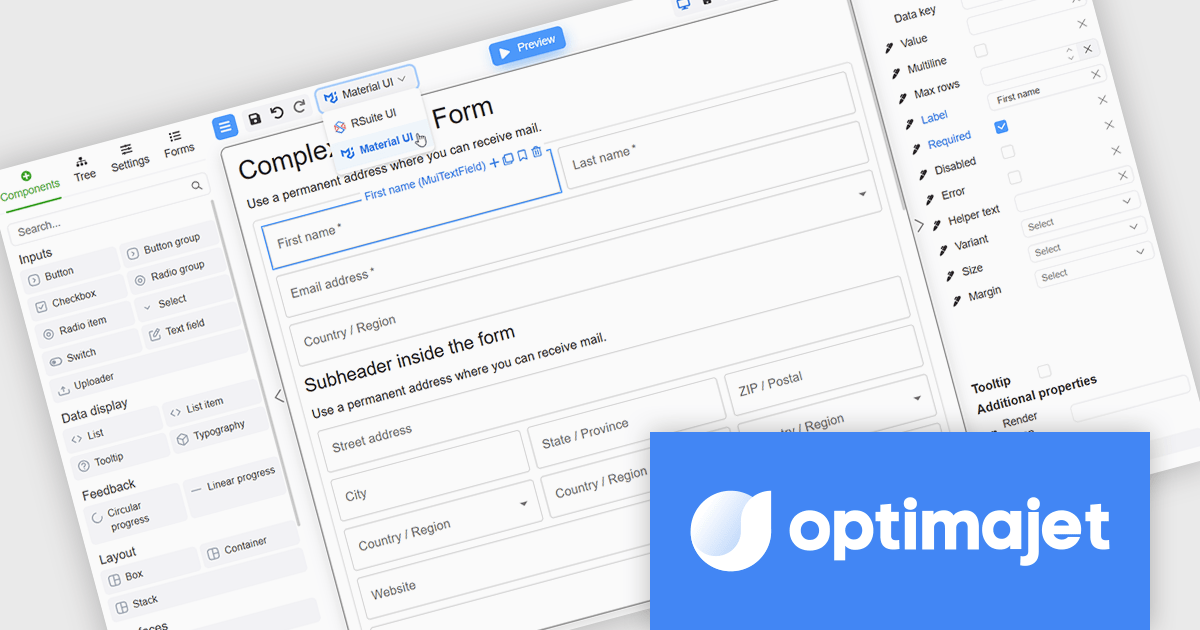
Optimajet FormEngine is a drag-and-drop React form builder that lets teams create, manage, and render complex web forms without writing frontend code. It allows developers and business users to visually design forms, store them as JSON, and render them at runtime. As a React JS library, it easily integrates into existing applications while giving developers full control over form logic, structure, and data flow, making it well suited for complex data collection.
The Optimajet FormEngine v7.10.0 update introduces integration with the Material UI components library, allowing developers to build and render React forms using a widely adopted and actively maintained UI framework. This integration improves form development by reducing reliance on custom components and manual styling, while promoting consistent layout, behavior, and accessibility across applications. By aligning FormEngine with Material UI design patterns, development teams can more easily integrate forms into existing React projects, improve maintainability, and deliver modern user experiences with less effort.
To see a full list of what's new in version v7.10.0, see our release notes.
Optimajet FormEngine is licensed based on usage type (internal commercial use, public web/SaaS, or OEM embedding), number of domains for the visual editor, and access to additional ready-made components. Licenses are perpetual and include 6 months or 1 year of updates and support. See our Optimajet FormEngine licensing page for full details.
For more information, visit our Optimajet FormEngine product page.

ComponentSource and SurveyJS have spent the past year working together to bring form building and survey automation tools to developers and organisations worldwide. SurveyJS is known for its flexible, client side JavaScript components that make it easy to create, customise, and manage forms and surveys across modern web applications, with support for frameworks such as Angular, React, and Vue. Built around a JSON based architecture, SurveyJS enables teams to integrate advanced form functionality into existing systems without backend restrictions or long term maintenance overhead.
At the heart of the SurveyJS product lineup is SurveyJS Creator, the flagship visual form builder available through ComponentSource. This highly configurable tool allows users to design complex forms and surveys through an intuitive interface, while retaining full control over appearance, behaviour, and data structure to meet precise project requirements.
Through this partnership, ComponentSource strengthens its portfolio of developer focused tools by offering a proven, highly customisable form solution that complements its wider range of UI and application development products. By working closely with SurveyJS, ComponentSource helps deliver these solutions to a global audience, providing licensing, support, and reach that enable the SurveyJS brand to scale internationally while giving customers access to trusted, best in class technology.
Learn more about SurveyJS.
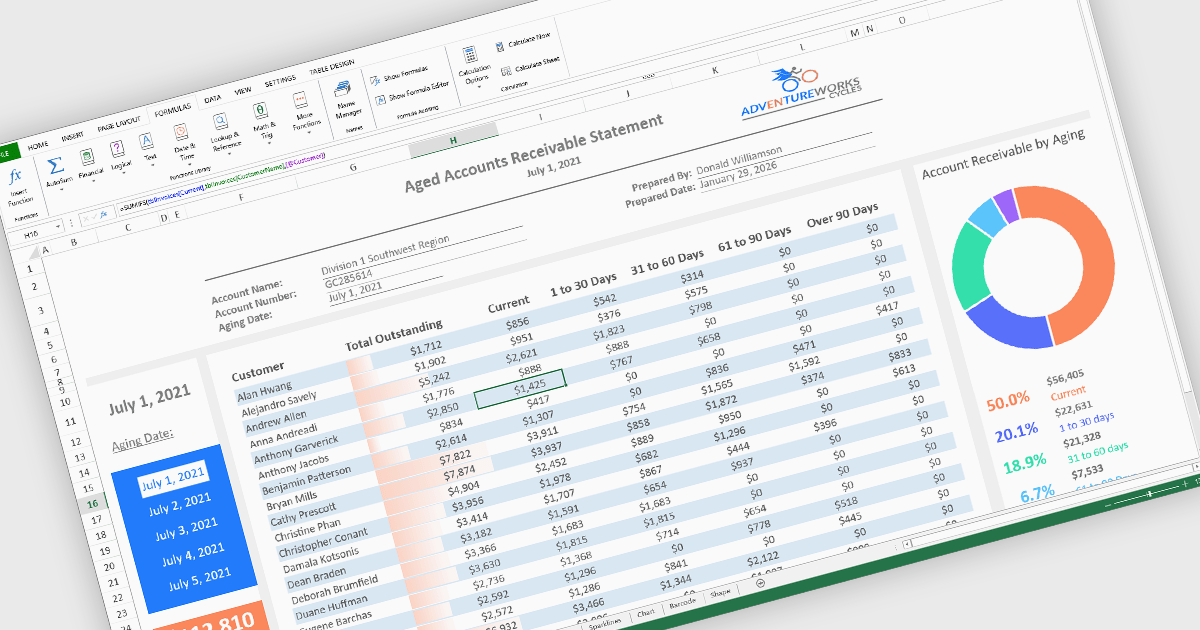
Formulas, calculations, and logic features form the analytical core of spreadsheet components, enabling data to be transformed into meaningful insights. These capabilities allow spreadsheets to move beyond static data entry by supporting dynamic calculations, rule-based behavior, and real-time feedback as data changes. A robust implementation ensures accuracy, consistency, and performance, making spreadsheets suitable for everything from simple models to complex, enterprise-grade analytical scenarios.
Common features include:
For an in-depth analysis of features and price, visit our React spreadsheet components comparison.
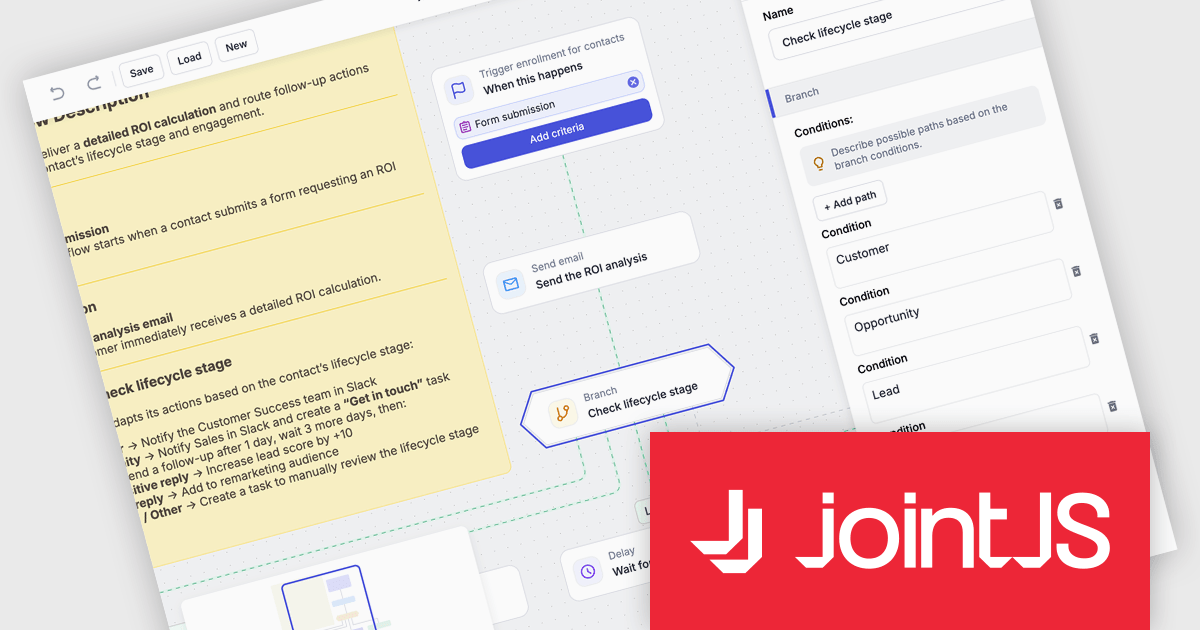
JointJS+ is a diagramming library that offers advanced features like custom shapes, data binding, and advanced layout algorithms, enabling you to create complex, interactive, and visually appealing diagrams. It includes a ready-to-use demo application that showcases its functionality and serves as a starting point for your own diagramming projects.
The JointJS+ v4.2.2 update introduces a new Marketing Automation application template that enables developers to efficiently design, visualize, and manage marketing automation workflows through an interactive, fully animated diagram with automatic layout and orthogonal link routing. By eliminating the need for manual positioning and providing smooth transitions between states, the template improves diagram clarity and maintainability while allowing developers to simulate workflows using the built-in test flow functionality to validate logic, identify issues early, and iterate with greater confidence.
To see a full list of what's new in v4.2.2, see our release notes.
JointJS+ is licensed per developer and is available as a Perpetual license with 1 year support and maintenance. See our JointJS+ licensing page for full details.
Learn more on our JointJS+ product page.
電話: (888) 850 9911
Fax: +1 770 250 6199


