













公式サプライヤー
公式および認定ディストリビューターとして200社以上の開発元から正規ライセンスを直接ご提供いたします。
当社のすべてのブランドをご覧ください。
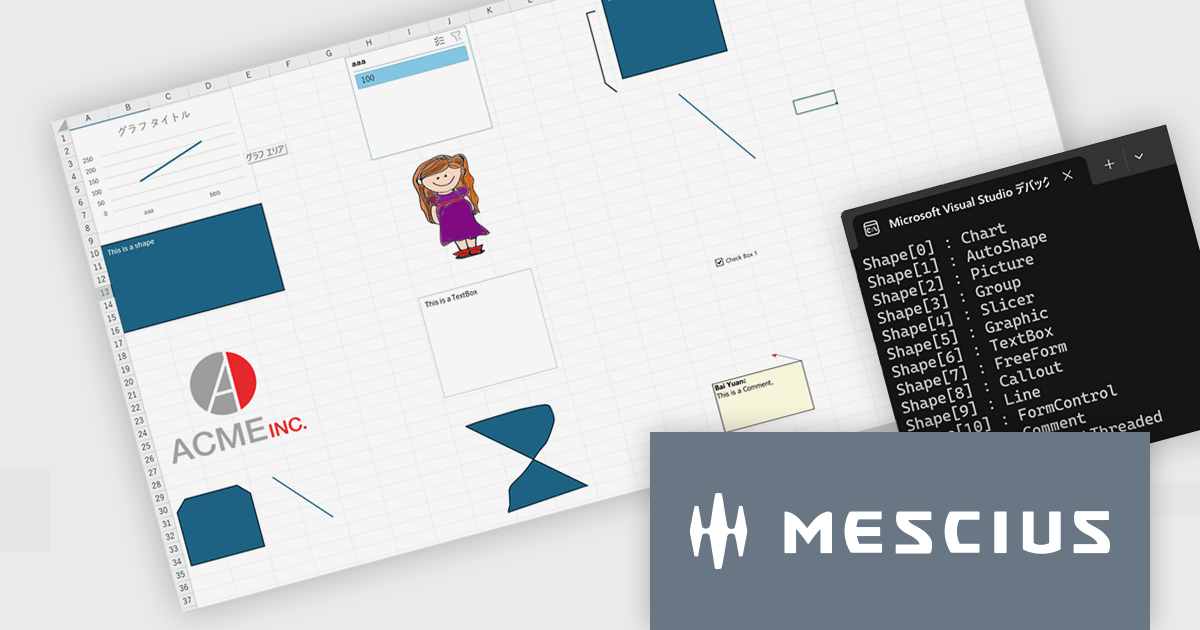
このバージョンでは、Excel操作APIとして重要な数式処理・帳票テンプレート生成・ファイル操作の3領域において、処理パフォーマンスの大幅な改善が実現されています。具体的には、VLOOKUP、XLOOKUP、HLOOKUP、LOOKUP、MATCH、XMATCH、UNIQUE など幅広い検索・計算系関数に対し、大規模な範囲に対する文字列検索性能が強化されました。また、AVERAGEIF の条件付き平均や POISSON.DIST、COMBIN といった関数でも、大きな引数を扱う場面での実行速度が改善されています。
帳票テンプレートの分野では、ITableDataSource を利用して大規模データを処理する際のメモリ使用量が削減され、長大な帳票を生成する際のシステム負荷が軽減されています。また、ワークブックの開閉や保存時に DefinedNames が多数含まれている場合でも、処理が速くなっており、ファイル操作の効率性も上がっています。
Excel帳票・計算処理を伴う業務アプリケーション開発において、特に大量データを扱ったり複雑な数式やテンプレートを頻用している開発現場では、V8J SP2の性能改善は即効的な効果が期待されます。
V8J SP2の新機能については、リリースノートをご覧ください。
DioDocs(日本語版)シリーズの製品や販売情報の詳細は下記のリンクをご参考ください。
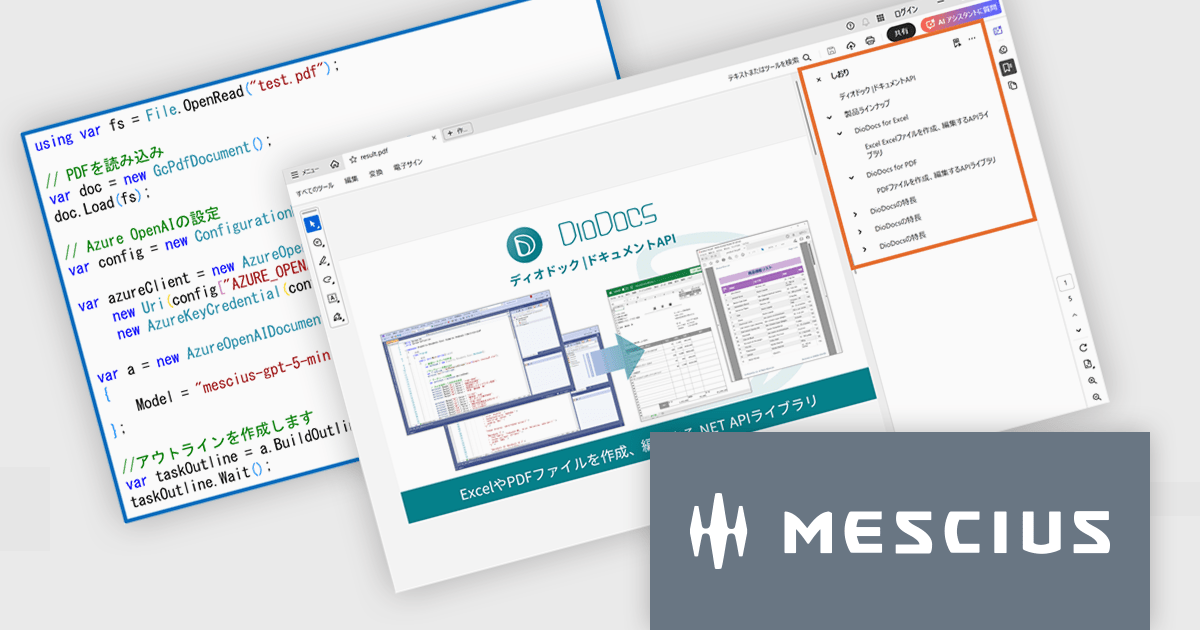
DioDocs for PDFのV8J SP2最新バージョンでは、AI技術を活用してPDF文書の解析・整理を支援する「AIアシスタント機能」が搭載されました。この機能はOpenAIおよびAzure OpenAI Serviceと連携し、ドキュメント内容の要約、アウトライン(目次)生成、テーブルデータ抽出といった作業を自動的に行えます。
要約機能では、長文のレポートや技術資料から重要な情報を抽出し、簡潔なサマリーを生成します。これにより、文書全体を読む時間を短縮し、要点を素早く把握できるようになります。アウトライン生成では、文書構造を自動的に分析し、章や節ごとの目次を作成します。これによりPDF内のナビゲーション性が向上し、資料を効率的に閲覧できます。さらに、テーブル抽出機能を利用すると、PDF内の表をAIが認識し、必要なデータを抽出して再利用できます。これにより、分析やレポート作成などの後工程がスムーズになります。
AIアシスタント機能の導入によって、従来手作業で行っていた要約作成や目次整理の負担が軽減され、業務効率が大幅に向上します。特に、大量のドキュメントを扱う企業や、情報整理に時間を要する部門にとって有効です。今回のアップデートにより、DioDocs for PDFは単なるPDF操作ツールから、AIによる情報活用を支援するスマートなドキュメントソリューションへと進化しました。業務のスピードアップと生産性向上を実現する新機能として、ぜひ活用を検討してみてください。
V8J SP2の新機能については、リリースノートをご覧ください。
DioDocs(日本語版)シリーズの製品や販売情報の詳細は下記のリンクをご参考ください。
Remote Desktop Manager (RDM) by Devolutions (available in Windows, macOS or Linux editions) is a centralized platform designed for managing and securing remote connections and credentials for authorized users across various environments. It supports an extensive list of technologies, including remote desktops, virtual private networks (VPNs), and secure shell (SSH) tunnels, and features centralized password vaults, user-specific vaults, and administrative password sharing. This cross-platform management tool also allows you to perform audits and create reports, as well as offering mobile and offline access, and integrated virtualization consoles. RDM provides a comprehensive solution for IT professionals and developers who need to streamline access to servers, virtual machines, and network devices.
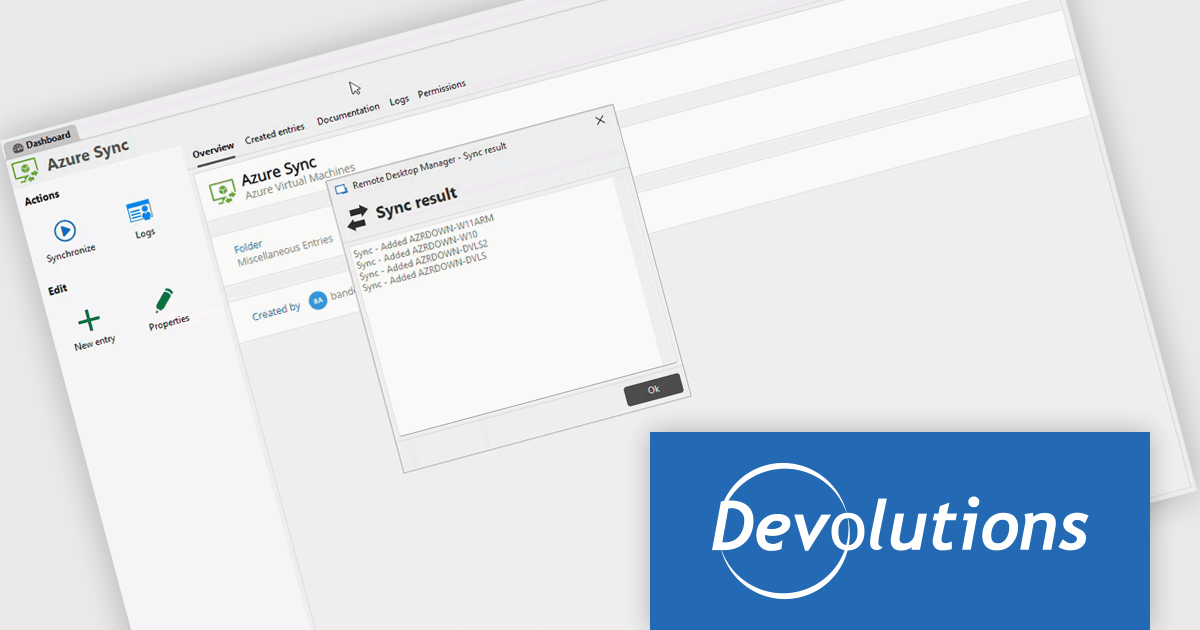
The Remote Desktop Manager 2025.3 update introduces new synchronizers for Azure VMs, JAMF, and NetBox. These integrations allow developers to automatically keep their virtual machines, devices, and network assets synchronized within RDM, ensuring that all environments reflect the latest configurations and resource details. By centralizing data from multiple sources, the update reduces manual management overhead, minimizes configuration discrepancies, and helps maintain an accurate, up-to-date inventory across complex infrastructure setups.
To see a full list of what's new in 2025.3 , see our release notes.
Remote Desktop Manager is available as part of the Devolutions Starter Pack, which is licensed per user and offered as an annual subscription. See our Remote Desktop Manager licensing page for full details.
For more information, visit our Remote Desktop Manager product page.
All-About-PDF is a comprehensive PDF management solution that gives users complete control over their digital documents. It allows individuals and organizations to create, protect, convert, merge, split, and compare PDFs with ease while maintaining the highest level of security. Using advanced Digital Rights Management technology, users can specify when, how, and where their shared files are accessed. Features such as password protection, expiry dates, print restrictions, and location-based locking help safeguard sensitive information. With its precision comparison tools and strong access controls, All-About-PDF is ideal for professionals who need to share documents confidently and maintain full ownership of their intellectual property.
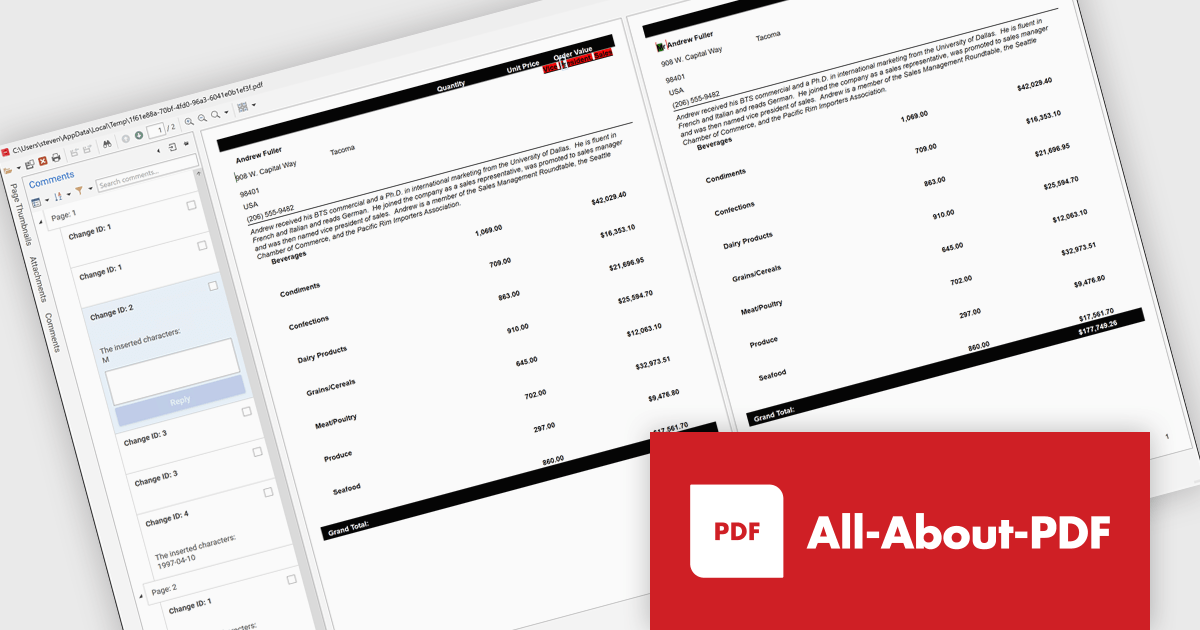
The All-About-PDF Build 2035 update introduces a precise PDF comparison feature that enables developers to quickly identify differences between document versions with high accuracy. This enhancement improves version control and quality assurance by automatically detecting and highlighting text, formatting, and structural changes. It eliminates the need for manual reviews, reduces the risk of overlooking small edits, and helps maintain consistency across project documentation, reports, and deliverables. For development teams handling frequent revisions or compliance-sensitive content, this feature provides an efficient way to validate updates and ensure the integrity of shared files throughout the development lifecycle.
To see a full list of what's new in Build number 2035 , see our release notes.
All-About-PDF is licensed per machine, and is available as a perpetual license. We can supply Internal, External and OEM licenses. See our All-About-PDF licensing page for full details.
For more information, visit our All-About-PDF product page.
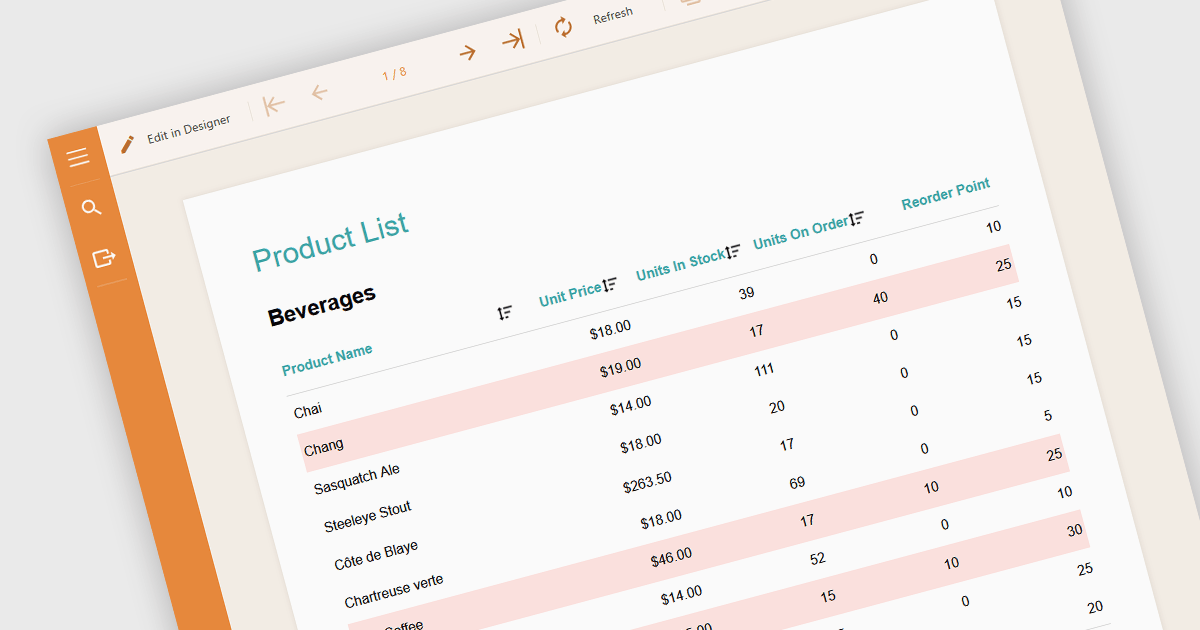
Conditional formatting in a report is a feature that automatically applies visual styles, such as font or background color, to the content within the report based on logical conditions or the data values themselves. This technique allows users to highlight trends, anomalies, or key thresholds by dynamically adjusting the appearance of report elements according to predefined rules, which is especially useful in performance monitoring or exception tracking scenarios. It improves the readability of data-heavy reports by making important information stand out, helping users quickly identify patterns, exceptions, or performance issues. For developers and analysts, it provides a practical way to make complex datasets easier to interpret without manual intervention.
Several Angular reporting components allow you to apply conditional formatting, including:
For an in-depth analysis of features and price, visit our comparison of Angular reporting components.
電話: (888) 850 9911
Fax: +1 770 250 6199


