













公式サプライヤー
公式および認定ディストリビューターとして200社以上の開発元から正規ライセンスを直接ご提供いたします。
当社のすべてのブランドをご覧ください。
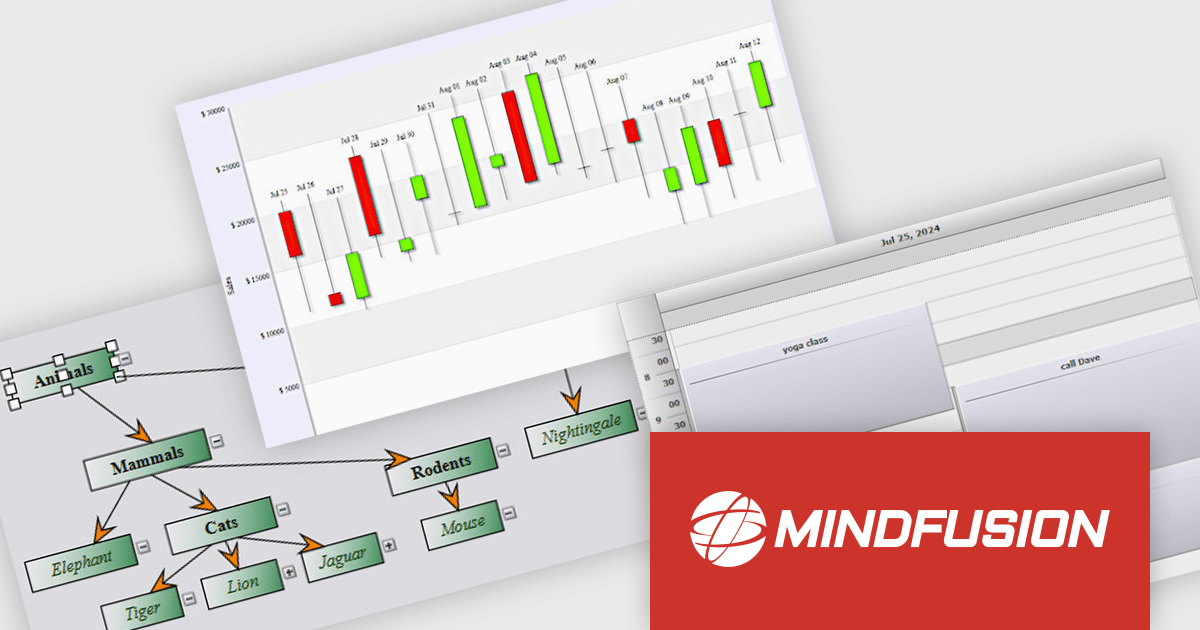
MindFusion Pack for .NET MAUI is a comprehensive collection of three powerful .NET MAUI libraries: Diagramming, Scheduling, and Charting. This suite helps developers to create visually engaging and highly functional cross-platform applications for Windows, Android, iOS, and macOS by providing a rich set of pre-built and customizable components for diverse data visualization needs.
MindFusion Pack for .NET MAUI accelerates development by providing ready-to-use, feature-rich components. The Diagramming library allows for interactive visualizations of processes and structures, while the Scheduling library offers versatile calendar and event management capabilities. Additionally, the Charting library provides comprehensive options for data presentation. With this pack, developers can efficiently create sophisticated applications with enhanced user interfaces and powerful data handling across various platforms.
MindFusion Pack for .NET MAUI is licensed per developer and is available as a perpetual license with 1 year subscription and support. See our MindFusion Pack for .NET MAUI licensing page for full details.
For more information, visit our MindFusion Pack for .NET MAUI product page.
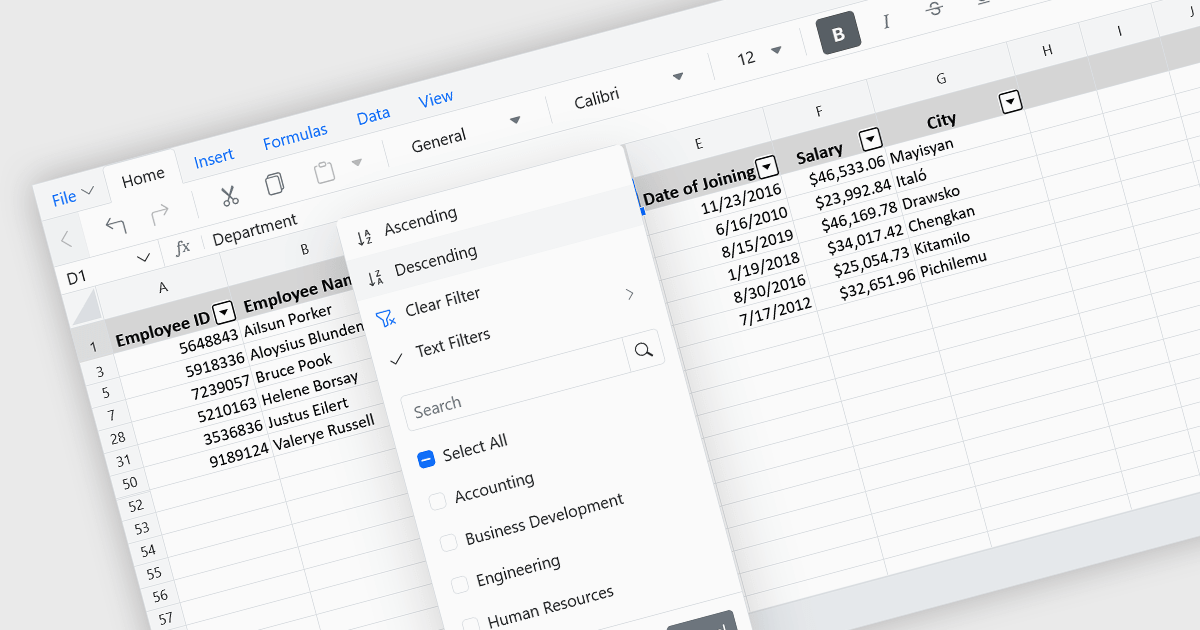
Data sorting in a spreadsheet control is a fundamental feature that enables users to rearrange data within a grid or table based on specific criteria, typically ascending or descending alphabetically or by numerical value. Sorting will usually be performed on single or multiple columns and is often integrated with other data manipulation tools like filtering, grouping, and searching. By sorting data, users can quickly locate and analyze information, identify patterns, and ensure consistency across records. Especially useful in large datasets, it improves the readability of the information and makes it more organized in preparation for decision-making, reporting, and data validation. This capability facilitates efficient data analysis, and supports better user interaction by allowing datasets to be viewed in meaningful sequences.
Several Vue.js spreadsheet controls allow you to sort data, including:
For an in-depth analysis of features and price, visit our comparison of Vue.js spreadsheet controls.
Fiddler Everywhere by Telerik is a cross-platform web debugging proxy designed to help software developers monitor, inspect, and modify HTTP and HTTPS traffic between their applications and the internet. It provides comprehensive tools for troubleshooting network-related issues, analyzing application performance, and testing web applications under different network conditions, streamlining the development and debugging process.
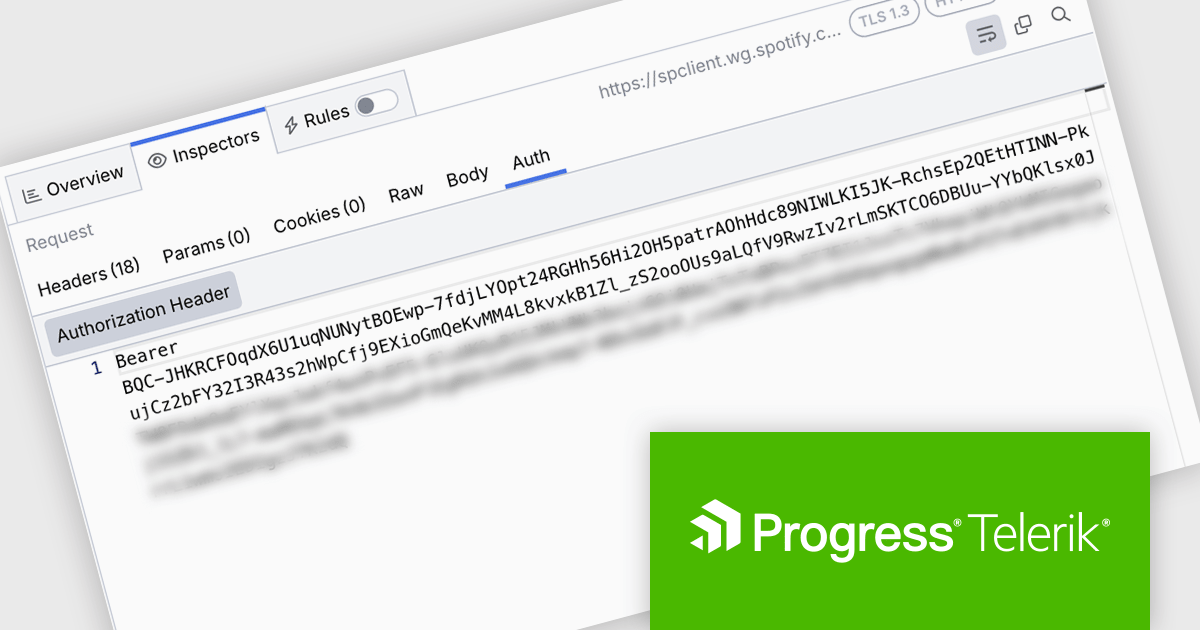
Fiddler Everywhere introduces an Auth Inspector tab for requests, giving developers a focused and efficient way to analyze authentication details within HTTP traffic. This enhancement streamlines the process of debugging tokens, inspecting authorization headers, and understanding authentication flows, helping teams identify and resolve issues faster. By centralizing auth-related data in a single view, the Auth Inspector improves visibility into request security and supports more secure, reliable API development.
Fiddler Everywhere is licensed per developer and has two licensing models: an annual Subscription License and a Perpetual License. The Subscription license provides access to the latest product updates, technical support, and exclusive benefits for a flat annual fee, and must be renewed to continue using the software. The Perpetual license is a one-time purchase granting access to the current released version and includes a one-year subscription for product updates and technical support. After this initial period, users can choose to renew the subscription element to continue receiving updates and support; otherwise, they may continue using the installed version available during their active subscription term but will forgo future updates and support. See our Fiddler Everywhere licensing page for full details.
For more information, see our Fiddler Everywhere product page.
DevExpress Blazor (part of DevExpress ASP.NET and Blazor) helps you create high-impact user experiences for both Blazor Server and Blazor WebAssembly using C#. The Blazor UI Component Library ships with a comprehensive set of native components (including a DataGrid, Pivot Grid, Scheduler, Chart, Data Editors and Reporting).
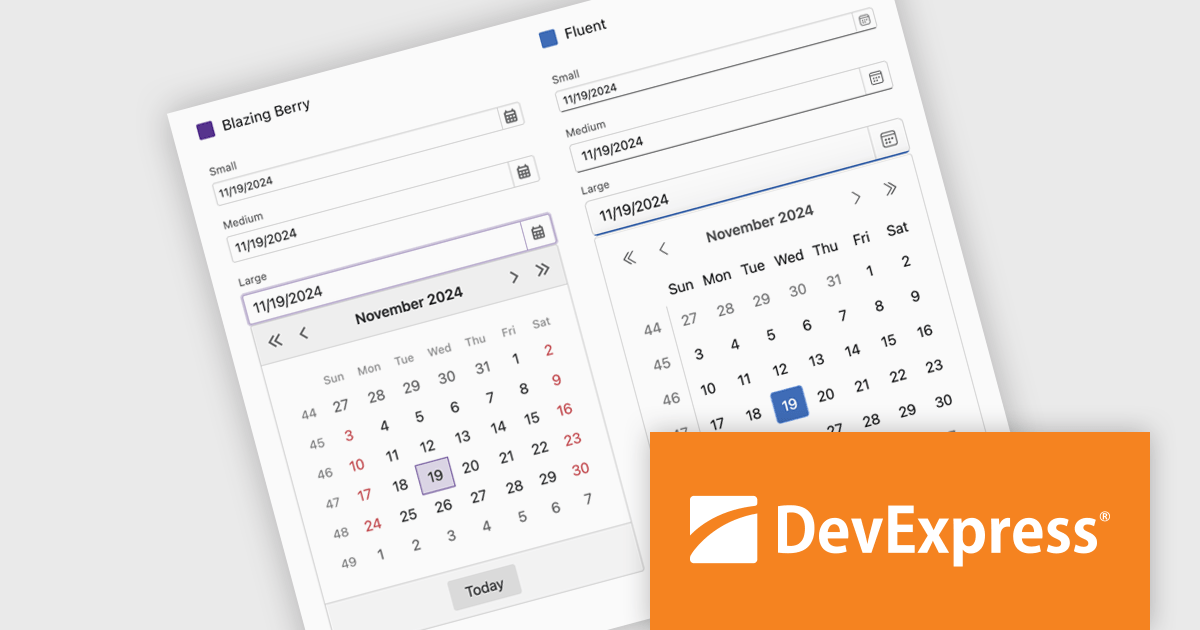
DevExpress Blazor now includes improved size mode support within the Fluent theme, giving developers greater control over UI density and responsiveness. The Small size mode has been refined to occupy less space, making it well-suited for data-intensive layouts, while the Medium and Large modes have been adjusted to better accommodate standard web and mobile interfaces. Icon sizes now automatically scale with the selected size mode, ensuring visual consistency across the component library and enhancing the overall user experience without additional customization.
DevExpress ASP.NET and Blazor is licensed per developer and is available as a Perpetual License with a 12 month support and maintenance subscription. See our DevExpress ASP.NET and Blazor licensing page for full details.
DevExpress Blazor is available in the following products:
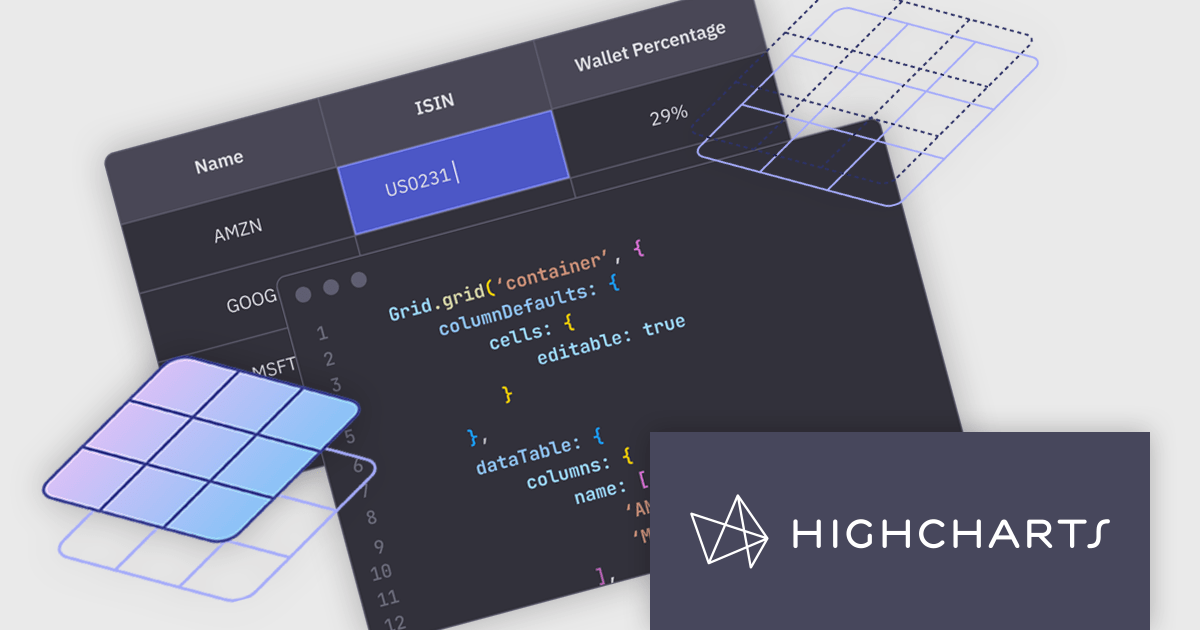
Highcharts Grid is a feature-rich data grid component developed by Highsoft, designed for use within Highcharts Dashboards or as a standalone component. Grid Lite is a free, lightweight version ideal for developers seeking a performant and accessible data grid with a basic feature set. Grid Pro is a commercial, feature-rich version built for complex applications that demand advanced data manipulation and interactivity. It includes all the capabilities of Grid Lite, along with a highly customizable and interactive interface that supports inline editing, column sorting, and event handling, enabling developers to build responsive data visualization applications.
Highcharts Grid delivers high performance when handling large datasets by employing row virtualization, a technique that renders only the rows currently visible within the viewport. This significantly reduces memory consumption and ensures fluid, responsive scrolling, even when working with thousands of records.
Highcharts Grid Pro requires a license for Highcharts Dashboards, licensed per developer as an Annual or Perpetual License with Internal, Saas, SaaS+ and OEM distribution options. The annual license includes support and all product updates for 1 year and must be renewed to continue to use the software. The perpetual license includes an "Advantage Subscription" for 1 to 5 years which provides support and updates for that period. If you do not renew Advantage then you may continue to use the software at the last release available during the active Advantage period. See our Highcharts Dashboards licensing page for full details.
Learn more on our Highcharts Dashboards product page.
電話: (888) 850 9911
Fax: +1 770 250 6199


