













公式サプライヤー
公式および認定ディストリビューターとして200社以上の開発元から正規ライセンスを直接ご提供いたします。
当社のすべてのブランドをご覧ください。
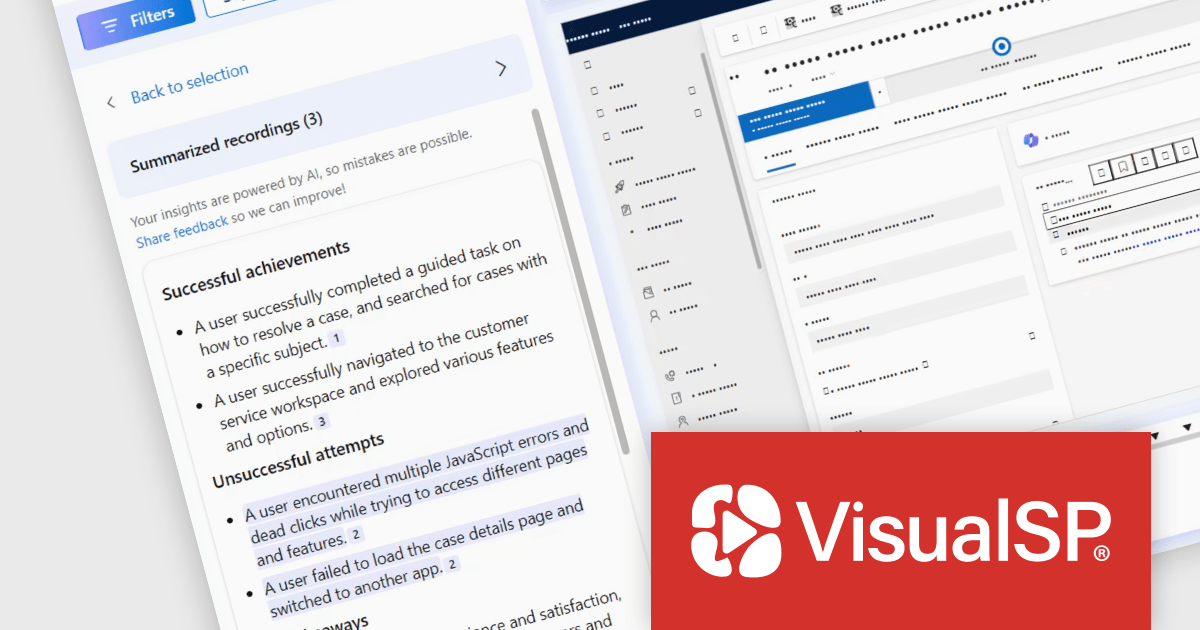
VisualSP Enterprise is a digital adoption platform that helps businesses improve employee training and reduce support tickets by providing in-context training directly within web applications. It provides contextual, real-time, in-app guidance, allowing end-users to access step-by-step instructions and customized training materials without leaving their workflow, fostering self-sufficiency and reducing reliance on external support resources. VisualSP integrates with a variety of web applications, including Dynamics 365, Salesforce, Workday, ServiceNow, SAP, and more.
The latest update of VisualSP Enterprise empowers subscription admins to create customized guidance specifically for Microsoft Copilot, such as how-to instructions and governance on what the end-user is allowed to do with it. By integrating custom training directly within the Copilot interface via VisualSP's overlay, admins can provide clear and contextual guidance, promoting efficient and compliant use of Copilot within the development team. This targeted guidance facilitates a more controlled and efficient deployment of AI tools, reducing the risk of errors and inconsistencies in development workflows.
To see a full list of what's new in VisualSP Enterprise, see our release notes.
VisualSP Enterprise is licensed per user and is available as an annual license with 1 year support. See our VisualSP Enterprise licensing page for full details.
For more information, see our VisualSP Enterprise product page.
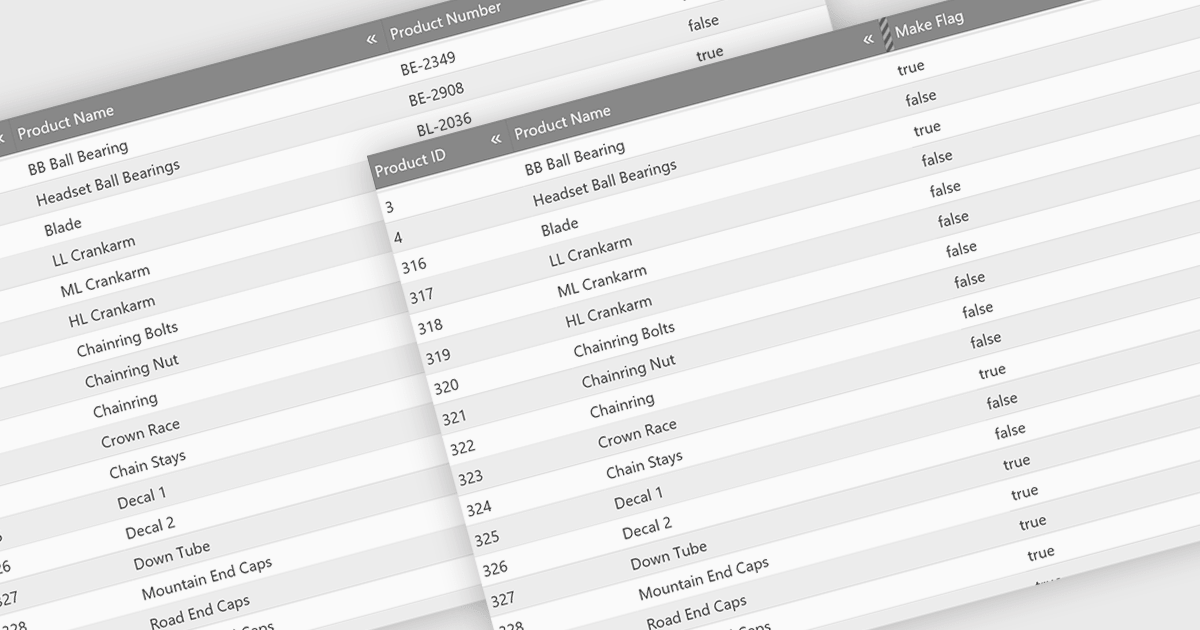
Hiding columns in a grid allows for a more focused data display by selectively removing irrelevant or less important information from the user's view. This functionality improves data clarity, particularly for grids with a large number of columns. By hiding specific columns, users can concentrate on the most important data points, reducing clutter and improving overall user experience.
Several jQuery Grid controls offer the ability to hide columns including:
For an in-depth analysis of features and price, visit our jQuery Grid controls comparison.
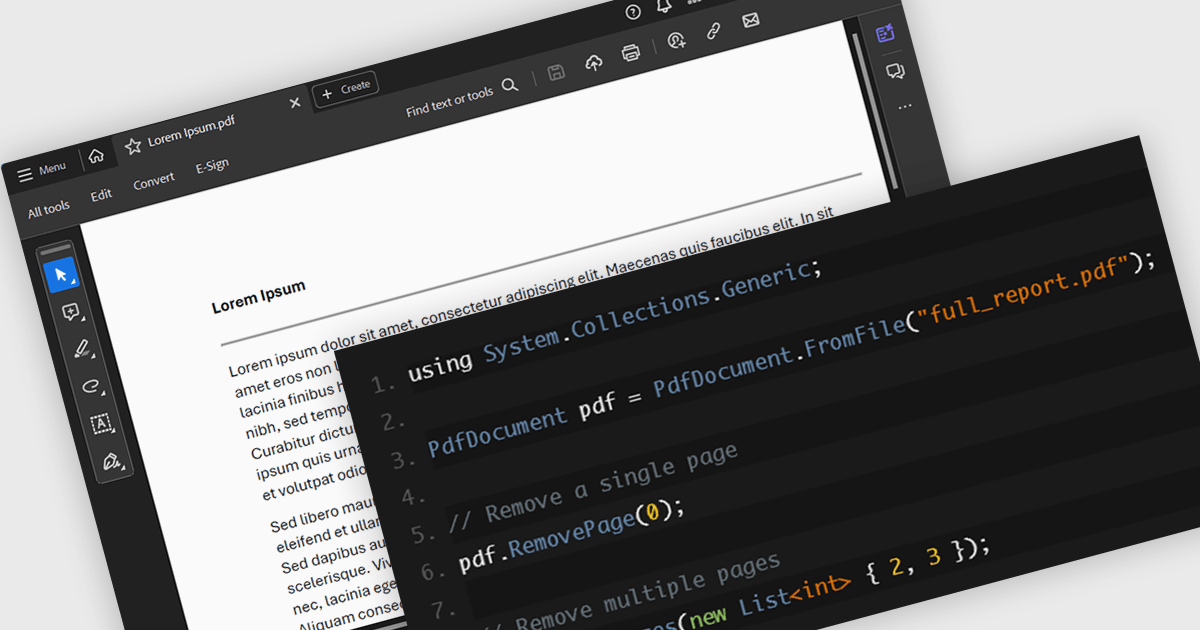
PDF page deletion functionality allows developers to remove specified pages from PDFs programmatically. This can provide significant efficiency gains, particularly when dealing with large batches of documents. It automates a repetitive task, saving time and minimizing the risk of human error. This functionality can be integrated into workflows for tasks like redacting sensitive information, creating customized reports, or preparing presentations, streamlining document management processes. This functionality simplifies PDF manipulation by eliminating the need for external tools or libraries.
Several .NET PDF components provide support for deleting pages including:
For an in-depth analysis of features and price, visit our .NET PDF component comparison.
Rider is a professional Integrated Development Environment (IDE) specifically designed for building .NET applications. Developed by JetBrains, Rider combines robust functionality with a sleek interface to offer a superior coding experience. Rider supports C#, F#, JavaScript, and TypeScript, making it a versatile tool for modern .NET development. Powerful features like advanced code completion, integrated unit testing, built-in debugging tools, and seamless cross-platform support (Windows, macOS, Linux) streamline the development process. Rider seamlessly integrates with popular version control systems and databases, enhancing project management and code collaboration.
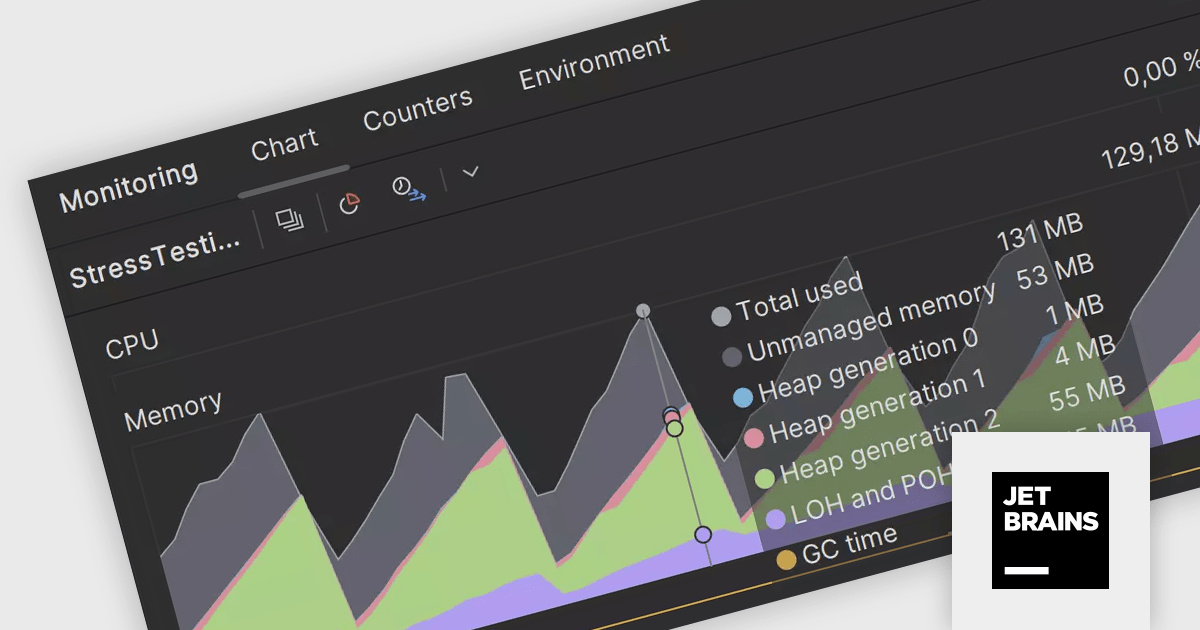
Rider 2024.1 introduces a new monitoring tool window which allows you to monitor your .NET application's performance while it's running or debugging. The tool features real-time data visualizations through various tabs such as Chart, Counters, and Environment, offering insights into CPU and memory usage, application performance counters, and environmental variables. Users can configure the monitoring settings to adjust the refresh intervals and toggle between always-on or debug-only modes, enhancing the ability to diagnose and improve application performance effectively. For a deeper analysis, options to collect profiling data like stack traces and performance snapshots are available directly from the monitoring interface.
To see a full list of what's new in version 2024.1, see our release notes.
Rider is licensed per user, and is available as a commercial annual subscription license. We can supply new subscriptions, subscription renewals (including continuity discounts), lapsed renewals, and additional user licenses. See our Rider licensing page for full details.
Rider is available to purchase in the following products:
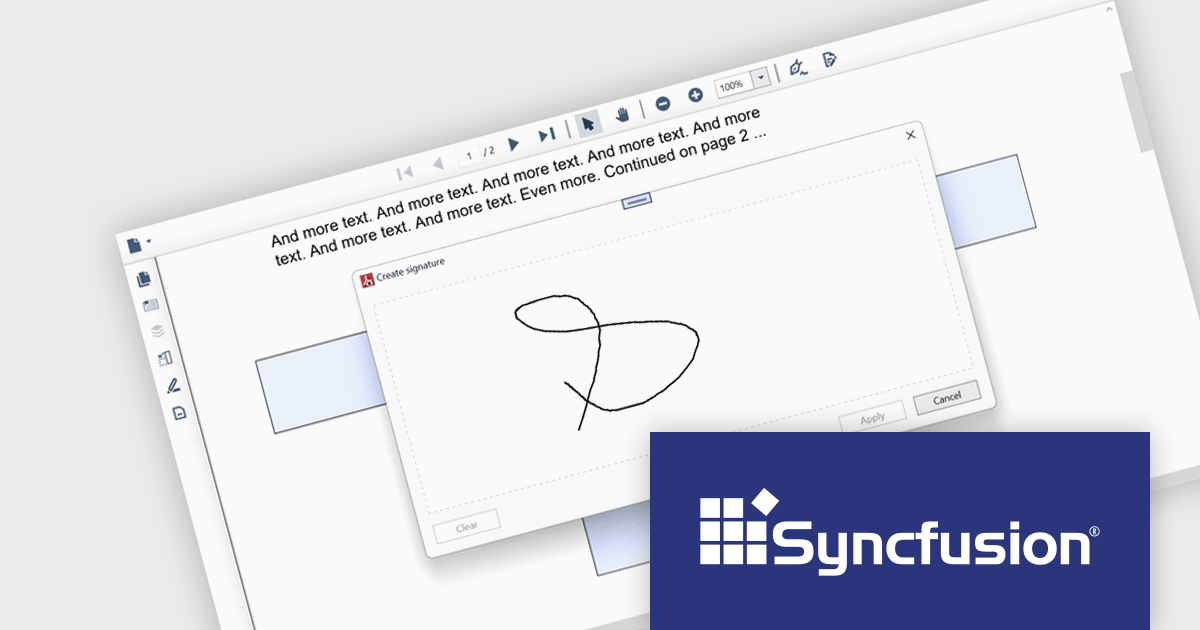
Syncfusion Essential Studio WPF, available as part of Syncfusion Essential Studio Enterprise, is a powerful suite of over 95 UI controls, 50+ charts, and document processing libraries designed to boost the development of high-performance line-of-business applications for the Windows Presentation Foundation (WPF) framework. With built-in themes, touch-friendly interfaces, and seamless Visual Studio integration, it empowers developers to craft modern, feature-rich, and cross-platform experiences with ease.
The Syncfusion Essential Studio WPF 2024 Volume 1 (25.1.35) release adds support for signature form fields in the PDF Viewer component. This empowers users to effortlessly view, add, or remove signatures directly within PDFs, eliminating the need for physical printing and scanning, thereby saving time and improving efficiency. The addition of signature form fields ensures a clear audit trail, fostering trust and accountability in collaborative environments.
To see a full list of what's new in version 2024 Volume 1 (25.1.35), see our release notes.
Syncfusion Essential Studio WPF is available as part of Syncfusion Essential Studio Enterprise which is licensed per developer starting with a Team License of up to five developers. It is available as a 12 Month Timed Subscription License which includes support and maintenance. See our Syncfusion Essential Studio Enterprise licensing page for full details.
For more information, visit our Syncfusion Essential Studio WPF product page.
電話: (888) 850 9911
Fax: +1 770 250 6199


