













公式サプライヤー
公式および認定ディストリビューターとして200社以上の開発元から正規ライセンスを直接ご提供いたします。
当社のすべてのブランドをご覧ください。
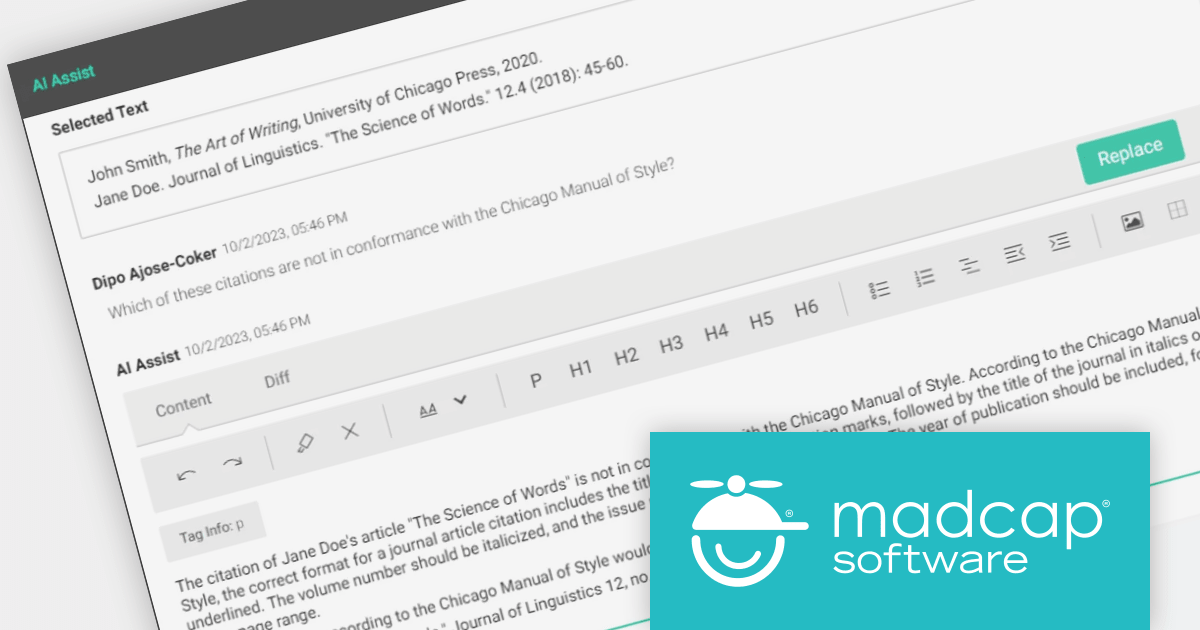
MadCap Central is a cloud-based content experience management (CXM) platform that helps teams to create, manage and publish technical documentation and other types of content.
The latest release adds AI Assist which uses ChatGPT integration to enhance and improve your existing content. You can use it to rewrite content, enforce style guides, summarize lengthy text and authenticate facts. Quickly visualize AI Assist text improvements and instantly insert them into your topics or snippets with a single click.
By making suggestions based on previously approved content in your repositories, AI Assist helps your authors stay true to your brand's voice, reducing unnecessary editor reviews and harmonizing your content across the organization.
To see a full list of what’s new in the latest version, see our release notes.
For more information, visit our MadCap Central product page.
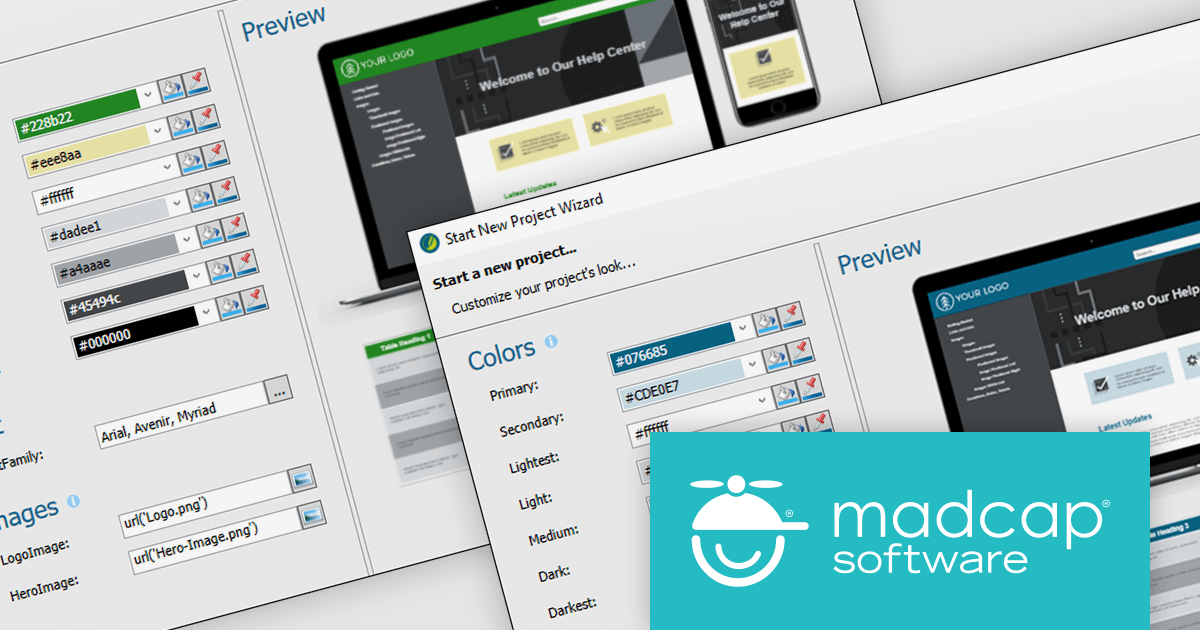
MadCap Flare is used to create, manage and publish technical documentation and other types of content. It is a single-source publishing tool, which means that you can create content once and then publish it to multiple formats, such as PDF, HTML and EPUB.
The new version adds a Branding Editor which provides a central location to manage all of your branding elements, including logo, colors, fonts and images. It can also be used to create custom branding hooks, which allow you to apply branding elements to specific areas of your output. Once you have created your branding, you can apply it to your output with just a few clicks. The Branding Editor will automatically update all of your output to reflect the new branding.
To see a full list of what’s new in version 2023 r2, see our release notes.
For more information, visit our MadCap Flare product page.
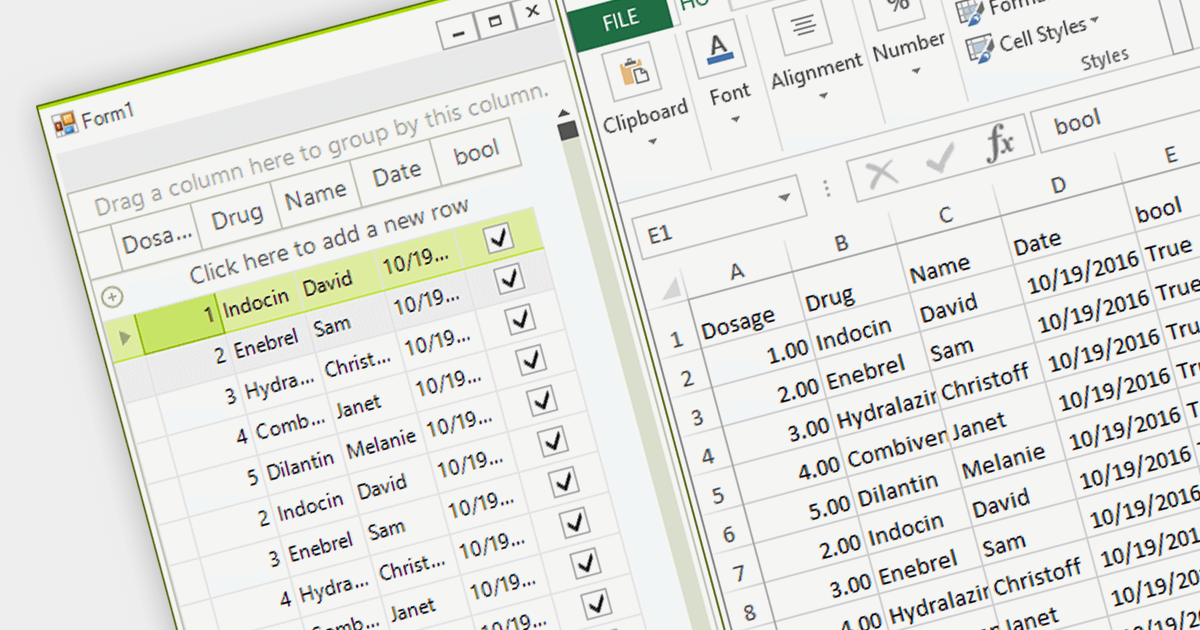
Exporting to Excel allows users to output grid-based data including formats, cell styles and formulas to a widely-compatible Excel file. This industry standard file type makes it easier to analyze, share, and distribute the data to a wider audience in a familiar format.
Several grid components for .NET 7 WinForms offer Excel export, including:
For an in-depth analysis of features and price, visit our comparison of .NET 7 WinForms grids.
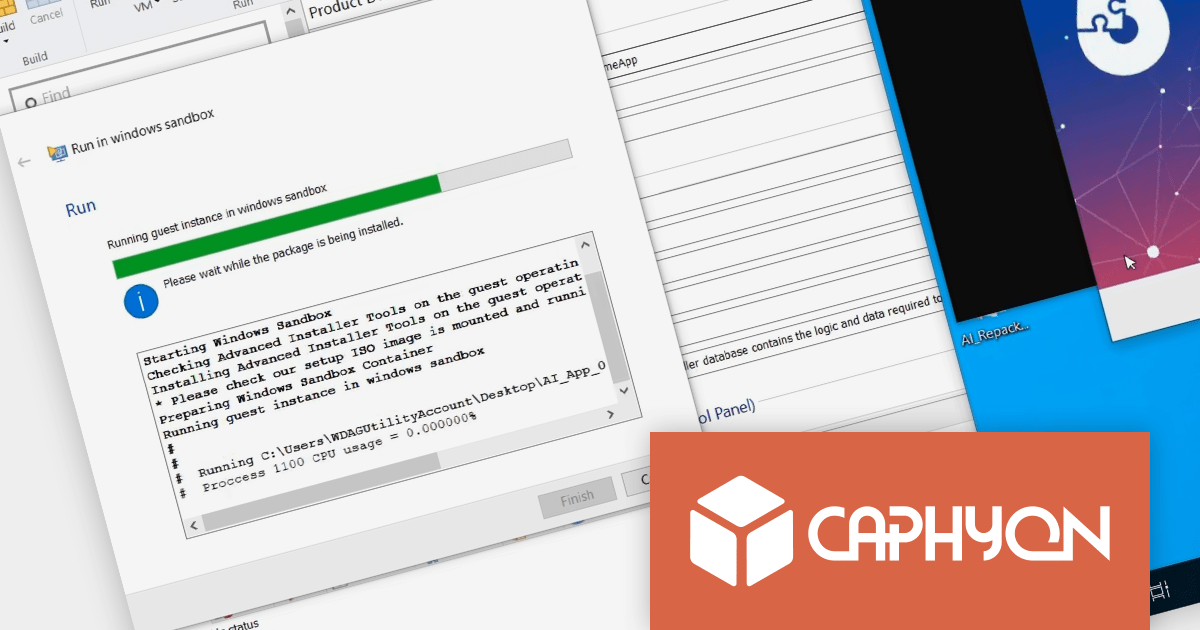
Advanced Installer by Caphyon is a powerful and easy-to-use Windows Installer authoring tool that helps you create reliable installation packages for your software applications. It can be used to create MSI, EXE, and MSIX packages.
Microsoft Windows Sandbox is a virtualization feature that creates a temporary, isolated desktop environment where you can run software safely, without risking your host operating system. It is similar to a virtual machine, but it is much more lightweight and starts up much faster.
Testing installation packages with Advanced Installer 21.1 is as simple as selecting the "Run in Windows Sandbox" option. Windows Sandbox is much faster than traditional virtual machines, so you can test your installations much more quickly. It is also a secure environment that isolates your tests from your host system, so any problems that occur during testing will not impact your production environment. It is also easy to use and manage, so you can create and discard sandboxes as needed without having to worry about managing or deleting virtual machines.
To see a full list of what’s new in version 21.1, see our release notes
For more information, visit our Advanced Installer product pages:
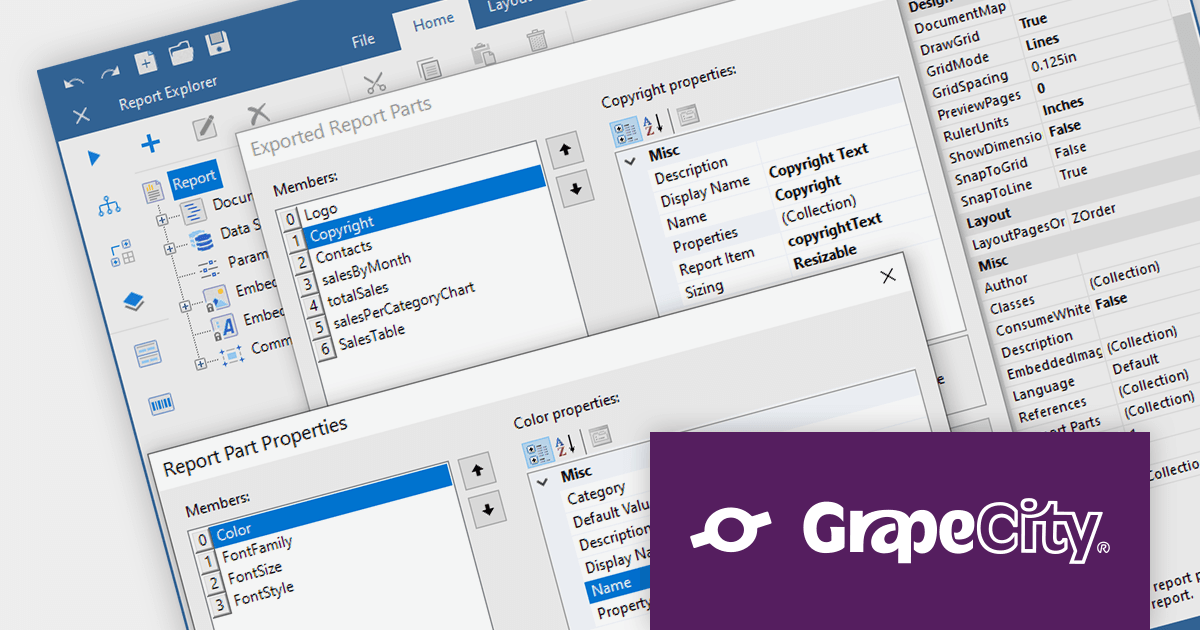
ActiveReports.NET is a reporting tool that allows developers to design and deliver reports with intuitive, reliable, and user-friendly report designers and controls. Features include the ability to create reports in a variety of formats, such as PDF, Excel, and HTML. ActiveReports.NET is also highly customizable, with an extensive API and advanced feature library.
ActiveReports.NET v17.2 introduces Report Parts, which can be created from any report item, including tables, charts, text boxes, and images. These Report Parts are created by developers and added to the ActiveReports toolbox for end-users to drag and drop onto the design surface. This makes it easy for end-users to create complex reports without having to learn the intricacies of report design. Developers can specify the properties of the Report Part, such as its data binding, formatting, and visibility so that they that are tailored to the specific needs of their users.
To see a full list of what's new in version 17.2, see our release notes.
For more information, visit our ActiveReports.NET product page.
電話: (888) 850 9911
Fax: +1 770 250 6199


