













公式サプライヤー
公式および認定ディストリビューターとして200社以上の開発元から正規ライセンスを直接ご提供いたします。
当社のすべてのブランドをご覧ください。
SecureBlackbox includes a wide variety of powerful data protection, secure storage, and secure transfer components. Designed for use in the most demanding conditions, the components provide the best possible performance while offering granular control over all security options.
A certificate store is a secure database that stores digital certificates. Digital certificates are electronic documents that bind a public key to an identity, such as a person, organization, or computer. They are used to verify the identity of the parties involved in a secure communication or transaction.
This new release adds support for native certificate stores on all supported platforms. This new functionality provides several benefits for developers:
To see a full list of what’s new in the new version, see our release notes.
For more information, visit our SecureBlackbox product page.
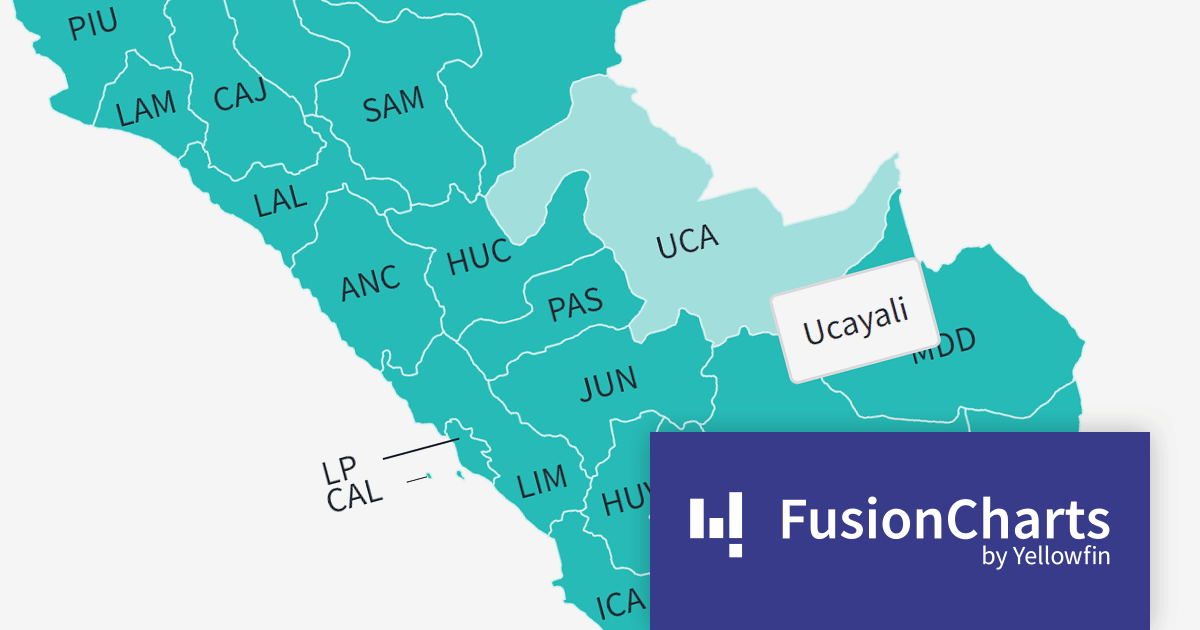
FusionCharts Suite XT is a JavaScript charting library that provides developers with a wide range of options for creating data visualizations. The suite includes over 100 chart types, 2,000+ maps, and a variety of features for customizing charts, adding interactivity, and exporting charts to different formats. It is used by developers of all skill levels to create data visualizations for a wide range of applications, including dashboards, reports, websites, and mobile apps.
FusionCharts v3.21.0 introduces new maps for Argentina, Peru, and Costa Rica. With a total of 58 new maps, you can now drill down to each specific department within those countries. This version added all 27 Peruvian provinces, all 24 Argentinian provinces, and all 7 Costa Rican provinces.
There are many benefits to using maps in your data visualization apps. Maps are a great way to visualize spatial data, such as customer location, sales by region, or traffic patterns. You can also identify trends and patterns in your data that might otherwise be difficult to see. FusionCharts maps can be used to create interactive dashboards and reports that allow users to explore data in more depth. For example, users could click on different regions on a map to see more detailed information about sales in those regions.
To see a full list of what’s new in version 3.21.0, see our release notes.
For more information, visit our FusionCharts Suite XT product page.

MindFusion.Diagramming for WinForms is a component that provides a variety of features for creating and editing diagrams. It supports a wide variety of diagram types, including flowcharts, UML diagrams, organizational charts and more.
The new release adds multi-touch support to its diagram views. This means that users can now use two or more fingers to zoom, pan and rotate diagrams, as well as move, scale, and rotate nodes. Multi-touch support makes it easier to interact with diagrams on touch screens, such as tablets and laptops.
The multi-touch support is highly customizable. For example, developers can specify which gestures are enabled, as well as the sensitivity of each gesture. Developers can also create custom gestures to meet their specific needs.
To see a full list of what’s new in version 7.0.0, see our release notes.
For more information, visit our MindFusion.Diagramming for WinForms product page.
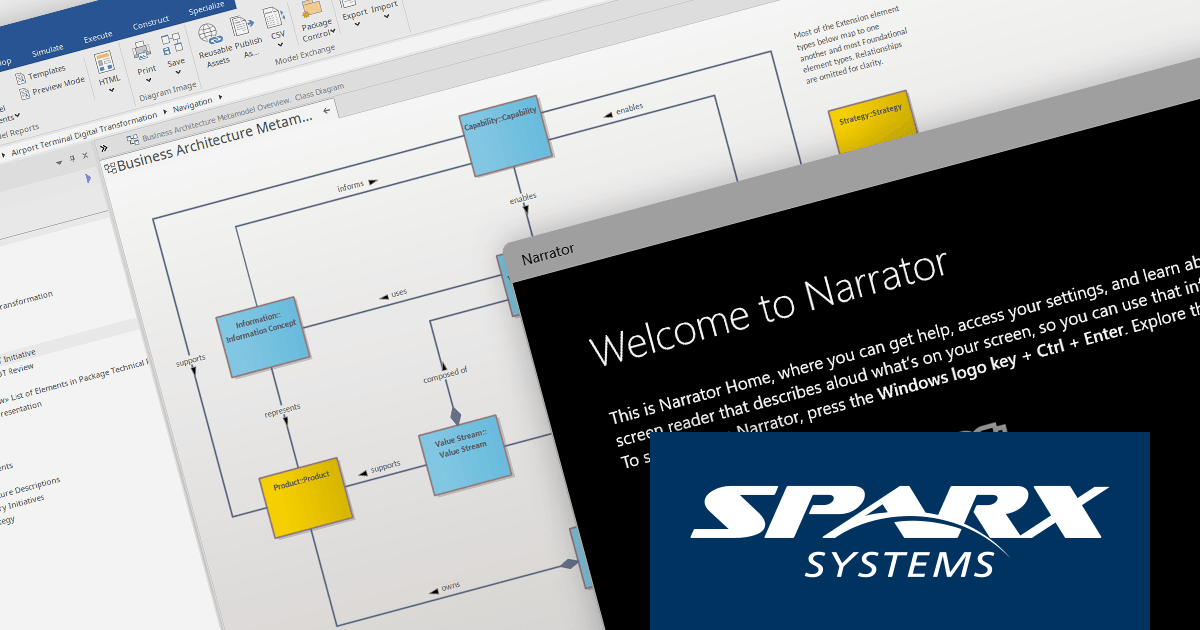
Enterprise Architect by Sparx Systems is a visual modeling platform that helps businesses and organizations model, design, and implement complex systems. It supports a wide range of modeling languages and techniques, including Unified Modeling Language (UML), Business Process Model and Notation (BPMN), and Systems Modeling Language (SysML).
Enterprise Architect v16.1 Build 1628 includes a number of accessibility improvements for users with visual impairments, making it easier for developers to use Enterprise Architect to model, design, and implement their software systems.
One significant change is an update to dialogs which allows Windows Narrator to provide more accurate and intuitive feedback on controls. This makes it easier for developers to understand what is happening in a dialog and how to interact with it. Enterprise Architect also gains support for High Contrast themes in Microsoft Windows, including the new High Contrast (Auto) theme which allows the code editor auto-select a light or dark theme based on the Windows theme.
Sparx Systems is committed to making its software available to the widest possible audience. These new accessibility features help to make Enterprise Architect more usable than ever for users with visual impairments.
To see a full list of what’s new in version 16.1 Build 1628, see our release notes.
For more information, visit our Enterprise Architect product page.

YouTrack is a project management and issue tracking tool developed by JetBrains. It is a popular choice for software development teams, but can also be used by teams of all sizes for a variety of purposes. It offers a wide range of features, including task management, issue tracking, agile development support, knowledge base, time tracking, and reporting.
YouTrack 2023.2 brings a number of new features and improvements, but one of the most significant is the ability to add inline comments to Knowledge Base articles. Inline comments are threaded, which means that you can reply to other comments and create discussions. You can also mention other users in your comments to notify them of the discussion.
The ability to add inline comments to Knowledge Base articles can be particularly beneficial for developers who are working on complex projects and need to collaborate with other developers on documentation. For example, if a developer is working on a new feature and they need to update the documentation, they can add inline comments to the relevant Knowledge Base articles to discuss the changes with other developers. This can help to ensure that the documentation is accurate and up-to-date.
To see a full list of what’s new in version 2023.2, see our release notes.
For more information, visit our YouTrack product page.
電話: (888) 850 9911
Fax: +1 770 250 6199


