













公式サプライヤー
公式および認定ディストリビューターとして200社以上の開発元から正規ライセンスを直接ご提供いたします。
当社のすべてのブランドをご覧ください。
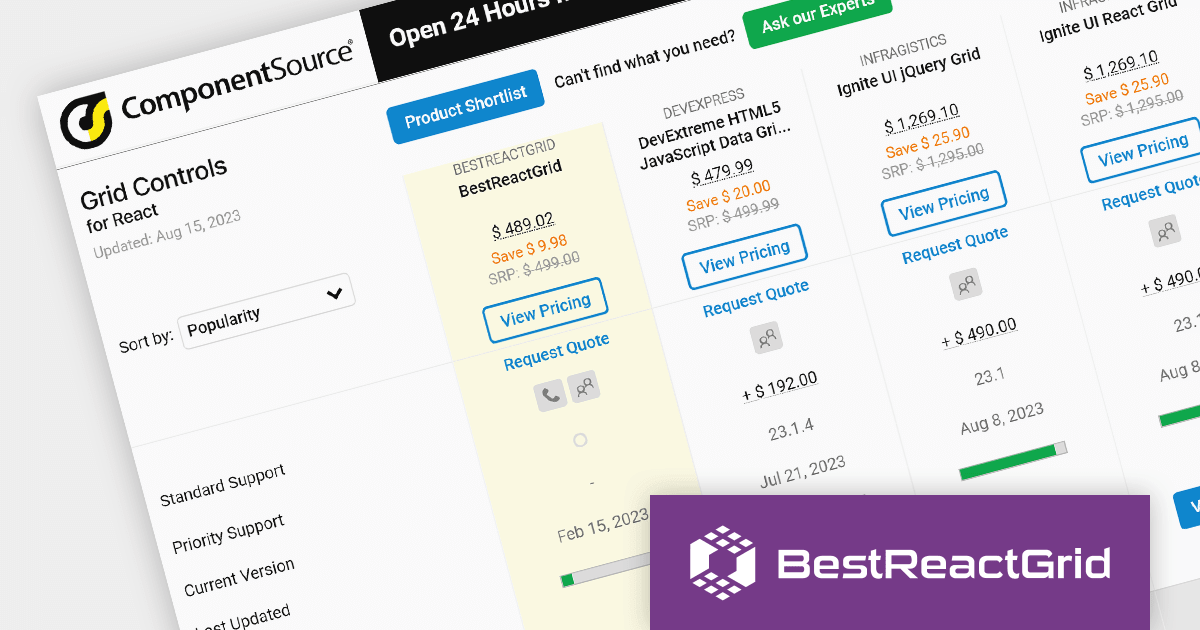
As the premier marketplace for software components and development tools, we are pleased to announce the addition of BestReactGrid to our React Grids Comparison. This further enhances the comparison tool, providing developers with a broader selection of high-performance datagrid components for their React projects.
BestReactGrid is a modern Enterprise-grade grid solution for React UI that includes a wide range of features to help you build powerful and flexible data grids. Its high-performance architecture ensures that your data grids will be fast and responsive, even with large datasets.
Our updated React Grids Comparison allows users to evaluate BestReactGrid with over 15 other popular grid components. It provides an in-depth analysis of each control's features, including cell types, export formats, data sources, and JavaScript framework support, as well as pricing and community reviews. With extensive sorting and filtering options, our comparison makes it easy to shortlist products and find the best grid solution for your specific needs.
Adding BestReactGrid to this comparison ensures that developers have a complete overview of the leading grid components on the market. This empowers them to make an informed choice based on their specific needs, saving time and effort in the selection process.
For an in-depth analysis of features and price, visit our comparison of React grids.
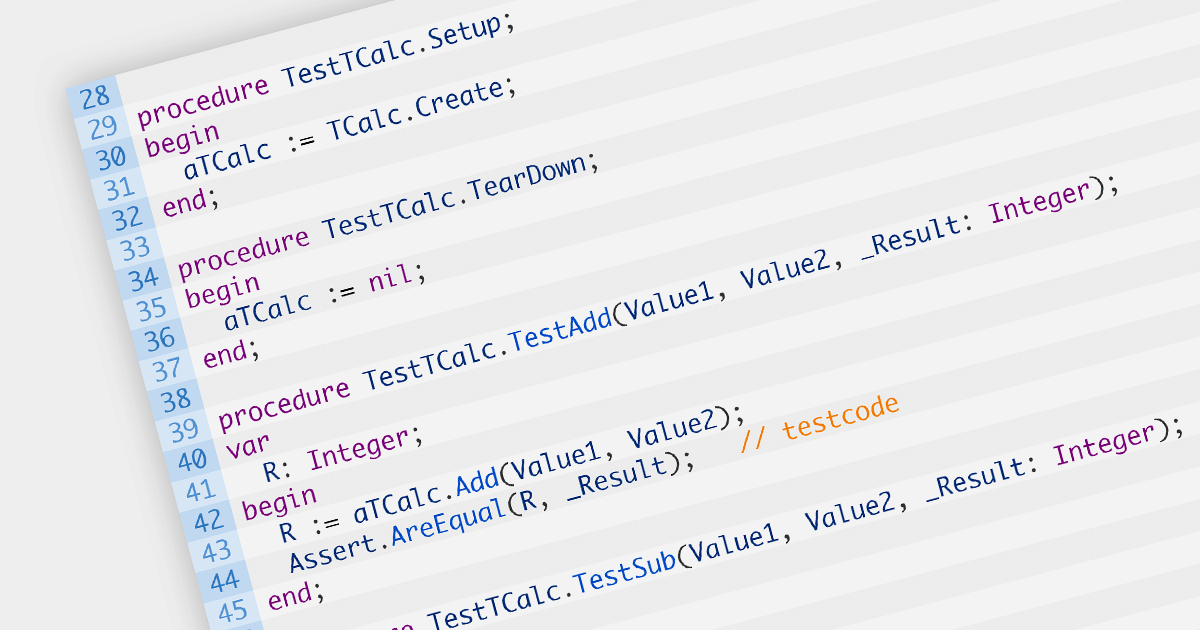
Unit testing involves testing individual units of code to ensure their correctness and functionality. It focuses on testing small, isolated parts of a program, typically individual functions or methods, in isolation from the rest of the system. Unit testing helps identify bugs early in the development cycle, promotes code reusability, and improves overall code quality and maintainability.
Several IDEs offer unit testing including:
For an in-depth analysis of features and price, visit our comparison of IDEs.
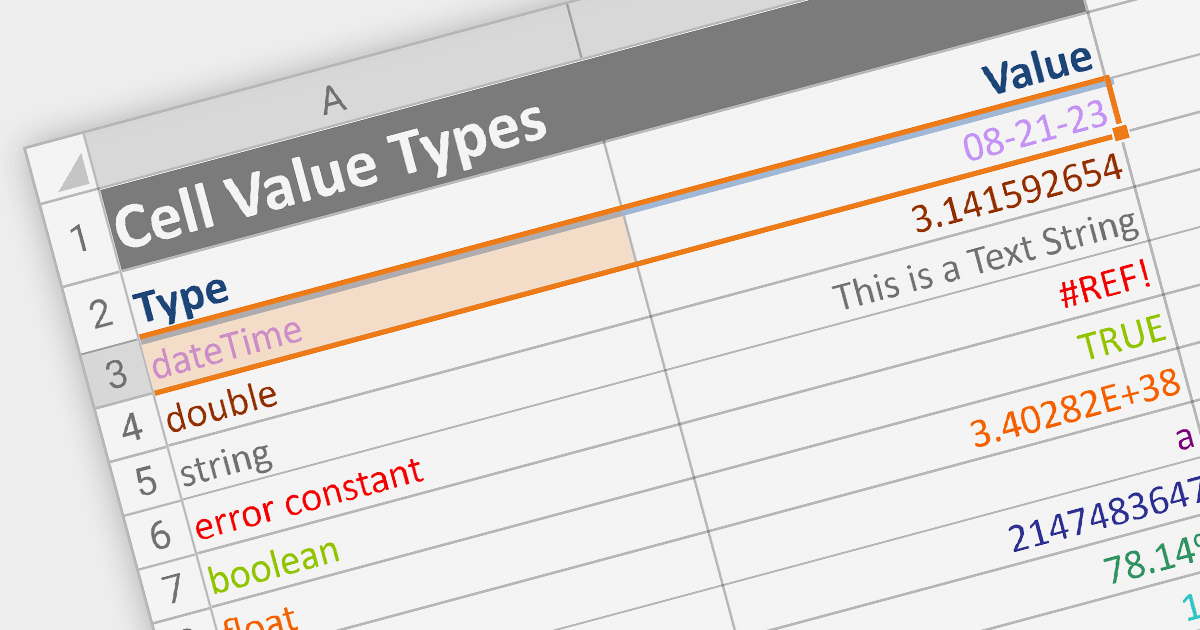
Cell types allow different data formats to be added to cells or ranges within a spreadsheet. Examples include text, number, date, formula, and sparkline. Cell types determine how data is displayed, validated, and interacted with in the spreadsheet. By using specific cell types, developers can customize the behavior and appearance of cells, allowing users to input and manipulate data accurately and efficiently in their applications.
Here are some ASP.NET Core spreadsheet controls that allow you to use multiple cell types:
For an in-depth analysis of features and price, visit our comparison of ASP.NET Core spreadsheets.
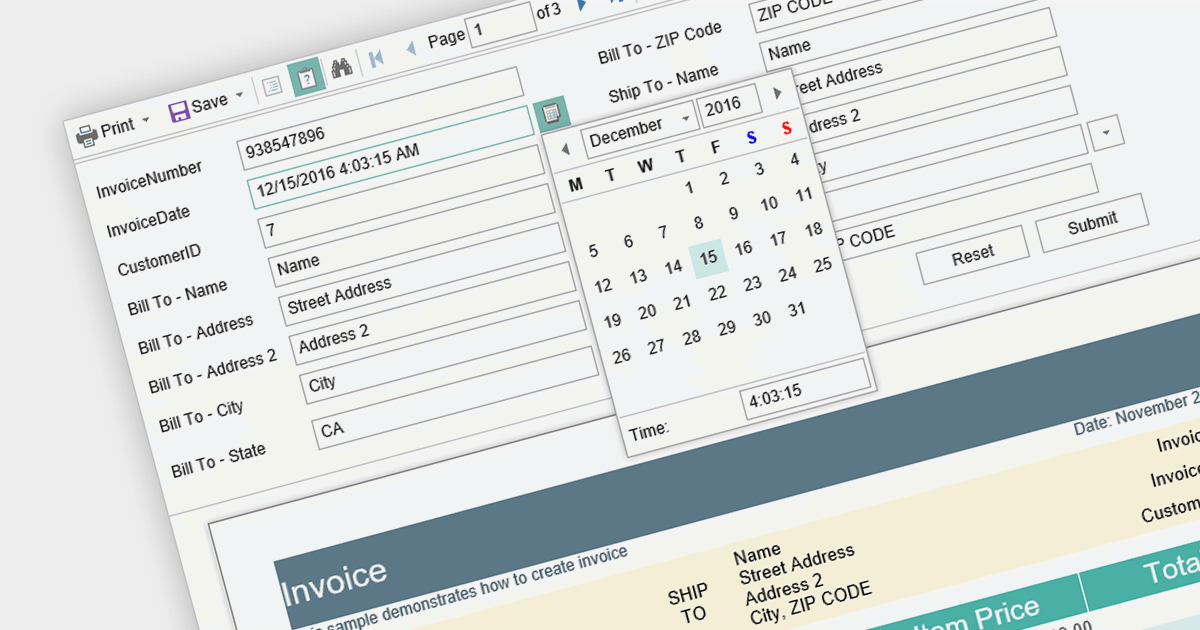
Report parameters are dynamic values that users can input or select when requesting a report. These parameters allow users to customize the report's content, appearance, and data filtering according to their specific needs. This helps to make reports more versatile, catering to various scenarios without requiring developers to create separate report templates.
Here is a selection of Blazor reporting controls that include support for parameters:
For an in-depth analysis of features and price, visit our comparison of Blazor reporting controls.
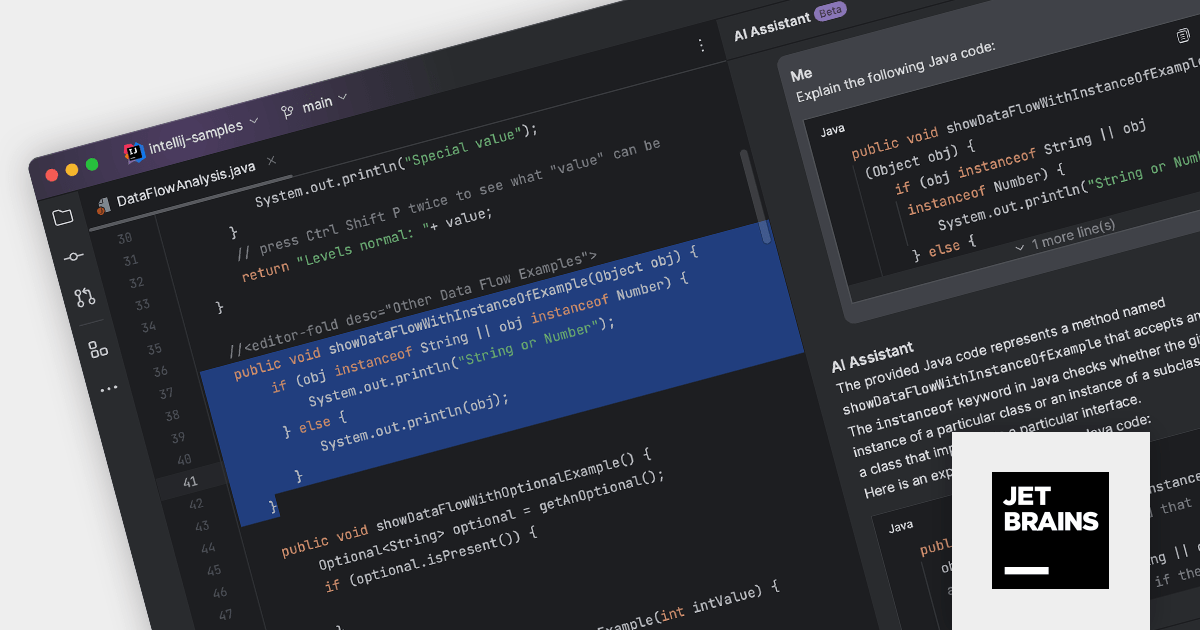
JetBrains offers a wide range of leading IDEs which are used by developers of all levels of experience to develop software in a variety of languages, including Java, Python, C/C++, and JavaScript.
The 2023.2 release includes early access to the JetBrains AI service, which uses large language models to understand your code and provide intelligent suggestions. The new AI Assistant, available in all JetBrains IntelliJ-based IDEs, uses this service to help you enhance your development.
Here are some of the things that the AI Assistant can do:
The AI Assistant is still under development and access may be limited, but it is already a powerful tool that can help you save time and improve your productivity.
For more information, explore the JetBrains product range.
電話: (888) 850 9911
Fax: +1 770 250 6199


