













公式サプライヤー
公式および認定ディストリビューターとして200社以上の開発元から正規ライセンスを直接ご提供いたします。
当社のすべてのブランドをご覧ください。
Handsontable is a JavaScript/HTML5 data grid component with a spreadsheet look-and-feel that is independent from any external framework. It can be easily modified or extended with custom plugins and comes with wrappers and directives for most popular frameworks, such as Angular, React and Vue.
Handsoncode has released version 13.0.0 of Handsontable, which adds support for Angular 16. The updated Angular wrapper now uses the Ivy compiler and follows Angular’s latest best practices. This release provides new Angular features, such as revamped reactivity, non-destructive hydration, and Angular Signals.
Version 13 also introduces a new frameworks-support policy, providing more transparency around which versions of frameworks are supported. This policy means that Handsontable will follow the support schedules of framework maintainers and provide 18 months of LTS for any dropped framework version, giving you peace of mind.
Support for Angular 16 in the new release of Handsontable, along with various bug fixes and performance improvements, makes it even easier to create modern Angular-based applications which support the latest features.
To see a full list of what’s new in version 13.0.0, see our release notes.
For more information, visit our Handsontable product page.
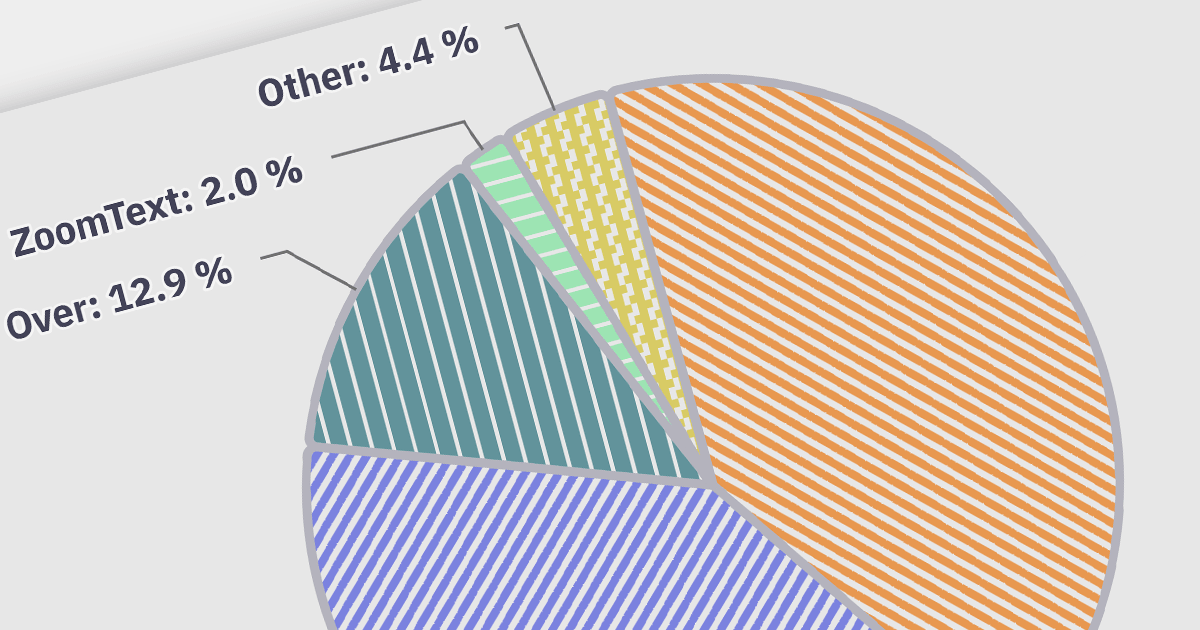
Accessibility features ensure that charts are usable by everyone, including people with disabilities. Examples include screen reader compatibility and keyboard navigation support. This ensures equal access to data visualizations, complying with accessibility standards, and enhancing user experience for all users.
Here is a selection of Angular charting components that provide accessibility features:
Many multi-function component suites also feature charting controls with accessibility support, including:
For an in-depth analysis of features and price, visit our comparison of Angular charts.
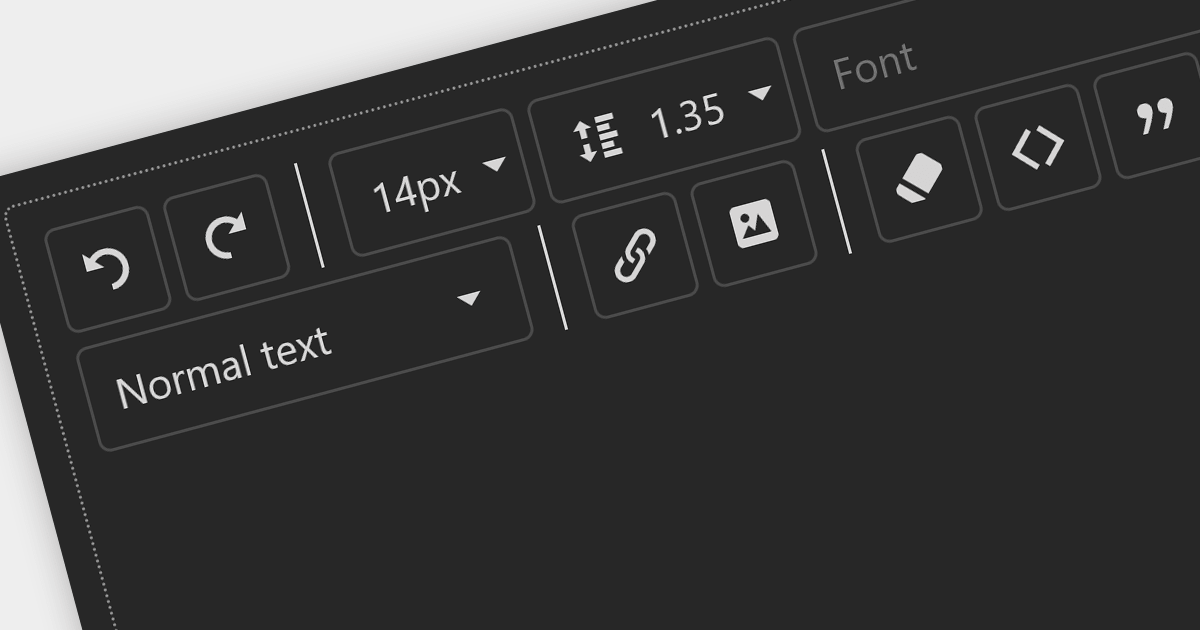
Toolbars are graphical user interface (GUI) elements that feature a curated selection of tools and functions that users commonly use. Adding a toolbar to your application allows users to speed up their workflow by providing all the tools they need in an easily accessible position within your application.
Here is a selection of ASP.NET UI suites that include toolbars:
For an in-depth analysis of features and price, visit our comparison of ASP.NET user interface suites.
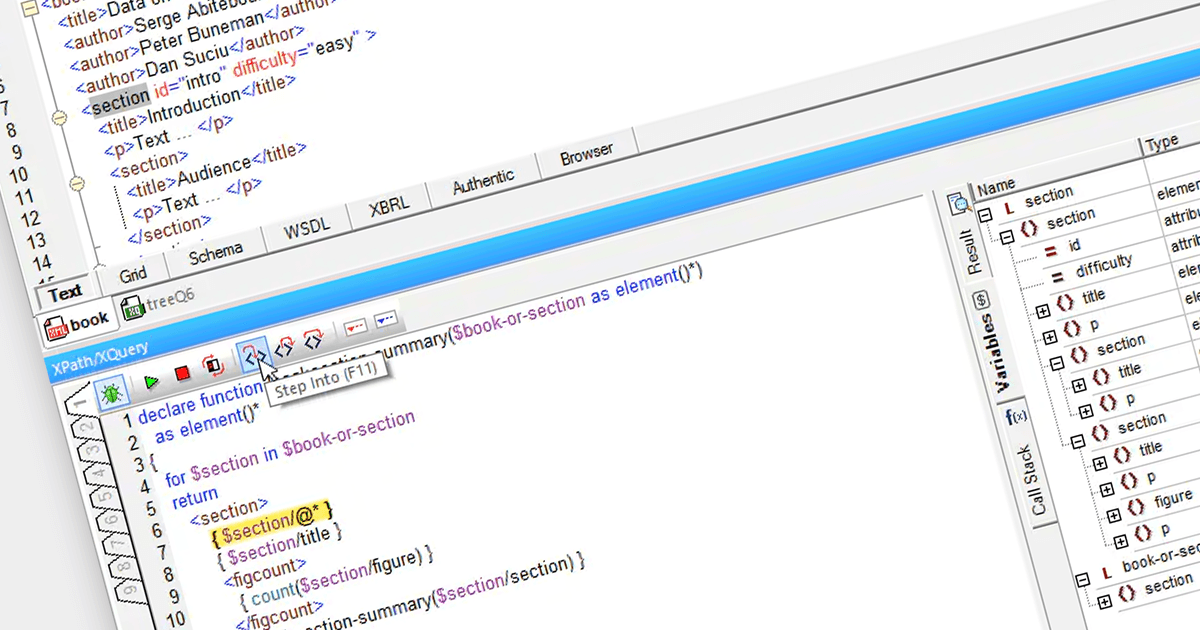
An XPath analyzer is a tool used for examining XML or HTML documents by interpreting XPath expressions. This enables streamlined data extraction and manipulation processes, proving particularly useful for tasks such as Web scraping, data mining, and XML parsing. By interpreting the specified XPath queries, the analyzer locates specific elements, attributes, or patterns within documents, contributing to efficient data retrieval and structured analysis.
Here are some XML tools that provide an XPath analyzer:
For an in-depth analysis of features and price, visit our comparison of structured document tools.
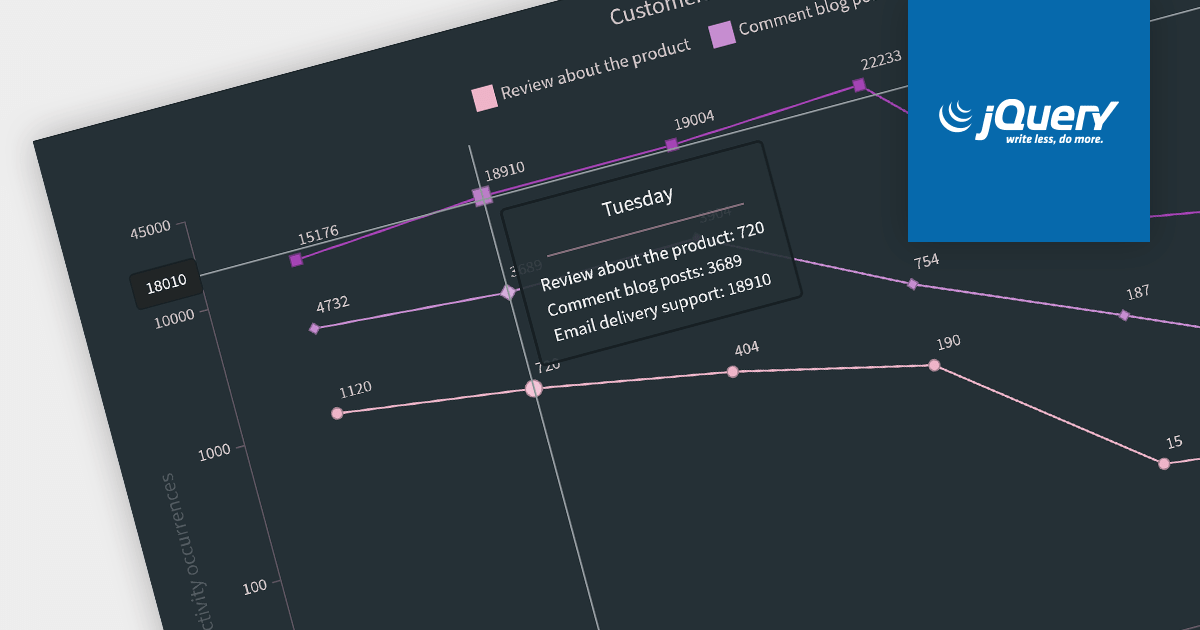
Chart annotation involves adding labels, markers, or other visual cues to data points on a chart. It enhances data visualization, providing context and insights to users, improving chart readability, and conveying information effectively.
Here is a selection of individual jQuery chart components that offer the ability to add annotations:
Many multi-function component suites provide charting components with annotation support, including:
For an in-depth analysis of features and price, visit our comparison of jQuery charts.
電話: (888) 850 9911
Fax: +1 770 250 6199


