













公式サプライヤー
公式および認定ディストリビューターとして200社以上の開発元から正規ライセンスを直接ご提供いたします。
当社のすべてのブランドをご覧ください。
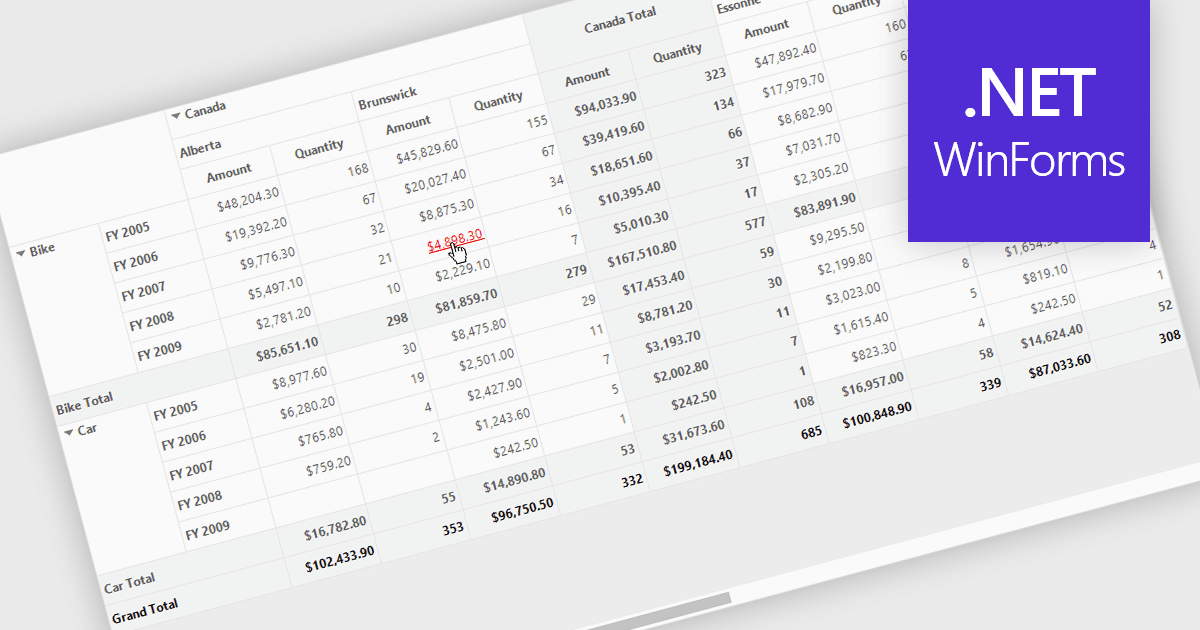
Hyperlinks in grids allow individual cells to function as clickable links, enabling users to navigate directly to related records, pages, or external resources. This makes data more interactive and improves usability by reducing manual searching. Users can quickly access additional context such as detailed views, reports, or linked systems without leaving the grid. Common use cases include linking customer names to profiles, order IDs to transaction details, or connecting data to external documentation, helping improve productivity and efficiency.
Several .NET WinForms grid controls offer hyperlink cell types, including:
For an in-depth analysis of features and price, visit our .NET WinForms grid controls comparison.

Reorder Rows is a WPF grid feature that lets users move a row by changing its display order directly in the control, usually through drag-and-drop, so data can be arranged in a meaningful custom sequence. For .NET developers, it is useful when row position represents business intent, such as task priority, processing order, or a user-defined layout, because it supports direct interaction while reducing the need for separate ordering controls or additional code for manual sequencing.
Many .NET WPF grid controls contain reorder row functionality including:
For an in-depth analysis of features and price, visit our comparison of .NET WPF grid controls.
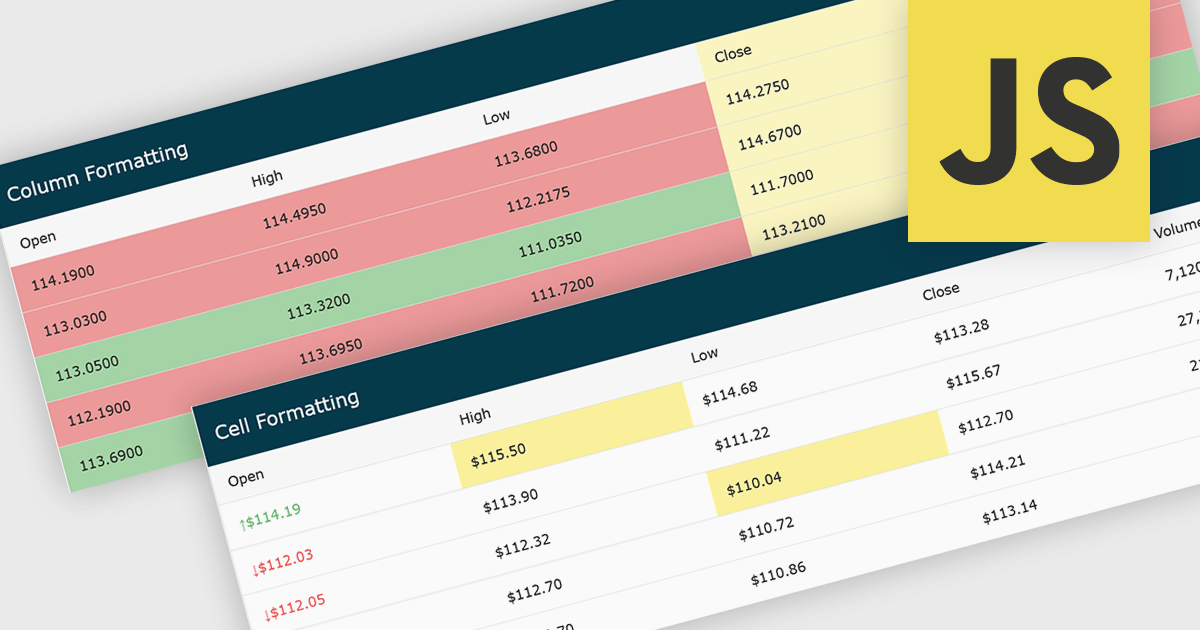
Conditional formatting in grids automatically applies visual styles such as colors or icons based on defined rules, making it easier to interpret large datasets at a glance. It improves readability, highlights patterns and outliers, and supports faster, more informed decision making by surfacing key insights in real time. Common use cases include flagging budget issues in financial reports, emphasizing top performing sales data, monitoring KPIs, and drawing attention to errors or critical statuses in operational tools.
Several JavaScript grid controls offer conditional formatting, including:
For an in-depth analysis of features and price, visit our comparison of JavaScript Grid controls.
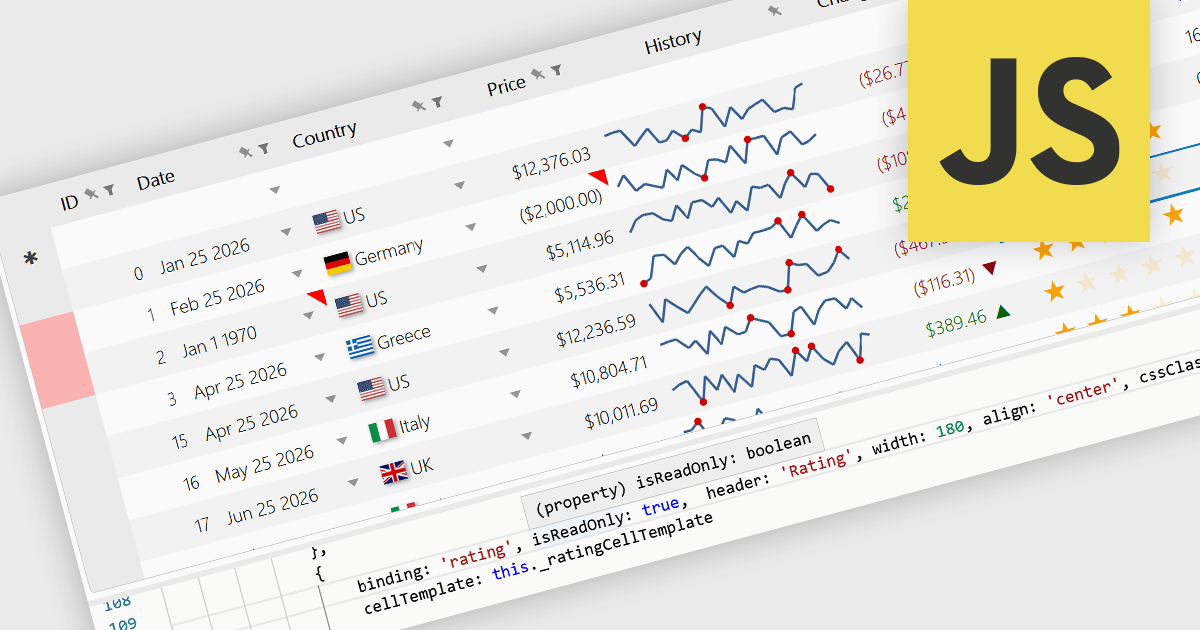
Read-only Columns are grid columns configured to display data without allowing users to edit the values directly in the interface. In a JavaScript grid control, this is typically used for fields that should remain fixed, such as calculated values, identifiers, audit data, or information controlled by business rules or backend processes. The main benefit is that it helps preserve data integrity while still making important information visible, reduces the risk of accidental changes, supports clearer editing workflows by distinguishing editable and non-editable fields, and makes it easier for developers to enforce validation and permission requirements consistently across the application.
Several JavaScript grid controls offer support for Read-only Columns including:
For an in-depth analysis of features and price, visit our comparison of JavaScript grid controls.
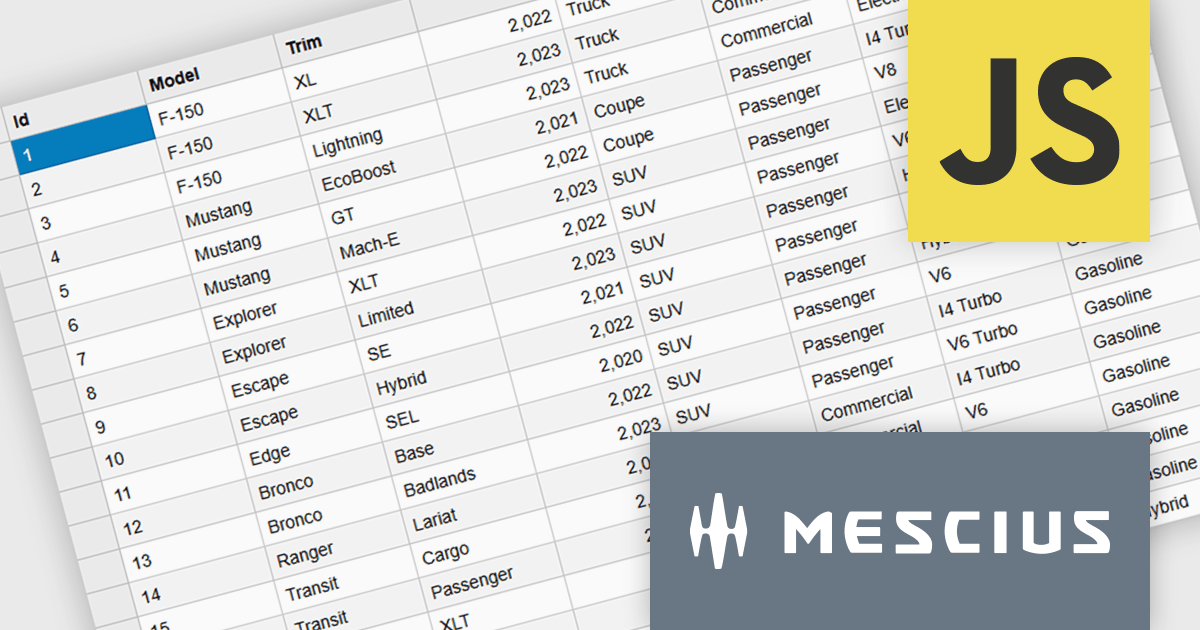
Wijmo is a cutting-edge collection of over 100 high-performance JavaScript UI controls designed for modern enterprise applications. Built for speed and flexibility, Wijmo empowers developers to deliver superior user experiences with fully responsive, touch-friendly, and accessible components.
In this blog post, MESCIUS Product Manager Joel Parks takes you through the process to Implement a PostgreSQL JavaScript workflow by capturing DataGrid state changes, issuing asynchronous POST requests, and processing updates through an Express API to reliably persist validated, row-level modifications in PostgreSQL. Steps include:
Detailed source code is included to help you get started.
Read the full blog now and get ready to build fully interactive, data-driven applications backed by PostgreSQL.
Wijmo is licensed per developer. Developer Licenses are perpetual and include 1 year Subscription which provides upgrades, including bug fixes and new features. See our Wijmo licensing page for full details.
Learn more on our Wijmo product page.
電話: (888) 850 9911
Fax: +1 770 250 6199


