













公式サプライヤー
公式および認定ディストリビューターとして200社以上の開発元から正規ライセンスを直接ご提供いたします。
当社のすべてのブランドをご覧ください。
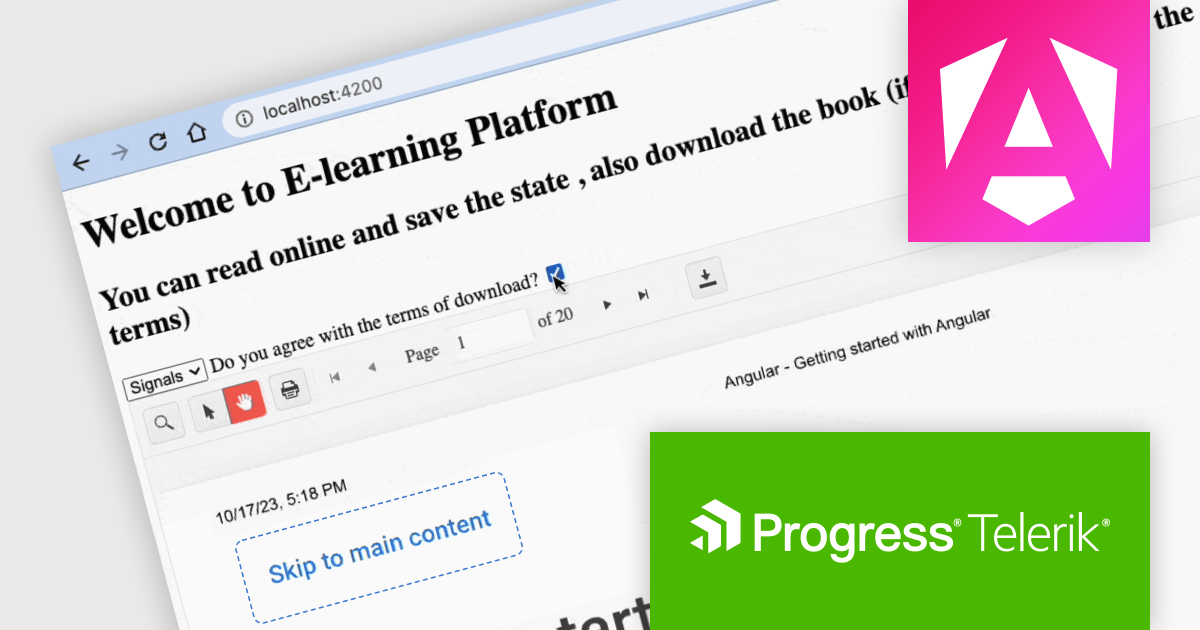
Kendo UI by Telerik is a comprehensive suite of JavaScript UI components offered in versions for jQuery, Angular, React, and Vue. It provides developers with over 110 pre-built widgets and tools to streamline the creation of modern, responsive, and feature-rich web applications, while maintaining a consistent API and theming across frameworks for a cohesive user experience.
This Telerik blog post by Dany Paredes explains how to integrate the Kendo UI Angular PDF Viewer into your web applications and customize how users interact with PDFs, enhancing the user experience or even restricting downloads in specific scenarios. Steps include:
Kendo UI for Angular PDFViewer provides out-of-the-box functionalities like toolbar customization and event handling, allowing you to quickly build a feature-rich PDF Viewer with minimal code.
View the full blog to learn these valuable techniques.
Kendo UI is licensed per developer and is available as a perpetual license with a 1 year support subscription, which is available in 3 tiers: Lite, Priority or Ultimate. See our Kendo UI licensing page for full details.
Kendo UI is available to buy in the following products:
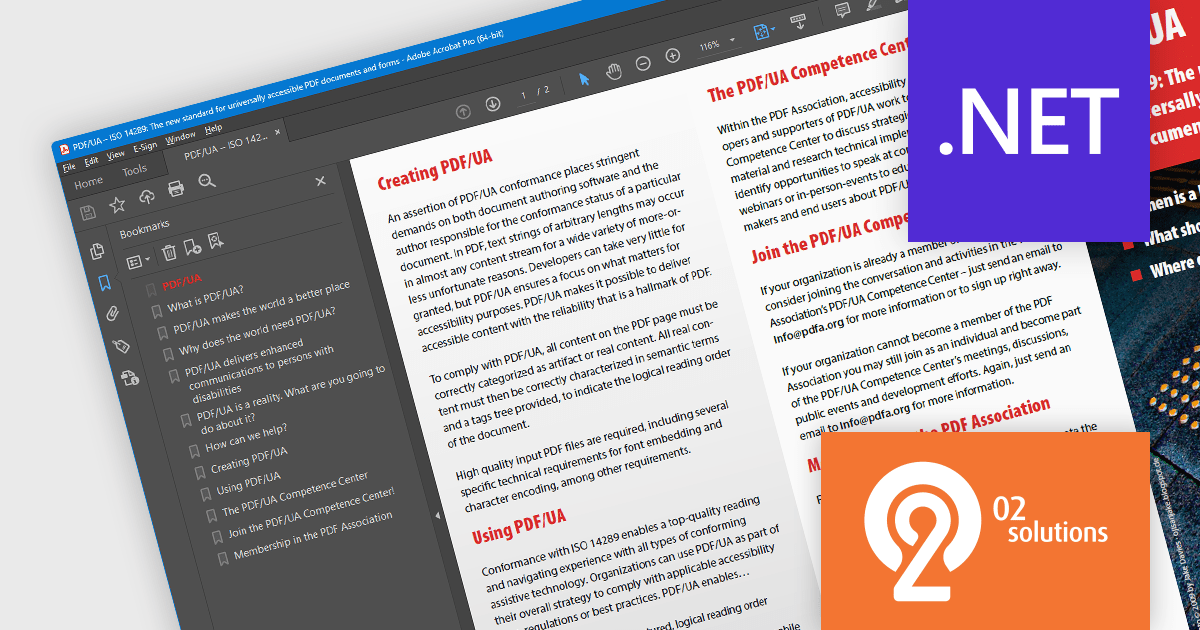
PDF4NET is a .NET library for generating, importing, and manipulating PDF documents on the fly from any .NET application. It does not rely on any Adobe products for creating or importing PDF files. PDF4NET hides the complex structure of PDF files behind a simple object model that allows creation of complex PDF files with a few lines of code.
PDF4NET 14 adds support for PDF structure compression when saving PDF/UA files. Portable Document Format/Universal Accessibility (ISO 14289) is an international standard that addresses accessibility concerns in Portable Document Format (PDF) files. It ensures that PDFs can be readily understood and utilized by individuals with disabilities who rely on assistive technologies like screen readers. Compressing the structure leads to smaller file sizes, boosting upload and download speeds, and reducing required disk space.
To see a full list of what's new in version 14, see our release notes.
PDF4NET is licensed per developer. All licenses include a 12 month subscription which provides all major and minor product updates and technical support. See our PDF4NET licensing page for full details.
PDF4NET is available in the following products:
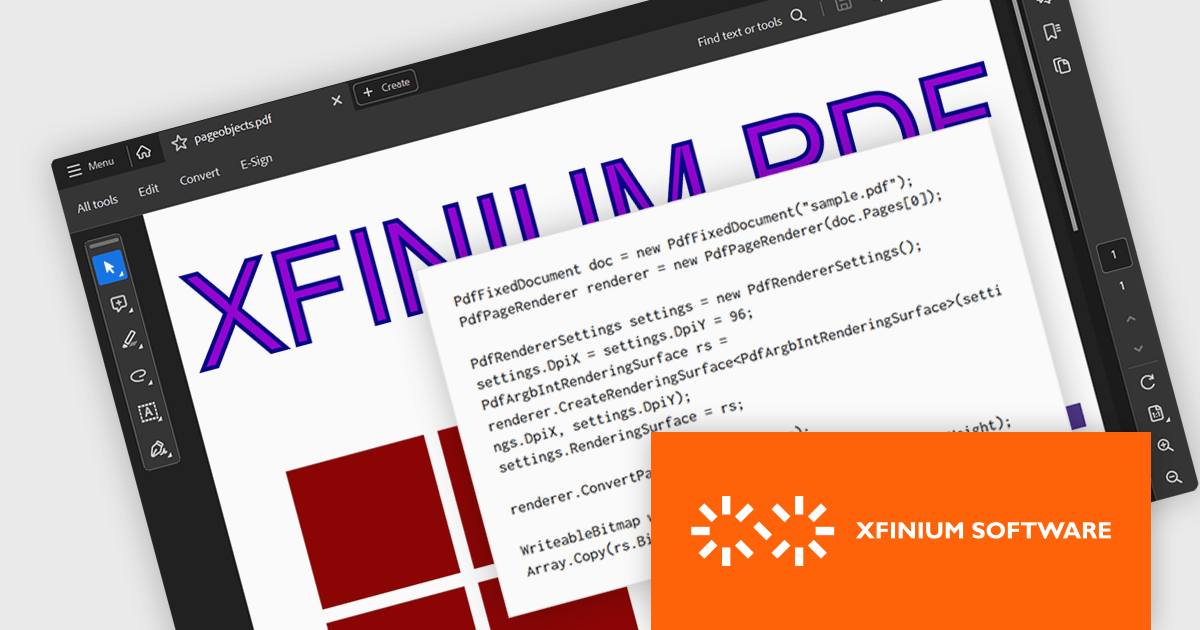
XFINIUM.PDF CROSS-PLATFORM BUNDLE is a software library that allows developers to create applications that can work with PDF files on a variety of platforms, including Windows, Mac, mobile devices (iOS and Android), and web applications. This means developers can write code once and deploy their PDF functionality across different environments without needing to rewrite for each platform.
The XFINIUM.PDF CROSS-PLATFORM BUNDLE V13.0 release adds support for multi-threaded PDF to image conversion. By utilizing multiple threads, the software can convert PDF files to images much faster compared to single-threaded processing. This can be especially advantageous when converting large or complex PDFs.
To see a full list of what's new in version 13.0.0, see our release notes.
XFINIUM.PDF CROSS-PLATFORM BUNDLE is licensed per developer and is run-time royalty free. All licenses include a 12 month subscription which provides all major and minor product updates and technical support. See our XFINIUM.PDF CROSS-PLATFORM BUNDLE licensing page for full details.
For more information, visit our XFINIUM.PDF CROSS-PLATFORM BUNDLE product page.
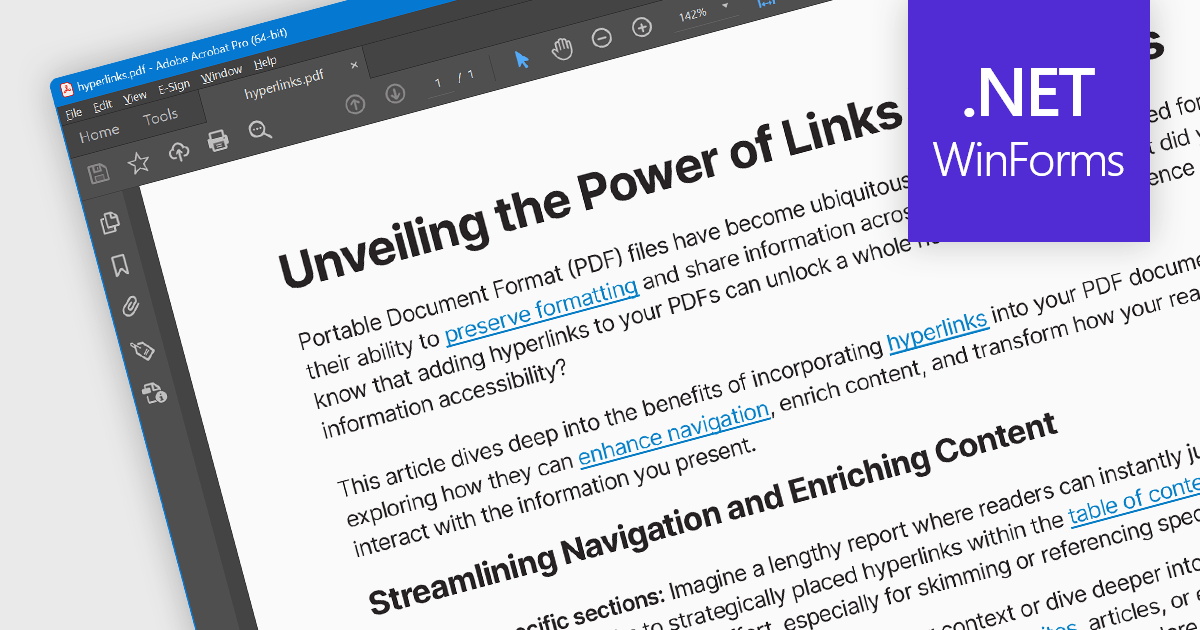
Hyperlink navigation allows users to seamlessly jump to different sections of the document, external websites, or other files by clicking on embedded hyperlinks. These links are typically highlighted or underlined, and clicking them triggers actions based on their type, such as navigating to a specific page within the PDF, opening a web page, or launching an external application. This functionality enhances user experience by enabling easy exploration of related information and resources directly from within the PDF document.
Several WinForms PDF Viewer components offer hyperlink navigation, including:
For an in-depth analysis of features and price, visit our WinForms PDF Viewer components comparison.
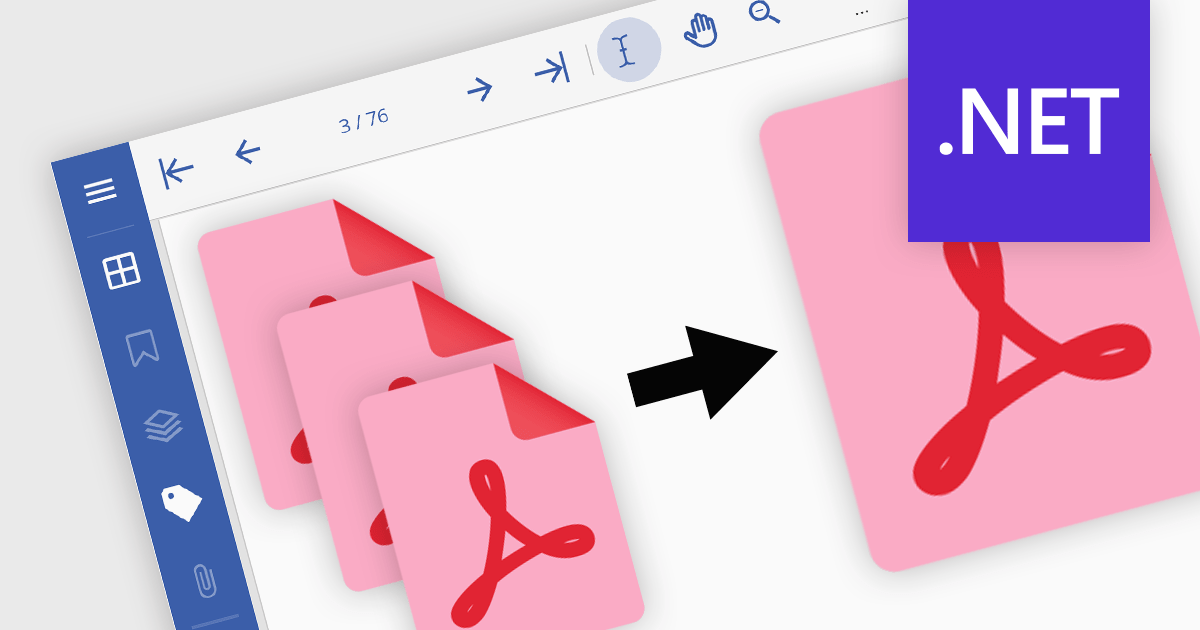
PDF merging combines multiple Portable Document Format (PDF) files into a single, cohesive document. Merging empowers developers to programmatically assemble dynamic documents based on user input or data extraction, unlocking new possibilities for interactive applications. By efficiently managing and consolidating related PDF information, PDF merging offers developers a powerful tool for building robust and user-friendly software solutions.
Several .NET components offer PDF merging including:
For an in-depth analysis of features and price, visit our comparison of .NET PDF components.
電話: (888) 850 9911
Fax: +1 770 250 6199


