













公式サプライヤー
公式および認定ディストリビューターとして200社以上の開発元から正規ライセンスを直接ご提供いたします。
当社のすべてのブランドをご覧ください。

PDF watermarking is the process of embedding a semi-transparent text or image overlay onto a PDF document. This visual identifier, often used for copyright protection or branding, sits behind the main content, subtly preventing unauthorized copying or modification while still allowing the document's message to be conveyed. Watermarks can be applied to all pages or specific ranges, offering versatility for various use cases.
Several .NET PDF viewer components allow you to add watermarks to a PDF, including:
For an in-depth analysis of features and price, visit our comparison of .NET PDF viewer components.

ONLYOFFICE Docs is a comprehensive online editor, allowing users to create text documents, spreadsheets, presentations, and forms. It enables your users to edit, share, and collaborate on documents online in their preferred browser, within your own application. It's fully compatible with OOXML (Office Open XML) formats and supports popular Microsoft Office and other document formats such as CSV, DOC, DOCX, EPUB, HTML, ODP, ODS, ODT, PDF, PPT, PPTX, RTF, TXT, XLS, and XLSX.
The ONLYOFFICE Docs v8.0 update gives developers the ability to create complex, flexible forms with diverse field types and rich formatting options directly in familiar DOCXF templates. Collaborate seamlessly with colleagues and easily fill out forms from other applications, all within desktop and mobile apps. This major update caters to user feedback, promoting cross-platform compatibility and streamlined form integration for developers. Existing OFORM forms automatically convert to PDF upon opening in version 8.0.
To see a full list of what's new in v8.0.0, see our release notes.
ONLYOFFICE Docs is licensed by the number of simultaneous document connections and is available as an annual license with 1 year support and upgrades. See our ONLYOFFICE Docs licensing page for full details.
For more information, see our ONLYOFFICE Docs product page.
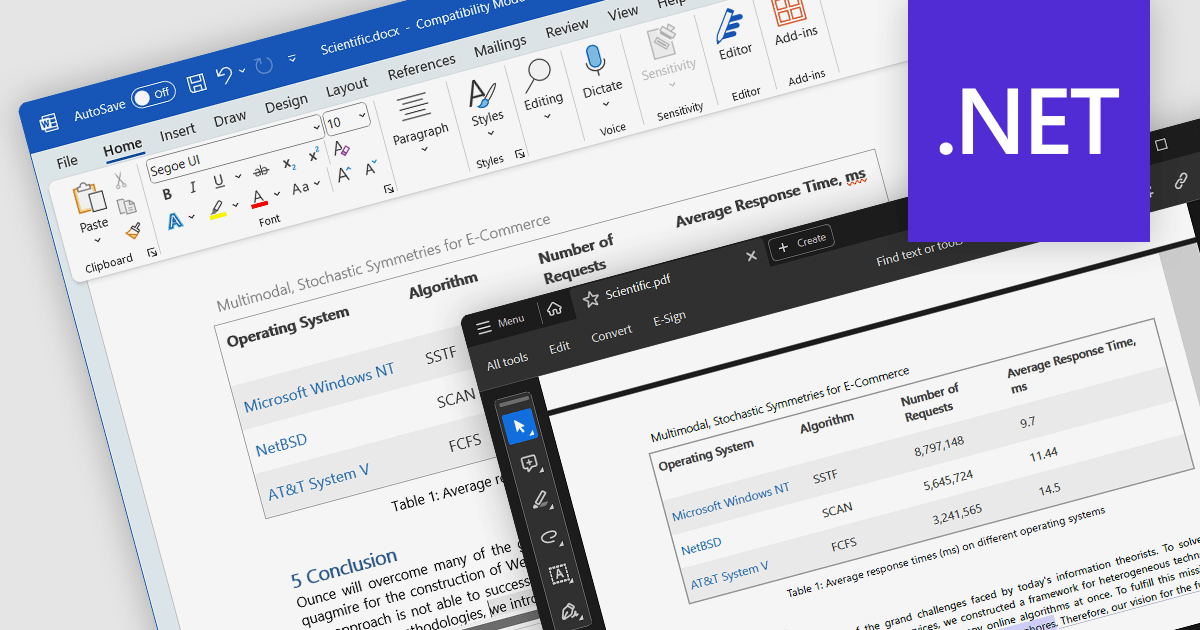
Word to PDF conversion streamlines the transfer of editable Word documents into universally shareable and platform-independent PDFs. This functionality empowers developers to offer document preservation and secure distribution directly within their applications. Users can convert reports, forms, or agreements into PDFs with consistent formatting and layout, ensuring content integrity and accessibility across various devices and software.
Several .NET components offer Word to PDF conversion including:
For an in-depth analysis of features and price, visit our comparison of .NET PDF components.
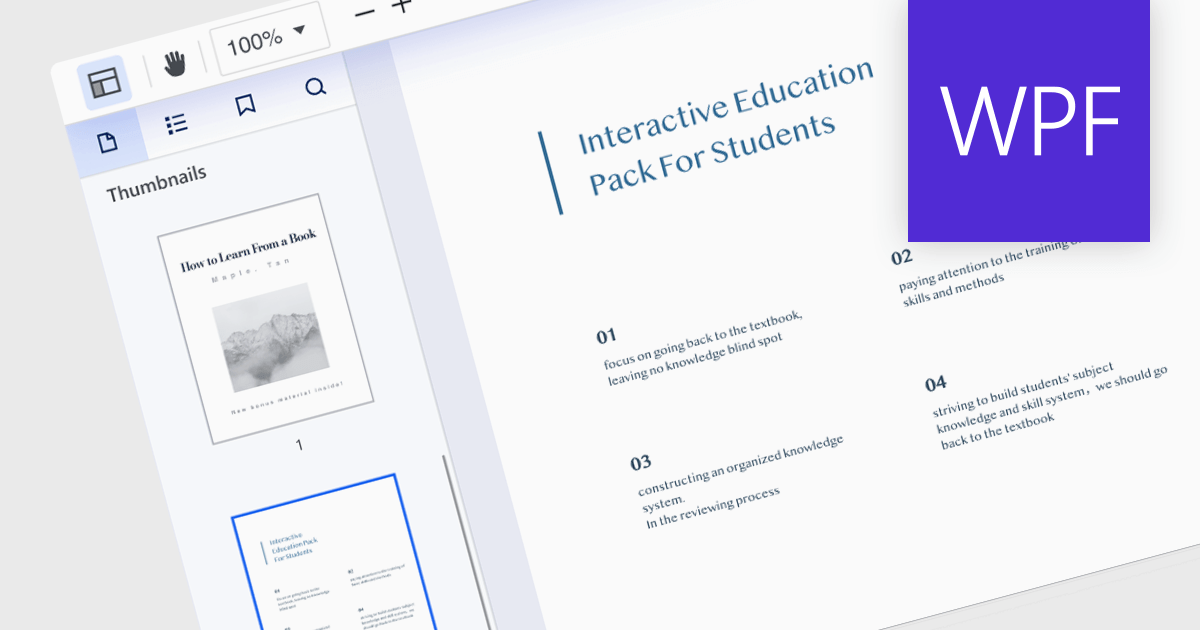
Thumbnail navigation, a feature in many PDF readers, offers a visual and efficient way of browsing and switching between pages in a document. It presents miniature representations of each page, typically in a sidebar or panel, providing a visual overview of the document's content. It allows users to quickly scan content, identify sections, and jump directly to the desired page with a single click. This method is faster and more intuitive than scrolling or manually entering page numbers, making the information within the PDF more easily accessible.
Several PDF components for WPF offer thumbnail navigation including:
For an in-depth analysis of features and price, visit our WPF PDF Components for comparison.

Leveraging a JavaScript PDF component with search functionality empowers dynamic user experiences within static PDF documents. Users gain immediate access to relevant information through keyword searches, boosting document accessibility and efficiency. This interactivity enhances user engagement, improves information retrieval, and reduces navigation time, fostering a more productive and satisfying user journey. Integrating search directly within the PDF eliminates reliance on external tools, streamlining workflows and centralizing information within the document itself.
Several JavaScript PDF Viewers offer search functionality including:
For an in-depth analysis of features and price, visit our JavaScript PDF Viewer comparison.
電話: (888) 850 9911
Fax: +1 770 250 6199


