













公式サプライヤー
公式および認定ディストリビューターとして200社以上の開発元から正規ライセンスを直接ご提供いたします。
当社のすべてのブランドをご覧ください。
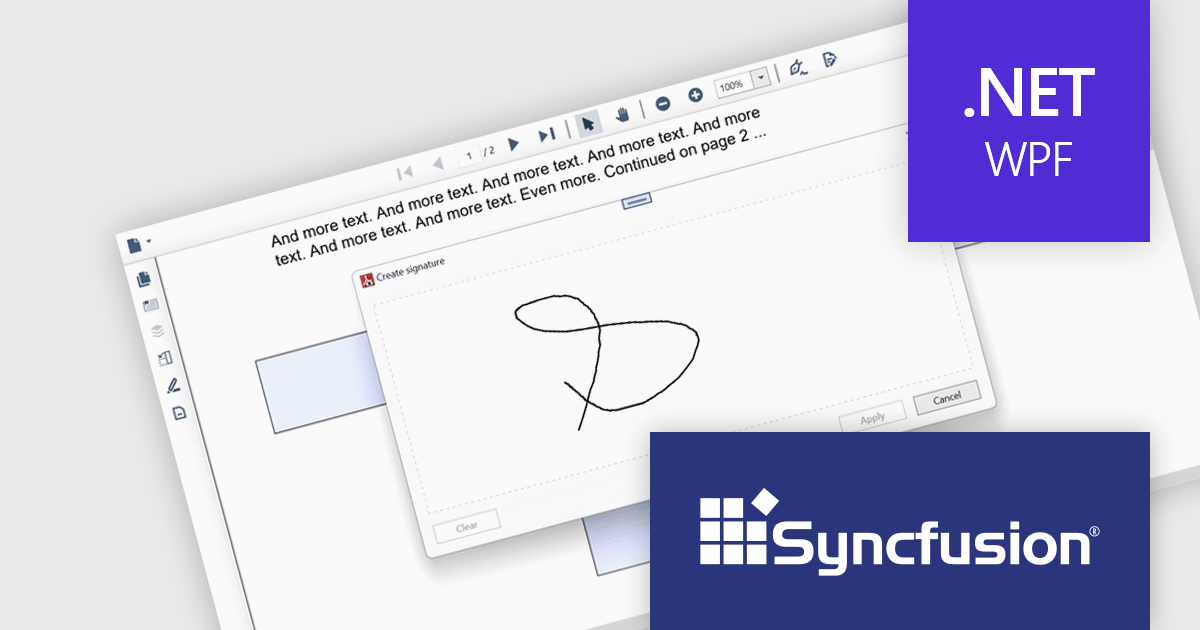
Syncfusion Essential Studio WPF, available as part of Syncfusion Essential Studio Enterprise, is a powerful suite of over 95 UI controls, 50+ charts, and document processing libraries designed to boost the development of high-performance line-of-business applications for the Windows Presentation Foundation (WPF) framework. With built-in themes, touch-friendly interfaces, and seamless Visual Studio integration, it empowers developers to craft modern, feature-rich, and cross-platform experiences with ease.
The Syncfusion Essential Studio WPF 2024 Volume 1 (25.1.35) release adds support for signature form fields in the PDF Viewer component. This empowers users to effortlessly view, add, or remove signatures directly within PDFs, eliminating the need for physical printing and scanning, thereby saving time and improving efficiency. The addition of signature form fields ensures a clear audit trail, fostering trust and accountability in collaborative environments.
To see a full list of what's new in version 2024 Volume 1 (25.1.35), see our release notes.
Syncfusion Essential Studio WPF is available as part of Syncfusion Essential Studio Enterprise which is licensed per developer starting with a Team License of up to five developers. It is available as a 12 Month Timed Subscription License which includes support and maintenance. See our Syncfusion Essential Studio Enterprise licensing page for full details.
For more information, visit our Syncfusion Essential Studio WPF product page.

Extracting pages from a Portable Document Format (PDF) file allows users to select specific pages or ranges within the viewer and create a new PDF containing only those selections. This feature is valuable for creating targeted excerpts from a larger document for sharing or further editing. The resulting PDF maintains the original formatting, images, and text of the selected pages, ensuring that the integrity of the extracted content is preserved.
Several .NET WPF PDF viewer components allow you to extract a page from a PDF, including:
For an in-depth analysis of features and price, visit our comparison of .NET WPF PDF viewer components.
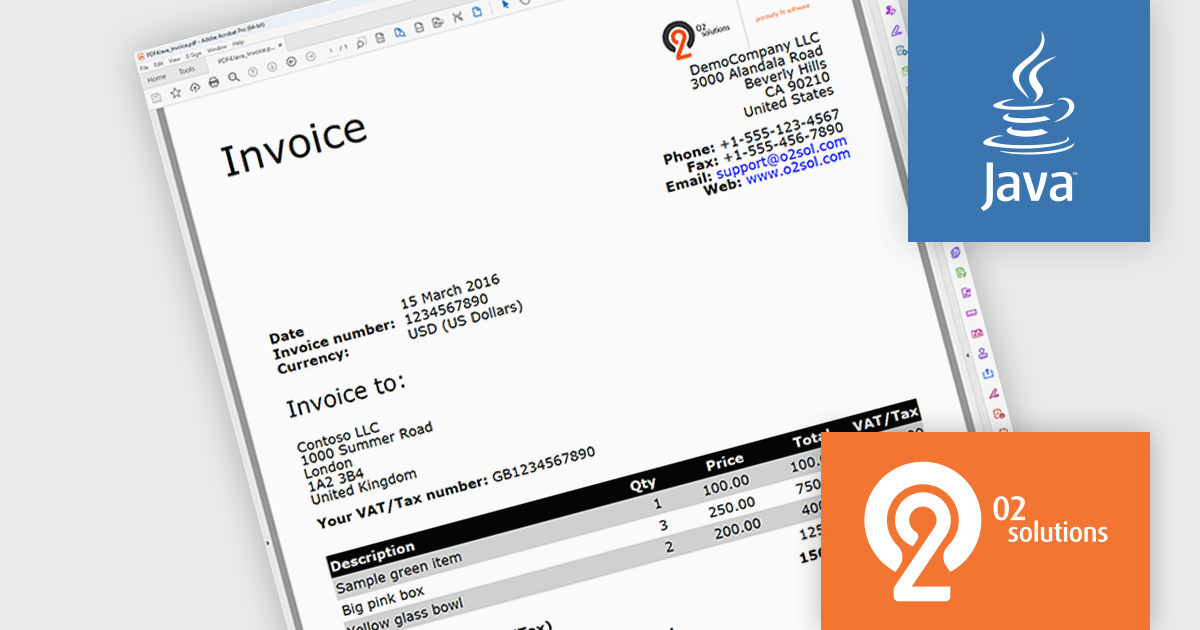
PDF4Java is a Java library developed by O2 Solutions that empowers developers to incorporate PDF functionalities within your Java applications. It boasts a user-friendly object model, enabling you to generate intricate PDF documents or effortlessly import existing ones using just a few lines of code.
By leveraging PDF4Java, you gain a versatile toolkit for manipulating PDF files within your Java programs. You can create PDFs from scratch, edit existing ones, fill out interactive forms, merge numerous PDFs into a single document, split a large PDF into several smaller ones, and even implement encryption for enhanced security. These functionalities make PDF4Java a valuable asset for various use cases, including generating reports, invoices, and other critical documents, streamlining form processing, and simplifying document organization and management.
PDF4Java is licensed per developer. All licenses include a 12 month subscription which provides all major and minor product updates and technical support. See our PDF4Java licensing page for full details.
Learn more on our PDF4Java product page.
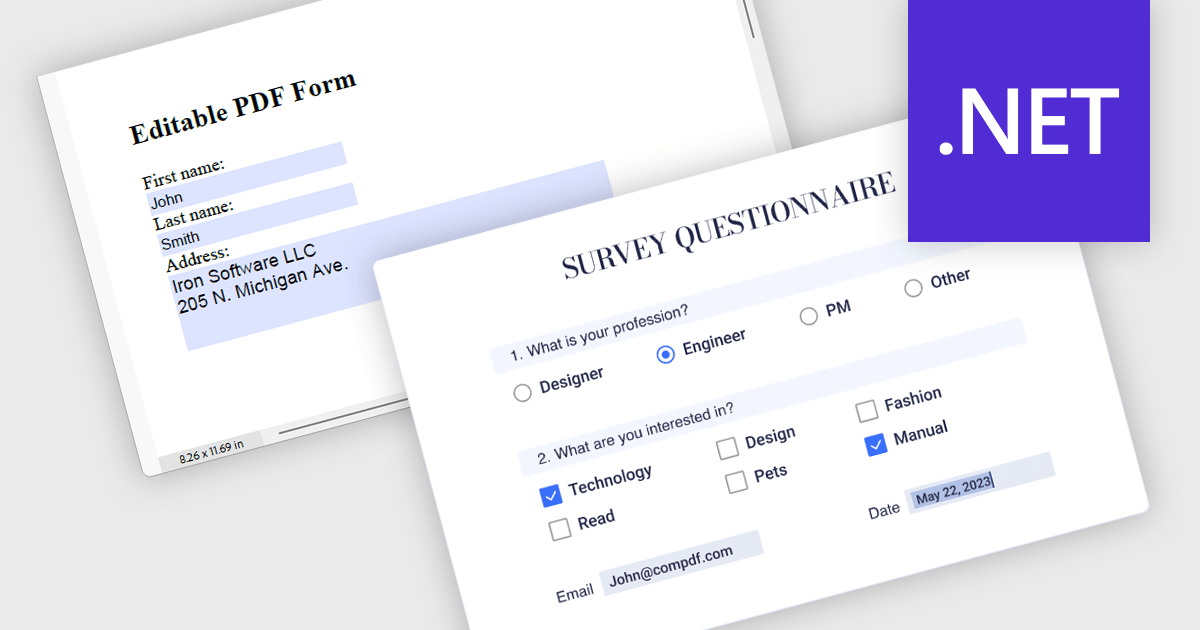
Leverage the power of PDF components to enhance your .NET application with user-friendly PDF form filling capabilities. These libraries offer programmatic access to manipulate existing PDF forms, allowing you to easily integrate data entry fields and streamline user interaction. This functionality improves data collection efficiency and simplifies the process of working with fillable PDFs directly from your application. Components with PDF Form Read/Write functionality allow your app to retrieve existing data from form fields and populate them with new data programmatically.
Several .NET PDF components offer PDF Form functionality including:
For an in-depth analysis of features and price, visit our comparison of .NET PDF Components.
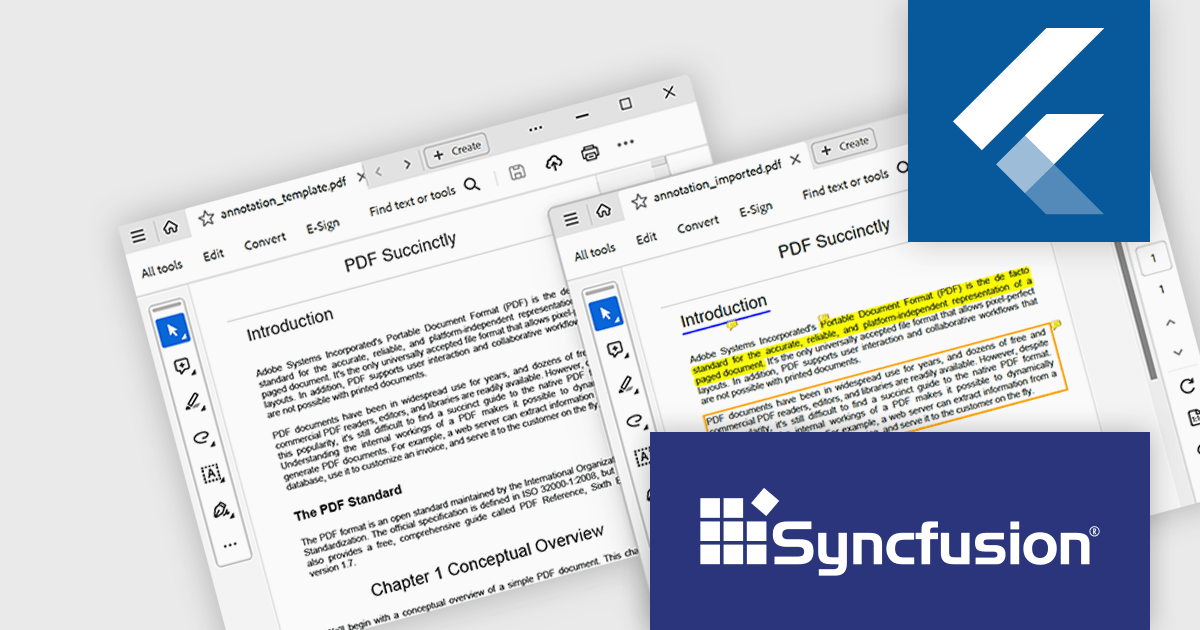
Syncfusion Essential Studio Flutter, available as part of Syncfusion Essential Studio Enterprise, is a powerful UI toolkit that enables you to build beautiful and performant mobile apps for Android and iOS using Flutter. It provides a rich suite of pre-built widgets for common design elements like charts, data grids, calendars, and PDF viewers. These widgets are highly customizable and allow you to quickly implement stunning visuals and advanced functionalities without spending time on repetitive coding.
The Syncfusion Essential Studio Flutter 2024 Volume 1 (25.1.35) release introduces support for importing and exporting PDF annotations. This enables users to collaborate seamlessly by sharing annotated PDFs and importing annotations from external sources, with support for formats such as XFDF, FDF, and JSON.
To see a full list of what's new in version 2024 Volume 1 (25.1.35), see our release notes.
Syncfusion Essential Studio Flutter is available as part of Syncfusion Essential Studio Enterprise which is licensed per developer starting with a Team License of up to five developers. It is available as a 12 Month Timed Subscription License which includes support and maintenance. See our Syncfusion Essential Studio Enterprise licensing page for full details.
For more information, visit our Syncfusion Essential Studio Flutter product page.
電話: (888) 850 9911
Fax: +1 770 250 6199


