













公式サプライヤー
公式および認定ディストリビューターとして200社以上の開発元から正規ライセンスを直接ご提供いたします。
当社のすべてのブランドをご覧ください。
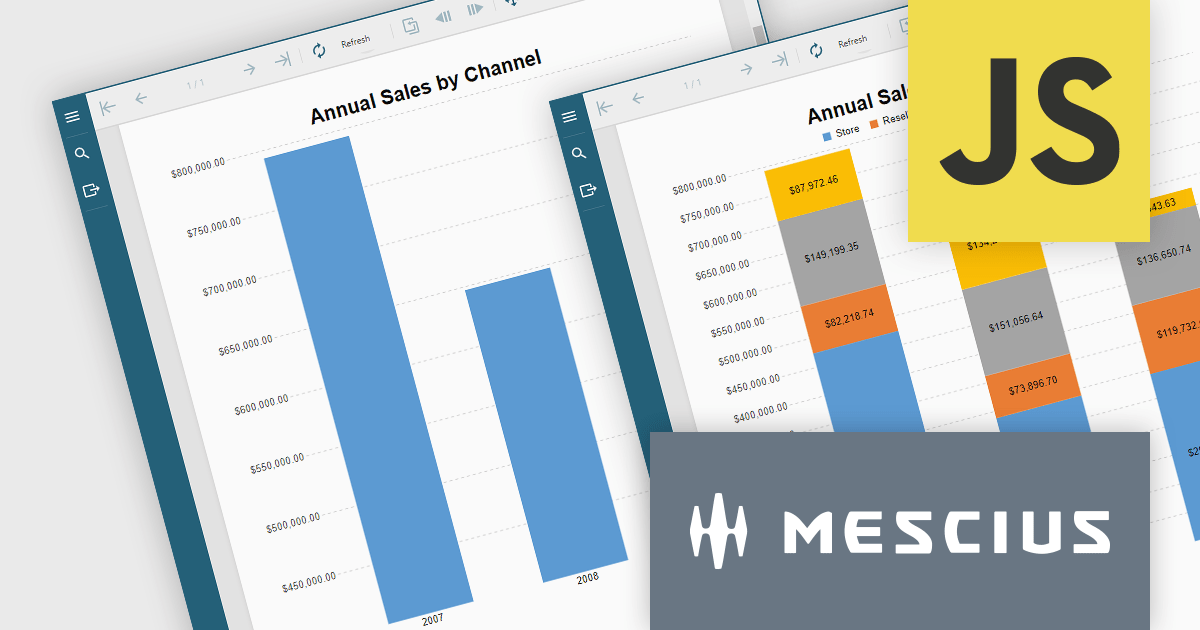
ActiveReportsJS is a reporting tool for web applications that allows developers and report authors to easily design and display reports within their applications. With a wide range of features, such as drill-down, runtime data filtering, and parameter-driven reports, as well as compatibility with popular frameworks, ActiveReportsJS simplifies the process of creating and managing reports.
In this blog post, MESCIUS Technical Engagement Engineer Joel Parks shows you how to utilize ActiveReportsJS to incoporate charts into your JavaScript report, and bind your chart data together through the use of parameterized drill-through navigation, allowing your users to easily traverse between them. Steps include:
Read the complete blog now, and start adding drill-through chart functionality to your JavaScript report using ActiveReportsJS.
ActiveReportsJS is licensed on an annual subscription or perpetual basis and is available as a Single Deployment License for non-commercial use, and as a Single Domain License or Unlimited Domain License for commercial and/or SaaS use. See our ActiveReportsJS licensing page for full details.
For more information, visit our ActiveReportsJS product page.
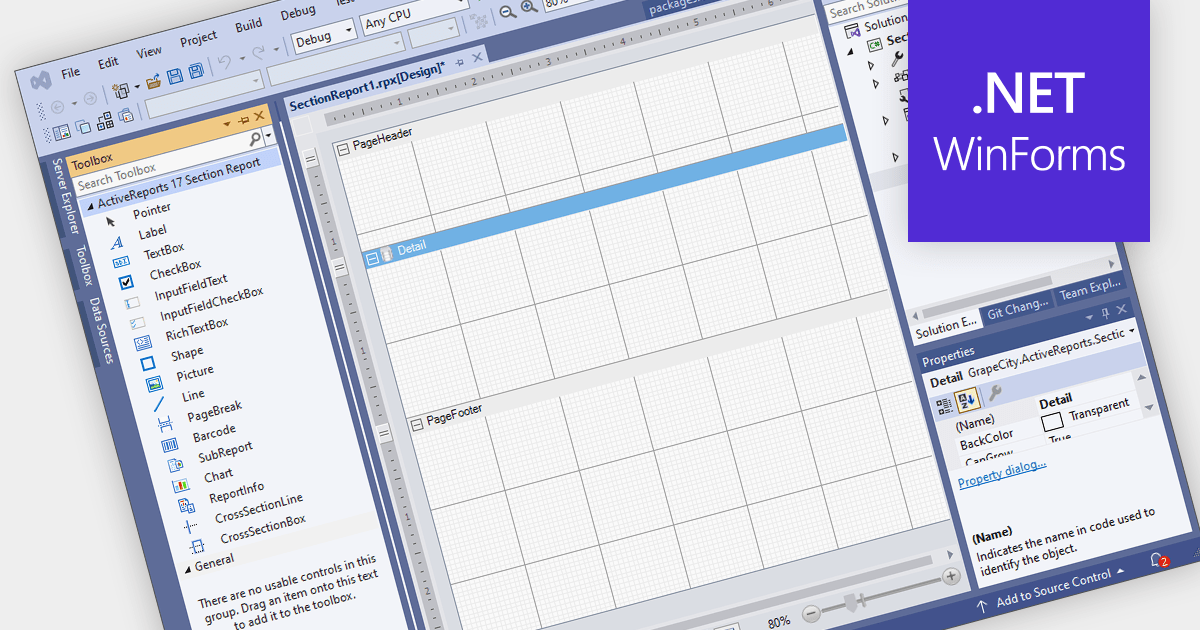
Visual Studio integrated report designers are comprehensive tools integrated into the Visual Studio development environment that enable software developers to design, create, and customize reports seamlessly within their projects. This feature streamlines the report creation process by providing a user-friendly interface for designing layout, formatting data, and integrating data sources directly within Visual Studio. Its benefits include increased productivity through the elimination of the need for external tools, enhanced collaboration among development teams, and improved efficiency in report development workflows, ultimately leading to faster delivery of high-quality reporting solutions in software applications.
Several .NET WinForms reporting controls offer Visual Studio integrated designers, including:
For an in-depth analysis of features and price, visit our WinForms reporting controls comparison.
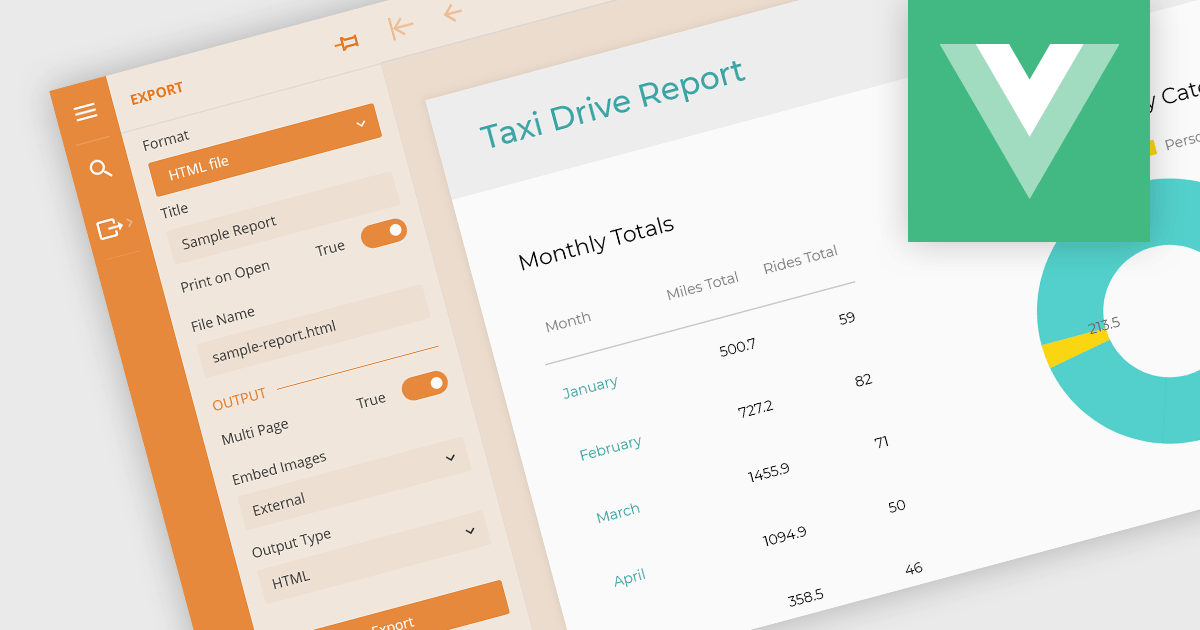
Being able to export to HTML is a valuable feature of a reporting application. Exporting reports to HTML files involves converting data visualizations and analytical summaries from a native format into web-friendly HTML pages. This allows for wider accessibility, sharing, and potentially embedding reports within websites. Static reports are transformed into interactive documents easily viewable on any device with a web browser. This format is ideal for sharing reports with collaborators, posting them online, or simply ensuring they remain accessible even if the original software becomes unavailable.
These Vue.js report components allow you to export reports to HTML files:
For an in-depth analysis of features and price, visit our comparison of Vue.js Reporting components.

Theme support in reporting controls allows you to customize the visual appearance of your reports without directly modifying individual elements. It works by applying pre-defined themes or creating custom ones, affecting aspects like fonts, colors, backgrounds, and layout. This simplifies report design, ensures brand consistency, and improves accessibility by adhering to user interface guidelines. Theme support is particularly valuable for generating multiple reports with a cohesive look and feel, catering to different audiences, or complying with specific accessibility standards.
Several WinForms reporting controls offer theme support including:
For an in-depth analysis of features and price, visit our WinForms reporting controls comparison.
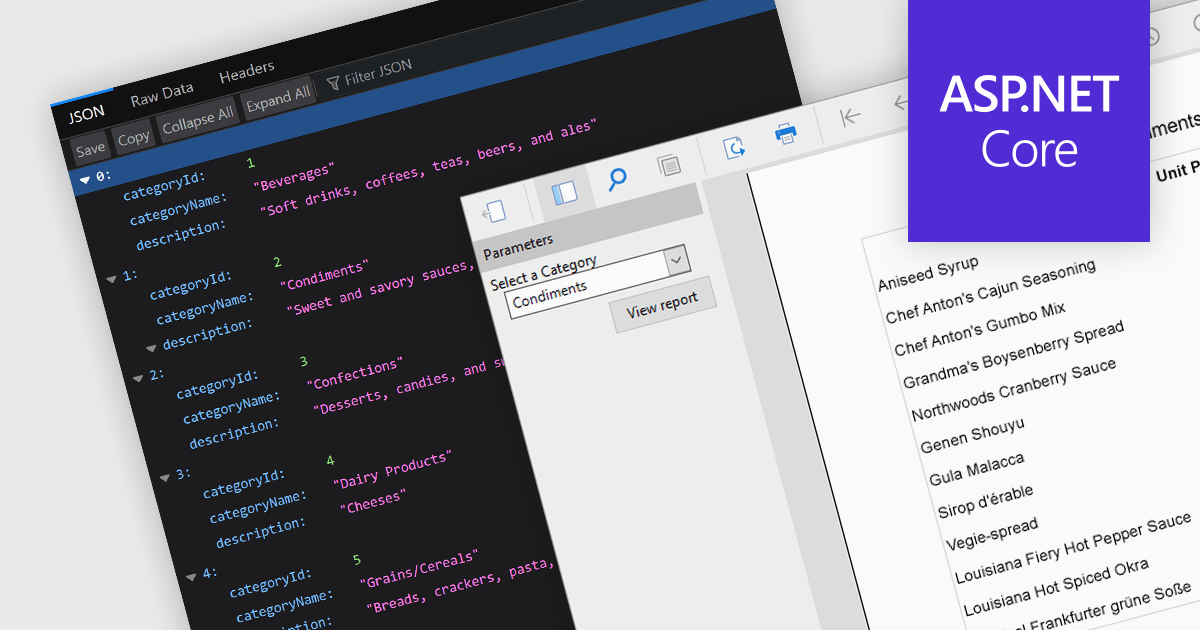
JSON support lets reporting tools directly use data in the human-readable JavaScript Object Notation format, unlocking flexibility, ease-of-use, and real-time insights. JSON enabled reports can directly consume diverse data, bypassing rigid schemas, thanks to the format's source-agnostic nature. This empowers developers with ease-of-use and efficiency, as JSON's readability simplifies integration and reduces code. Additionally, JSON seamlessly handles dynamic data, enabling real-time reporting for ever-changing insights.
Several ASP.NET Core reporting controls offer the ability to connect to JSON data sources including:
For an in-depth analysis of features and price, visit our ASP.NET Core Reporting Controls comparison.
電話: (888) 850 9911
Fax: +1 770 250 6199


