













公式サプライヤー
公式および認定ディストリビューターとして200社以上の開発元から正規ライセンスを直接ご提供いたします。
当社のすべてのブランドをご覧ください。
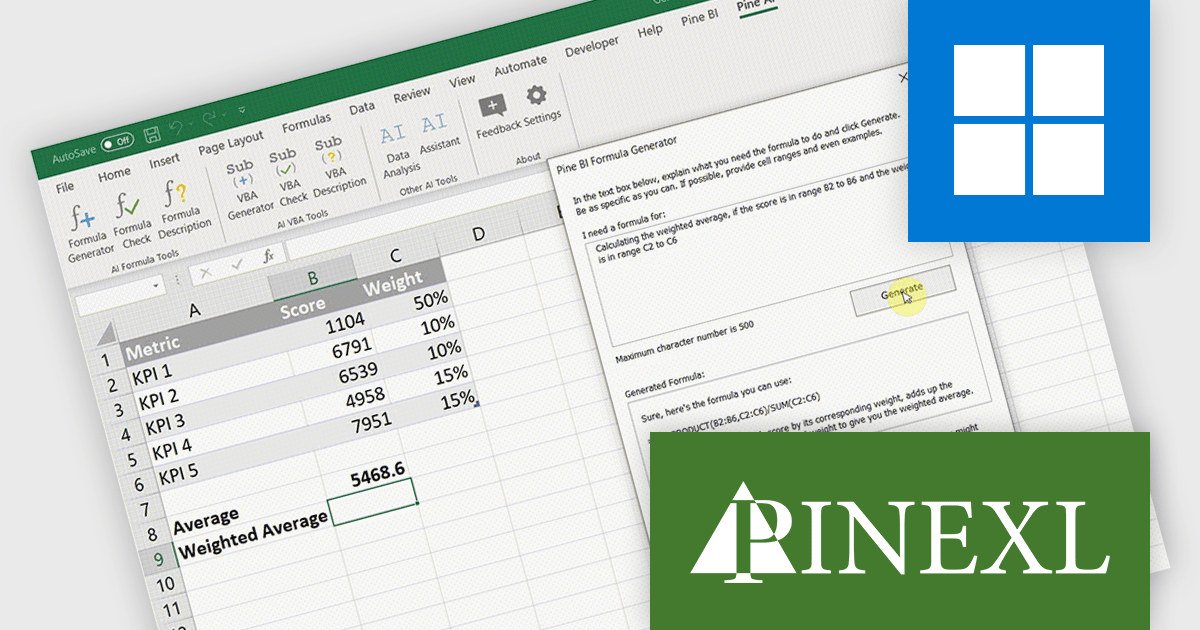
Pine AI Excel Add-In, developed by Pinexl, integrates AI into Microsoft Excel, enabling users to generate, debug, and interpret complex formulas and Visual Basic for Applications (VBA) code by simply describing their requirements. This tool enhances productivity by automating tasks such as data analysis, summarization, transformation, and translation directly within Excel spreadsheets. For instance, users can extract specific information from unstructured data, fill in missing details like country names based on city data, and translate text without leaving the Excel environment.
Pine AI improves formula creation by converting natural language instructions into accurate Excel formulas directly within the workbook, allowing developers to focus on core logic rather than memorizing syntax or troubleshooting complex expressions. It supports multiple languages, minimizes manual errors, and accelerates spreadsheet development, making it easier to incorporate precise calculations into data-driven applications.
Pine AI Excel Add-In is licensed per user on an annual subscription basis. To continue using the software you will need an active subscription. See our Pine AI Excel Add-In licensing page for full details.
Learn more on our Pine AI Excel Add-In product page.
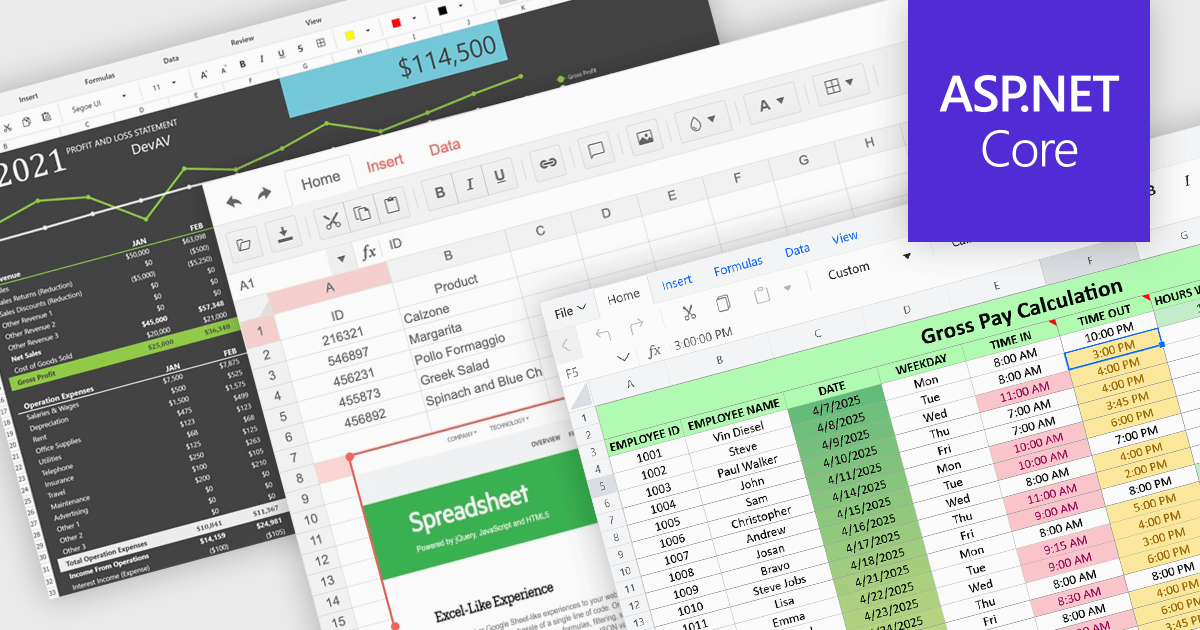
Formatting and presentation features shape how information is communicated within a spreadsheet, turning raw values into content that is clearer, more readable, and visually consistent. These capabilities help users emphasize key data, establish a coherent visual style, and create worksheets that are easier to interpret at a glance. By supporting both subtle adjustments and more expressive enhancements, they play a central role in making spreadsheets suitable for reporting, analysis, and presentation-focused tasks across a wide range of scenarios.
Common features include:
For an in-depth analysis of features and price, visit our ASP.NET Core spreadsheet components comparison.
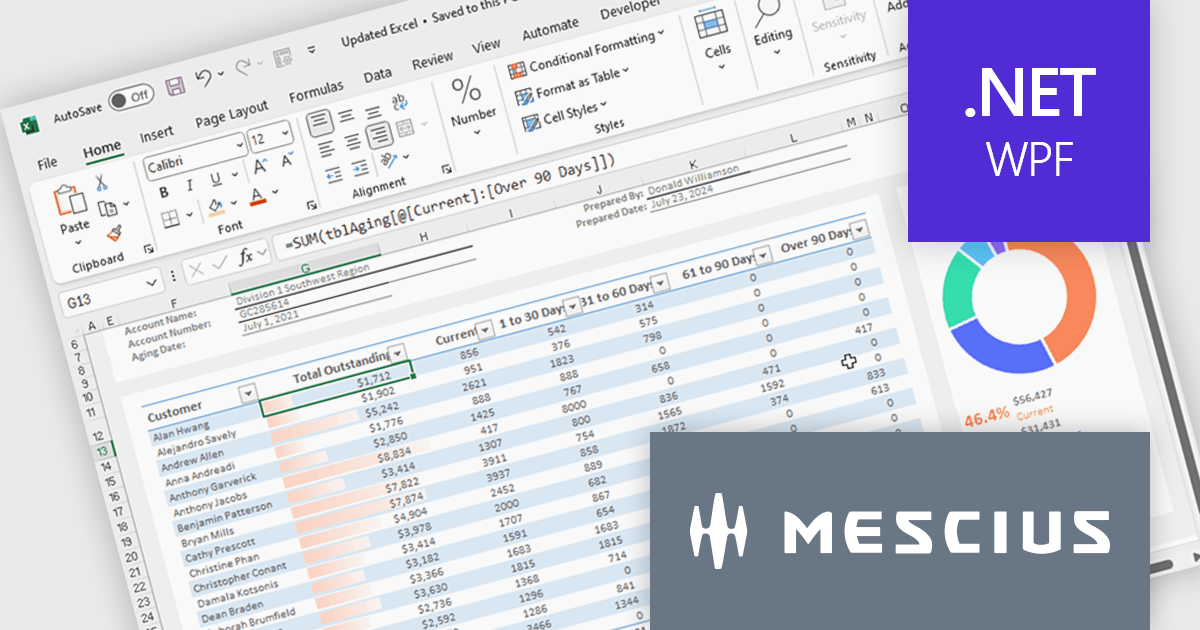
Spread.NET helps you create spreadsheets, grids, dashboards, and forms. It includes a powerful calculation engine with 450+ functions and the ability to import and export Excel spreadsheets. You can develop in Visual Studio using VB or C# for WinForms, ASP.NET, and WPF.
In this blog post, MESCIUS Product Marketing Specialist Mackenzie Albitz guides you through four essential steps for importing and exporting Excel spreadsheets in your WPF applications:
Detailed sample code is included and you can even download a finished sample project to follow along.
Read the complete blog post to learn the steps for integrating this powerful Excel functionality into your WPF applications.
Spread.NET is licensed per developer and is available as a Perpetual License with a 12 month support and maintenance subscription. We can supply any Spread.NET license including new licenses, maintenance renewals, and upgrade licenses. See our Spread.NET licensing page for full details.
For more information, visit our Spread.NET product page.
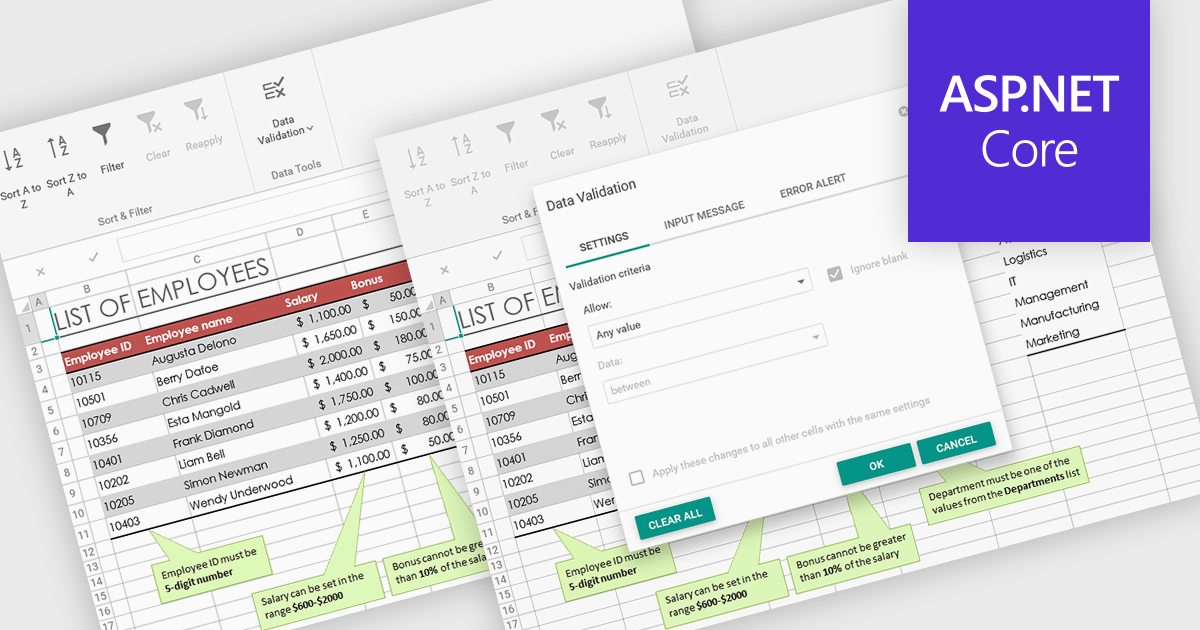
Data validation in spreadsheets allows users to control what information can be entered into each cell, ensuring that data remains accurate and consistent across a workbook. By defining specific rules and restrictions, it helps prevent incorrect inputs and maintains the integrity of shared data. Users can provide guidance through prompts or drop-down lists, reducing the likelihood of errors and saving time on data correction. This feature is especially valuable in collaborative settings, such as managing budgets, tracking inventory, or collecting survey responses, where reliable data entry is essential for accurate analysis and reporting.
Several ASP .NET Core spreadsheet products offer data validation, including:
For an in-depth analysis of features and price, visit our comparison of ASP .NET Core spreadsheet controls.
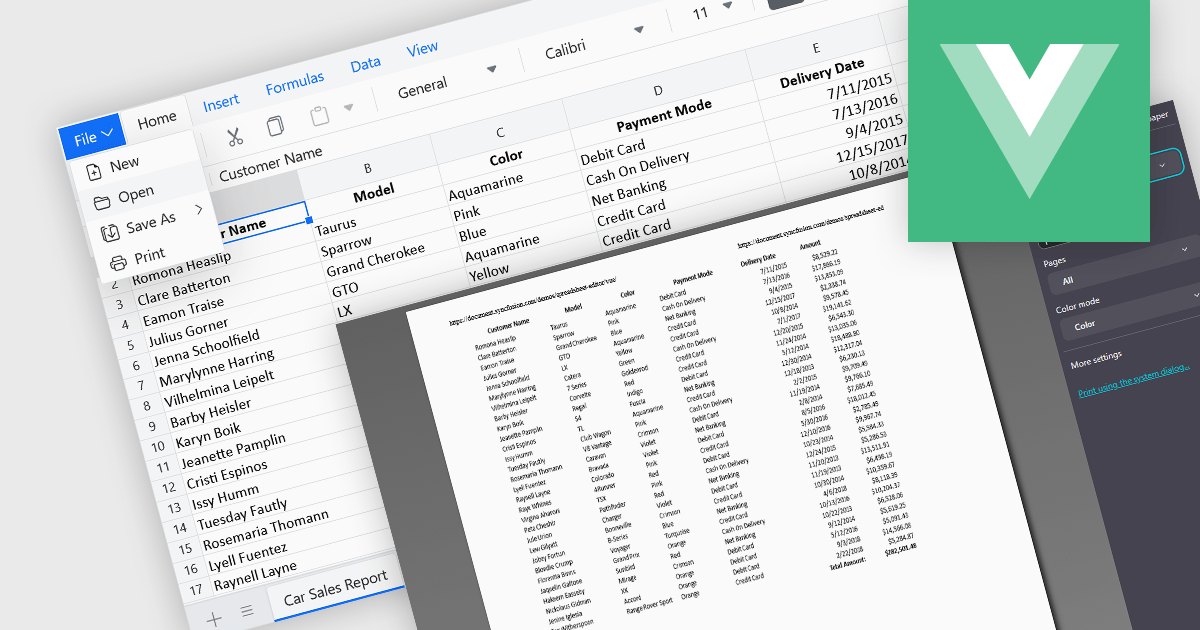
The ability to print spreadsheets is a core feature that produces a physical copy or a formatted digital version, such as a PDF, of the data and layout contained within a spreadsheet file. This function allows users to review, distribute, archive, or present the original information that preserves the structure in a readable and consistent format. By configuring print settings, such as page orientation, scaling, and headers, users can control how the content appears on paper, ensuring clarity and professionalism in the output. It is especially useful for reports, financial statements, and records that need to be reviewed offline or submitted in a formal context.
Several Vue.js spreadsheet components enable printing, including:
For an in-depth analysis of features and price, visit our comparison of Vue.js spreadsheet components.
電話: (888) 850 9911
Fax: +1 770 250 6199


