













公式サプライヤー
公式および認定ディストリビューターとして200社以上の開発元から正規ライセンスを直接ご提供いたします。
当社のすべてのブランドをご覧ください。
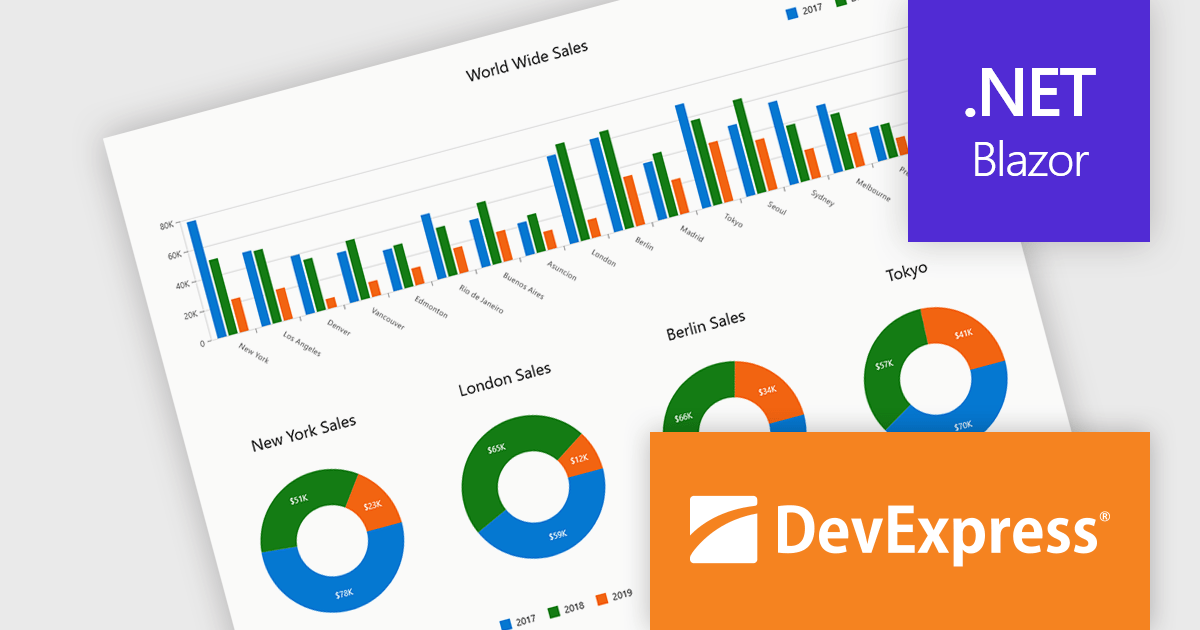
DevExpress Blazor (part of DevExpress ASP.NET and Blazor) helps you create high-impact user experiences for both Blazor Server and Blazor WebAssembly using C#. The Blazor UI Component Library ships with a comprehensive set of native components (including a DataGrid, Pivot Grid, Scheduler, Chart, Data Editors and Reporting).
DevExpress Blazor provide comprehensive chart types that allow developers to present data in the most effective and readable format for any scenario. With support for a wide range of 2D chart options, including standard, stacked, and financial views, developers can accurately visualize trends, comparisons, and relationships within their applications. These charts integrate seamlessly into interactive dashboards, enabling real-time data analysis and clear visual storytelling. The flexibility of the chart types ensures precise data representation, while built-in export capabilities simplify sharing insights across platforms and reports, supporting the creation of professional, data-driven interfaces with minimal effort.
DevExpress ASP.NET and Blazor is licensed per developer and is available as a Perpetual License with a 12 month support and maintenance subscription. See our DevExpress ASP.NET and Blazor licensing page for full details.
DevExpress Blazor is available in the following products:
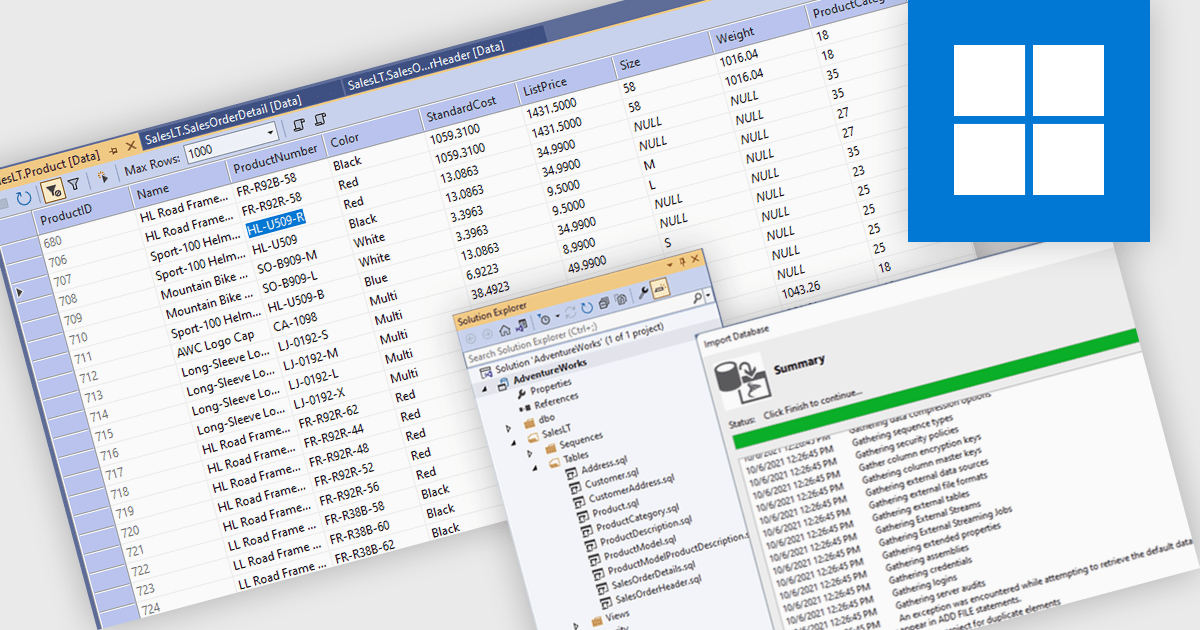
Database management in an Integrated Development Environment (IDE) refers to a set of tools and features that enable developers to interact with databases directly within the coding environment. This integration typically supports connecting to various database types, running SQL queries, browsing and editing data, managing schemas, and handling version control for database scripts. It simplifies processes by centralizing database interactions alongside application development, reducing context switching and improving efficiency. For developers, this leads to faster development cycles, greater visibility into data structures, and more consistent alignment between applications and databases.
Several IDEs offer database management features including:
For an in-depth analysis of features and price, visit our comparison of Integrated Development Environments (IDEs).
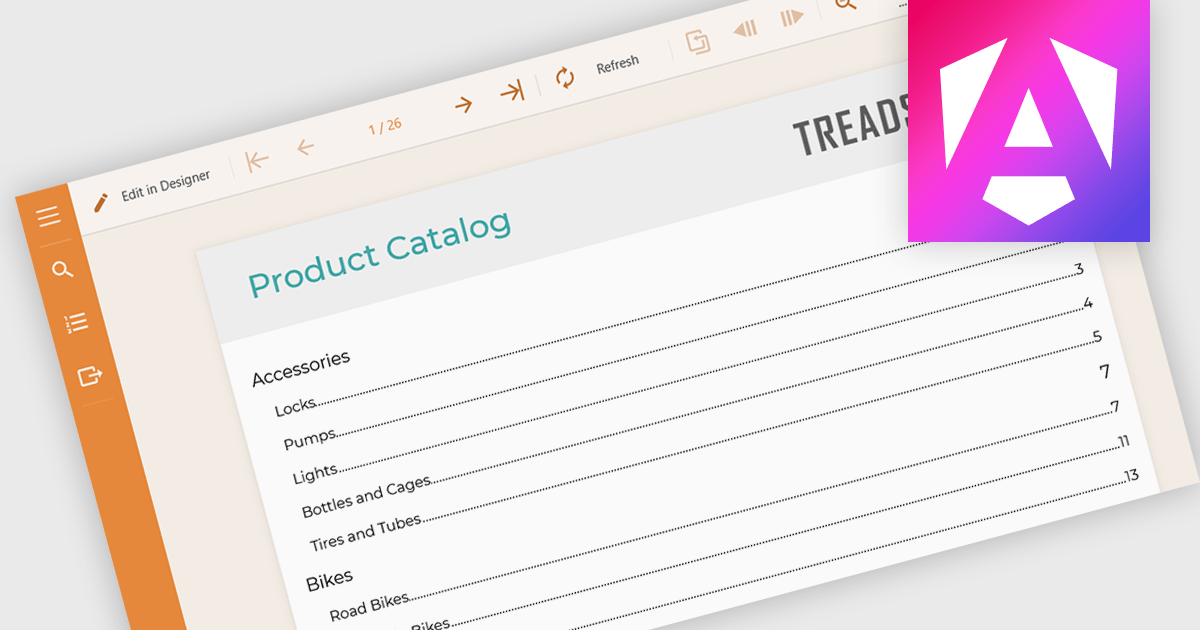
Table of Contents (TOC) support in a reporting component allows developers to automatically generate a structured overview of a report’s sections, typically displayed at the beginning of the document. This feature helps users navigate long or complex reports by providing direct links or page references to key sections, mirroring the layout and hierarchy of the report's content. For developers, it reduces the need to manually maintain navigation aids, improves the report’s usability, and enhances the professional appearance of exported formats like PDF or Word. TOC support is especially beneficial in compliance-heavy or audit-focused applications where clear documentation structure is essential.
Several Angular reporting controls offer Table of Contents (TOC) support including:
For an in-depth analysis of features and price, visit our comparison of Angular reporting controls.

The .NET Framework is a comprehensive development platform that provides a rich set of class libraries, tools, and programming languages (like C#, VB.NET, and F#), enabling developers to create a variety of applications, from desktop software to web services and mobile apps. With the approaching release of .NET 10, Microsoft continues its commitment to delivering a modern, high-performance, and cross-platform development environment.
The new .NET 10 Framework brings with it a wealth of new and updated functionality, including:
With .NET 10 Release Candidate 2, Microsoft has focused on final quality and stabilization in preparation for the general availability release. This includes updates to .NET MAUI, the Entity Framework Core, and various quality improvements to the SDK libraries and runtime.
For more information, or to download the .NET 10 Release Candidate 2, read the official Microsoft blog post about this release.
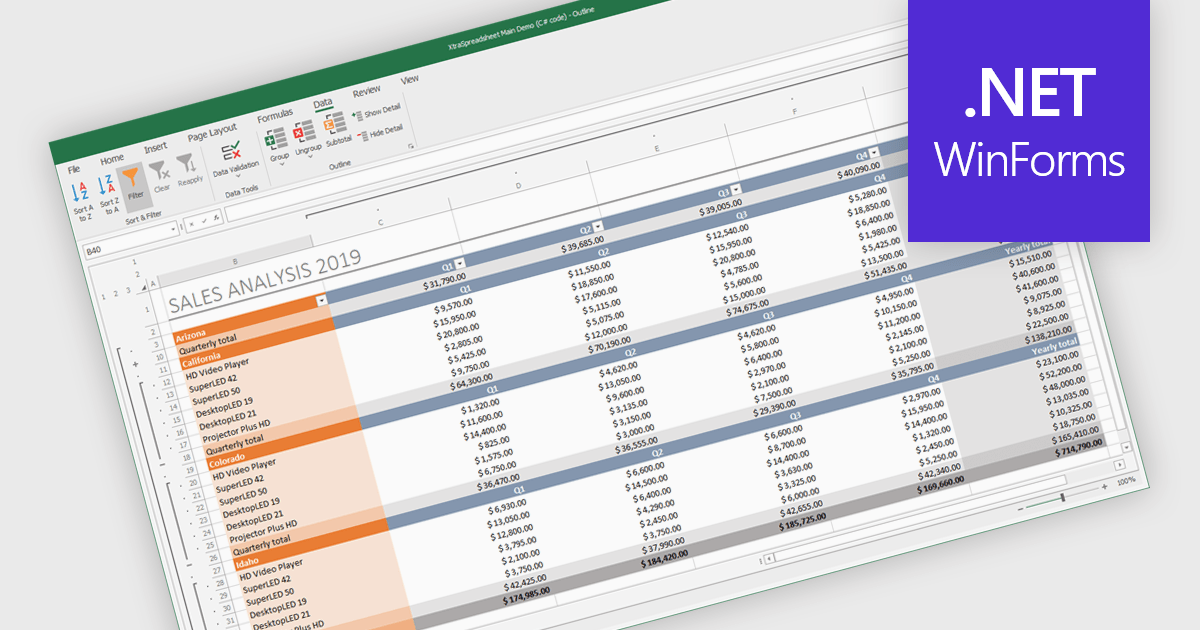
Grouping and filtering are key spreadsheet tools that make data easier to manage and analyze. Grouping combines related rows or columns into collapsible sections for clearer summaries. Filtering displays only the information that meets specific conditions, helping focus on what matters most. Together, these features improve data management, reduce visual clutter, and enhance analytical clarity.
Several .NET WinForms spreadsheet controls contain data filtering and grouping controls including:
For an in-depth analysis of features and price, visit our comparison of .NET WinForms spreadsheet controls.
電話: (888) 850 9911
Fax: +1 770 250 6199


