













公式サプライヤー
公式および認定ディストリビューターとして200社以上の開発元から正規ライセンスを直接ご提供いたします。
当社のすべてのブランドをご覧ください。
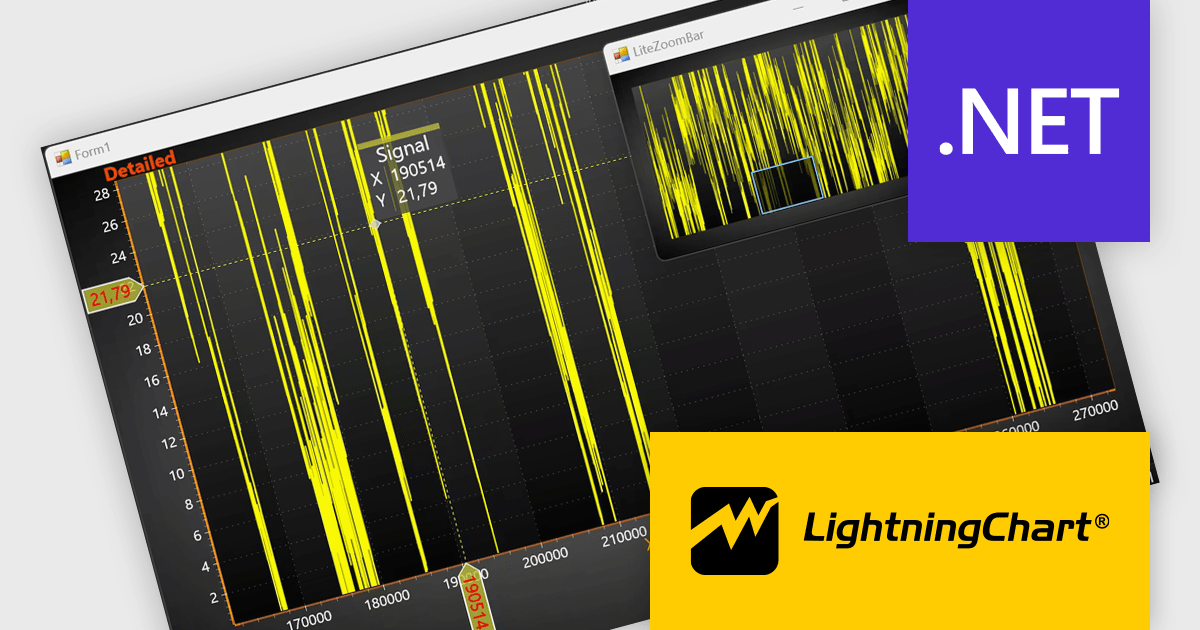
LightningChart .NET is a high-performance data visualization library designed for .NET developers working with WPF, WinForms, and UWP applications. It offers GPU-accelerated rendering for smooth real-time visualization of massive datasets, exceeding billions of data points. This library supports a wide variety of chart types, including 2D, 3D, polar, and geographic maps, along with extensive customization options for each. LightningChart .NET is a powerful tool for developers creating demanding data visualization applications requiring exceptional performance.
The LightningChart .NET v12.4.1 update enhances data visualization and navigation, allowing developers to display an overview of the entire dataset alongside a zoomed-in chart view - improving context awareness when analyzing large or complex data. The new LiteZoomBar offers a lightweight, memory-efficient alternative for applications requiring optimized performance. This tool provides greater control and efficiency in exploring and interpreting chart data.
To see a full list of what's new in v12.4.1, see our release notes.
LightningChart .NET is available per developer in packages for either WPF, WinForms, UWP or all 3. Each package comes as a subscription license (with 1 or 2 years of limited support), or a perpetual license (with 1 or 2 years of Standard or Premium support). Floating licenses and site licenses are available upon request. See our LightningChart .NET licensing page for full details.
Learn more on our LightningChart .NET product page.
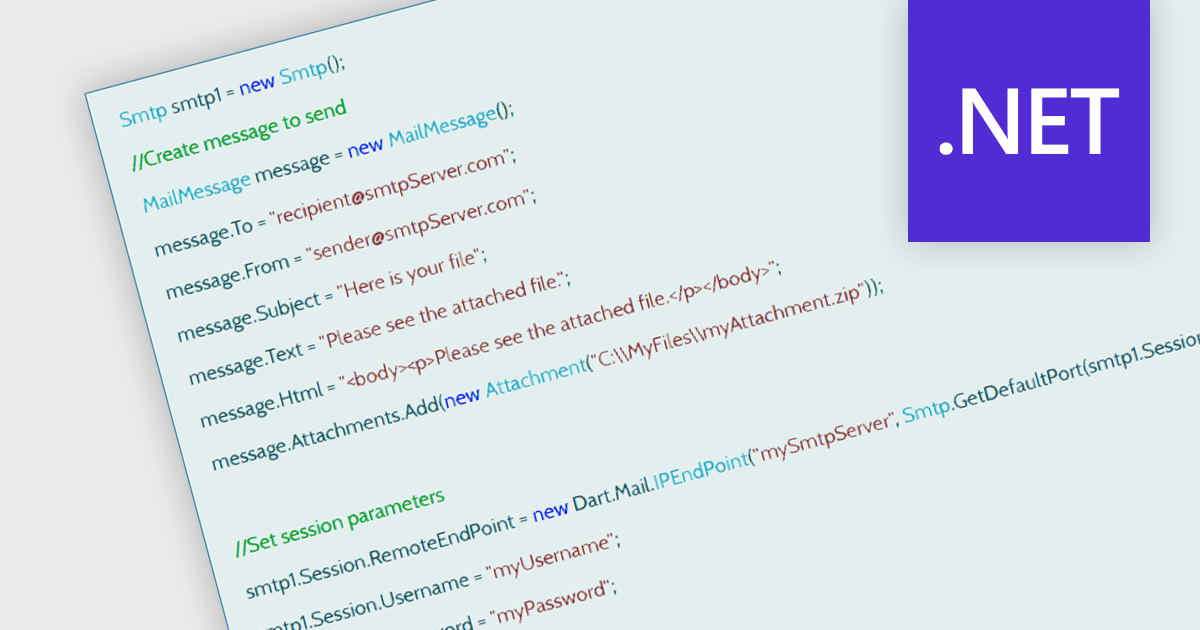
SMTP, or Simple Mail Transfer Protocol, is an internet protocol used for sending email messages between servers and clients. In a .NET Communication and Messaging component, SMTP provides the functionality to programmatically send email from applications. It handles the transmission of messages to email servers, typically through the System.Net.Mail namespace in .NET, allowing developers to configure sender details, recipients, message content, attachments, and server credentials. This protocol is essential for applications that generate automated notifications, password resets, or any system-generated communication, ensuring reliable delivery through standard email infrastructure.
Several .NET Communication & Messaging components offer support for SMTP including:
For an in-depth analysis of features and price, visit our comparison of .NET Communication & Messaging components.
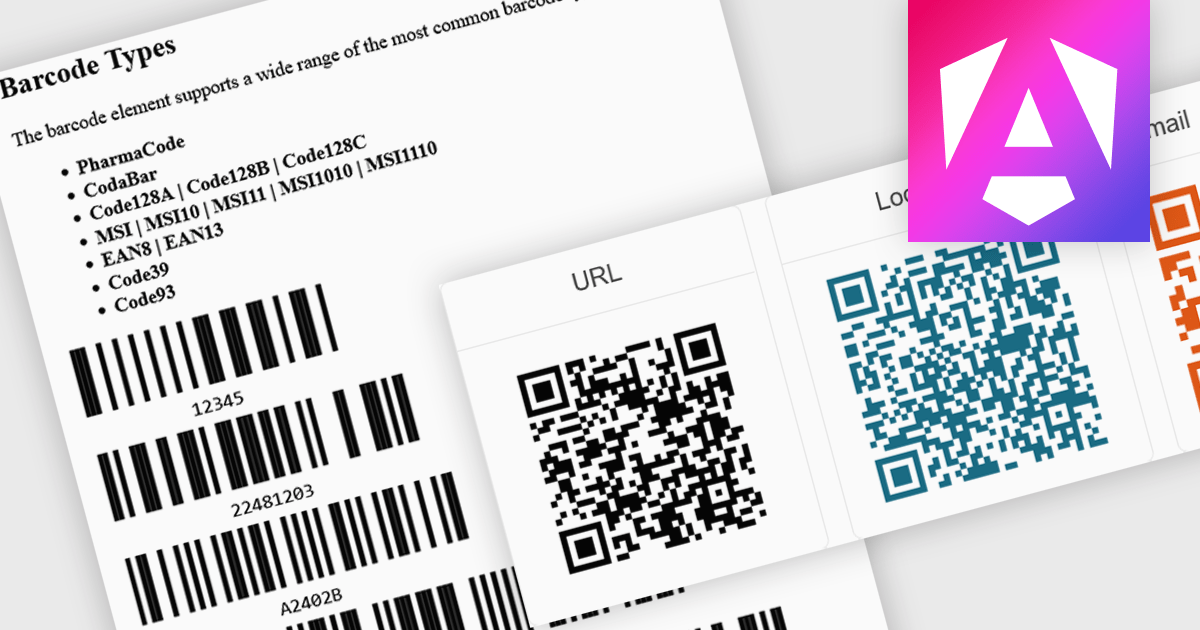
Barcode support in an Angular UI suite refers to built-in components that allow developers to generate and display barcodes directly within their applications. This capability simplifies the integration of barcode-based workflows, such as inventory tracking, product labeling, or user identification, without relying on third-party libraries. By handling various barcode standards and formats natively, these components ensure consistency in rendering and decoding, reduce development time, and enhance application performance and reliability when working with barcode data.
Several Angular UI suites provide barcode controls, including:
For an in-depth analysis of features and price, visit our comparison of Angular UI Suites.
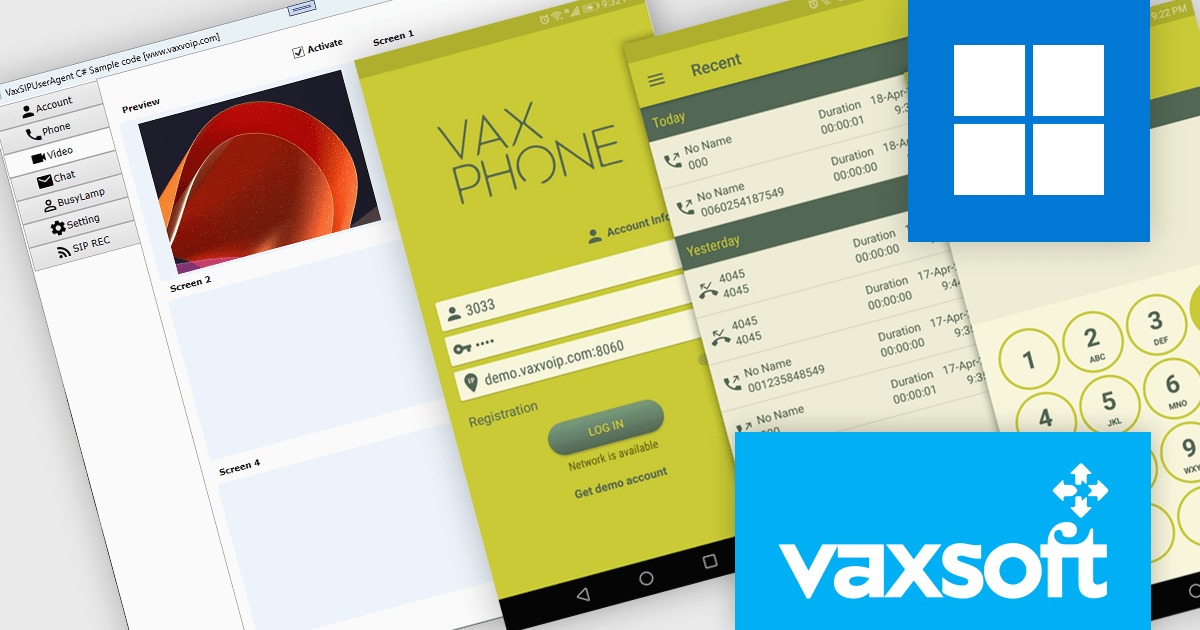
VaxSoft, founded in 2004, is a developer of VoIP and AI communication technologies. The company is recognized for its innovative software and SDKs that bring intelligence and automation to modern communication systems. Trusted by telecom providers, PBX developers, and VoIP service companies worldwide, VaxSoft combines deep technical expertise with more than 20 years of experience to help developers build intelligent, feature-rich communication solutions backed by dependable technical support.
VaxSoft’s product range delivers advanced VoIP and AI communication tools designed to simplify and accelerate the development of high-performance communication applications for Windows and WebRTC platforms. Supporting core capabilities such as SIP-based calling, audio and video conferencing, call recording, and real-time media processing, VaxSoft’s SDKs offer robust APIs, comprehensive documentation, designed for scalability. These solutions enable seamless integration into telecom systems, PBX platforms, and custom VoIP applications.
Through the combination of ComponentSource’s global software marketplace and VaxSoft’s deep specialization in VoIP and AI-powered communication technologies, developers gain access to a comprehensive set of tools for building sophisticated, SIP-based communication solutions. This partnership enables organizations to accelerate development of secure, high-performance applications while ensuring access to reliable licensing, support, and product updates through a trusted distribution channel.
VaxSoft offers a broad range of communication software including:
For more information, visit our VaxSoft publisher page.
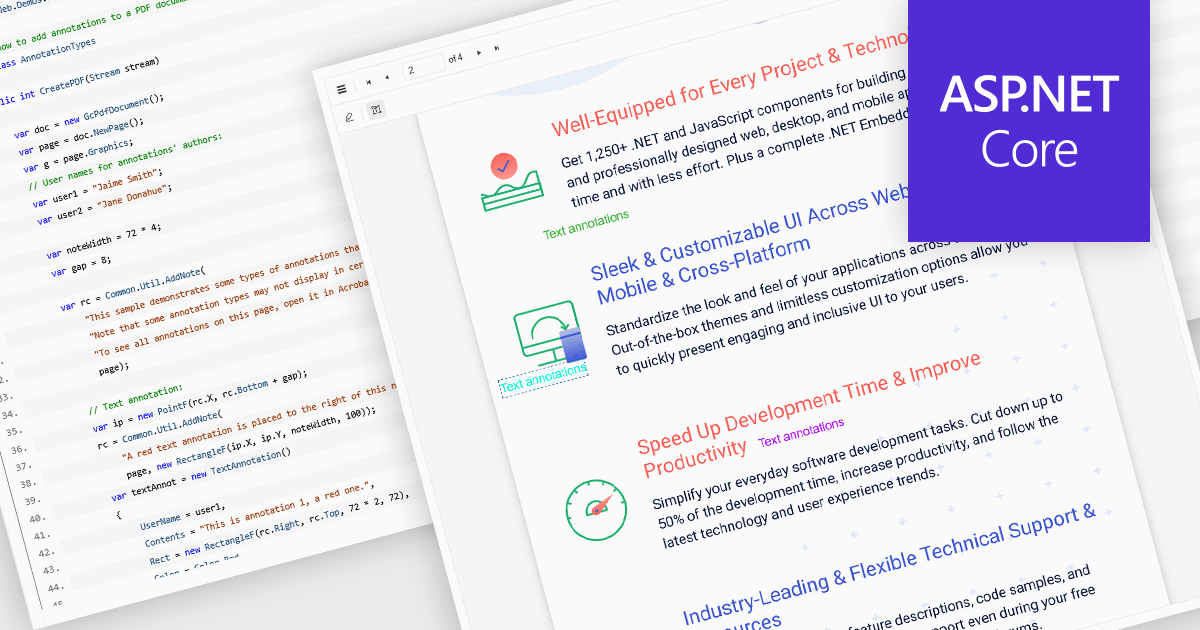
Free text annotations in PDF-processing components enable users to place editable text directly onto document pages, enhancing notes, comments, or briefing elements without relying on external tools. This feature supports adding visible text blocks (rather than hidden pop-ups) that remain part of the document's content layer, allowing for richer, in-context feedback and markup across workflows such as review, auditing, or collaborative editing.
Several ASP.NET Core PDF controls offer support for free text annotations including:
For an in-depth analysis of features and price, visit our ASP.NET Core PDF controls comparison.
電話: (888) 850 9911
Fax: +1 770 250 6199


