













公式サプライヤー
公式および認定ディストリビューターとして200社以上の開発元から正規ライセンスを直接ご提供いたします。
当社のすべてのブランドをご覧ください。
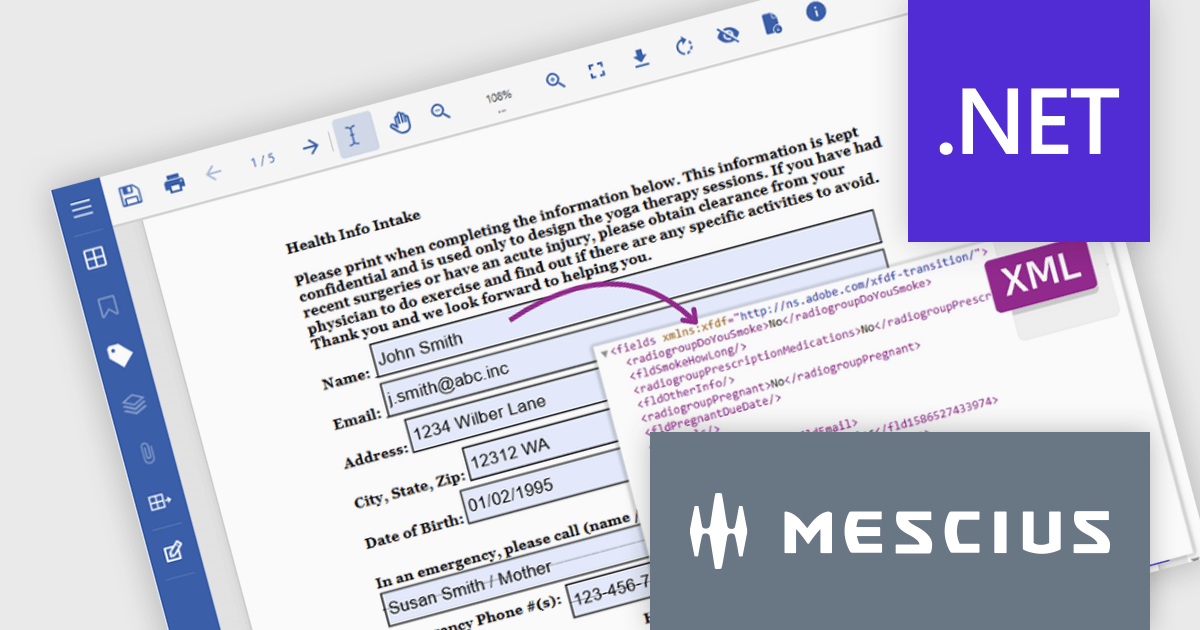
Document Solutions for PDF (DsPdf, formerly GcPdf) is a high-speed, feature-rich, server-side PDF API Library for .NET with no dependencies on Adobe Acrobat. DsPdf allows developers to programmatically create, manipulate, import/export, and deploy PDF documents, including AcroForms, across desktop and web applications at scale. With full .NET support, you can generate, load, modify, and convert PDFs in your app for .NET, Mono, Xamarin.iOS, and Xamarin.Android.
In this blog post, MESCIUS Product Marketing Specialist Mackenzie Albitz demonstrates how to use Document Solutions for PDF to extract and convert PDF Form data using just a few lines of code. The steps include:
Detailed source code and examples are included to get you started.
Read the complete blog to learn how to automate the processing and storage of PDF Form data.
Document Solutions for PDF is licensed per developer and is available in several license options for differing distribution needs. Team licenses are also available for multiple developers within the same organization. See our Document Solutions for PDF licensing page for full details.
Document Solutions for PDF is available to buy individually or as part of Document Solutions .NET Bundle.
For 3 years, ComponentSource has partnered with Whole Tomato Software to bring their flagship product Visual Assist to developers worldwide. ComponentSource continues to deliver trusted software tools that enhance productivity and optimize coding, with Visual Assist remaining one of the most valued extensions for Microsoft Visual Studio users.
Founded with a mission to improve the developer experience, Whole Tomato Software is best known for creating Visual Assist, a powerful productivity extension for Microsoft Visual Studio. The plug-in enhances IntelliSense and syntax highlighting, providing more intelligent and responsive code suggestions. It also delivers robust refactoring tools, spell checking for comments, and even identifies common coding errors such as undeclared variables. Supporting Visual C++ 6.0 through to the latest versions of Visual Studio, Visual Assist continues to be a staple for professional developers seeking speed, accuracy, and smarter code navigation.
The collaboration between ComponentSource and Whole Tomato Software ensures developers worldwide have easy access to Visual Assist through a trusted global distributor. Together they provide seamless purchasing, licensing, and support. As Visual Assist continues to evolve, ComponentSource looks forward to strengthening this partnership and helping developers achieve even greater productivity in their daily work.
Learn more about Whole Tomato Software.
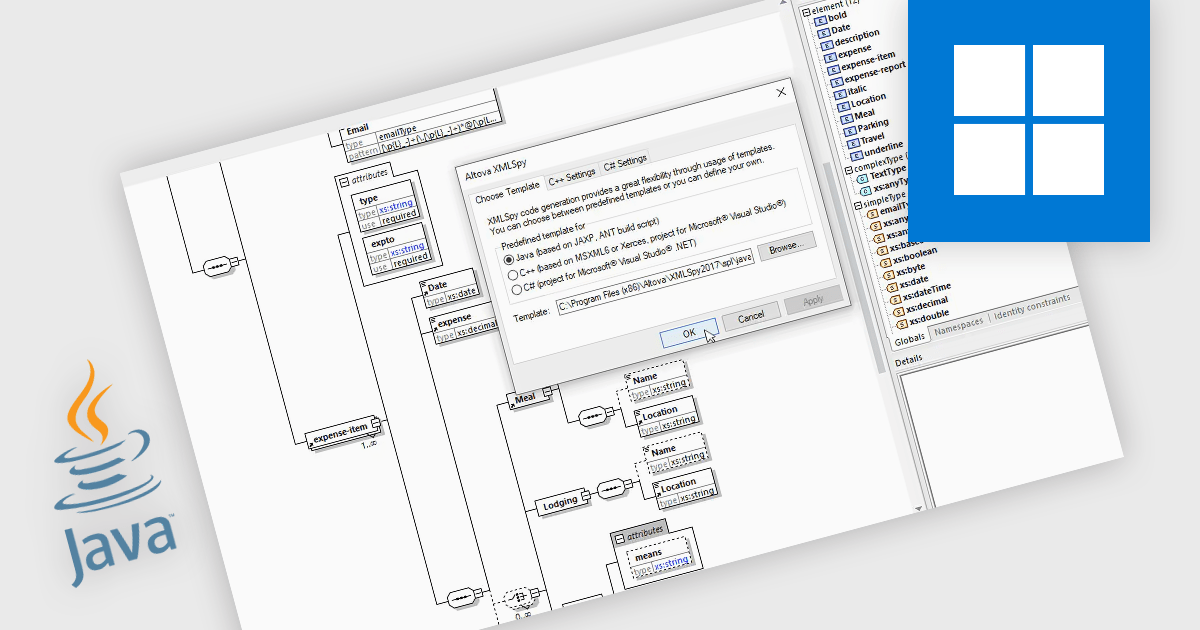
Java code generation in structured document tools refers specifically to the automated creation of Java source code that performs operations defined in visual or declarative models, such as XML transformations, data mappings, or schema bindings. The feature allows a designer to graphically define how data should be transformed, validated, or integrated, and the tool then produces ready-to-compile Java classes that execute these operations without requiring manual coding. This generated code can be compiled into libraries or standalone applications, integrated into larger Java systems, or deployed for automated data processing. The result is a faster, consistent, and error-resistant workflow for implementing complex structured-data tasks within Java environments.
Several structured document tools offer Java code generation including:
For an in-depth analysis of features and price, visit our structured document tools comparison.
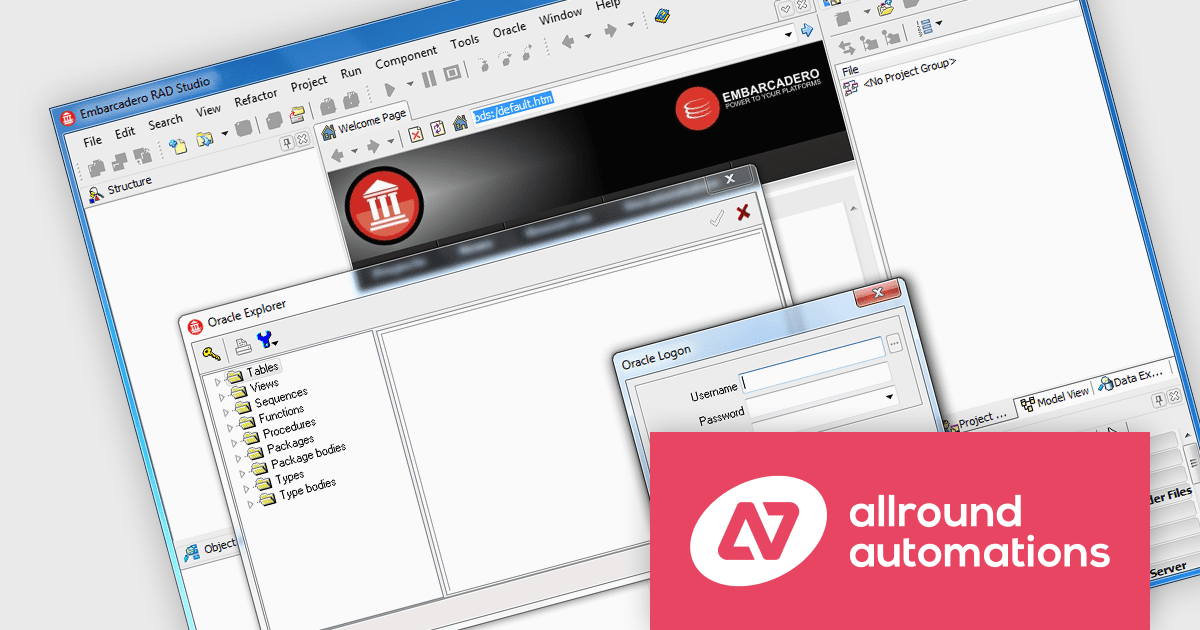
Direct Oracle Access by Allround Automations is a component library designed for developers using Embarcadero Delphi and C++Builder that provides direct connectivity to Oracle databases, without requiring middleware like the Borland Database Engine (BDE) or ODBC. It allows developers to build high-performance applications with native Oracle access by leveraging the Oracle Call Interface (OCI) directly through a lightweight integration. The component set supports advanced Oracle features such as LOBs (Large Objects), PL/SQL blocks, array DML operations, and the Direct Path Load Engine, making it suitable for applications that demand efficient database interaction and low-latency access. By bypassing the traditional client layers, it simplifies deployment and enhances execution speed for Oracle-based solutions.
The Direct Oracle Access v4.1.4.1 (October 2025) update adds support for Embarcadero Delphi and C++Builder 13 Florence, ensuring full compatibility with the compiler, runtime library, and platform enhancements introduced in the latest IDE version. This update allows developers to continue leveraging Direct Oracle Access for building Oracle-integrated applications while benefiting from the improvements in the Florence release, such as enhanced debugging tools, refined language features, and updated platform support.
To see a full list of what's new in v4.1.4.1 (October 2025), see our release notes.
Direct Oracle Access is licensed per developer and is available in two editions: Standard, with core Oracle access components, and Object, which adds support for Oracle’s object-relational features. Optional add-ons include source code access, Oracle Monitor Pro for advanced monitoring, and an Annual Service Contract for support and updates. See our Direct Oracle Access licensing page for full details.
For more information, see our Direct Oracle Access product page.
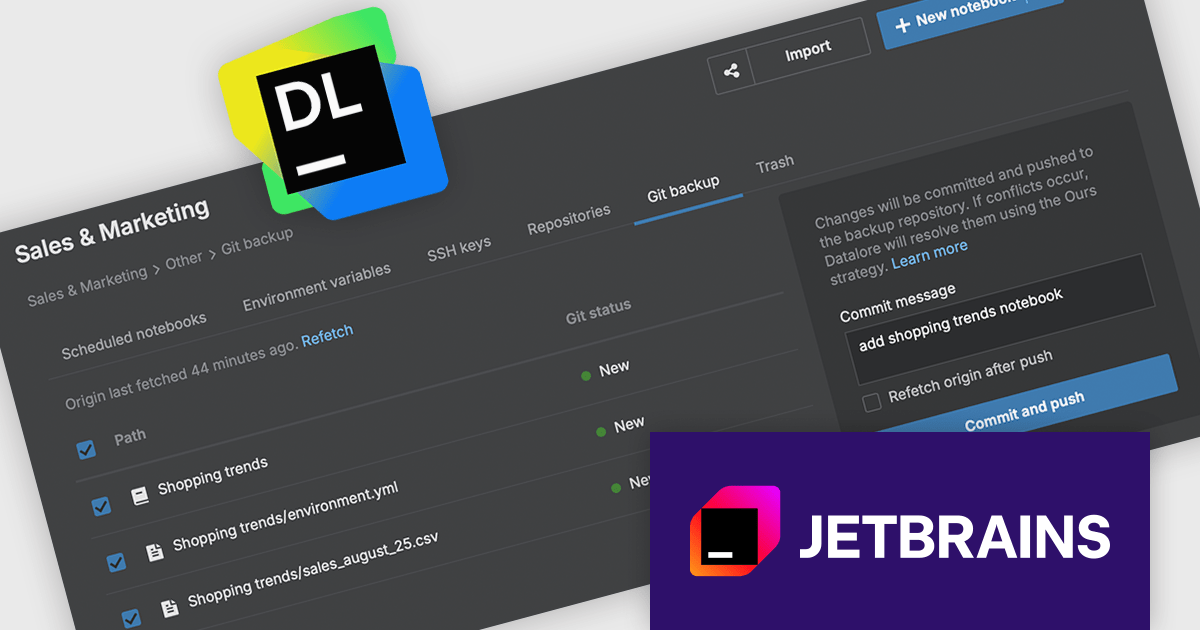
JetBrains Datalore is a collaborative data science platform that streamlines data exploration, analysis, and visualization through Jupyter-compatible notebooks. It empowers teams with features like automatic visualizations, pre-configured environments, interactive controls, and seamless collaboration functionalities. Datalore offers both cloud-based and self-hosted deployment options, catering to both individual and team-based data science workflows.
The Datalore 2025.5 update includes a new capability that allows users to export their entire workspace - including notebooks and associated files - directly to a Git repository. This feature is particularly useful for teams and individuals looking to maintain version history, safeguard their work, and collaborate more effectively. By integrating with Git, Datalore aligns more closely with established software development practices, offering a familiar and reliable method for managing changes over time.
To see a full list of what's new in version 2025.5, see our release notes.
Datalore is licensed per user, and is available as a commercial annual subscription license. See our Datalore licensing page for full details.
For more information, visit our Datalore product page.
電話: (888) 850 9911
Fax: +1 770 250 6199


