













公式サプライヤー
公式および認定ディストリビューターとして200社以上の開発元から正規ライセンスを直接ご提供いたします。
当社のすべてのブランドをご覧ください。
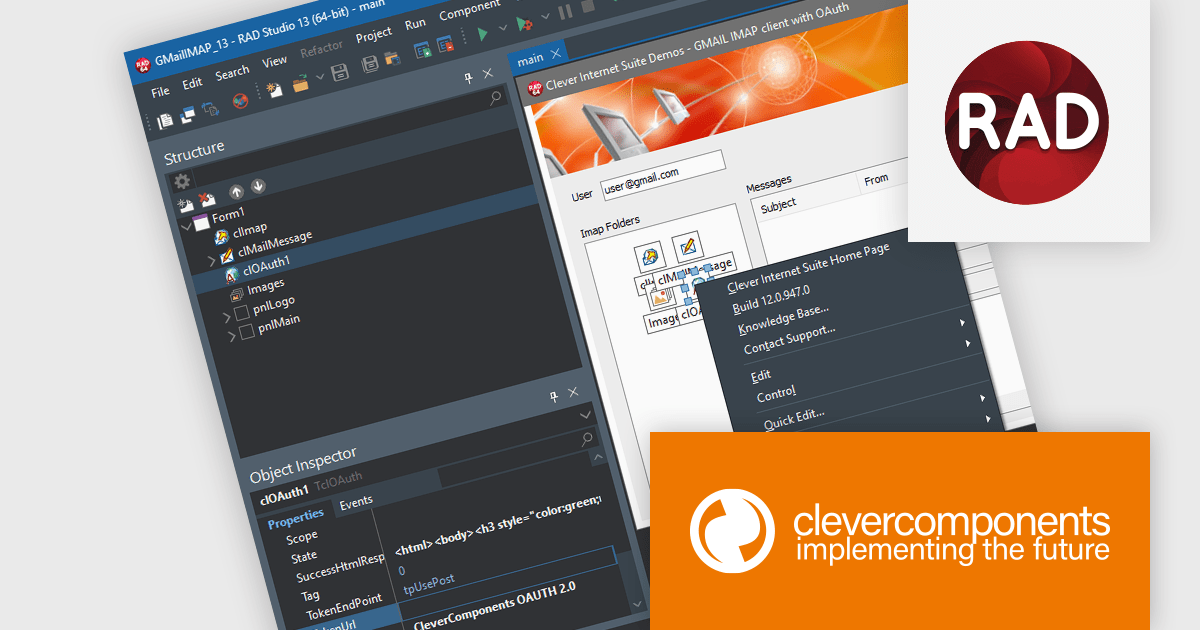
Clever Internet Suite is a comprehensive toolkit of more than fifty VCL components designed for Delphi and C++Builder developers to build full-featured internet applications. It provides native support for protocols such as HTTP, FTP, SMTP, POP3, IMAP, SFTP (SSH), WebDAV, and DNS, along with built-in SSL/TLS/SSH security, certificate management, OAuth 2.0 authorization, and multi-threaded server-client structures. The product is designed for rapid development and simplifies tasks such as file transfer, secure communication, email and web services, enabling developers to add advanced internet functionality without needing to assemble disparate libraries or implement low-level networking code.
The Clever Internet Suite for Delphi, C++Builder V12.0 release adds support for Embarcadero RAD Studio 13 Florence ensuring compatibility with the latest Delphi and C++Builder toolchains, IDE enhancements, and 64-bit build environments. This enables access to new platform features, such as improved compiler performance, updated VCL and FMX frameworks, enhanced debugging and productivity tools, while leveraging the internet components in modern architectures.
To see a full list of what's new in V12.0, see our release notes.
Clever Internet Suite for Delphi, C++Builder is licensed per developer and is available as a perpetual license with one year of updates. Update licenses are available to extend the update period for a further year. See our Clever Internet Suite for Delphi, C++Builder licensing page for full details.
Clever Internet Suite for Delphi, C++Builder is available individually or as part of the following products:
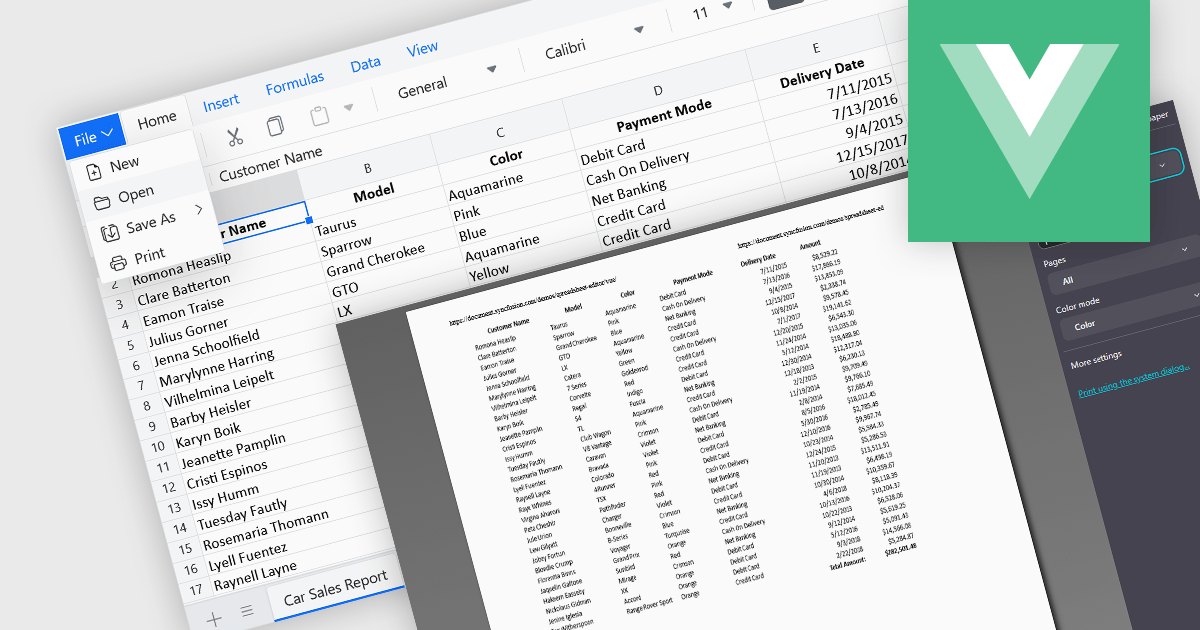
The ability to print spreadsheets is a core feature that produces a physical copy or a formatted digital version, such as a PDF, of the data and layout contained within a spreadsheet file. This function allows users to review, distribute, archive, or present the original information that preserves the structure in a readable and consistent format. By configuring print settings, such as page orientation, scaling, and headers, users can control how the content appears on paper, ensuring clarity and professionalism in the output. It is especially useful for reports, financial statements, and records that need to be reviewed offline or submitted in a formal context.
Several Vue.js spreadsheet components enable printing, including:
For an in-depth analysis of features and price, visit our comparison of Vue.js spreadsheet components.
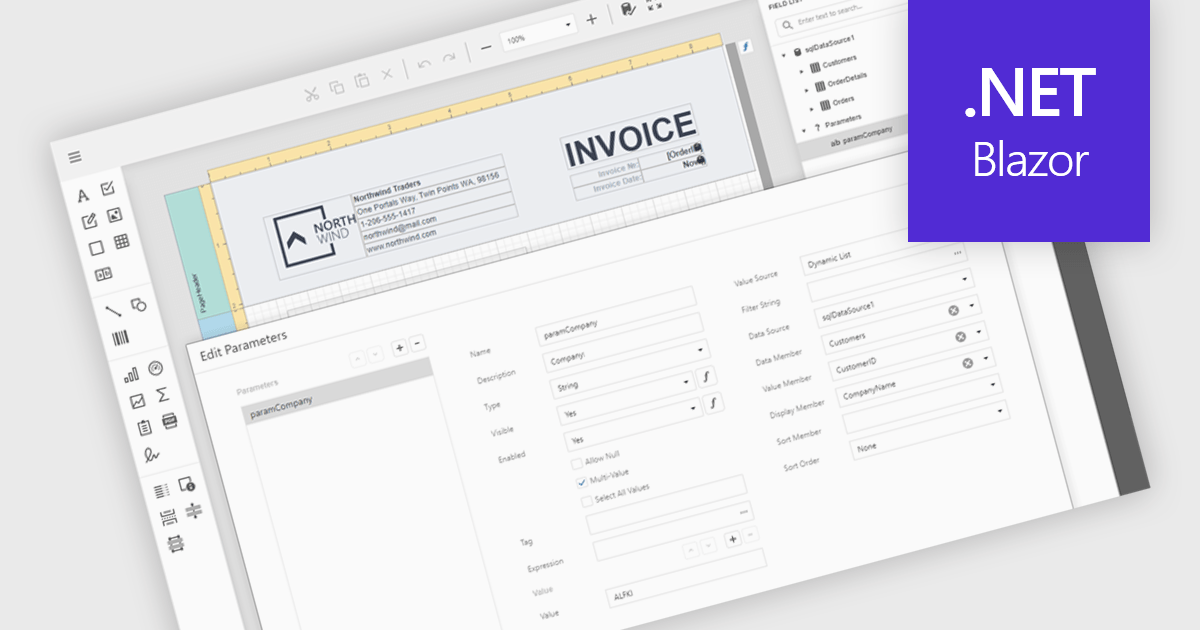
Data filtering and grouping in reporting help users organize and analyze information more efficiently by showing only the data that matters most. Filtering refines report results based on specific criteria such as date, category, or value, while grouping arranges related data into clear sections for easier comparison. Together, they improve clarity, speed up analysis, and reveal meaningful patterns. For example, a sales manager can view current quarter transactions grouped by region, or a finance team can review expenses filtered by department for more accurate insights.
Several .NET Blazor reporting controls offer data filtering and grouping including:
For an in-depth analysis of features and price, visit our comparison of .NET Blazor Reporting Controls.
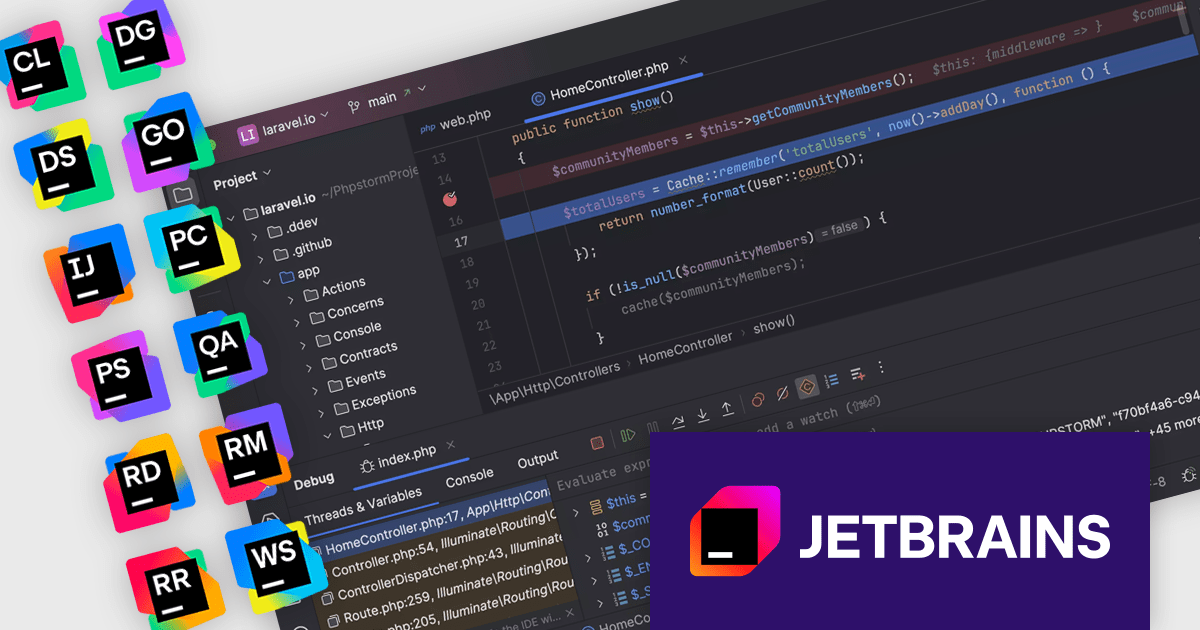
The JetBrains All Products Pack provides access to a comprehensive suite of JetBrains tools, including 11 IDEs, 3 extensions, and 2 profilers, all under one unified license. This flexible solution allows users to switch between tools across multiple machines, adapting to different projects with ease. With a single license, you benefit from simplified license management and significant cost savings - 11 IDEs for the price of two. The All Products Pack is designed to advance your skills by giving you unlimited access to industry-leading professional tools, empowering efficient, high-quality development across a variety of languages and platforms.
The JetBrains All Products Pack enhances development by incorporating integrated debuggers within each IDE, providing developers with immediate access to powerful tools for diagnosing and resolving code issues. This integration eliminates context switching, allowing for efficient setting of breakpoints, real-time inspection of variable states and call stacks, and granular control over program execution. By offering these capabilities directly within the coding environment, the integrated debugger facilitates a more intuitive and productive debugging experience, ultimately leading to faster identification and resolution of software defects.
JetBrains All Products Pack is licensed per user as a commercial annual subscription. We can supply new subscriptions, subscription renewals, lapsed subscription renewals, and additional developer licenses. See our JetBrains All Products Pack licensing page for full details.
For more information, see our JetBrains All Products Pack product page.
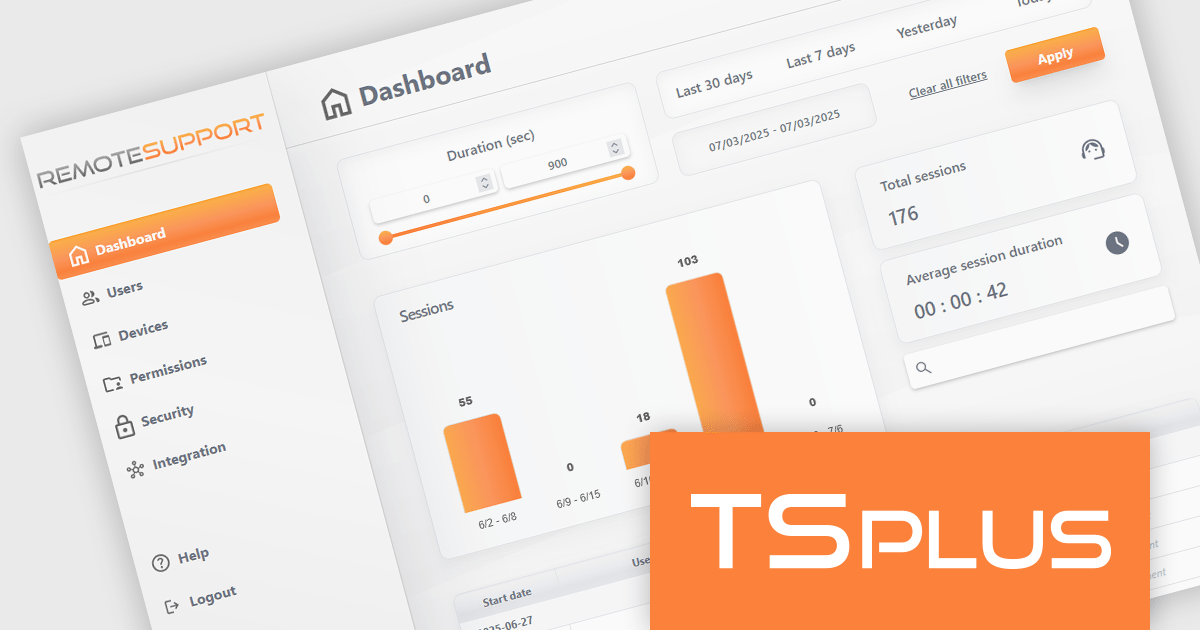
TSplus Remote Support is a remote desktop control solution that enables IT teams to deliver instant attended or unattended assistance without complex setup. Agents can take control of a user’s screen, mouse, and keyboard with a single click and communicate via built-in chat. The platform supports live troubleshooting, background maintenance, branded client customization, and secure connection management through TSplus servers. Typical use cases include help desk support, unattended system updates, and remote training, all achieved through a user-friendly, scalable interface.
The TSplus Remote Support v4.3 update includes important improvements to memory management for Remote Support clients and relays, as well as enhancements to the administration interface, and a refined dashboard with improved filter bar and reorganized page layout, delivering a smoother and more intuitive navigation experience for administrators and users alike.
To see a full list of what's new in v4.3, see our release notes.
TSplus Remote Support is licensed per concurrent connection. Licenses include a 1 year subscription for updates and support. See our TSplus Remote Support licensing page for full details.
For more information, visit our TSplus Remote Support product page.
電話: (888) 850 9911
Fax: +1 770 250 6199


