













公式サプライヤー
公式および認定ディストリビューターとして200社以上の開発元から正規ライセンスを直接ご提供いたします。
当社のすべてのブランドをご覧ください。
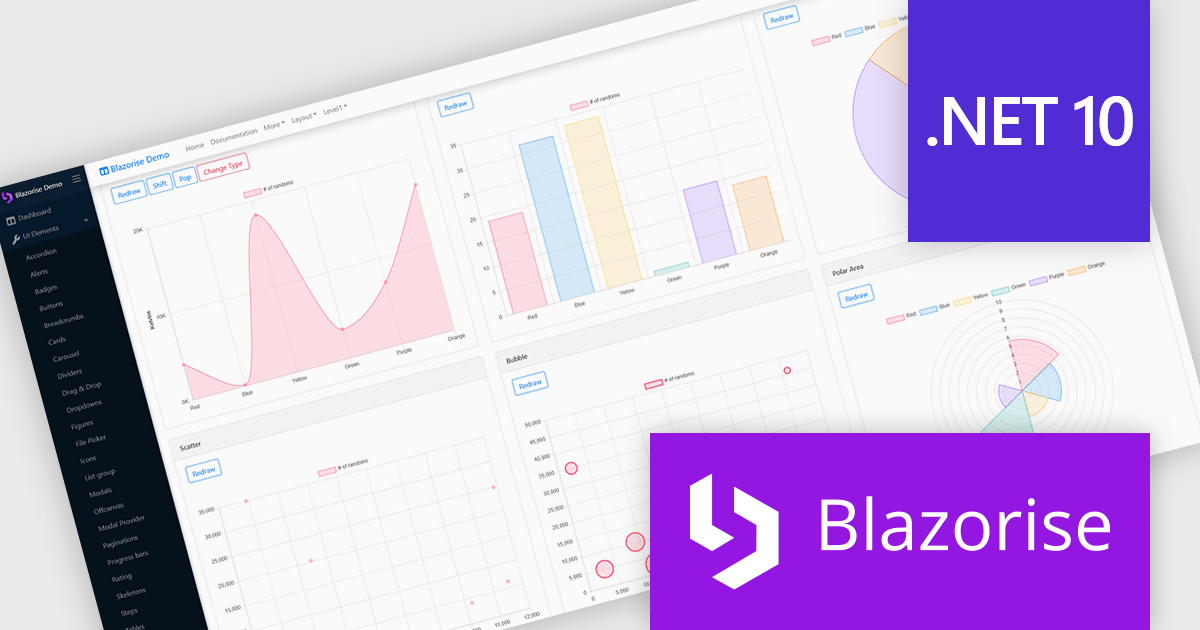
Blazorise is a versatile component library that empowers developers to build modern and feature-rich web applications using Blazor, a client-side web development framework from Microsoft. It offers a comprehensive collection of user interface components, including buttons, forms, charts, and navigation elements, all built with accessibility and responsiveness in mind.
The Blazorise 1.8.6 update delivers full compatibility with .NET 10, allowing existing Blazorise-based applications to run on the latest runtime without breaking changes. It enables projects to take advantage of new C# 14 language features, improved JIT and AOT performance, and the modernized Blazor hosting models introduced in .NET 10. This release helps standardize on the newest .NET stack while preserving current UI components and behavior, reducing migration risk and maintenance overhead for development teams.
To see a full list of what’s new in version 1.8.6, see our release notes.
Blazorise is licensed per developer and includes a 1 year subscription for updates and support. Professional, Enterprise, and Enterprise Plus editions are available, each offering tailored levels of support and service to meet varying business needs. See our Blazorise licensing page for full details.
For more information, visit our Blazorise product page.
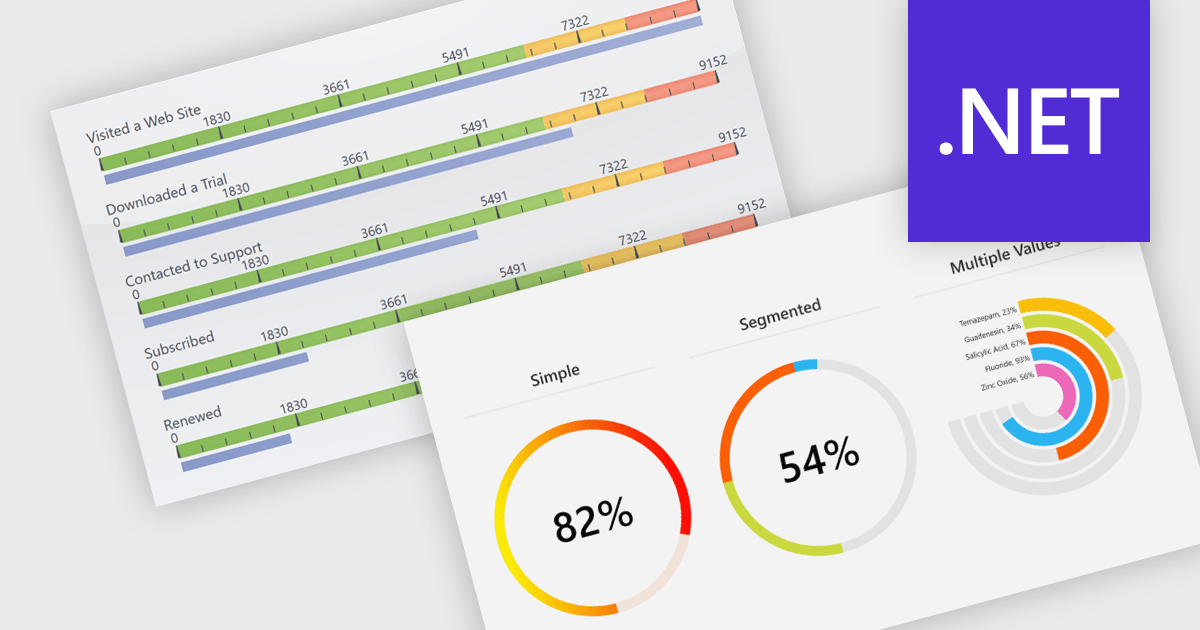
Gauges are specialized charting components used to visually display numerical values within a predefined range, often in formats such as radial, linear, or digital meters. They are commonly found in dashboards and monitoring tools, where their primary function is to provide immediate visual feedback on performance indicators or system metrics. Gauges are particularly useful for clearly communicating real-time data, allowing users to quickly assess the current state of a metric to determine whether a value is within acceptable limits or requires attention.
Several .NET charting components also offer gauges, including:
For an in-depth analysis of features and price, visit our comparison of .NET chart components.
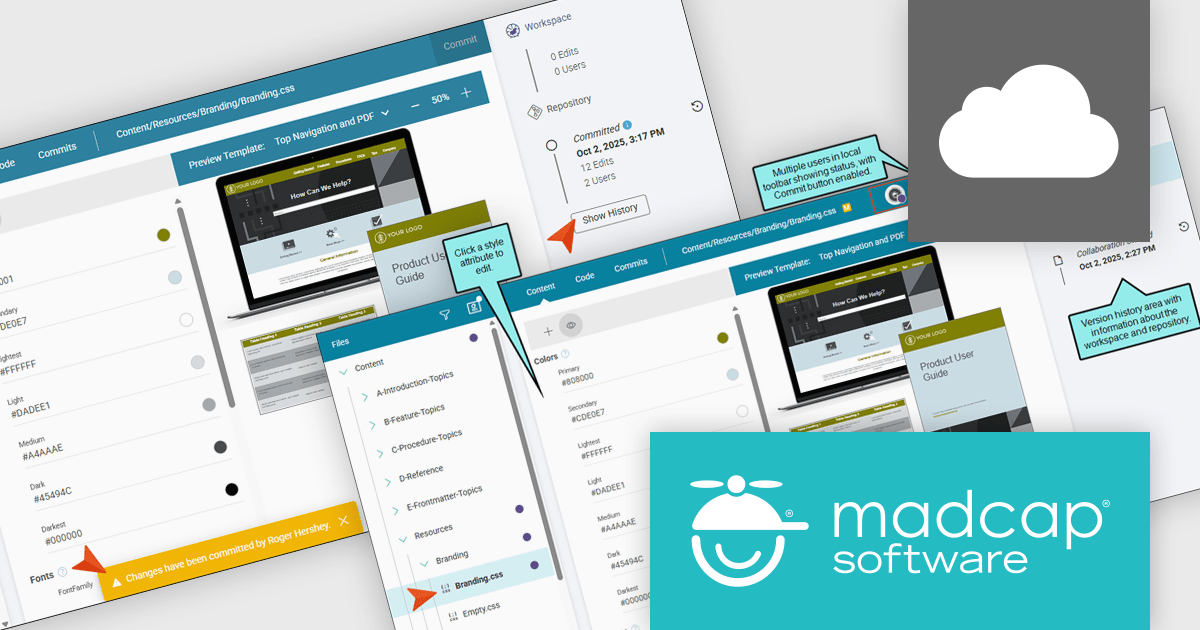
MadCap Flare Online is a cloud-based authoring platform that streamlines the creation, delivery, and management of technical content. Organizations can publish and host documentation, knowledge bases, and user guides directly to the web without managing complex infrastructure. Designed for collaboration and scalability, Flare Online enables teams to maintain a consistent brand experience across all outputs while providing end users with an intuitive, self-service interface.
The MadCap Flare Online update introduces collaborative editing for the Branding Editor, enabling multiple developers and authors to work concurrently on shared branding assets such as logos, colors, and styles within a controlled workspace. By using a working copy of the branding CSS and committing changes back to the repository, teams reduce merge conflicts and accidental overwrites while maintaining a clear version history for auditing and rollback. This optimizes the process of updating UI styling across projects, improves coordination through status awareness and commit notifications, and helps ensure consistent, up-to-date branding without adding complexity to existing source control practices.
To see a full list of what's new, see our release notes.
MadCap Flare Online is licensed per user (Author) on a 12 month basis. A Platform license is required in addition to any user (Author) licenses. See our MadCap Flare Online licensing page for full details.
For more information, see our MadCap Flare Online product page.
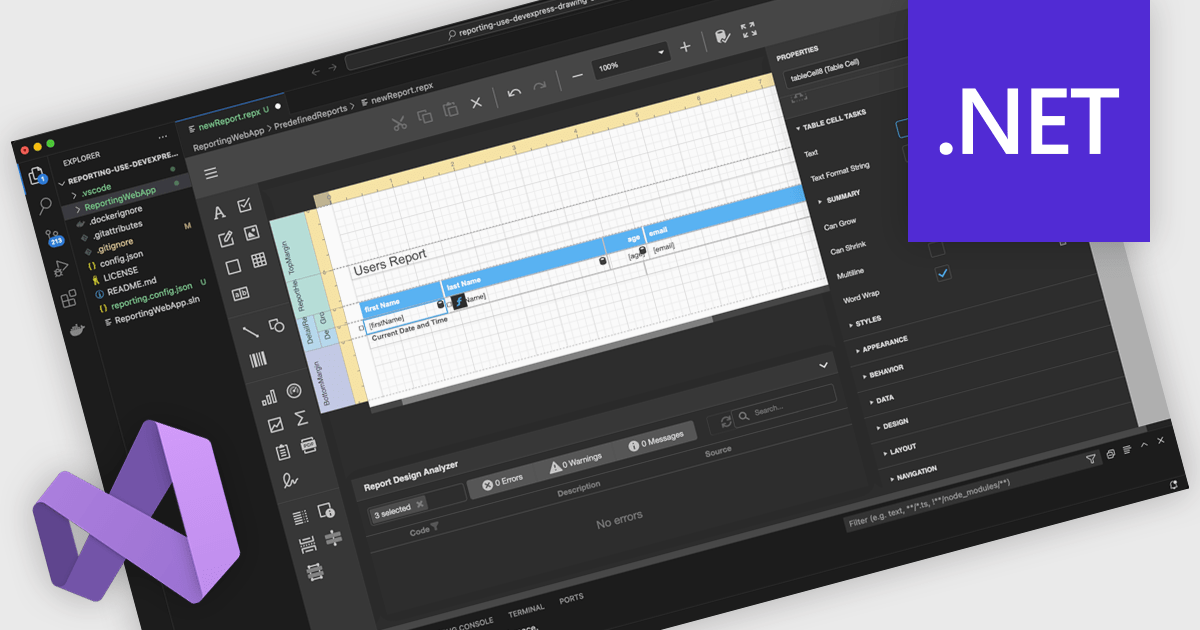
A Visual Studio integrated report designer lets developers create and edit report layouts directly inside the Visual Studio IDE, instead of using a separate reporting tool. Report definitions live alongside application code, data models, and resources, improving integration, maintenance, and use of source control and CI/CD. Developers work in a familiar environment with drag-and-drop layout design, property grids, and IntelliSense-backed expressions, plus the option to add custom logic in C# or VB. Typical use cases include interactive sales dashboards, operational reports, and audits where teams must quickly iterate, bind live data, and preview results.
Several .NET reporting controls offer Visual Studio integrated designers, including:
For an in-depth analysis of features and price, visit our .NET reporting controls comparison.
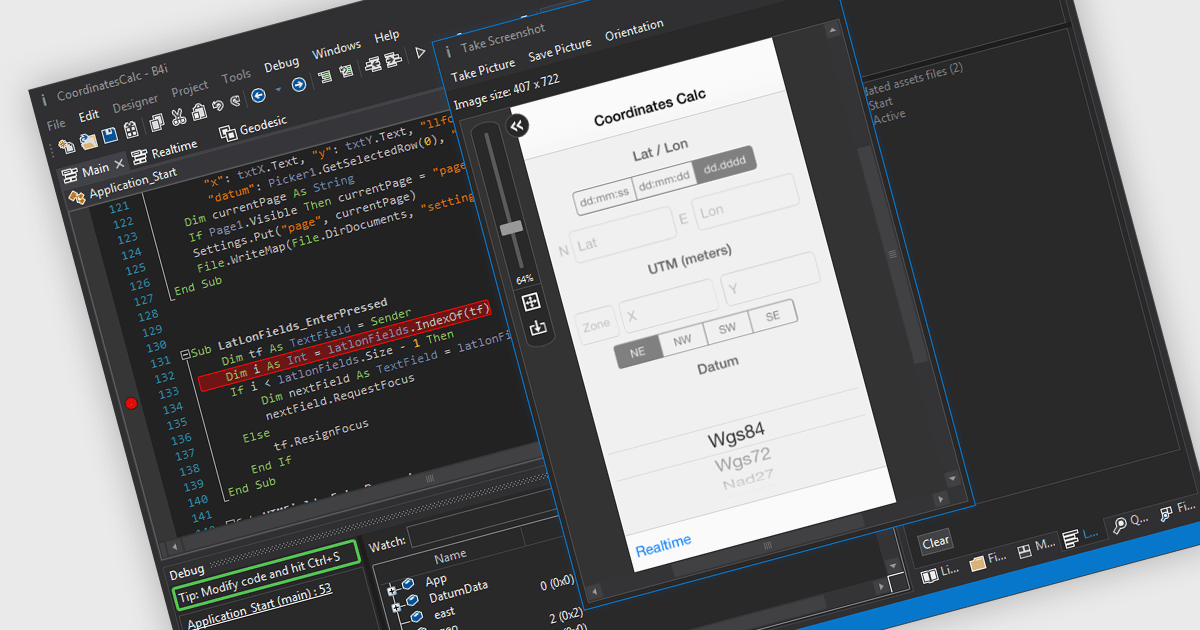
iOS Framework support in IDE (Integrated Development Environment) development tools refers to the capability of the IDE to recognize, integrate, and assist in building applications using Apple's iOS-specific libraries and APIs (Application Programming Interfaces). This support typically includes features such as code completion, syntax highlighting, debugging, and interface design tailored to frameworks like UIKit, SwiftUI, CoreData, and others. It enables developers to efficiently write, test, and deploy applications for iPhone and iPad by providing tools that understand the structure and behavior of iOS applications, manage device simulators, and integrate with Apple's development ecosystem, including Xcode project structures and provisioning profiles.
Several IDEs offer iOS Framework support including:
For an in-depth analysis of features and price, visit our comparison of IDEs.
電話: (888) 850 9911
Fax: +1 770 250 6199


