













公式サプライヤー
公式および認定ディストリビューターとして200社以上の開発元から正規ライセンスを直接ご提供いたします。
当社のすべてのブランドをご覧ください。
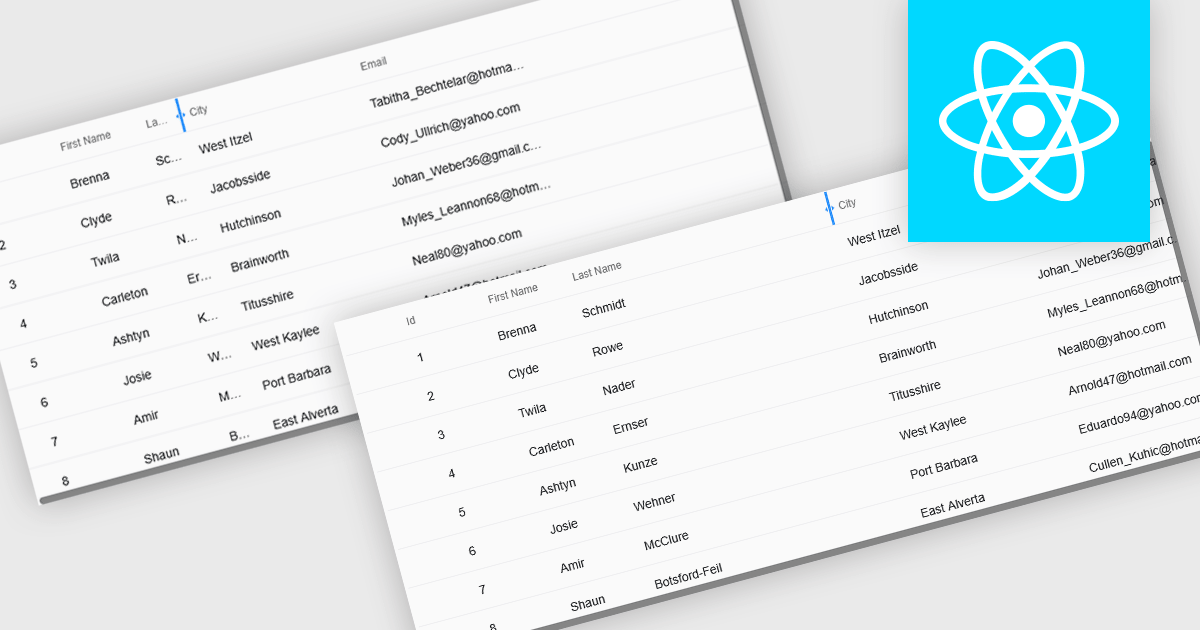
Resizable grid columns let users adjust the width of each column in a data table, giving them direct control over how information is displayed. This improves readability by preventing text from being cut off, reduces clutter by narrowing less important fields, and creates a cleaner, more efficient workspace. It is especially useful with large datasets, long product names, detailed descriptions, or mixed data types, such as expanding a “Description” column to read full text or narrowing numeric columns to compare figures quickly. Whether used in dashboards, admin panels, reporting tools, or data entry systems, column resizing enhances usability, speeds up analysis, and supports a more personalized viewing experience.
Several React grid controls offer support for expanding and resizing columns including:
For an in-depth analysis of features and price, visit our React grid controls comparison.

LightningChart JS is a high-performance JavaScript charting library that utilizes WebGL rendering and GPU acceleration to deliver exceptional performance for a wide range of data visualization needs. It is designed to handle large datasets and complex visualizations with ease, enabling developers to create interactive and visually appealing 2D and 3D charts. Ideal for applications demanding smooth real-time data updates, such as financial platforms, engineering tools, scientific research dashboards, and industrial monitoring systems, LightningChart JS provides a comprehensive API for customization and integration into web-based projects.
The LightningChart JS v8.1 update introduces built-in contour rendering for heatmap and surface charts, giving developers a straightforward way to highlight value transitions and gradients within complex datasets. The new contour capabilities automatically generate level lines and labels, while offering control over stroke and text styling for each contour level. This improves the clarity and interpretability of dense numerical data, reduces the need for custom rendering logic, and maintains high performance even when working with detailed datasets.
To see a full list of what's new in v8.1, see our release notes.
LightningChart JS is licensed per developer and is available as an annual license with 1 year support. See our LightningChart JS licensing page for full details.
For more information, see our LightningChart JS product page.
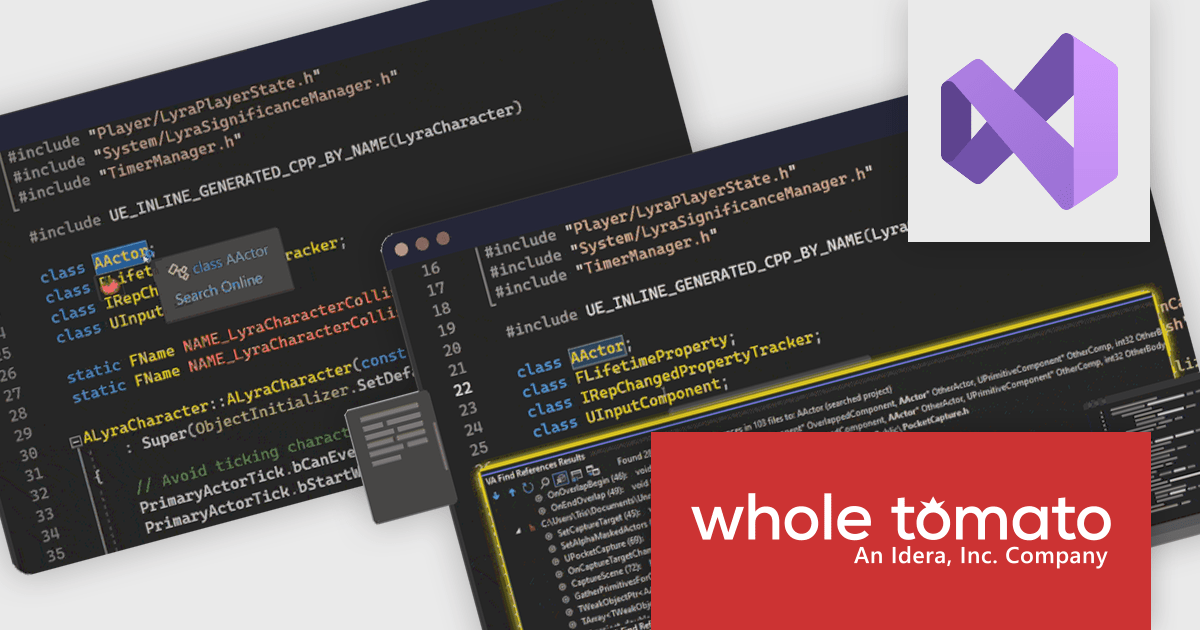
Visual Assist by Whole Tomato Software is a productivity plugin for Microsoft Visual Studio that enhances your C/C++ and C# development. It improves upon IntelliSense and syntax highlighting, improving code navigation and refactoring, and offers intelligent code completion and generation. Additionally, Visual Assist provides static code analysis to identify potential bugs and performance issues, all designed to save you time and effort while writing, reading, and maintaining your code.
The Visual Assist 2025.5 update adds full compatibility with Visual Studio 2026, allowing software developers to upgrade to the latest IDE without disrupting their processes or losing access to key productivity enhancements. This ensures that essential capabilities such as improved code navigation, refactoring support, enhanced IntelliSense, and reliable C++ tooling continue to function smoothly within the updated environment, providing a stable and consistent development experience as teams transition to new platform features and performance improvements.
To see a full list of what's new in 2025.5, see our release notes.
Visual Assist is licensed on a per-developer basis and offers three licensing options: Standard, Network Named User, and Concurrent. All new licenses include a 1 Year Maintenance Subscription, and Subscription Renewals are also available. See our Visual Assist licensing page for full details.
Learn more on our Visual Assist product page.
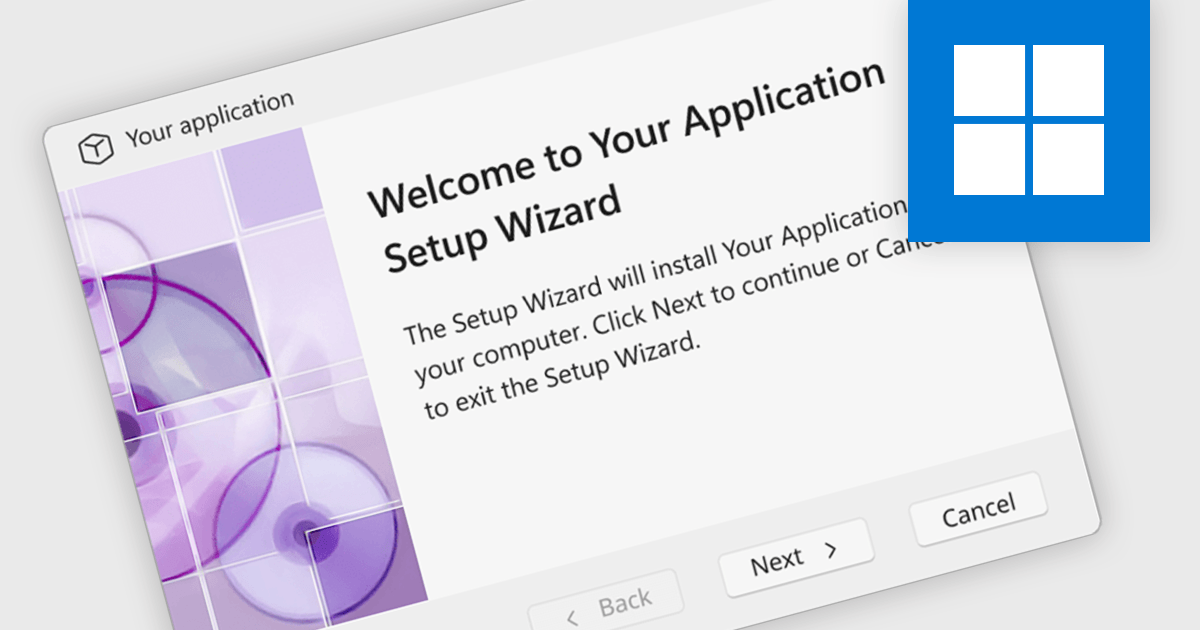
The ability to target Windows systems in an installation tool refers to its capacity to create installers compatible with the Windows operating system. This ensures that the packaged application can be correctly deployed and executed across intended Windows environments, whether those are legacy systems, current enterprise editions, or the latest Windows releases. For software developers, this capability is essential for maintaining broad compatibility, reducing deployment errors, and ensuring a predictable user experience across diverse user systems, particularly in enterprise or managed IT settings where OS variation is common.
Several installation tools target Windows operating systems including:
For an in-depth analysis of features and price, visit our installation tools comparison.
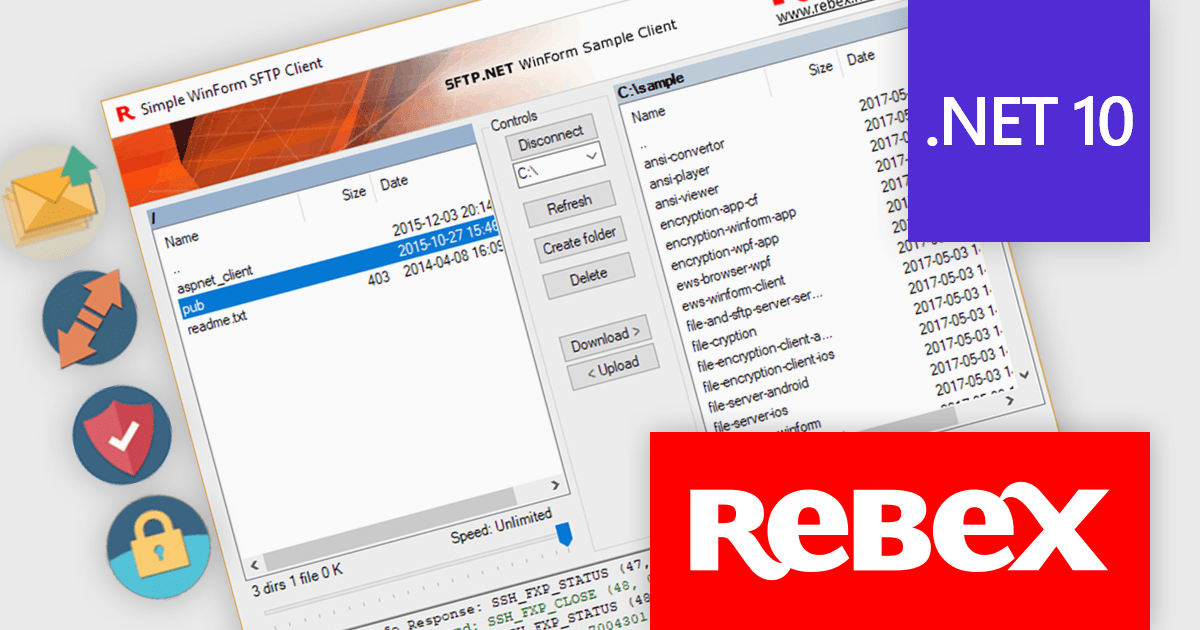
Rebex is a trusted provider of high-quality components and libraries designed to streamline the development of secure, efficient, and reliable software applications. Its product line focuses on enabling developers to integrate essential networking, file transfer, and cryptographic functionalities with ease. Key offerings include libraries for secure file transfer protocols like SFTP (SSH File Transfer Protocol) and FTPS (File Transfer Protocol Secure), email handling via SMTP (Simple Mail Transfer Protocol), IMAP (Internet Message Access Protocol), and POP3 (Post Office Protocol), as well as powerful cryptographic tools for securing data. These tools are designed for .NET developers, emphasizing ease of integration, robust security standards, and high performance, making Rebex a valuable resource for building modern software solutions.
The latest Rebex release introduces support for .NET 10, delivering a new set of binaries designed to run across a wide range of platforms. This includes Windows, Linux, macOS, as well as Android and Apple mobile ecosystems. With this update, developers targeting .NET 10 can confidently deploy Rebex components across both desktop and mobile systems, including iOS, iPadOS, and tvOS. This positions Rebex to fully support cross-platform development on the latest .NET framework.
Support for .NET 10 is available across the Rebex .NET product range:
Rebex products are licensed per developer. All new licenses include a 1 year support contract which includes priority support and all software updates during the support period. Support contract renewals are also available. See our Rebex licensing page for full details.
電話: (888) 850 9911
Fax: +1 770 250 6199


