













公式サプライヤー
公式および認定ディストリビューターとして200社以上の開発元から正規ライセンスを直接ご提供いたします。
当社のすべてのブランドをご覧ください。
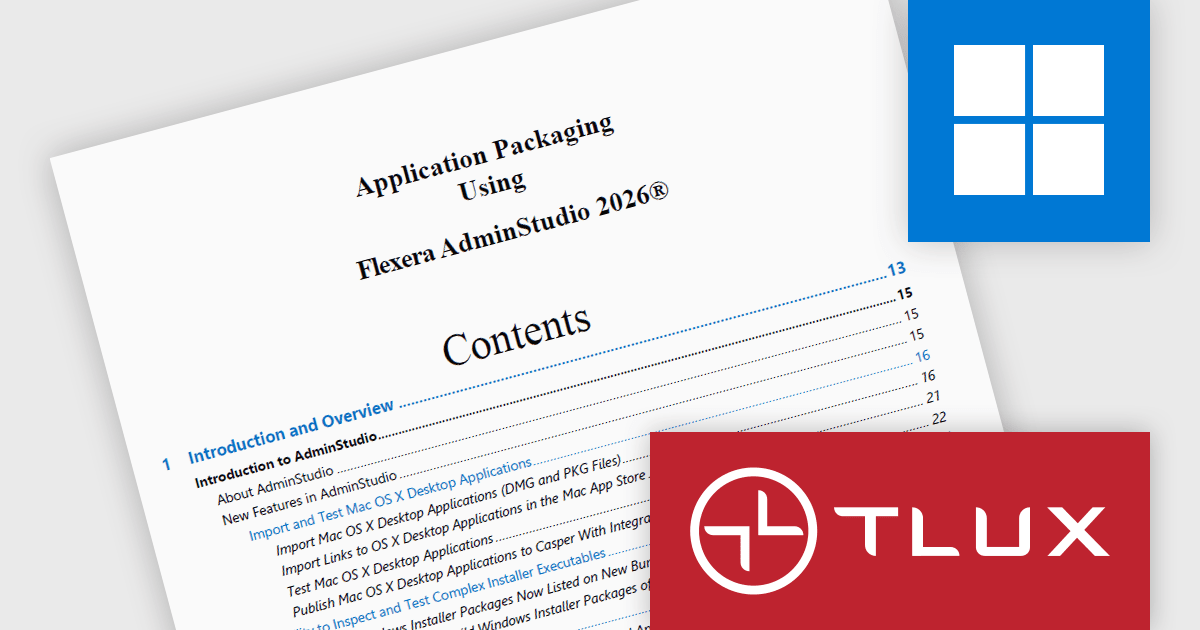
The Application Packaging Using Flexera AdminStudio TLUX Training Course teaches IT professionals how to create, customize, and manage Windows Installer (MSI) packages using Flexera AdminStudio. Participants learn application packaging best practices, how to create transforms for existing third party MSI packages, and how to improve package quality through conflict resolution, validation, and automated testing. This hands on training helps organizations streamline software deployment, reduce application issues, and ensure reliable application delivery across enterprise environments.
The Application Packaging using Flexera AdminStudio TLUX Training Course update helps software developers and application packaging professionals learn how to leverage Windows Sandbox to create clean, isolated environments for application repackaging without the need to configure and maintain dedicated virtual machines. By incorporating this capability into the training, participants can gain practical experience with a faster and more efficient packaging workflow, reducing environment preparation time while improving package consistency and reliability. This knowledge enables teams to improve application deployment processes, minimize infrastructure overhead, and accelerate the delivery of deployment ready software packages across enterprise environments.
To see a full list of what's new in June 2026, see our release notes.
Application Packaging using Flexera AdminStudio TLUX Training Course is licensed on a per-user basis and includes all course material updates for one year. Users must have a valid AdminStudio license or evaluation copy, with minor updates included thereafter and major updates potentially requiring an upgrade purchase. See our Application Packaging using Flexera AdminStudio - TLUX Training Course licensing page for full details.
For more information, see our Application Packaging using Flexera AdminStudio - TLUX Training Course product page.
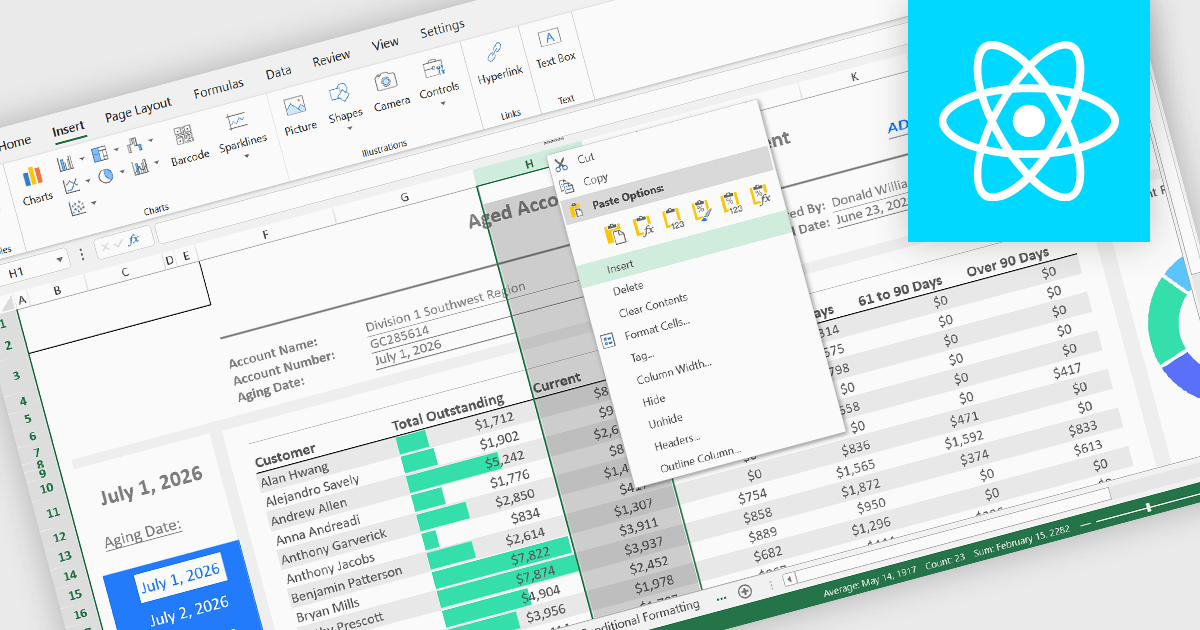
Inserting columns is a fundamental spreadsheet capability that allows users to add new columns at any position within a worksheet without disrupting existing data. This feature helps accommodate changing requirements, making it easier to expand datasets, introduce new calculations, capture additional information, and reorganize content while maintaining the overall structure of the spreadsheet.
Several React spreadsheet controls offer the ability to insert columns, including:
For an in-depth analysis of features and price, visit our React spreadsheet controls comparison.
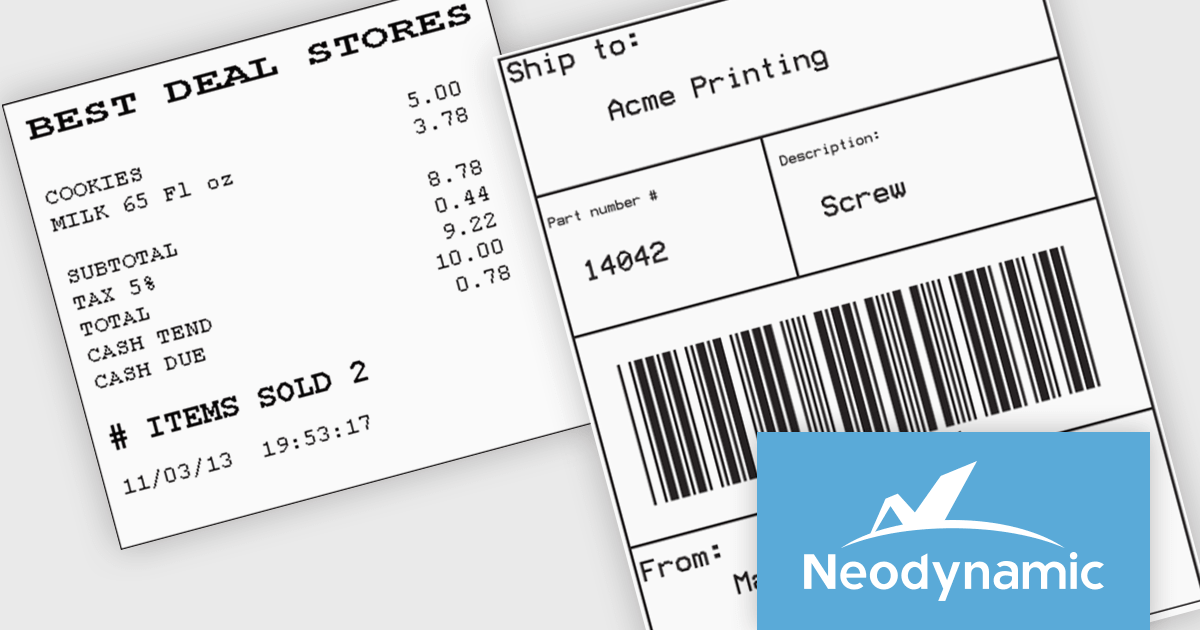
Neodynamic offers two JSPrintManager solutions for client-side printing and scanning in web applications. JSPrintManager for Any Web Platform allows you to integrate printing functionality into any website built with technologies like ASP.NET, PHP, or Blazor using pure JavaScript. Neodynamic also offers JSPrintManager for Blazor which enables you to seamlessly add printing capabilities to your Blazor server or WebAssembly projects with C# code. Both solutions empower you to print various data formats directly from the browser without requiring user interaction with print dialogs.
JSPrintManager is well suited to retail and shipping applications where fast, accurate printing is a critical part of daily operations. Developers can print receipts, invoices, packing slips and shipping labels directly to compatible printers using native command languages, helping to ensure consistent output and optimal performance. Support for carrier-generated labels from UPS, FedEx, USPS and DHL makes it easy to integrate fulfillment and logistics workflows, while compatibility with a wide range of receipt and label printers provides the flexibility needed for point-of-sale, warehouse and distribution environments.
Neodynamic JSPrintManager is licensed per Web App and Web server and is available as a Perpetual license which includes 1 year of free updates and priority support. See our Neodynamic JSPrintManager for Any Web Platform and Neodynamic JSPrintManager for Blazor licensing pages for full details.
Learn more on our Neodynamic JSPrintManager for Any Web Platform and Neodynamic JSPrintManager for Blazor product pages.
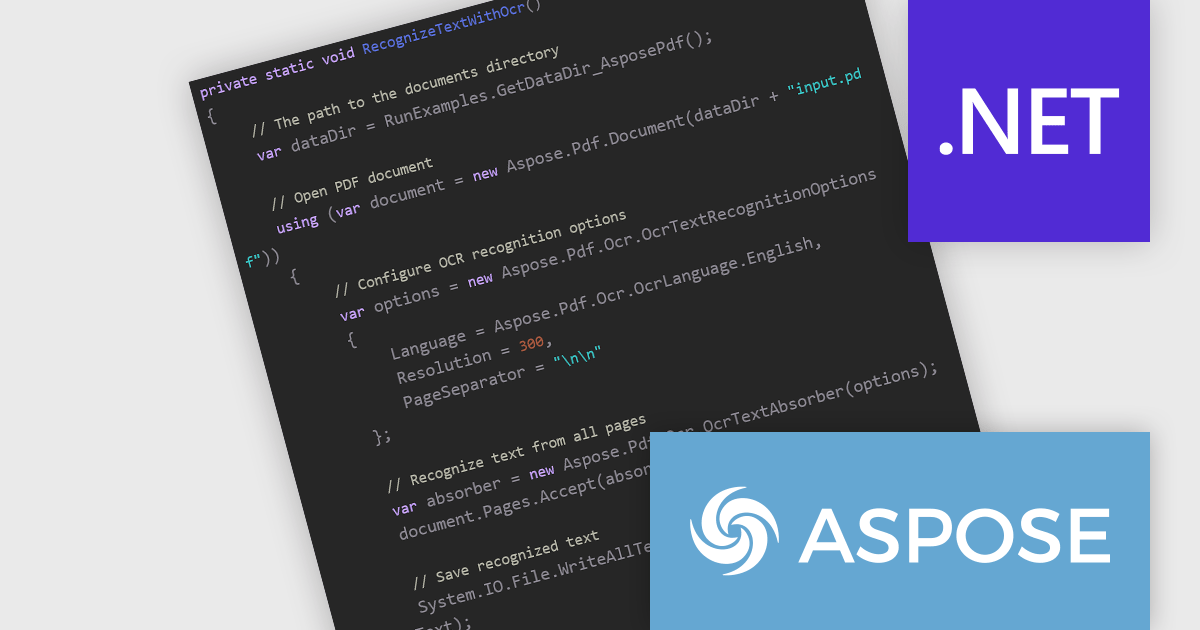
Aspose.PDF for .NET enables developers to seamlessly integrate PDF generation, manipulation, and conversion functionalities within their applications. It eliminates the dependency on Adobe Acrobat by providing a programmatic interface for working with PDF documents, allowing for tasks like creating PDFs from scratch, editing existing ones, adding elements like images and watermarks, and managing security features.
The Aspose.PDF for .NET V26.6 release introduces Integrated Optical Character Recognition (OCR) for PDF Text Recognition, allowing developers to extract text directly from scanned PDFs and image-based documents through the same API. This enhancement simplifies workflows by removing the need to integrate and maintain separate OCR solutions, reducing development complexity and deployment overhead. By making previously inaccessible content searchable, editable, and available for data extraction, the feature helps improve document accessibility, supports compliance requirements, and enables more effective document indexing and archiving. For organizations processing large volumes of scanned documents, the integrated OCR capability can improve productivity while providing a more consistent and streamlined document processing experience.
To see a full list of what's new in V26.6, see our release notes.
Aspose.PDF for .NET is offered as Developer Small Business, Developer OEM, Developer SDK, Site Small Business, Site OEM and Site SDK licenses catering to a range of business needs. Licenses are perpetual, and include 1 year of support and maintenance. Subscription renewals are also available. See our Aspose.PDF for .NET licensing page for full details.
Aspose.PDF for .NET is available individually or as part of the following products:
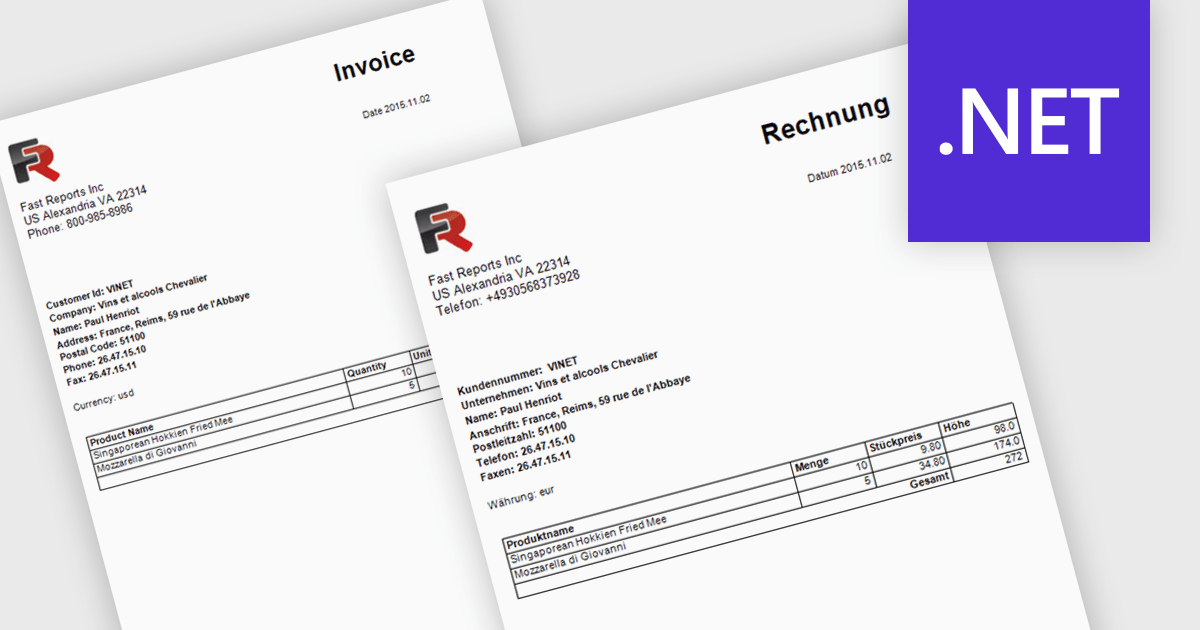
Report localization is the process of translating and adapting reports into different languages so organizations can share data and insights with global audiences. By presenting reports in a user's preferred language, organizations can improve accessibility, increase understanding, and reduce the risk of misinterpreting important information. This helps teams, customers, and stakeholders make more informed decisions while maintaining a consistent reporting experience across regions. Common use cases include localized sales reports for regional teams, analytics dashboards for international customers, and financial or compliance reports that need to be available in multiple languages.
Several .NET reporting controls offer localization including:
For an in-depth analysis of features and price, visit our .NET reporting controls comparison.
電話: (888) 850 9911
Fax: +1 770 250 6199


