













公式サプライヤー
公式および認定ディストリビューターとして200社以上の開発元から正規ライセンスを直接ご提供いたします。
当社のすべてのブランドをご覧ください。
Syncfusion Essential Studio Enterprise provides a comprehensive collection of UI components and frameworks for building modern cross-platform applications. It offers over 1,800 components compatible with .NET WinForms, WPF, ASP.NET Core & MVC, WinUI, MAUI, JavaScript, Blazor, and more, enabling seamless application development across diverse devices and operating systems.
Syncfusion Essential Studio Enterprise has added a new ASP.NET Core Block Editor control bringing a flexible content-authoring experience to web applications, allowing users to create and organize rich content through intuitive, block-based editing. By supporting structured content elements such as text, images, lists, and other reusable blocks, the control simplifies the creation of dynamic pages while improving content consistency and maintainability. For developers, the Block Editor offers an efficient way to incorporate modern content management capabilities into ASP.NET Core applications, reducing the need for custom development and helping deliver engaging editing experiences with less effort.
Syncfusion Essential Studio Enterprise is licensed per developer and is available as a 12 Month Timed Subscription License which includes support and maintenance. See our Syncfusion Essential Studio Enterprise licensing page for full details.
Learn more on our Syncfusion Essential Studio Enterprise product page.
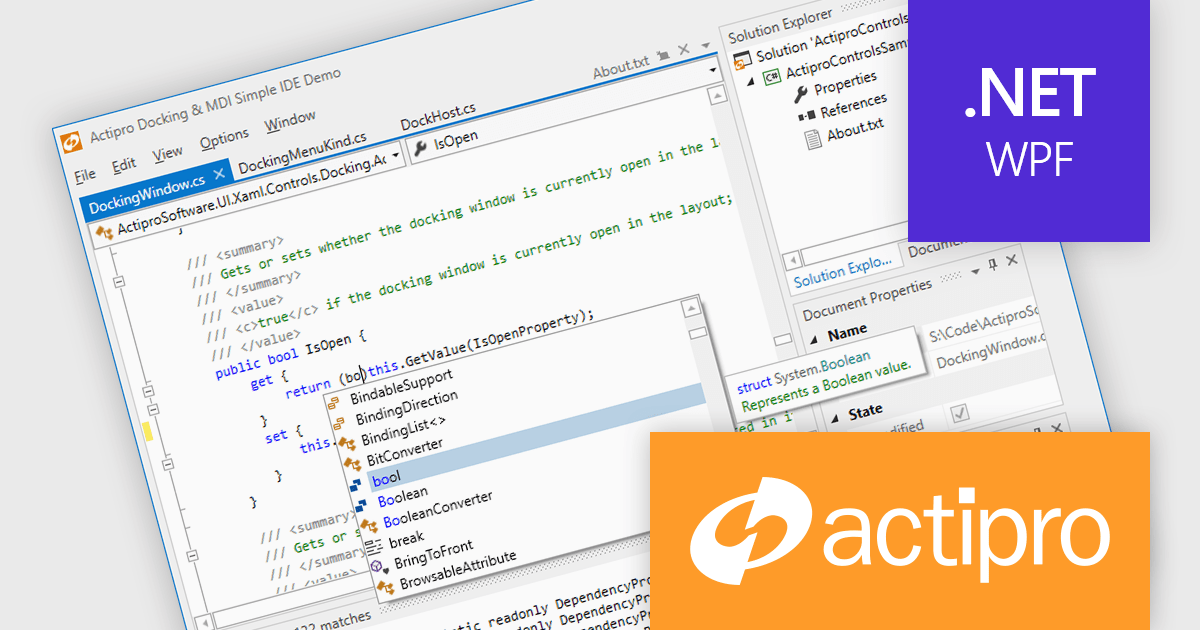
Actipro WPF Studio is a complete suite of WPF UI controls and components for building modern Windows desktop applications, including charts, docking, syntax editing, grids, navigation, gauges, editors, and Microsoft Office style interfaces. Designed to simplify complex application development, it helps developers create professional, feature rich business applications, developer tools, and data driven solutions faster while improving usability and user experience.
Actipro WPF Studio improves WPF application development by providing a comprehensive set of integrated UI controls and components that help developers build professional desktop applications faster and with less custom code. Its included features such as advanced docking, syntax editing, charts, grids, editors, navigation controls, and Microsoft Office style interfaces simplify the creation of complex user experiences while maintaining consistency, performance, and usability across applications. Designed for enterprise software, business tools, and data driven applications, it enables developers to deliver modern, feature rich interfaces more efficiently while reducing development and maintenance effort.
Actipro WPF Studio is licensed per developer and is available as a Perpetual license with 1 year support and maintenance. See our Actipro WPF Studio licensing page for full details.
For more information, see our Actipro WPF Studio product page.
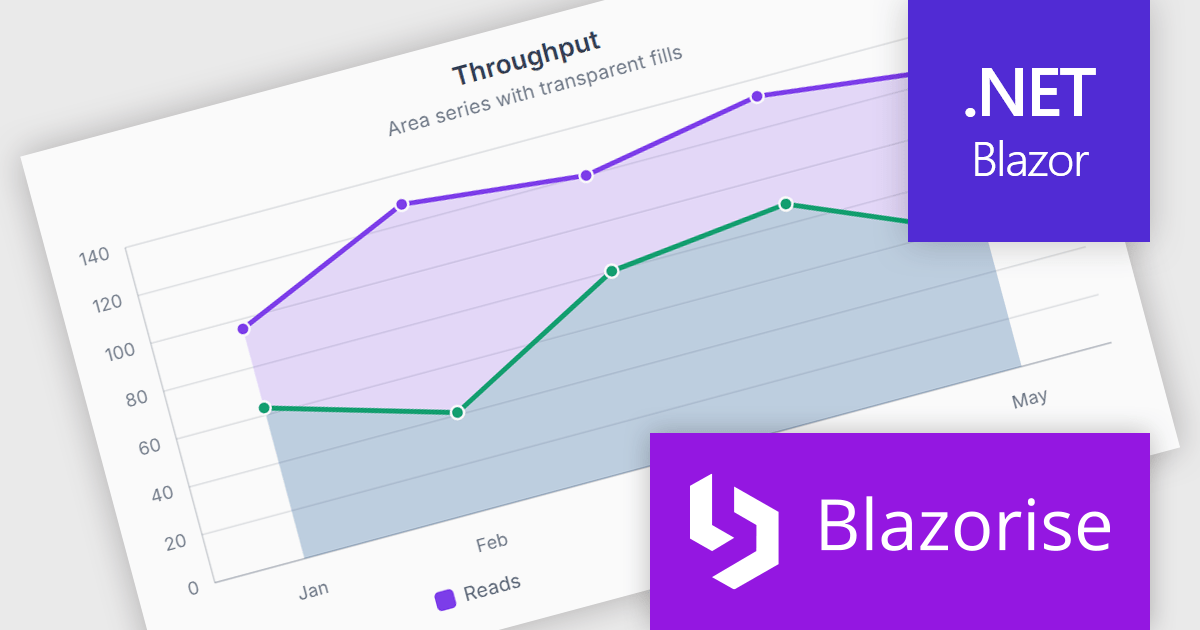
Blazorise is a versatile component library that empowers developers to build modern and feature-rich web applications using Blazor, a client-side web development framework from Microsoft. It offers a comprehensive collection of user interface components, including buttons, forms, charts, and navigation elements, all built with accessibility and responsiveness in mind.
The Blazorise 2.2 update introduces SVG Charts, a native charting engine built with C# and Blazor that simplifies the development of dashboards, reports, and other data driven applications. By eliminating the need for external JavaScript charting libraries, it reduces development complexity and allows developers to create interactive visualizations using familiar Blazor patterns.
To see a full list of what’s new in version 2.2, see our release notes.
Blazorise is licensed per developer and includes a 1 year subscription for updates and support. Professional, Enterprise, and Enterprise Plus editions are available, each offering tailored levels of support and service to meet varying business needs. See our Blazorise licensing page for full details.
For more information, visit our Blazorise product page.
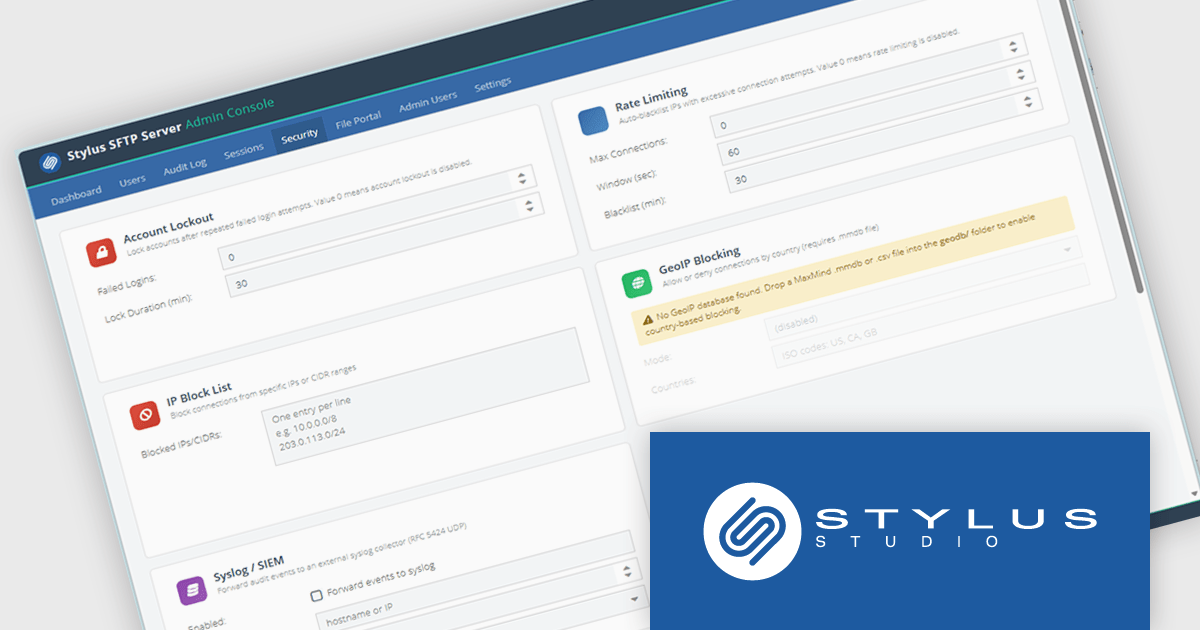
Stylus SFTP Server is a self-hosted file transfer server that provides SFTP alongside FTP, FTPS, WebDAV, and a browser-based file portal from a single service. It is designed for organizations that need to manage file exchange internally rather than relying on a cloud service. The server supports integration with Active Directory, LDAP, and SQL databases for authentication, and includes features such as SSH public-key authentication, Time-based One-Time Password (TOTP) multi-factor authentication, per-user quotas, audit logging, and role-based access controls.
From a developer and systems perspective, one of its more unusual features is a database-backed filesystem, where files can be stored directly in databases such as PostgreSQL, MySQL, SQL Server, or the bundled H2 database instead of on disk. The product also exposes REST APIs, webhooks, syslog integration, and command-line administration tools, making it suitable for automation and integration with existing operational processes. It runs on both Windows and Linux, ships with a bundled Java runtime, and is intended to provide a centralized platform for secure file transfer, auditing, and compliance requirements.
Stylus SFTP Server is licensed per server on a 1 year subscription basis. Subscription licenses require that you renew your license each year to continue to use the software. See our Stylus SFTP Server licensing page for full details.
For more information, see our Stylus SFTP Server product page.
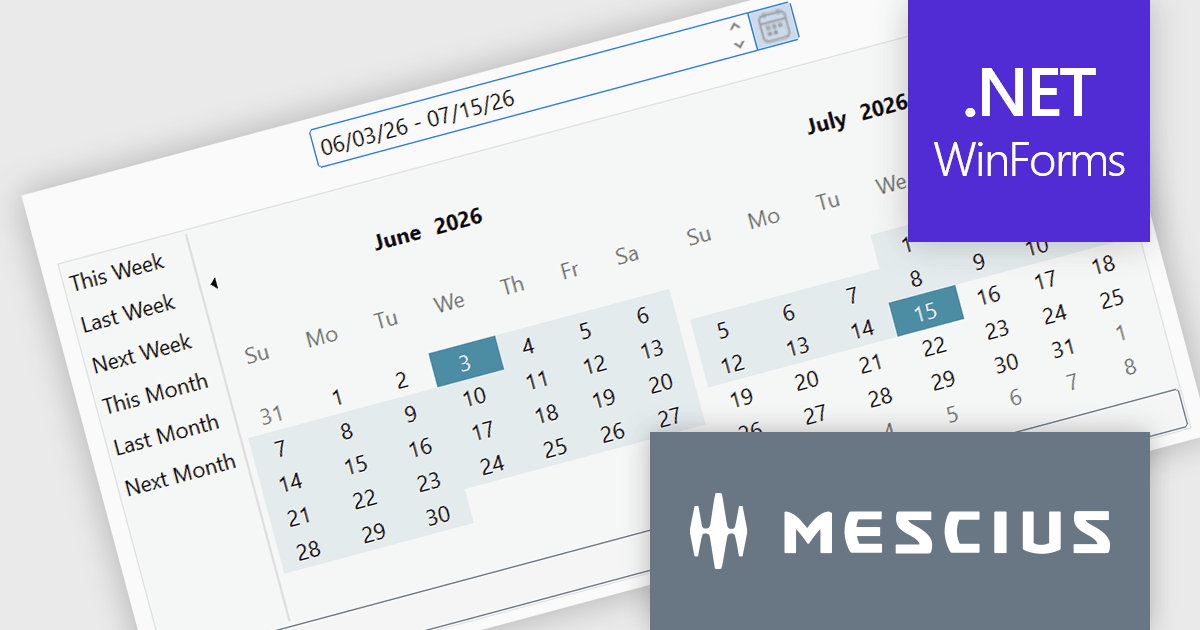
ComponentOne Studio WinForms by MESCIUS is a comprehensive toolkit offering over 120 advanced UI components to improve Windows Forms application development. It helps you to build visually appealing and feature-rich applications with functionalities like data visualization through charts and reports, intuitive data editing with performant grids, and modern UI elements including ribbons and docking for a user-friendly experience.
The ComponentOne Studio WinForms 2026 v1 update introduces the DateRangeEdit control, helping developers improve date-based workflows with an intuitive range selection experience that supports common preset periods such as This Week, Last Week, This Month, and Next Month. With built-in multi-cultural support and flexible customization options for both preset ranges and calendar layouts, developers can create applications that are easier to use, better aligned with business requirements, and accessible to global audiences, while reducing the need for custom date selection implementations.
To see a full list of what's new in 2026 v1, see our release notes.
Dependent on geographic location, ComponentOne Studio WinForms licenses may be available as an Annual (Timed) Subscription License or as a Perpetual License with a 1 Year Support and Update Subscription. See our ComponentOne Studio WinForms licensing page for full details.
ComponentOne Studio WinForms is available individually or as part of ComponentOne Studio Enterprise.
電話: (888) 850 9911
Fax: +1 770 250 6199


