













公式サプライヤー
公式および認定ディストリビューターとして200社以上の開発元から正規ライセンスを直接ご提供いたします。
当社のすべてのブランドをご覧ください。
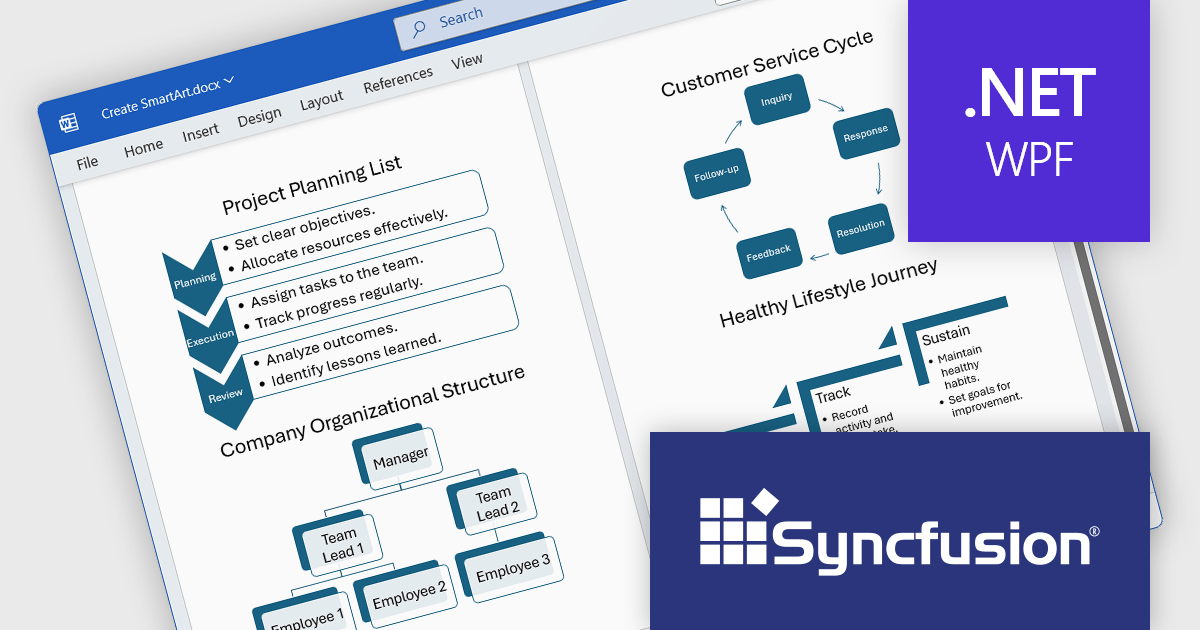
Syncfusion Essential Studio WPF (available as part of Syncfusion Essential Studio Enterprise) is a powerful suite of over 95 UI controls, 50+ charts, and document processing libraries designed to boost the development of high-performance line-of-business applications for the Windows Presentation Foundation (WPF) framework. With built-in themes, touch-friendly interfaces, and seamless Visual Studio integration, it empowers developers to craft modern, feature-rich, and cross-platform experiences with ease.
The Syncfusion Essential Studio WPF 2025 Volume 1 release improves the Word Library by adding programmatic support for creating, modifying, and removing SmartArt graphics in Word documents. This feature allows developers to dynamically generate several types of SmartArt diagrams, including hierarchical structures and process flows, directly through code. By automating the manipulation of SmartArt graphics, organizations can improve the creation of complex documents, maintain consistency in visual presentations, and reduce the reliance on manual editing, thereby improving efficiency and accuracy in document management processes.
To see a full list of what's new in 2025 Volume 1, see our release notes.
Syncfusion Essential Studio WPF is available as part of Syncfusion Essential Studio Enterprise which is licensed per developer starting with a Team License of up to five developers. It is available as a 12 Month Timed Subscription License which includes support and maintenance. See our Syncfusion Essential Studio Enterprise licensing page for full details.
Learn more on our Syncfusion Essential Studio WPF product page.
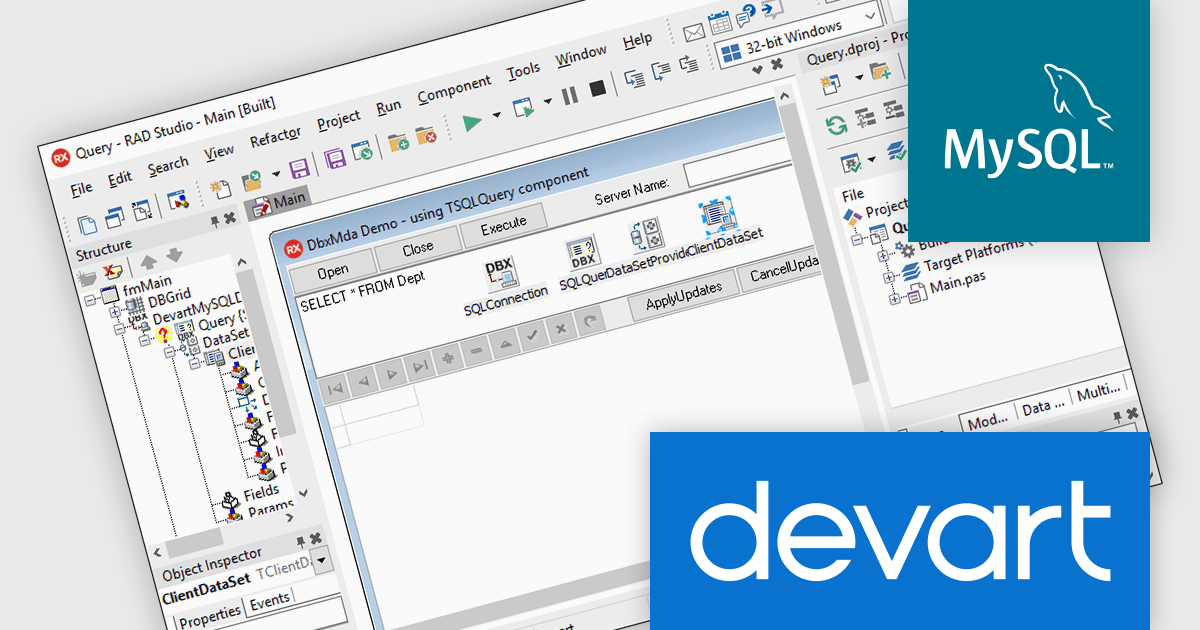
dbExpress Driver for MySQL by Devart is a high-performance data access component developed to provide, lightweight connectivity between Delphi or C++Builder applications and MySQL databases. It acts as a thin layer of abstraction, ensuring fast and efficient access to MySQL without relying on intermediary layers such as the MySQL client library. Designed with cross-platform development in mind, it supports both Windows and macOS, offering integration into 32-bit and 64-bit environments. Its unidirectional data access model prioritizes performance and minimal memory consumption, making it particularly suited for high-speed read operations in enterprise applications.
The dbExpress Driver for MySQL 8.2.0 release adds MySQL 9 support. MySQL 9 introduces improved performance optimizations, enhanced SQL capabilities, and expanded support for JSON and spatial data types, the updated driver allows developers to fully leverage these advancements within their applications.
To see a full list of what's new in 8.2.0, see our release notes.
dbExpress Driver for MySQL is licensed per developer and is available as a Perpetual License with a 12 month support and maintenance subscription. See our dbExpress Driver for MySQL licensing page for full details.
Learn more on our dbExpress Driver for MySQL product page.
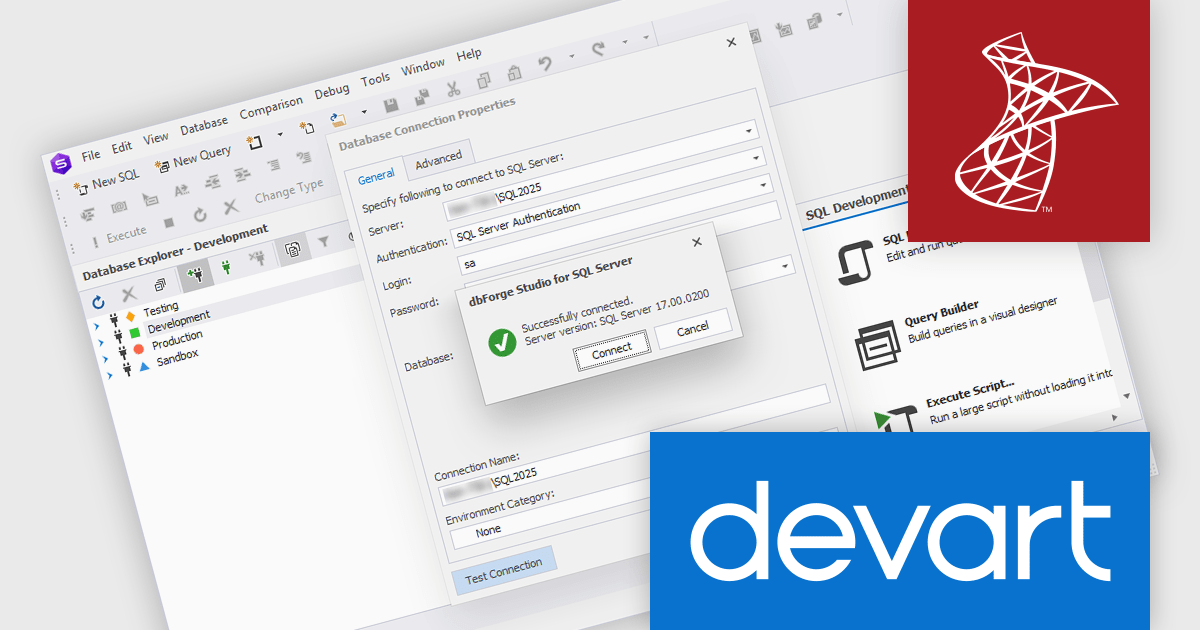
dbForge SQL Tools is a comprehensive suite designed to streamline SQL Server development and administration. It bundles powerful tools that enhance tasks like code completion, version control, data generation, schema and data comparison, unit testing, and database object documentation. By automating routine tasks and integrating seamlessly with existing environments, dbForge SQL Tools can significantly boost productivity for developers, DBAs, and entire teams.
The latest dbForge SQL Tools release adds support for Microsoft SQL Server 2025, allowing users to take advantage of the latest innovations and performance improvements introduced in Microsoft's newest database engine including new T-SQL enhancements, improved security features, and expanded AI-driven query optimizations.
dbForge SQL Tools is licensed per developer and is available as an Annual or Perpetual License with a 12 month support and maintenance subscription. See our dbForge SQL Tools licensing page for full details.
dbForge SQL Tools bundle includes the following products:
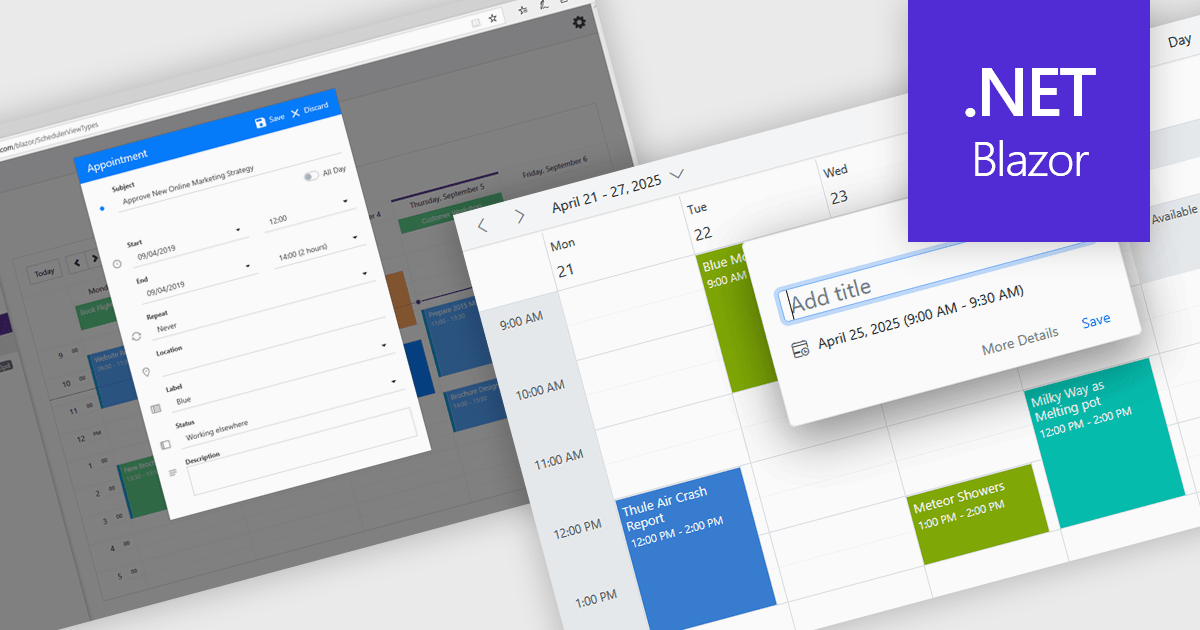
Scheduling controls offer an intuitive interface for efficient task, appointment, and resource management. Real-time updates, automated scheduling, and conflict detection ensure seamless team and workflow coordination. Users can personalize views, preferences, and recurring events, enhancing productivity and user experience. Integrated with backend systems and APIs, these tools support dynamic data, making them ideal for workforce management, appointment booking, and project planning in industries such as healthcare, finance, and customer service.
Several .NET Blazor User Interface suites offer scheduling controls including:
For an in-depth analysis of features and price, visit our .NET Blazor UI suites comparison.
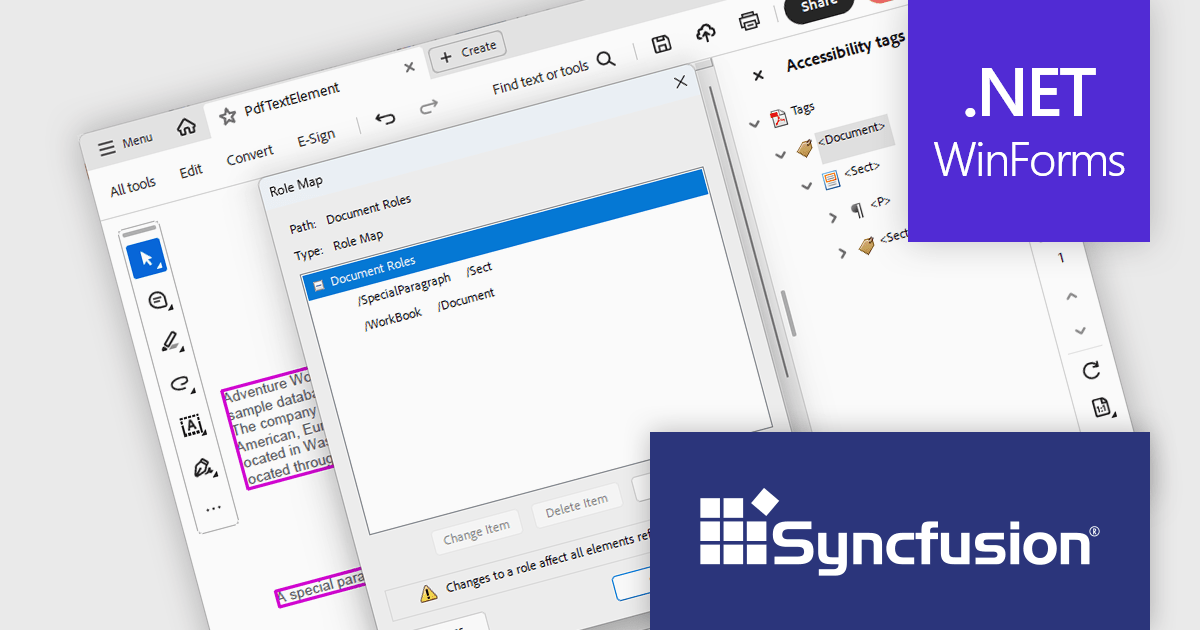
Syncfusion Essential Studio Windows Forms (available as part of Syncfusion Essential Studio Enterprise) is a powerful UI component suite designed to enhance your WinForms development. It boasts over 100 high-performance controls, ranging from essential grids and charts to advanced schedulers and diagrams, enabling you to craft visually appealing and feature-rich applications with ease. Its extensive customization options and built-in themes allow for tailored user experiences, while touch-friendly design ensures seamless interaction across devices.
The Syncfusion Essential Studio Windows Forms 2025 Volume 1 release improves the PDF library by introducing support for custom role mapping in tagged PDF documents. This advancement allows developers to define specific roles for structural elements, ensuring that the document's semantic structure aligns with accessibility standards such as PDF/UA (ISO 14289-1). By enabling precise role assignments, screen readers and other assistive technologies can more accurately interpret and navigate the content, thereby improving the reading experience for users with disabilities.
To see a full list of what's new in 2025 Volume 1, see our release notes.
Syncfusion Essential Studio Windows Forms is available as part of Syncfusion Essential Studio Enterprise which is licensed per developer starting with a Team License of up to five developers. It is available as a 12 Month Timed Subscription License which includes support and maintenance. See our Syncfusion Essential Studio Enterprise licensing page for full details.
Learn more on our Syncfusion Essential Studio Windows Forms product page.
電話: (888) 850 9911
Fax: +1 770 250 6199


