













公式サプライヤー
公式および認定ディストリビューターとして200社以上の開発元から正規ライセンスを直接ご提供いたします。
当社のすべてのブランドをご覧ください。
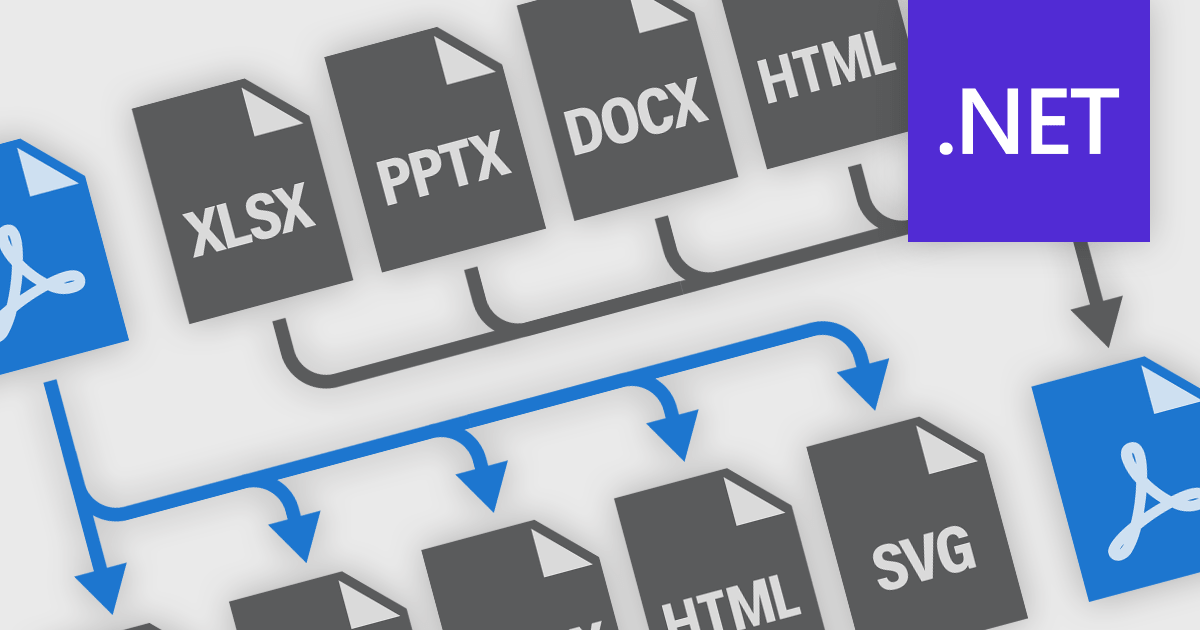
PDF conversion functionality is a versatile and essential tool for managing digital documents, enabling seamless transformation between PDF and formats like Microsoft Word, Excel, PowerPoint, and image files. Many PDF components offer robust conversion support, allowing easy integration into various workflows. Converting to PDF ensures consistent formatting and layout across devices, enhancing professionalism in presentations, reports, and legal documents. Converting PDFs back to editable formats facilitates modifications and content reuse, boosting collaboration and efficiency. Benefits include improved document security with encryption and password protection, reduced file sizes for easier sharing and storage, and the ability to create interactive forms and multimedia-rich publications. Whether for business communications, academic research, or personal organization, PDF conversion is crucial for maintaining the integrity, accessibility, and functionality of digital information.
Common features include:
For an in-depth analysis of features and price, visit our .NET PDF components comparison.
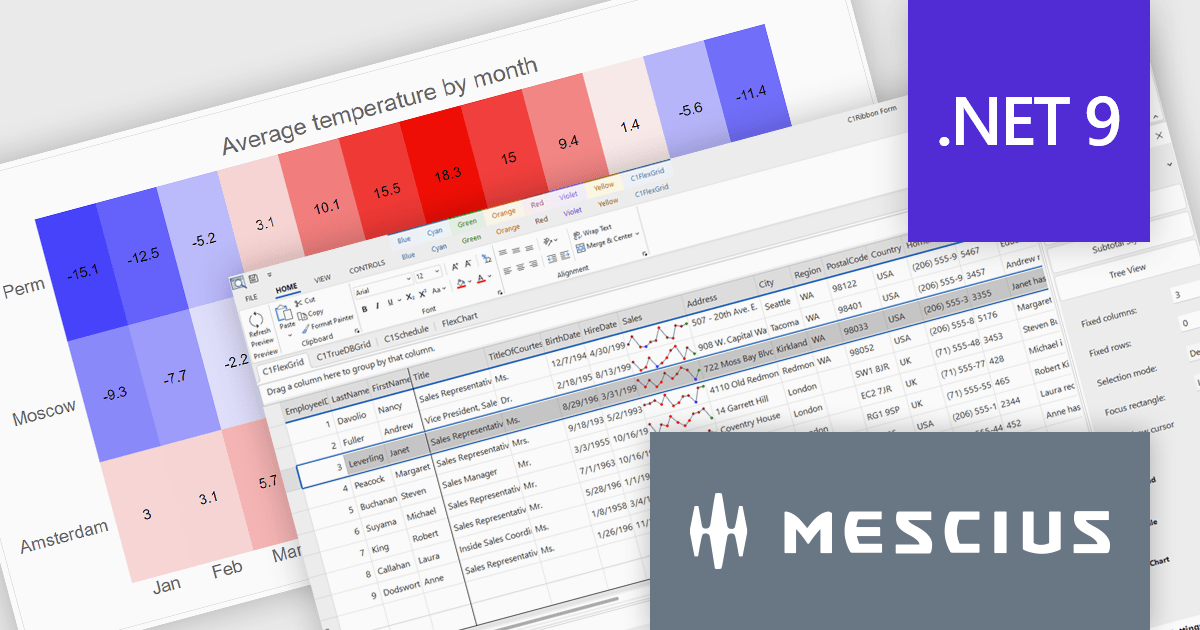
The ComponentOne Studio range by MESCIUS (formerly GrapeCity) is a comprehensive suite of UI controls for building rich, responsive, and cross-platform applications. It provides a wide range of components for desktop, web, and mobile development including high performance datagrids, charts, reporting components, dashboards, and other UI controls.
The latest release of .NET 9 has brought significant performance enhancements, and MESCIUS has announced that its extensive library of components is now updated with support for the latest .NET release. This ensures that developers can reap the benefits of the framework's performance improvements. This release introduces new Microsoft 365-inspired desktop themes, and significant updates to the entire “Flex” family of controls across the .NET stack.
Developers can now effortlessly embark on their .NET 9 projects with the introduction of production-ready Office 365 themes for WinForms, offering modern desktop styles inspired by Microsoft’s latest software, and FlexChart enhancements, including built-in zoom and panning behaviors for more dynamic data visualization.
To see a full list of what's new in version 2024 v2, see our release notes.
ComponentOne Studio products are licensed per developer on a perpetual basis and include a 12 month subscription. Priority Support is also available. See our ComponentOne Studio Enterprise licensing page for full details.
For more information, visit our ComponentOne Studio product pages:
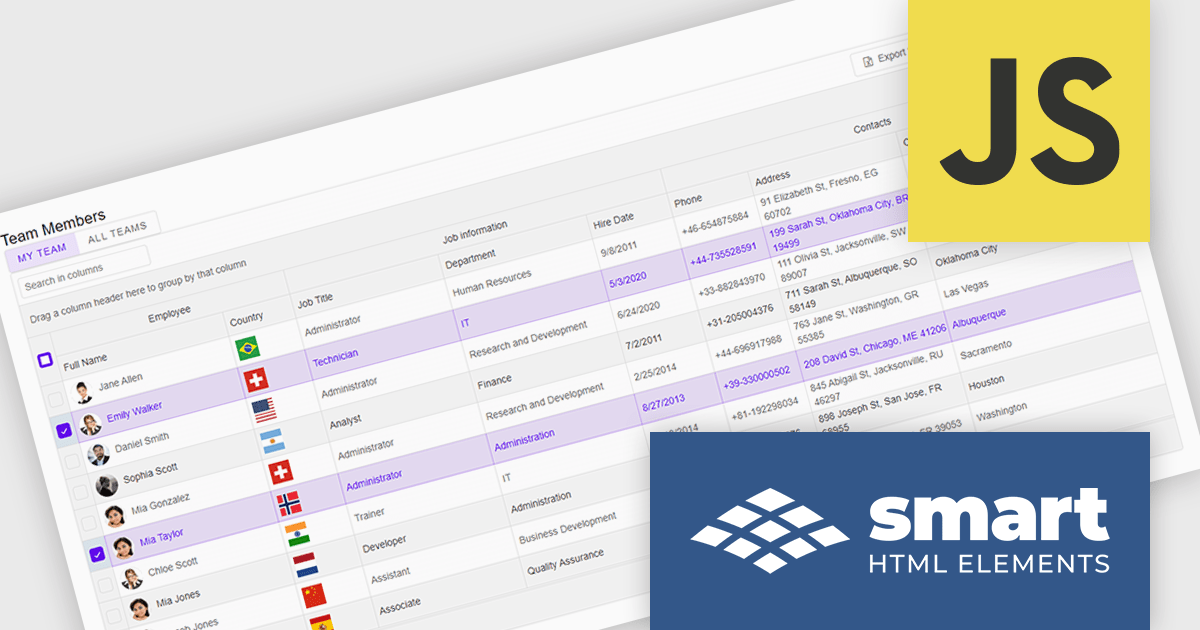
Smart UI by Smart HTML Elements is an enterprise-grade UI library offering pre-built web components for developers in Angular, React, Vue, Blazor, and JavaScript. It boasts over 60 ready-to-use components like grids, charts, schedulers, and editors, all featuring two-way data binding, responsiveness, accessibility, and theming capabilities. This library helps developers rapidly build dynamic and modern web applications with consistent look-and-feel and rich functionalities, accelerating development time and ensuring professional quality.
The Smart UI v21.0.0 release introduces significant enhancements to grid Excel export functionality. Users can now export one or more images from grids or components directly into Excel files and limit exports to selected rows or cells. These features provide greater flexibility, enabling users to include precisely the data they need while adding visual context to enhance understanding. The ability to tailor exports in this way ensures clearer communication of the underlying meaning and significance of the data.
To see a full list of what's new in v21.0.0, see our release notes.
Smart UI (Smart HTML Elements) is licensed per developer and is available as a perpetual license with 1 year support and maintenance. It includes distribution to unlimited Web applications, SaaS projects, Intranets and Websites. Team, OEM and Enterprise licensing options are also available. See our Smart UI licensing page for full details.
Learn more on our Smart UI product page.
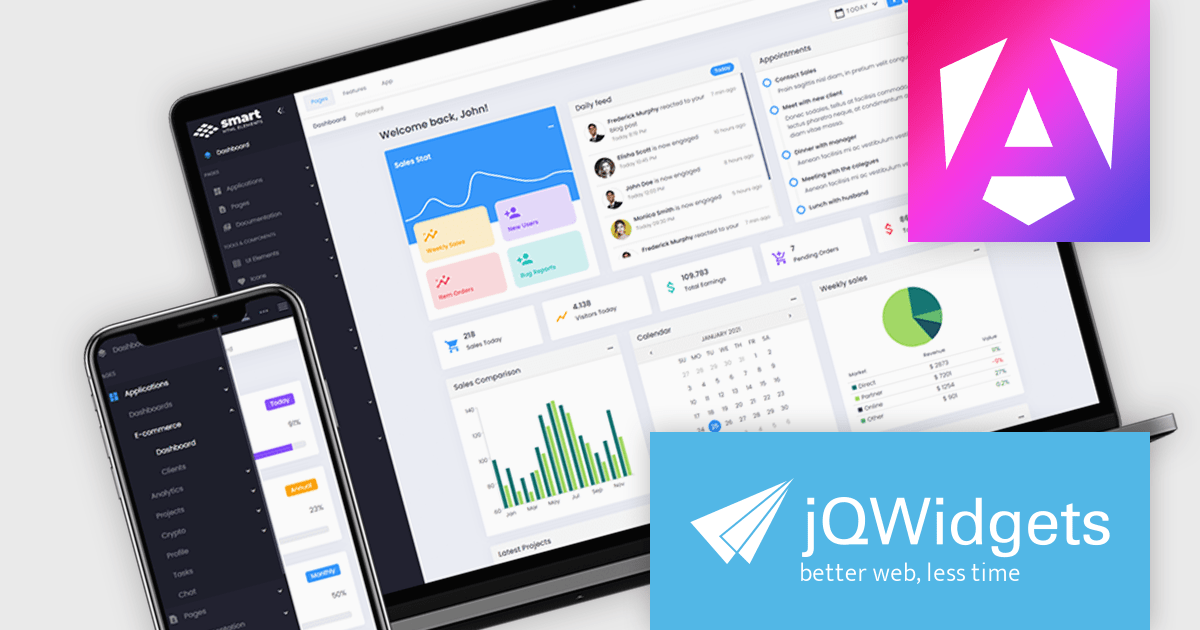
jQWidgets is a comprehensive JavaScript UI framework offering a robust collection of over 60 widgets, themes, and utilities for building professional-grade, cross-platform web applications. Built on jQuery, HTML5, and CSS, it provides extensive functionality including data grids, charts, navigation, input validation, and more. jQWidgets simplifies web development, ensuring your applications work seamlessly across desktop browsers, tablets, and smartphones.
The jQWidgets v21.0.0 release adds support for Angular 19 enabling developers to build modern, high-performance web applications with a rich set of pre-built, customizable UI components. This update ensures seamless integration with the latest Angular features, improves compatibility, and provides access to the latest performance optimizations and security enhancements. By leveraging jQWidgets, developers can accelerate development cycles, enhance user experiences, and create robust, scalable Angular applications.
To see a full list of what's new in v21.0.0, see our release notes.
jQWidgets is licensed per developer and is available as a Perpetual license 1 year support and maintenance. See our jQWidgets licensing page for full details.
Learn more on our jQWidgets product page.
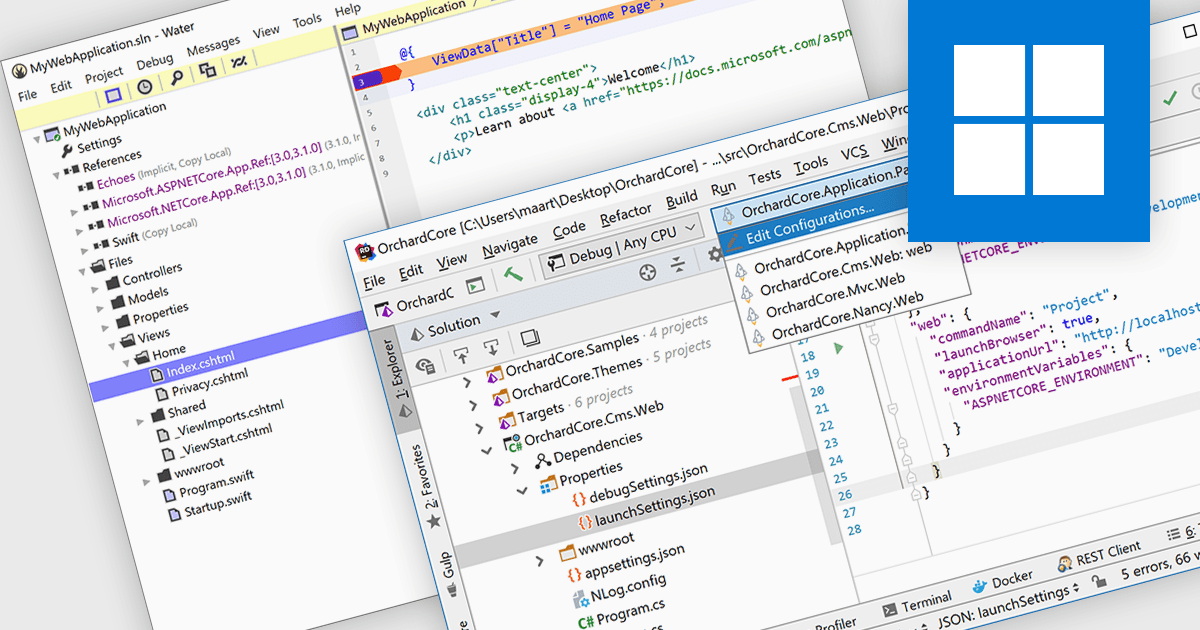
ASP.NET, Microsoft’s framework for building dynamic web applications, is well-supported in modern integrated development environments. These IDEs provide features like syntax highlighting, intelligent code completion, and debugging tools. Many offer project templates designed specifically for ASP.NET applications. This support helps developers automate repetitive tasks and catch issues early with real-time feedback. By improving code quality and simplifying workflows, it enables faster development cycles and enhances overall productivity.
Several IDEs offer support for ASP.NET including:
For an in-depth analysis of features and price, visit our comparison of Integrated Development Environments (IDEs).
電話: (888) 850 9911
Fax: +1 770 250 6199


