













公式サプライヤー
公式および認定ディストリビューターとして200社以上の開発元から正規ライセンスを直接ご提供いたします。
当社のすべてのブランドをご覧ください。
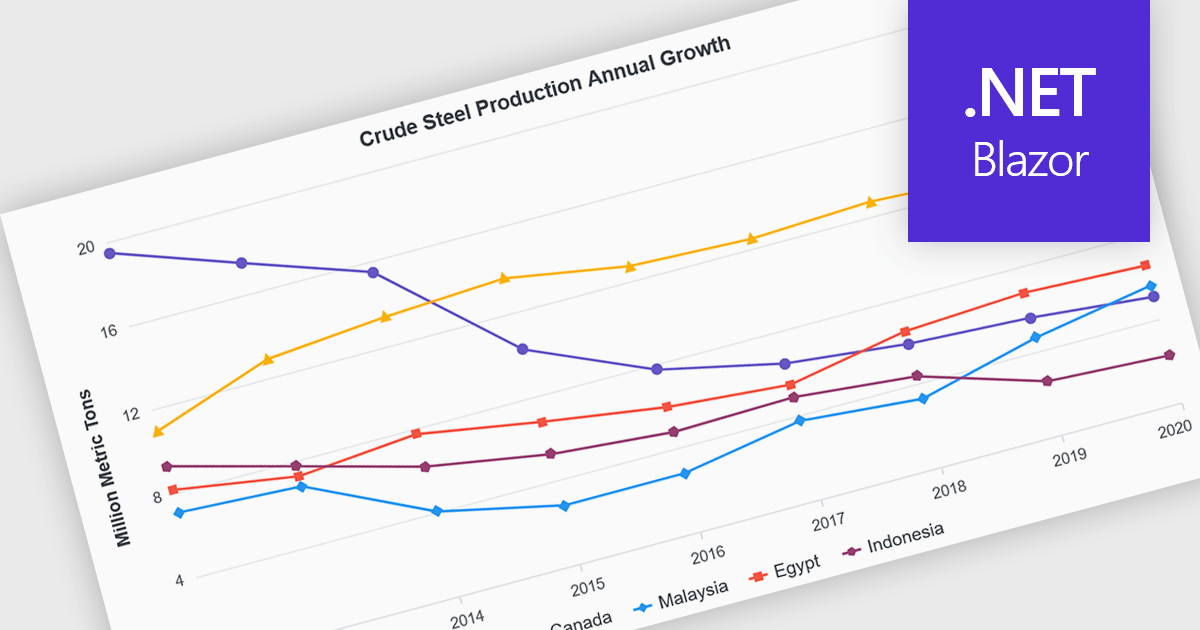
Line charts are visual representations of data points connected by lines, often used to illustrate trends, patterns, or changes over time. They are particularly effective for displaying continuous data sets, such as stock prices, temperature variations, or sales figures. By connecting data points, line charts provide a clear and intuitive understanding of how values evolve over a specific period. This visual representation aids in identifying trends, making comparisons, and predicting future outcomes.
Several Blazor chart controls offer line charts including:
For an in-depth analysis of features and price, visit our Blazor chart controls comparison.

dotMemory by JetBrains is a memory profiler designed for .NET applications. It provides a comprehensive toolset for analyzing memory usage, identifying memory leaks, and optimizing performance. By visualizing memory allocations, tracking object lifespans, and detecting memory fragmentation, dotMemory helps developers identify and address memory-related issues efficiently, resulting in more robust and performant applications.
The dotMemory 2024.2 release introduces a significant enhancement to the Instances view: improved instance search. This new feature provides developers with enhanced filtering capabilities, allowing them to efficiently locate specific instances based on their string values. By entering any desired string into the filter field, dotMemory will quickly highlight all matching instances, making it easier to identify and analyze objects containing particular content. This refinement significantly streamlines the process of debugging memory-related issues and analyzing object behavior within .NET applications.
To see a full list of what's new in version 2024.2, see our release notes.
dotMemory is part of dotUltimate which is licensed per user, and is available as a commercial annual subscription license. We can supply new subscriptions, subscription renewals (including continuity discounts), lapsed renewals, and additional user licenses. See our dotUltimate licensing page for full details.
dotMemory is available to buy in the following products:
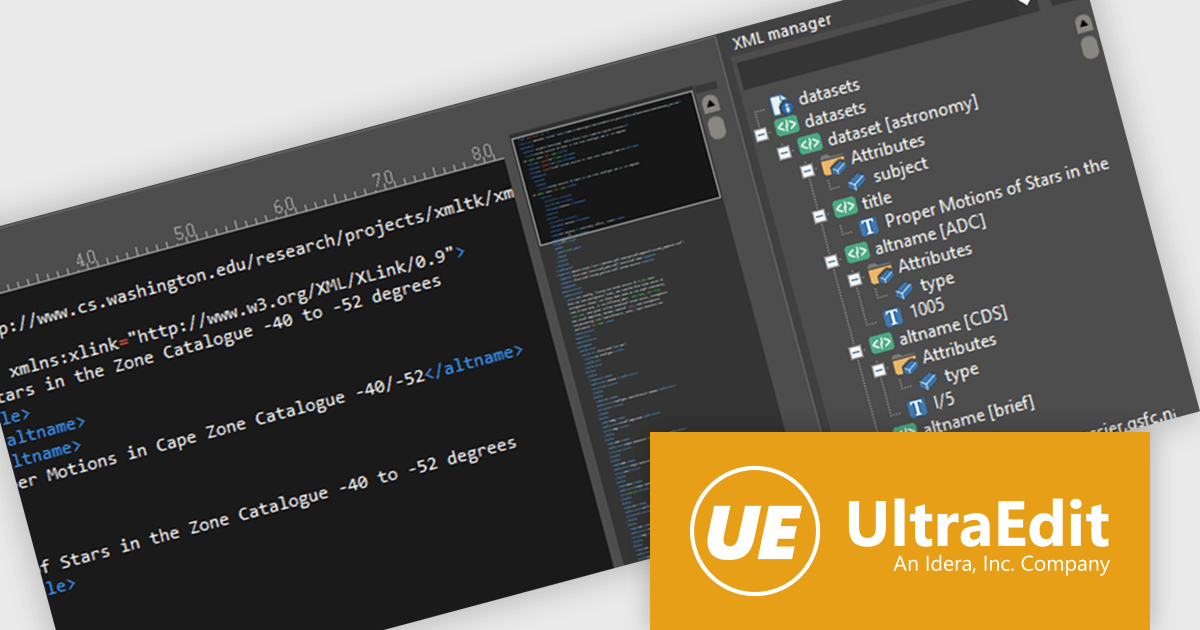
UltraEdit is a powerful text editor designed specifically for programmers, available on Windows, Linux, and macOS. It offers syntax highlighting and code structuring for a wide range of languages, enabling efficient code editing and comprehension. Additionally, UltraEdit supports large files beyond 4GB, regular expressions for complex searches, and integrates features like FTP, SSH, and scripting for streamlined development workflows.
The UltraEdit 2024.1 update improves the XML manager with a significantly enhanced level of editing. In addition to viewing the hierarchical structure of XML documents, users can now directly modify attribute values within the XML manager itself. This feature eliminates the need to navigate to the specific location within the XML file to make changes. This streamlined editing process saves time and reduces the potential for errors, making UltraEdit an even more powerful tool for working with XML data.
To see a full list of what's new in version 2024.1, see our release notes.
UltraEdit is licensed per user and is available as a Perpetual or Annual Subscription License. See our UltraEdit licensing page for full details.
UltraEdit is available to buy in the following products:
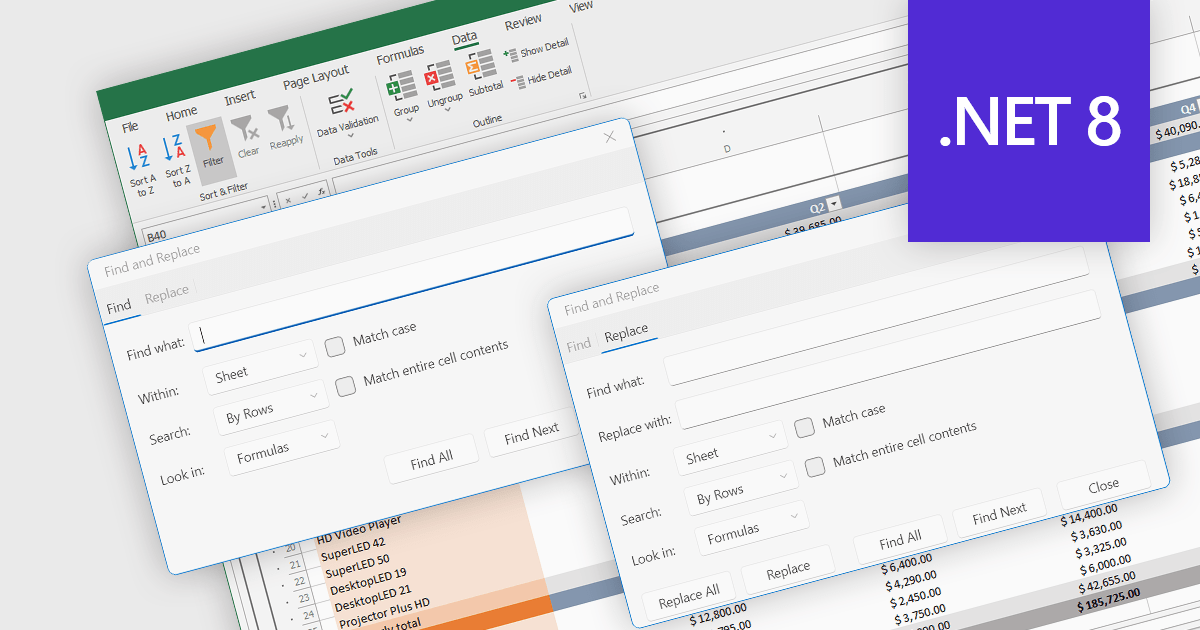
Find and replace is a useful feature found in spreadsheet applications that allows users to quickly locate specific values, i.e. text, numbers, or formulas, identifying all instances of that search term within a spreadsheet and then being able to replace them with a new value. By automating the process of manually searching for and modifying each occurrence individually, find and replace enhances productivity, reduces the likelihood of human error, and ensures consistency throughout the spreadsheet. This functionality is especially beneficial for tasks that involve managing large volumes of data, updating outdated information, correcting mistakes, or standardizing data formats.
Several .NET 8 spreadsheet components allow you to find and replace, including:
For an in-depth analysis of features and price, visit our comparison of .NET 8 spreadsheet components.
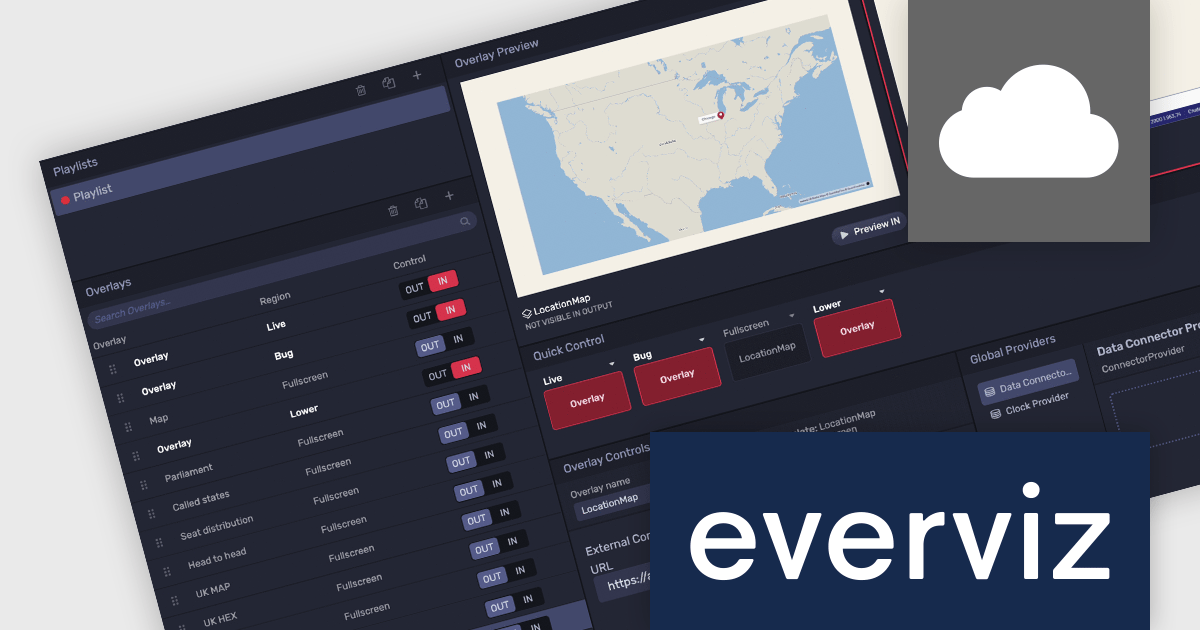
everviz is a cloud-based data visualization platform that empowers users to create visually appealing, interactive and customizable charts, maps, and other visuals. It provides a user-friendly interface that doesn't require any code or design skills, allowing users to quickly generate responsive visualizations with built-in support for accessibility. Whilst facilitating consistent branding and collaboration, the platform provides the flexibility to embed these visualizations into web applications, or share them directly, and enables users to effectively engage with viewers across devices.
The latest update of everviz officially launches the Location Maps feature. Now available in the Enterprise edition, this feature allows users to instantly create interactive maps that can be integrated across all platforms, for example, into video packages, live streams, online articles and social media posts. It comes with animation and map zooming effects to highlight specific areas, as well as customizable themes so that users can incorporate colors, fonts, and logos to match their brand aesthetics. This enables users to present geographic data in various media formats and without coding or design skills, making content more engaging and appealing.
To see a full list of what's new, see our release notes.
everviz is available in two editions: Pro and Enterprise, both of which are annual subscription licenses that include support. See our everviz licensing page for full details.
For more information, see our everviz product page.
電話: (888) 850 9911
Fax: +1 770 250 6199


