













公式サプライヤー
公式および認定ディストリビューターとして200社以上の開発元から正規ライセンスを直接ご提供いたします。
当社のすべてのブランドをご覧ください。

PrizmDoc is a comprehensive REST API platform designed to streamline the integration of secure document viewing, editing, and processing into web applications. Beyond standard features like redaction and annotation, PrizmDoc leverages advanced AI-powered tools to automate and optimize document handling processes, significantly reducing manual effort and boosting productivity. This enables businesses to enhance their document workflows, improve security, and deliver a superior user experience.
On Thursday, September 12 at 1:00 PM EST Accusoft is presenting an exciting LIve Webinar: Supercharge Your Document Workflow: Unleashing AI-powered Secure Document Processing with PrizmDoc. See how PrizmDoc's secure AI features can save valuable development time and improve the overall efficiency of document workflows by:
Register today and discover how you can harness your ECM's full potential through the power of PrizmDoc and AI.
PrizmDoc Viewer is available as Self-Hosted, Cloud-Hosted or Private Cloud-Hosted deployments. Billed on an annual subscription basis, you will need to renew your license each year to continue to use the software. The price is based on the number of servers or the number of transactions you require, depending on your deployment method. See our PrizmDoc Viewer licensing page for full details.
For more information, see our PrizmDoc Viewer product page.
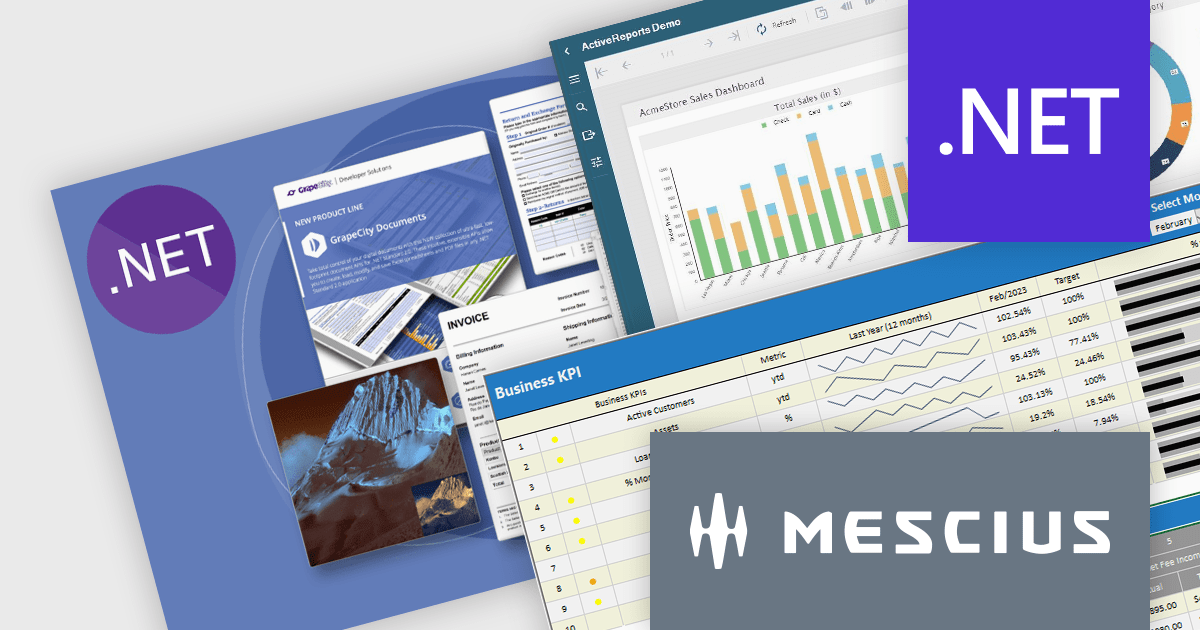
It's a great time to update your MESCIUS software subscriptions. Now through October 4th 2024, we are offering expired MESCIUS customers the ability to re-start their expired subscriptions at the discounted renewal rate* instead of paying for an upgrade or late renewal. This offer is valid for the following MESCIUS subscriptions:
Don't miss out on the opportunity to get back on an active subscription for your product and enjoy all of the benefits of an updated toolkit, including:
Click the link above for your product to view the special pricing or contact us for a quote.
* This offer requires verification of upgrade eligibility. Some restrictions apply.
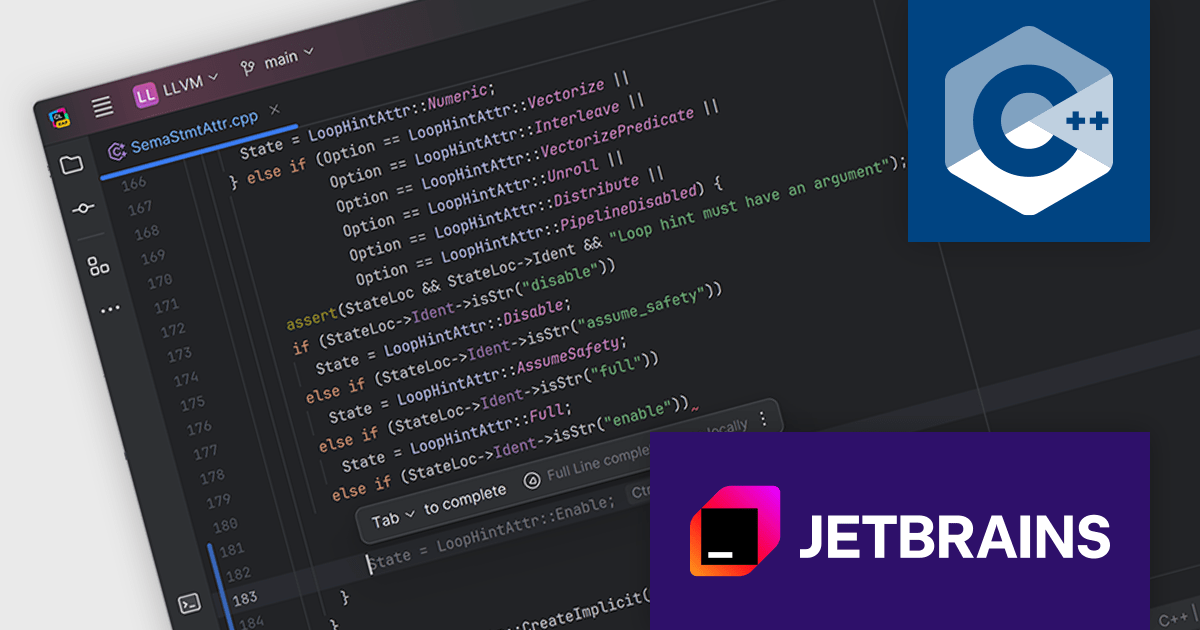
CLion is a cross-platform Integrated Development Environment (IDE) created by JetBrains specifically for C and C++ development. It boasts intelligent code completion, navigation, and refactoring features to streamline your workflow. CLion integrates with popular debuggers and testing frameworks, and supports various build systems for seamless project management.
CLion 2024.2 adds full line code completion for C++. By utilizing a locally run deep learning model, it can suggest entire lines of code, saving you valuable time and effort. Unlike traditional code completion tools that rely on external data sources, CLion's feature operates entirely within your IDE, ensuring your code remains private and secure. This approach empowers you to write code faster and more accurately, without compromising your data privacy.
To see a full list of what's new in version 2024.2, see our release notes.
CLion is licensed per user as a commercial annual subscription. We can supply New Subscriptions, Subscription Renewals, Lapsed Subscription Renewals, and Additional Developer Licenses. See our CLion licensing page for full details.
CLion is available to buy in the following products:
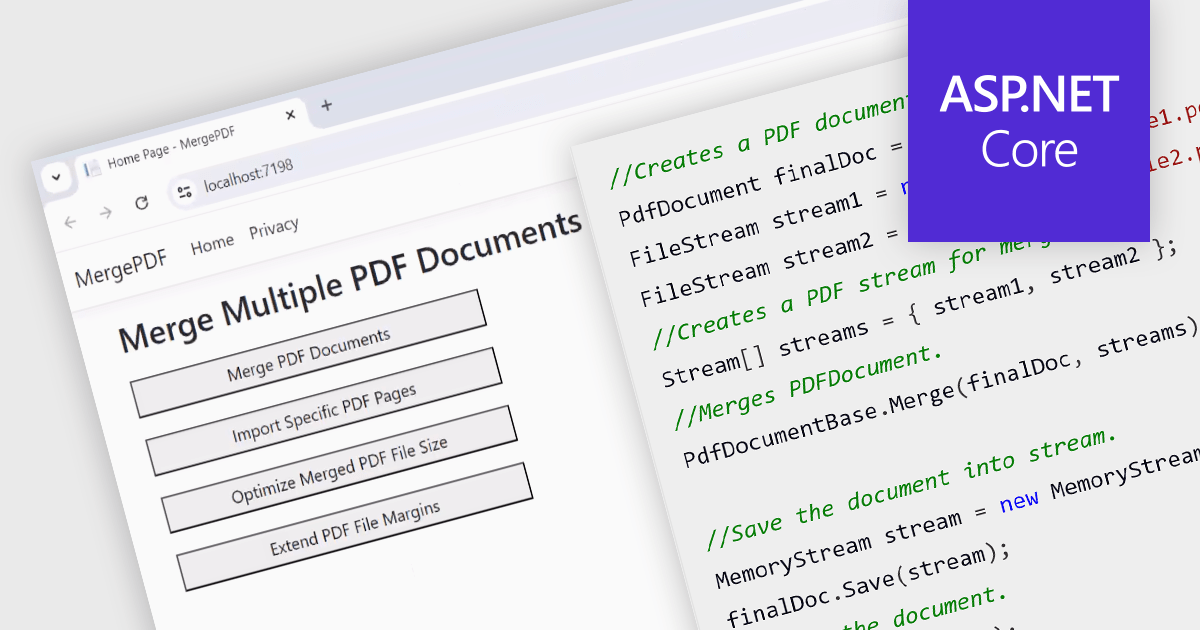
While ASP.NET PDF viewer components primarily focus on displaying PDFs, some advanced libraries offer functionality to merge multiple PDFs into a single document on the server-side. This allows developers to combine user-selected reports, contracts, or other documents into a single, organized file for download or further processing. This feature streamlines workflows, improves user experience by eliminating the need for manual merging, and ensures consistent formatting and organization of combined documents.
Several ASP.NET Core Assembly PDF viewer components offer PDF merging support including:
For an in-depth analysis of features and price, visit our ASP.NET Core PDF viewer comparison.
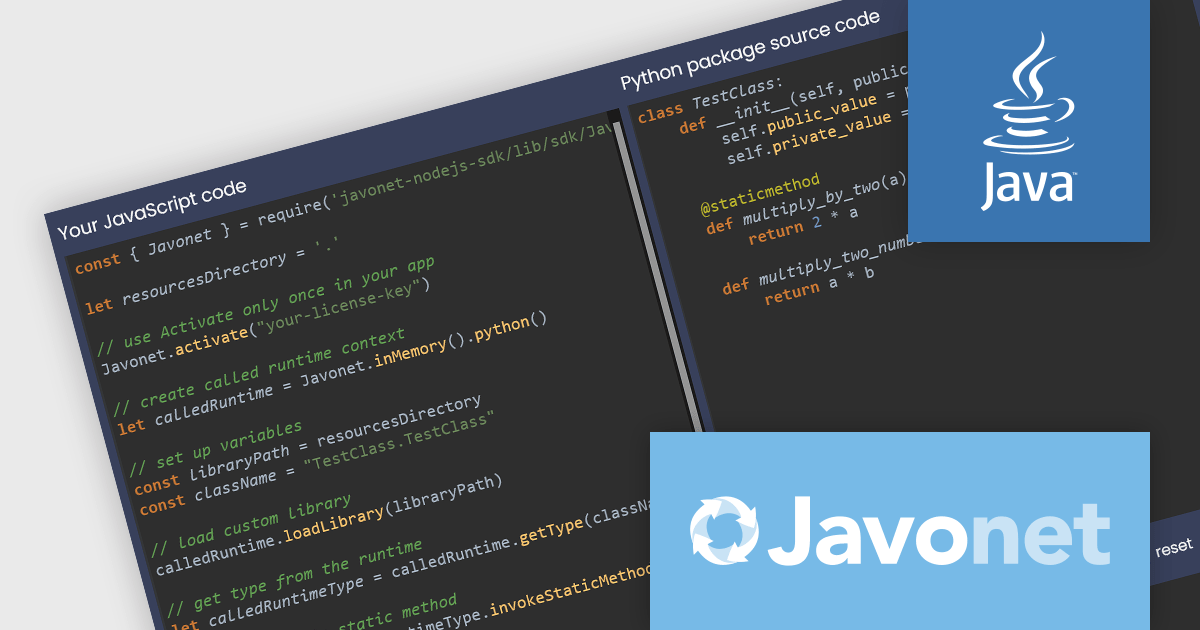
Javonet simplifies integration between diverse programming languages (C#, Java, Python, etc.) by allowing direct access to code written in other languages. This user-friendly framework offers high performance (up to 20,000x faster than web services) and reduces complexity by eliminating the need for additional connectors. Javonet's single-file design and intuitive API streamline integration, making it a secure, efficient solution for building hybrid applications.
The Javonet 2.4.7 release adds multithreading support which enables your applications to execute tasks concurrently. Instead of waiting for one task to finish before starting the next, multiple tasks can now be executed simultaneously, improving overall application performance.
To see a full list of what's new in 2.4.7, see our release notes.
Javonet is licensed per machine (per foreign runtime) or per project with unlimited machines and is available as an Annual License. See our Javonet licensing page for full details.
Learn more on our Javonet product page.
電話: (888) 850 9911
Fax: +1 770 250 6199


