













公式サプライヤー
公式および認定ディストリビューターとして200社以上の開発元から正規ライセンスを直接ご提供いたします。
当社のすべてのブランドをご覧ください。
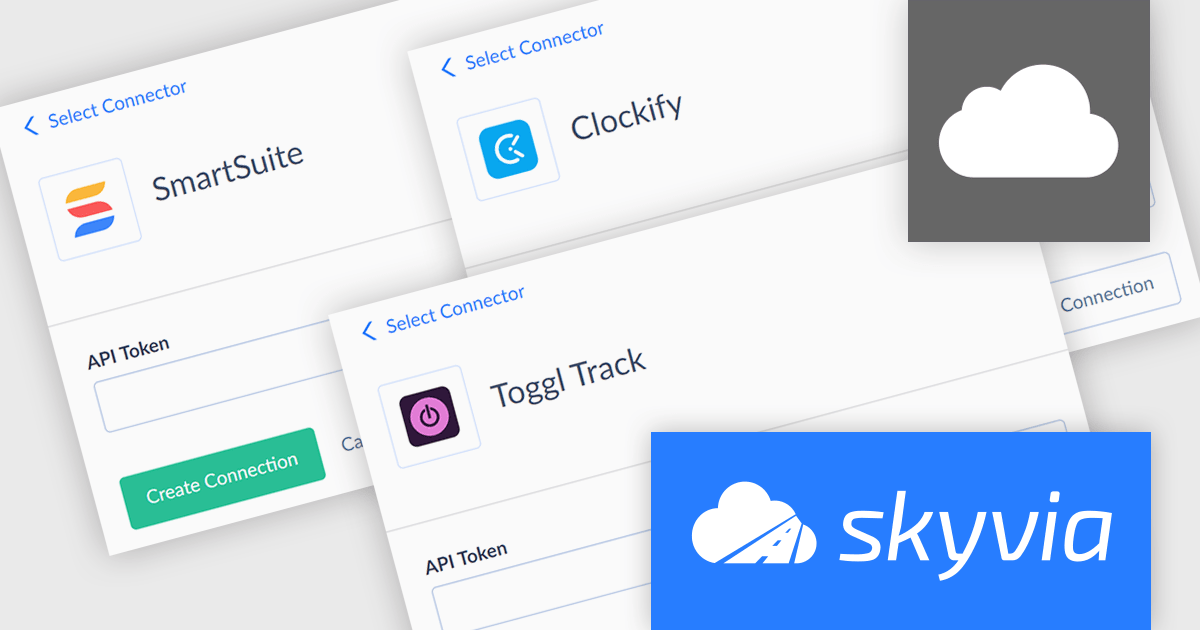
Skyvia Connect is a cloud-based integration platform that enables developers to connect and synchronize data between various applications and databases. It offers a flexible and scalable solution for building data pipelines and automating data workflows, supporting a wide range of data sources and formats. By providing a user-friendly interface and pre-built connectors, Skyvia Connect simplifies the process of integrating data systems, allowing developers to focus on core application development and data management tasks.
The latest release of Skyvia Connect adds new connectors for Clockify, SmartSuite and Toggl Track. This enhancement enables developers to seamlessly integrate time tracking and project management data from these popular platforms into their applications. By providing connections to these tools, Skyvia Connect empowers users to streamline workflows and automate data-driven processes across various domains.
To see a full list of what’s new, see our release notes.
Skyvia Connect is licensed based on volume of traffic per month and is available as an Annual License. See our Skyvia Connect licensing page for full details.
For more information, visit our Skyvia Connect product page.
AlfaAlfa SQL Server Comparison Tool (SCT) is a powerful application for finding differences between databases. It lets users easily analyze, compare, and document the structure of tables, procedures, functions, views, triggers, and relationships.
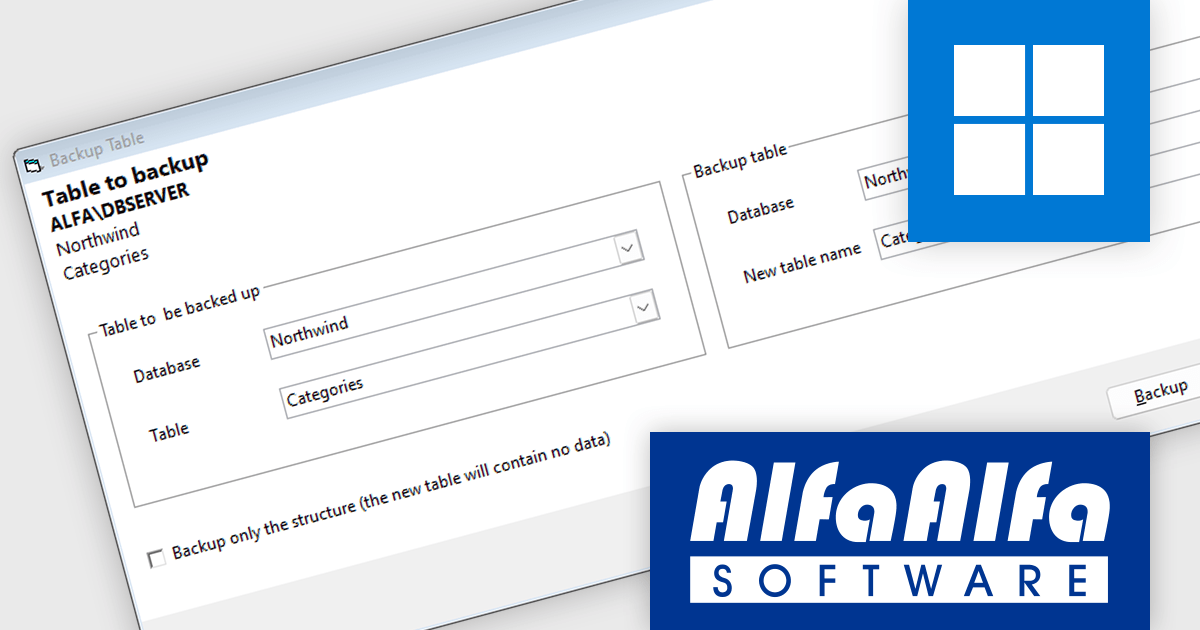
The AlfaAlfa SQL Server Comparison Tool (SCT) version 5.1.0 update introduces a new feature that allows developers to efficiently backup entire tables, including both their structure and data. This functionality provides a comprehensive and streamlined approach to data protection, enabling developers to create backups of critical tables at specific points in time. By simplifying the backup process, SCT helps ensure data integrity and facilitates seamless recovery in case of data loss or corruption.
To see a full list of what's new in 5.1.0, see our release notes.
AlfaAlfa SQL Server Comparison Tool (SCT) is licensed per user and is available as Individual, Site and Enterprise licenses. All licenses include 1 year of maintenance which provides software upgrades and technical support. See our AlfaAlfa SQL Server Comparison Tool (SCT) licensing page for full details.
Learn more on our AlfaAlfa SQL Server Comparison Tool (SCT) product page.
Sencha Ext JS is a comprehensive JavaScript framework for building robust, data-intensive web applications. It offers a rich library of pre-built UI components, advanced data management capabilities, and tools for efficient development and testing, enabling rapid creation of cross-platform applications with high performance and a polished user experience.
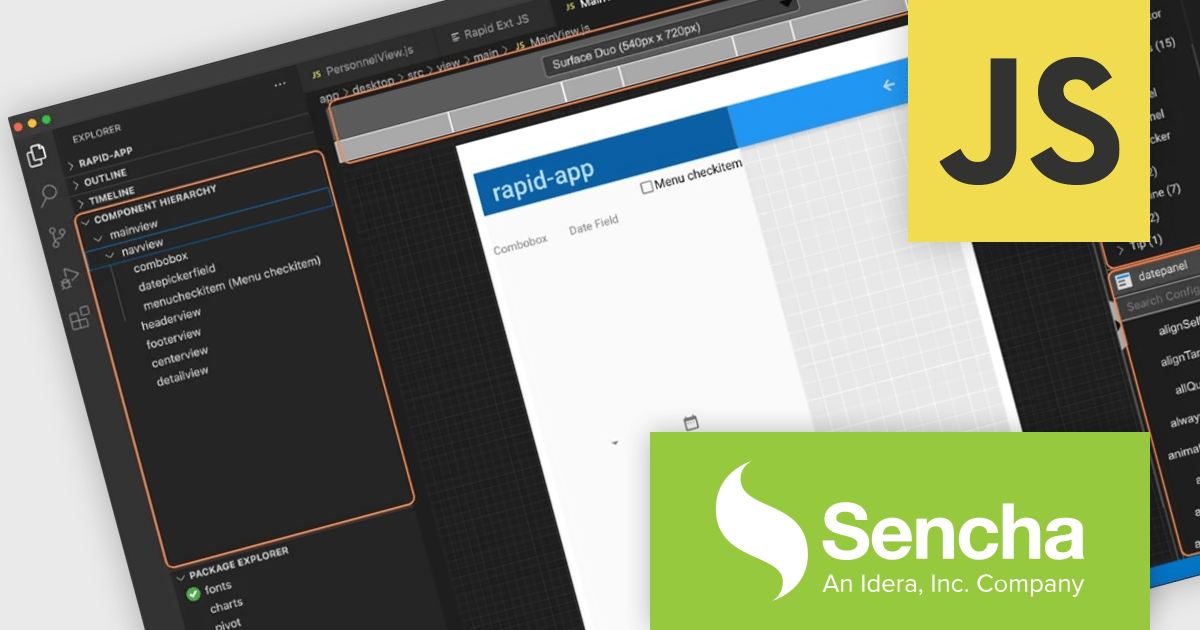
Rapid Ext JS is a powerful visual development tool that simplifies the process of creating Ext JS applications. By providing a drag-and-drop interface and real-time preview capabilities, it enables developers to quickly design and build complex user interfaces without writing extensive code. The editor offers a wide range of pre-built components and templates, making it easy to create consistent and visually appealing applications. Rapid Ext JS integrates seamlessly with Visual Studio Code, providing developers with a familiar and productive development environment.
To utilize Rapid Ext JS you will need Sencha Ext JS Enterprise or Ultimate edition, available as an Annual Subscription or Perpetual License. See our Sencha Ext JS licensing page for full details.
For more information, see our Sencha Ext JS product page.
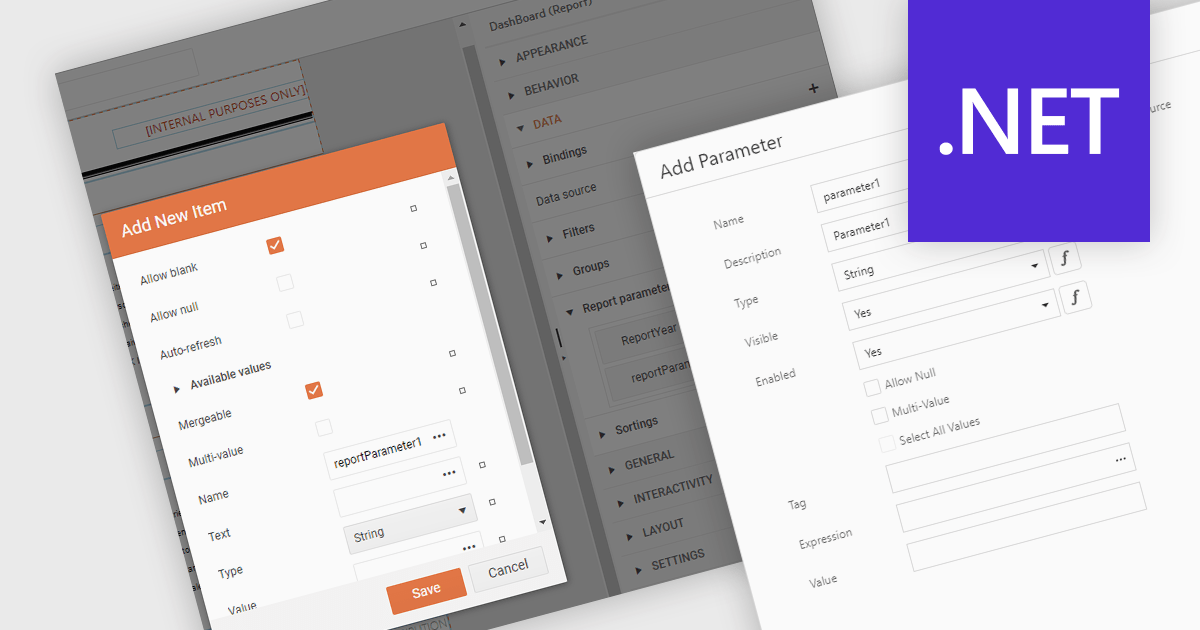
Dialog forms for parameters in .NET reporting components offer a user-friendly interface for defining and modifying report parameters. By providing intuitive input fields, drop-down menus, and browsing options, these forms simplify the report creation process and reduce the likelihood of errors. This is particularly beneficial for non-technical users, who can easily generate customized reports without requiring extensive knowledge of report syntax or data structures. Example use cases include creating sales reports based on specific product categories or time periods, generating financial statements with customizable filters, and producing personalized customer reports based on individual preferences.
Several .NET reporting components allow you to create dialog forms for parameters, including:
For an in-depth analysis of features and price, visit our comparison of .NET reporting components.
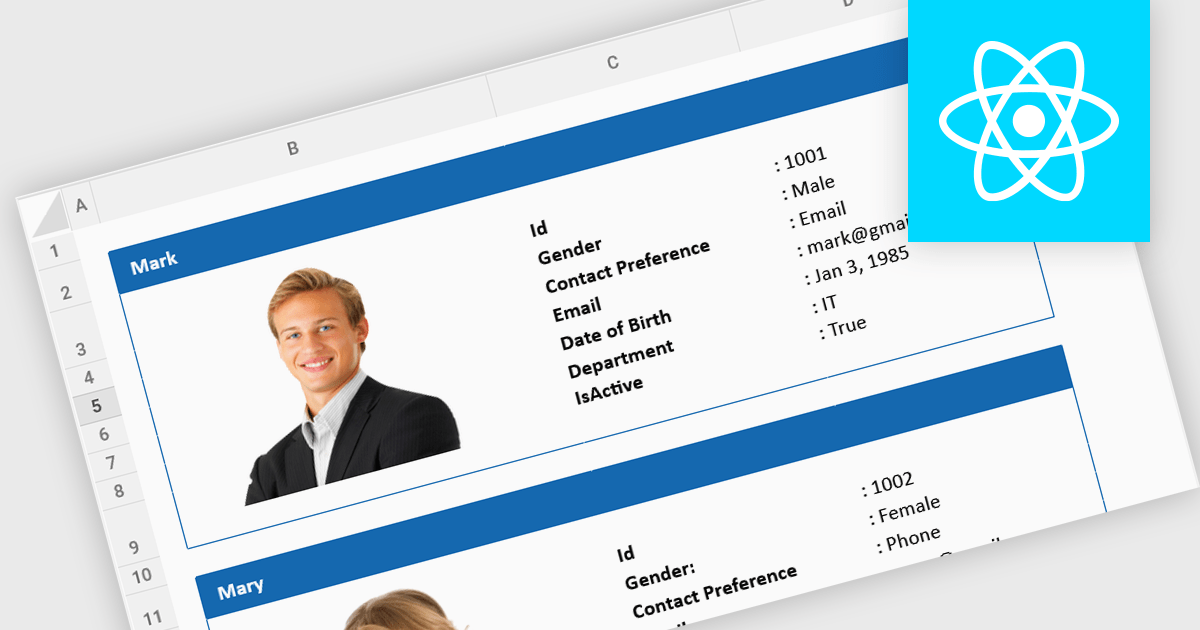
Cell image support refers to the capability of a spreadsheet component to incorporate and manipulate images directly within individual cells. This feature allows developers to visually represent data, such as charts, diagrams, or photographs, within the spreadsheet interface. By integrating images into cells, developers can enhance the overall effectiveness of their spreadsheet-based applications as well as making them more engaging for users, facilitating data visualization and analysis.
Several React spreadsheet controls offer support for cell images, including:
For an in-depth analysis of features and price, visit our React spreadsheet controls comparison.
電話: (888) 850 9911
Fax: +1 770 250 6199


