













公式サプライヤー
公式および認定ディストリビューターとして200社以上の開発元から正規ライセンスを直接ご提供いたします。
当社のすべてのブランドをご覧ください。
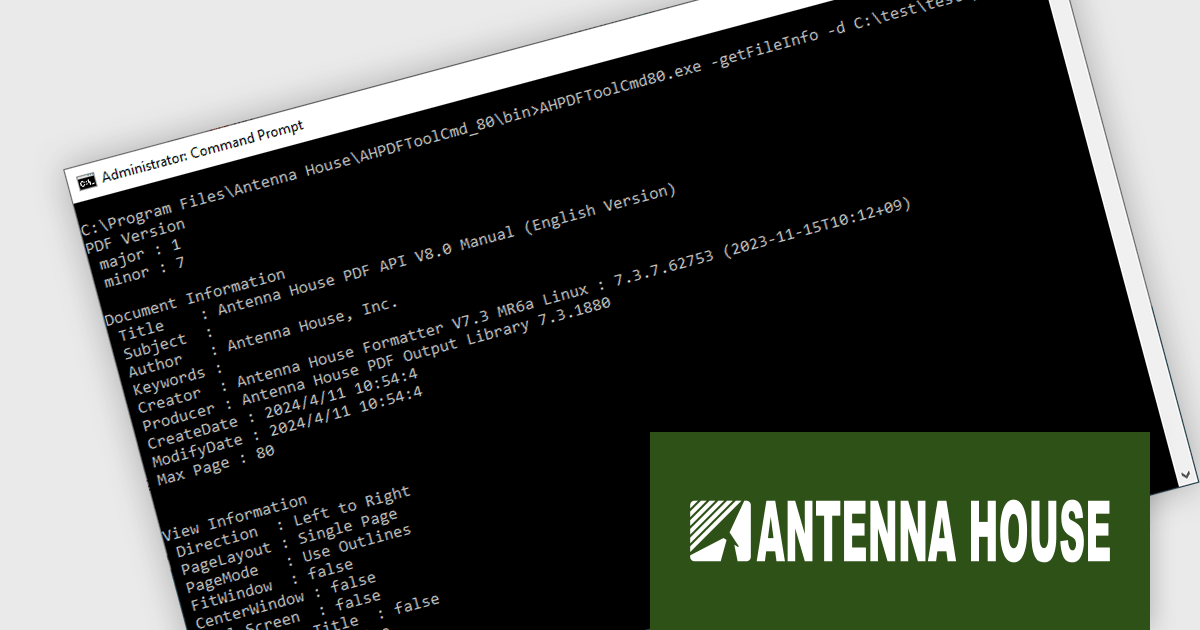
Antenna House PDF API is a command-line program enabling developers to integrate PDF processing functionalities into their applications and web services*. It offers features like information retrieval, text extraction, page manipulation, watermarking, and security settings, simplifying tasks like creating searchable archives or password-protecting documents. It also enables advanced PDF processing, such as converting to the international standards PDF/A-1b and 2b for long-term PDF preservation, embedding and integrating fonts, optimizing PDFs, linearization for Web display, and 256-bit AES encryption.
Because the software is run by providing commands and options, information retrieval, processing, and editing of PDF files can be accomplished with minimal development effort. It can also be used with programming languages like PHP, Python, Ruby, and others to call and control executables, making it simple to integrate into web services.
Antenna House PDF API is available in Server, Standalone, and OEM/ASP licenses. Licensed per server/user, and available as perpetual licenses with annual renewable maintenance or annual subscription licenses that must be renewed each year to continue using the software. See our Antenna House PDF API licensing page for full details.
Learn more on our Antenna House PDF API product page.
*A separate ASP contract is required if the service is embedded in a Web service and provided to an unspecified number of people.
Progress Telerik is a leading software publisher that provides a range of tools and solutions to help developers build and deploy modern applications. Its product range include UI libraries, reporting tools and testing frameworks. Telerik products are used by millions of developers around the world to build a wide variety of applications.
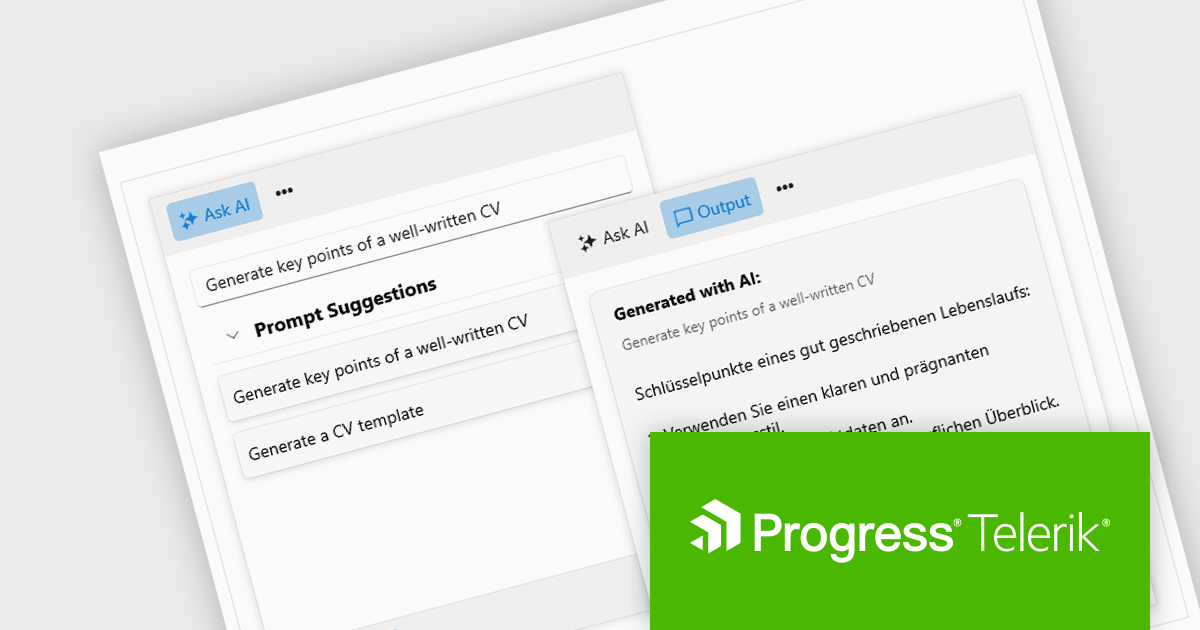
The 2024 Q2 release completes the blending of AI with UI, thereby bridging the gap between an app and next-generation AI language model applications. The new "AIPrompt" component allows you to integrate artificial intelligence prompts into web, mobile and desktop applications, providing users with a modern interface to interact with AI services.
The following Telerik products have been updated with the AI Prompt component:
To see what else is new in 2024 Q2, see our release notes:
Telerik products are licensed per developer and are available as perpetual licenses with a one year support subscription, which is available in three tiers: Lite, Priority or Ultimate. For more information see:
PowerShell Studio by SAPIEN is an Integrated Scripting Environment (ISE) designed specifically for PowerShell development. It offers a comprehensive editing experience with features like syntax coloring, code completion, and debugging. Beyond editing, PowerShell Studio allows you to visually design GUIs for your scripts, convert them into executables, and create modules and Windows services. This comprehensive toolset caters to developers who want to streamline PowerShell scripting and extend its functionality.
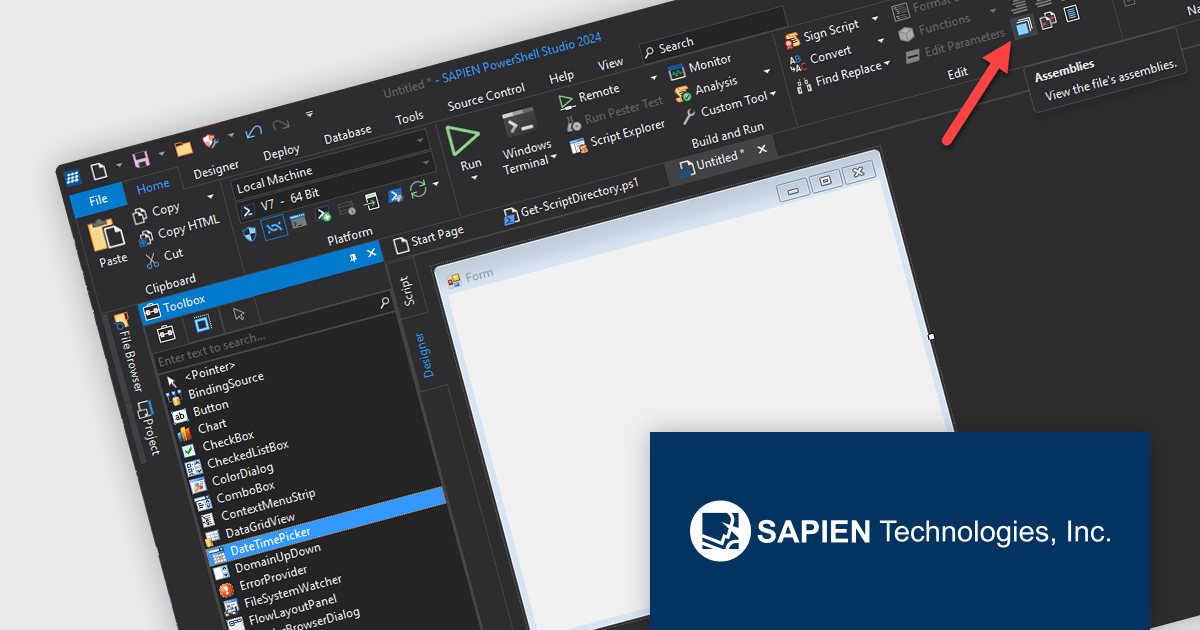
The PowerShell Studio 2024 release includes enhanced support for the WebView2 control with improved access to the Assemblies dialog from the designer tab and a helper function to initialize the control. The WebView2 control, developed by Microsoft allows developers to embed web content (HTML, CSS and JavaScript) directly within native Windows applications. It utilizes the Chromium engine, which also powers Google Chrome and Microsoft Edge, to ensure up-to-date web standard compatibility and good performance. This functionality allows for creating hybrid applications that seamlessly blend the power and flexibility of web technologies with the familiar features and performance of native apps.
To see a full list of what's new in 2024, see our release notes.
PowerShell Studio is licensed per user and includes 1 year of product maintenance which may be renewed each year thereafter to continue to receive the latest updates. See our PowerShell Studio licensing page for full details.
Learn more on our PowerShell Studio product page.
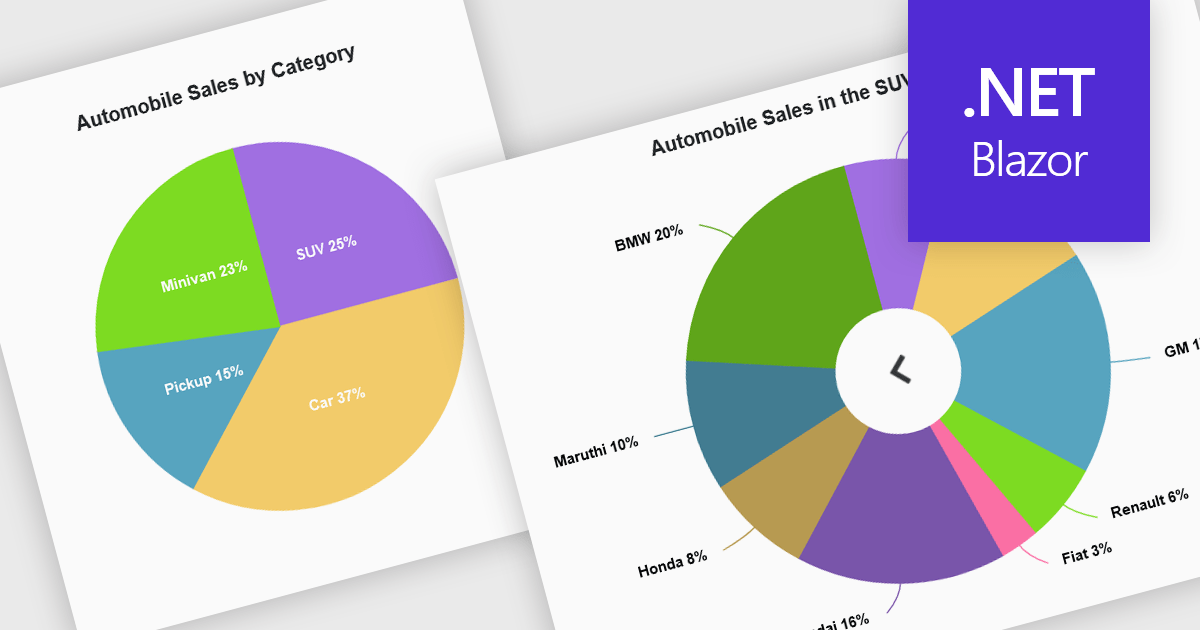
Developers can leverage drill down charts to create interactive data visualizations for exploring hierarchical information. These charts allow users to click on data points, drilling down to progressively more detailed breakdowns. This functionality is often paired with breadcrumb navigation, enabling users to easily track their exploration path and return to higher levels. Drill down charts empower users to gain deeper insights from complex datasets.
Several Blazor Chart controls offer drill down support including:
For an in-depth analysis of features and price, visit our Blazor Chart controls comparison.
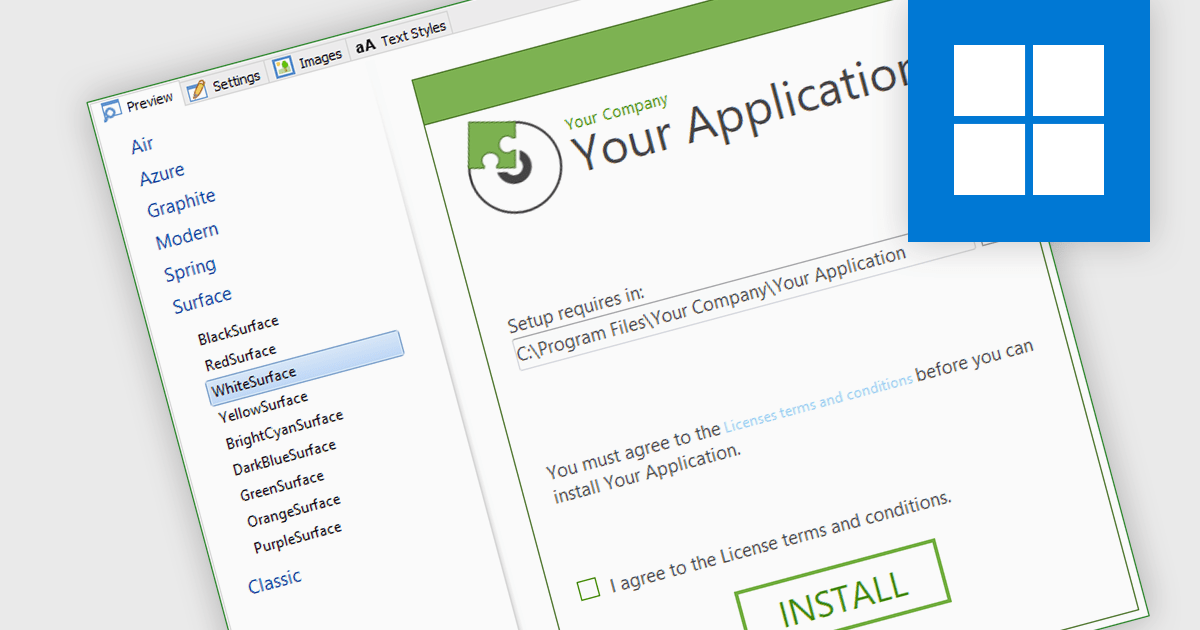
Installation tools often feature a UI designer, providing an easy way to visually design the installation process. This functionality allows you to define the sequence of installation steps, configure file placements, and customize user interactions such as dialog boxes and progress bars. By eliminating the need for manual scripting, these tools save development time and ensure a consistent, user-friendly installation experience across all deployments.
Several installation tools include a installer UI designer including:
For an in-depth analysis of features and price, visit our Installation Tools comparison.
電話: (888) 850 9911
Fax: +1 770 250 6199


