













公式サプライヤー
公式および認定ディストリビューターとして200社以上の開発元から正規ライセンスを直接ご提供いたします。
当社のすべてのブランドをご覧ください。
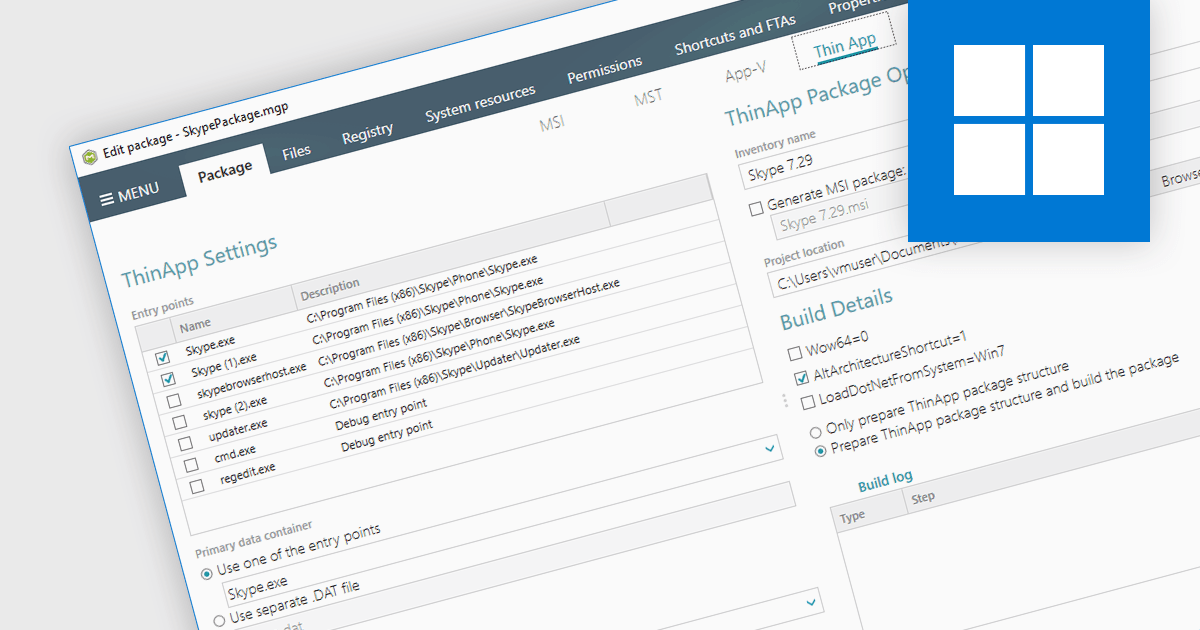
VMware ThinApp is an application virtualization solution designed to enable IT administrators to create portable and isolated versions of applications. It encapsulates applications along with their configurations and dependencies into a single executable file that can run independently from the underlying operating system. With support for ThinApp, an installation tool can be used to create and edit ThinApp packages directly within the authoring environment. Such an integration provides developers with a centralized management hub to streamline the deployment process of virtualized applications.
Several installation tools offer support for VMware ThinApp, including:
For an in-depth analysis of features and price, visit our comparison of installation tools.

XML support in a structured document tool allows developers to create, edit, and manipulate data using the Extensible Markup Language (XML). This enables the creation of well-defined, hierarchical documents that are machine-readable and easily interchangeable with other systems. XML's inherent structure facilitates content reusability across documents, streamlines updates, and enables easier collaboration, making it a cornerstone for technical documentation, content management systems, and data exchange.
Several structured document tools offer XML support including:
For an in-depth analysis of features and price, visit our structured document tools comparison.

Visual Integrity pdf2cad is a software solution designed to streamline workflows for professionals working with drawings and schematics. It converts PDF files into editable DWG, DXF, and HPGL formats. This eliminates the time-consuming task of manual redrawing and ensures accuracy. pdf2cad is ideal for architects, engineers, and designers who need to import existing PDF drawings into their CAD software for editing and modification.
The pdf2cad v14.2024 release significantly enhances the user experience for Mac users. Benefiting from native macOS compatibility, pdf2cad now offers a seamless and intuitive workflow for converting PDF drawings into editable CAD formats directly on Mac. Comprehensive optimization for macOS Catalina and later versions ensures continued compatibility with the latest macOS features and technological advancements.
To see a full list of what's new in v14.2024, see our release notes.
pdf2cad is licensed per user. It is available as an Annual or Perpetual license and can be purchased with or without 1 year support and maintenance. See our pdf2cad licensing page for full details.
Learn more on our pdf2cad product page.
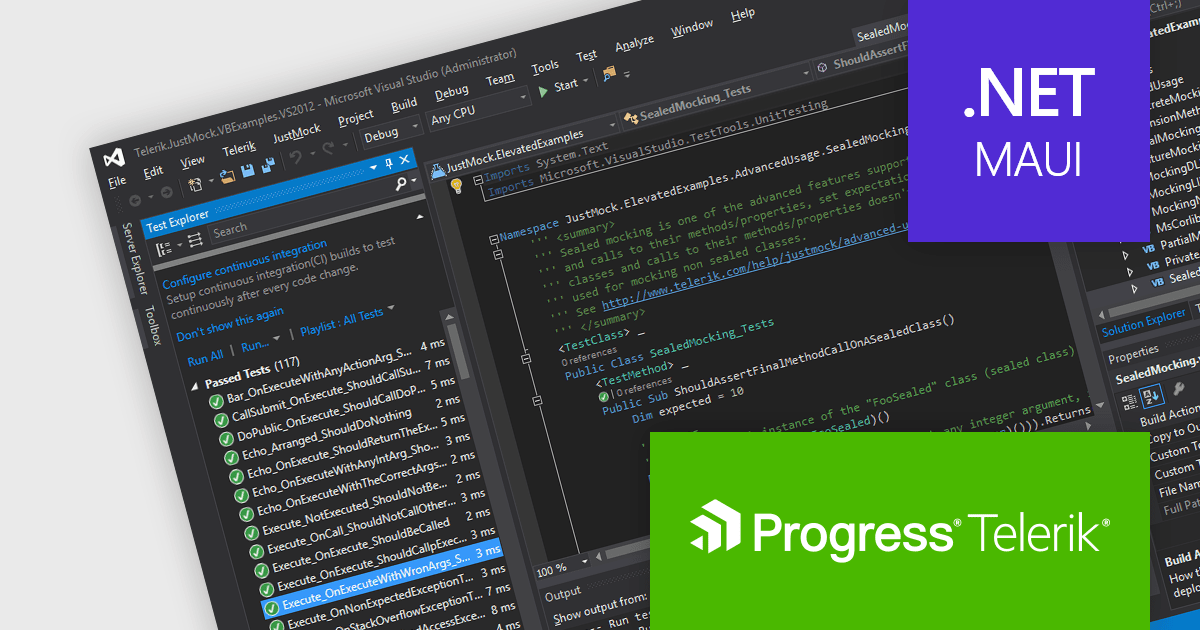
JustMock by Telerik is a professional-grade mocking framework designed to streamline unit testing in .NET development. It simplifies the creation of mock objects, enabling developers to isolate dependencies like databases and external services. This isolation allows for faster and more focused unit tests, ultimately leading to higher quality and more maintainable code. JustMock integrates seamlessly with popular testing frameworks and offers a flexible API, making it a valuable tool for developers of all experience levels.
The Telerik JustMock 2024 Q2 update adds support for Microsoft .NET MAUI, which enables developers working on cross-platform desktop and mobile applications to conduct effective unit tests on their code. By consistently applying unit testing methodologies throughout .NET MAUI's development cycle, developers ensure high-quality and reliable code across all supported platforms, including Windows, macOS, Android, and iOS.
To see a full list of what's new in 2024 Q2, see our release notes.
JustMock is licensed per developer and is available as a perpetual license with a 1 year support subscription, which is available in 3 tiers: Lite, Priority or Ultimate. See our JustMock licensing page for full details.
JustMock is available in the following products:
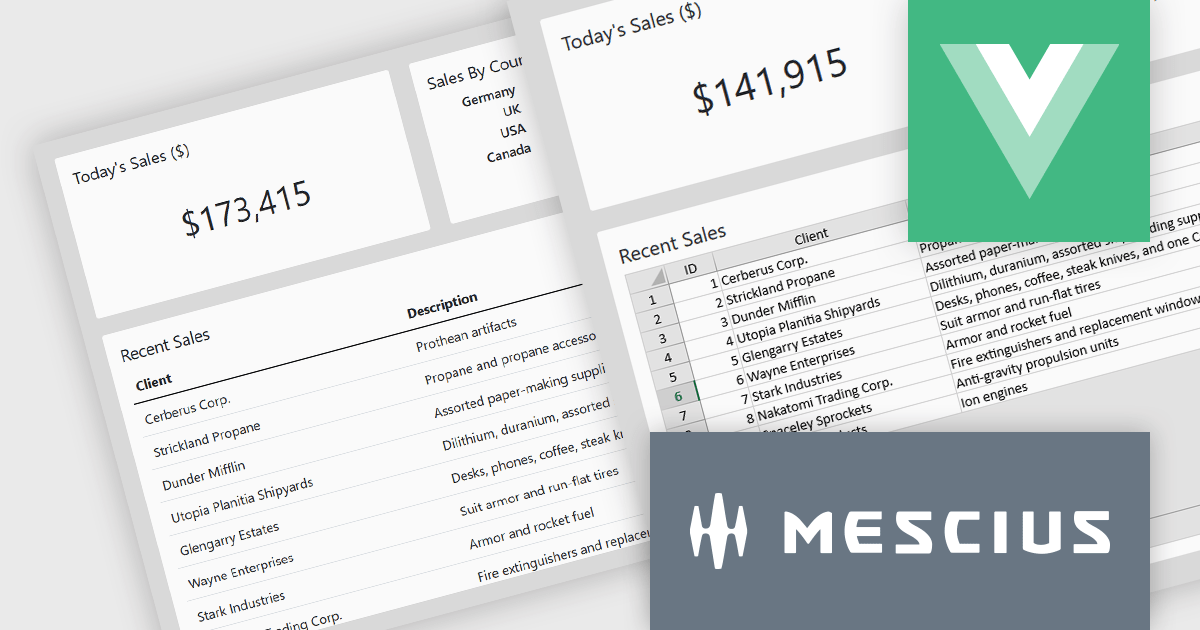
SpreadJS by MESCIUS is a high-performance JavaScript spreadsheet component designed to seamlessly integrate Excel-like functionality into web applications. It empowers developers to deliver robust spreadsheet experiences within their applications, complete with features like data import/export, complex formulas, conditional formatting, and extensive customization options. SpreadJS caters to a wide range of use cases, from financial modeling and data analysis to project management and interactive dashboards, ultimately allowing developers to build feature-rich and user-friendly web applications.
In this blog post, MESCIUS Product Manager Kevin Ashley demonstrates how to enhance an existing Vue app with the ability to import and export XLSX files using SpreadJS. Steps include:
Detailed sample code is included for each step.
View the complete blog and get starting working with Excel files in your Vue applications.
SpreadJS is licensed per developer and includes 1 Year Maintenance (major and minor version releases and unlimited support phone calls). SpreadJS requires an Annual or Perpetual Deployment License. The optional Add-ons are available at an additional cost, and require a SpreadJS license. See our SpreadJS licensing page for full details.
For more information, visit our SpreadJS product page.
電話: (888) 850 9911
Fax: +1 770 250 6199


