













公式サプライヤー
公式および認定ディストリビューターとして200社以上の開発元から正規ライセンスを直接ご提供いたします。
当社のすべてのブランドをご覧ください。
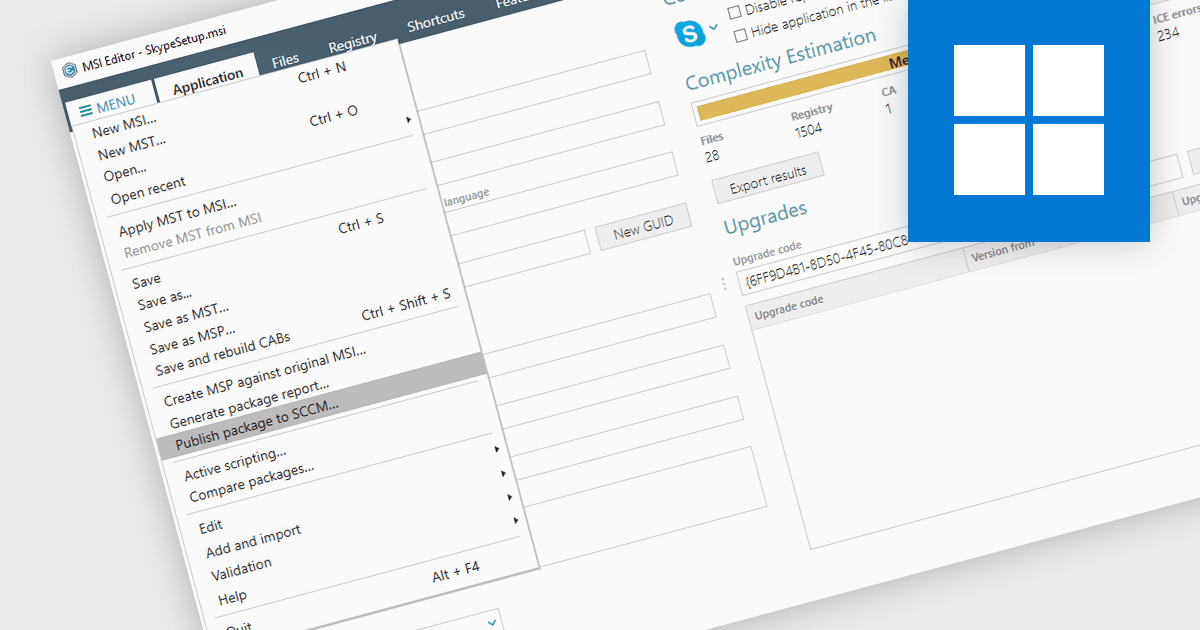
Publishing MSI packages to Microsoft System Center Configuration Manager (SCCM) enables centralized software deployment and administration across a network. SCCM can automate the packaging process by using the MSI installer's built-in features or integrating third-party solutions. This streamlines application distribution, reduces administrative overhead, and ensures consistency in software installations for all devices managed by SCCM.
Several installation tools allow you to publish MSI packages to SCCM, including:
For an in-depth analysis of features and price, visit our comparison of installation tools.
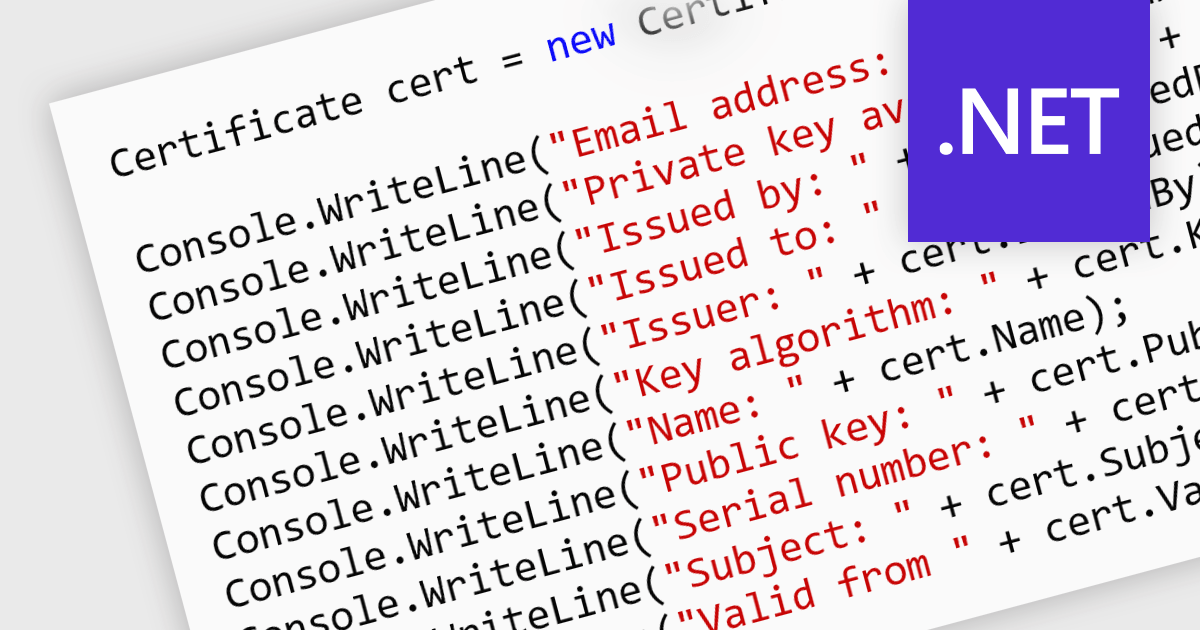
Digital certificates act as electronic credentials that authenticate the identities of communicating parties. They establish trust by verifying ownership of a public key through a trusted third-party (Certificate Authority) and enable secure data exchange through encryption and decryption using public-key cryptography. This ensures data integrity and confidentiality, mitigating risks like man-in-the-middle attacks in .NET applications.
Several .NET communications and messaging components offer digital certificate features including:
For an in-depth analysis of features and price, visit our .NET comms & messaging components comparison.
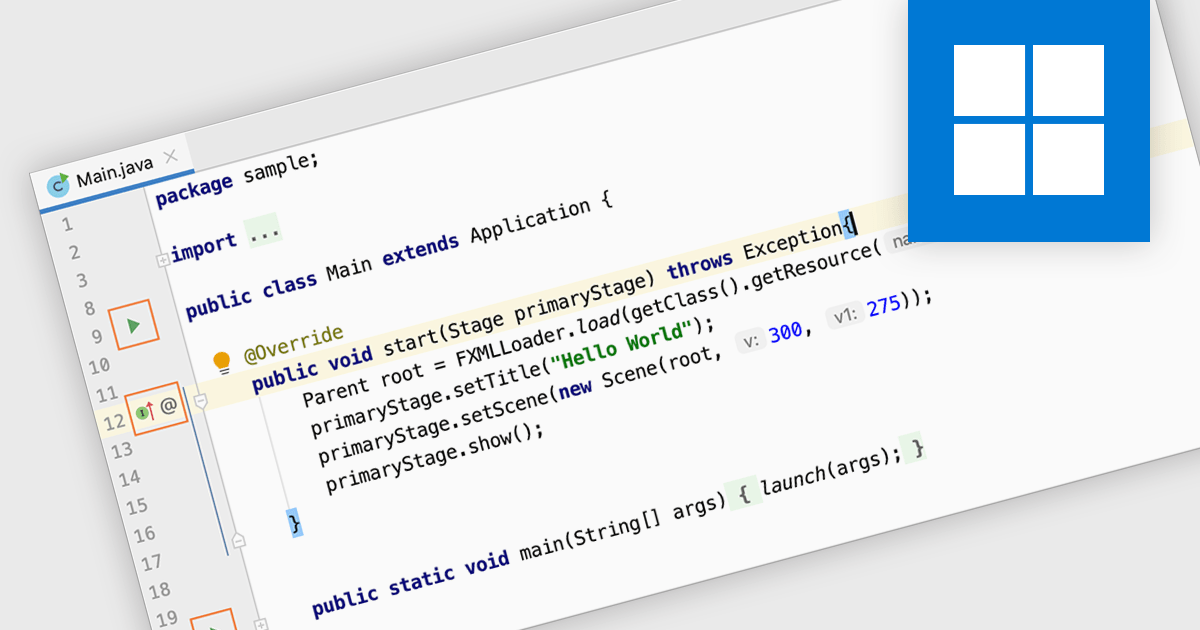
Code editing in an IDE goes beyond basic text editing by offering intelligent features specifically tailored to programmers. Syntax highlighting, autocompletion, and code navigation tools streamline the writing process, while debugging and build automation functionalities within the IDE help you identify and fix errors efficiently, all within a single, consolidated environment. This integrated approach significantly improves development workflow and productivity.
Several IDEs provide code editing including:
For an in-depth analysis of features and price, visit our IDEs comparison.
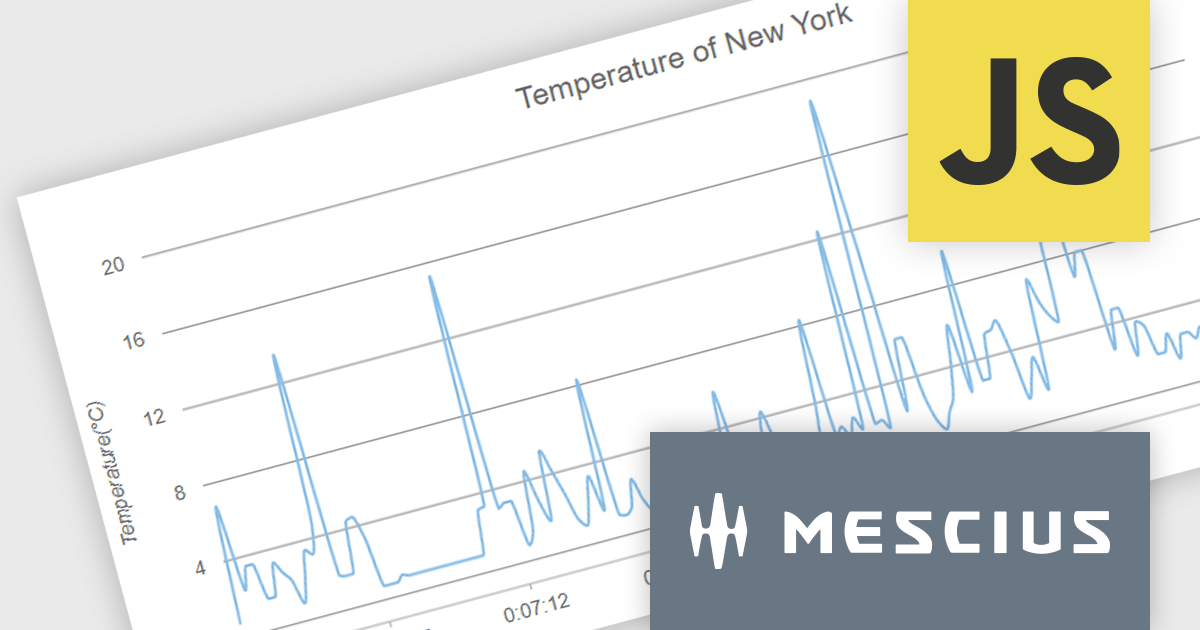
Wijmo by MESCIUS is a comprehensive suite of JavaScript UI controls for building interactive web applications. It offers a wide range of powerful components including grids, charts, inputs, and gauges, designed to streamline development processes and enhance user experiences. With its robust functionality and customizable features, Wijmo simplifies the creation of sophisticated web interfaces, empowering software developers to efficiently craft responsive and visually appealing applications without sacrificing performance or scalability.
The Wijmo 2024 v1 release includes significant rendering refinements for FlexChart and FlexPie. Notable improvements include smoother rounding for polylines and polygons in FlexChart, enhanced spline chart interpolation, and refined tooltips tailored specifically for small slices within FlexPie. These updates collectively enhance the visual quality, precision, and user experience of both chart components, providing developers with finer control over chart aesthetics and data representation.
To see a full list of what's new in 2024 v1, see our release notes.
Wijmo is licensed per developer. Developer Licenses are perpetual and include 1 year Subscription which provides upgrades, including bug fixes and new features. See our Wijmo licensing page for full details.
For more information, visit our Wijmo product page.
Devart ODBC Driver for xBase empowers ODBC-compliant applications like reporting tools and Business Intelligence (BI) software to access data stored in xBase formats, commonly used by FoxPro and dBase databases. This driver provides a high-performance and secure connection, enabling applications on Windows, macOS, and Linux to interact directly with xBase data for tasks like reporting and analysis. It simplifies integration by offering full support for standard ODBC functionalities and data types.
Version 5.0.0 adds support for UTF-8 encoding, enabling you to work with xBase databases containing characters from a wider range of languages, including those with special characters. This eliminates data corruption concerns and simplifies handling multilingual data within your xBase environment.
To see a full list of what's new in 5.0.0, see our release notes.
Devart ODBC Driver for xBase is licensed per developer and is available as an Annual or Perpetual License with a 12 month support and maintenance subscription. See our Devart ODBC Driver for xBase licensing page for full details.
Devart ODBC Driver for xBase is available in the following products:
電話: (888) 850 9911
Fax: +1 770 250 6199


