













公式サプライヤー
公式および認定ディストリビューターとして200社以上の開発元から正規ライセンスを直接ご提供いたします。
当社のすべてのブランドをご覧ください。

Heimdall Database Proxy intelligently manages connections for improved response times and database scale. Features include query caching, read/write splitting and connection pooling.
The new Heimdall Database Proxy for Greenplum offers developers enhanced optimization capabilities tailored for Greenplum databases. Greenplum is an open-source, massively parallel processing (MPP) database designed for large-scale data warehousing and analytics. With seamless integration, Heimdall Database Proxy for Greenplum improves query performance, reduces latency, and streamlines database operations. Advanced caching and intelligent query routing ensure faster execution and efficient resource utilization, enhancing application responsiveness and scalability. Comprehensive monitoring tools enable quick identification and resolution of performance issues. Overall, this edition simplifies database management, allowing developers to focus on building robust applications confidently.
Heimdall Database Proxy for Greenplum is licensed on an annual subscription basis, priced per Greenplum CPU core. The initial license fee covers up to 90 Greenplum CPU cores, additional CPU core licenses can be added as required. See our Heimdall Database Proxy licensing page for full details.
Learn more on our Heimdall Database Proxy product page.
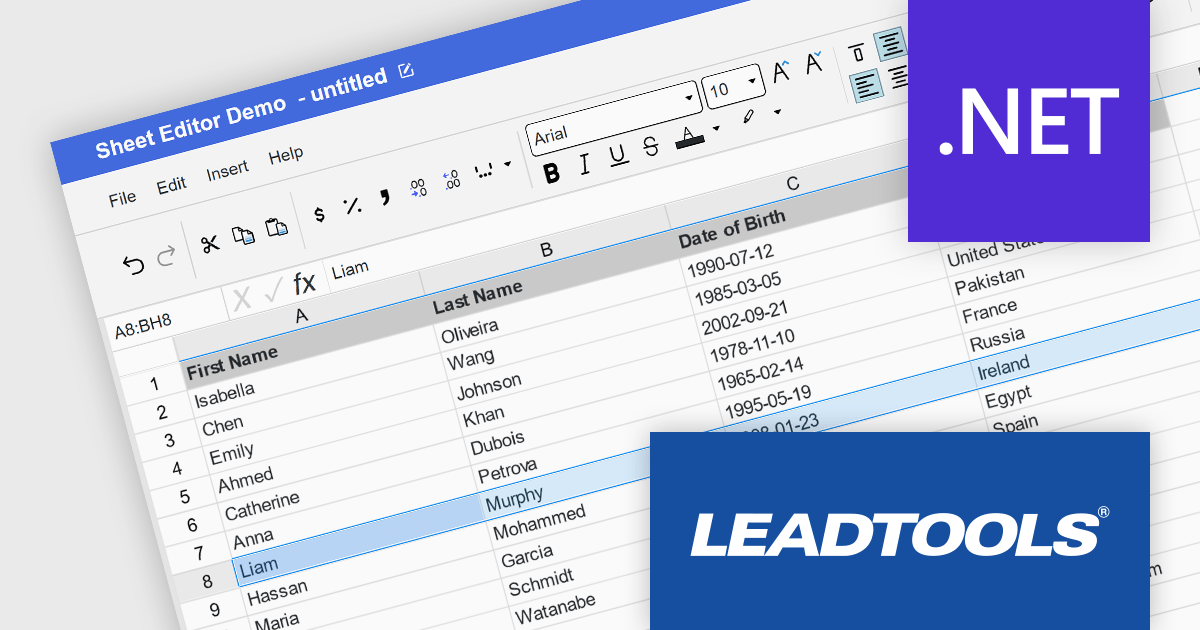
LEADTOOLS Document Suite is a comprehensive set of powerful document imaging SDKs designed to facilitate document processing and management tasks within software applications. It offers developers advanced capabilities for tasks such as OCR (Optical Character Recognition), barcode recognition, PDF manipulation, document conversion, annotation, and more. Leveraging this suite, developers can seamlessly integrate sophisticated document functionality into their software solutions, enabling efficient handling of various document formats and improving productivity in document-centric workflows.
The LEADTOOLS Document Suite SDK v23 update ushers in a new era of streamlined document management and enhanced productivity. The integration of the Excel API and Excel Web Editor empowers developers to seamlessly manipulate Microsoft Excel documents directly within their applications, regardless of platform. The Excel API offers programmatic control over Excel files, enabling efficient extraction, modification, and creation, while the Excel Web Editor fosters real-time collaborative editing within web applications. These powerful additions not only streamline document workflows but also equip developers with a comprehensive suite of Excel editing functionalities within the LEADTOOLS Document Suite ecosystem.
To see a full list of what's new in v23, see our release notes.
LEADTOOLS Document Suite SDK is licensed as Development Licenses, for developers to use the SDKs, and Deployment Licenses, for the right to distribute end user solutions. See our LEADTOOLS Document Suite SDK licensing page for full details.
Learn more on our LEADTOOLS Document Suite SDK product page.

Data validation is a crucial feature for maintaining the integrity of data within a spreadsheet. It restricts the type of data or the values that users can enter into a cell. For example, a cell can be configured to only accept dates or numbers within a certain range. This minimizes input errors and ensures that data adheres to specified parameters, which is particularly important in scenarios where spreadsheets are used for data entry by multiple users or when the data feeds into critical business processes.
Several .NET 8 spreadsheet products offer data validation, including:
For an in-depth analysis of features and price, visit our comparison of .NET 8 spreadsheet controls.
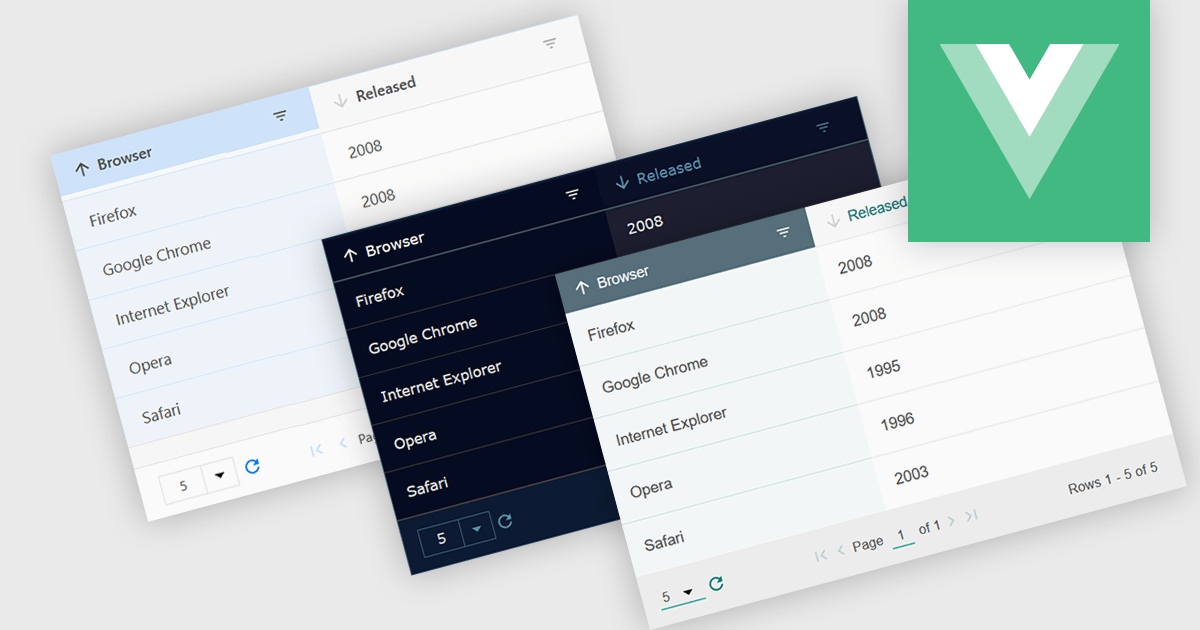
Customizable themes allow users to easily modify the visual appearance of a grid. This typically encompasses aspects like background colors, font styles, cell borders, and hover effects. These themes offer numerous benefits including improving the grid's readability and user experience by aligning it with the application's overall design aesthetic, enhancing data visualization by using color-coding or conditional formatting, and supporting accessibility needs by incorporating high-contrast themes.
Several Vue.js grid controls offer customizable theme support, including:
For an in-depth analysis of features and price, visit our comparison of Vue.js Grid controls.
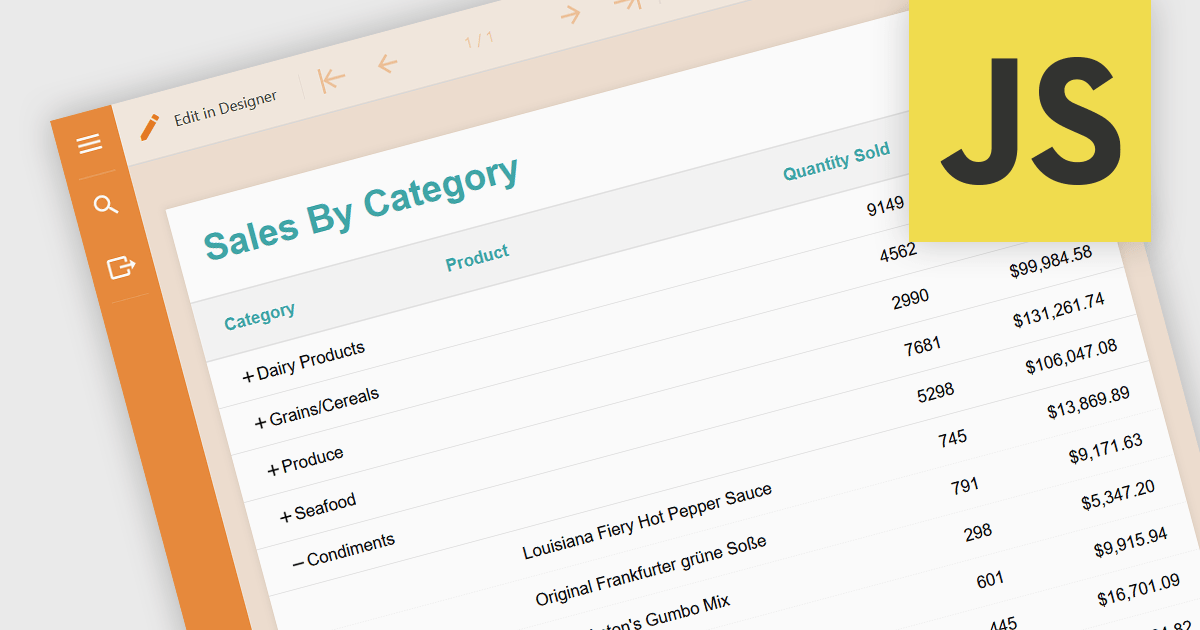
Drill-down is a feature often found in reports that allows users to explore data in greater detail, starting with a high-level summary, then clicking to navigate to progressively finer levels of detail. This helps to make complex data easier to understand and allows users to efficiently identify the underlying source of problems by iteratively analyzing successive layers of data immediately within the report. Drill-downs provide a continuous path from high-level overviews to specific data points, streamlining the process of detecting and addressing problems.
The following JavaScript reporting components offer drill-down support:
For an in-depth analysis of features and price, visit our comparison of JavaScript reporting components.
電話: (888) 850 9911
Fax: +1 770 250 6199


