













公式サプライヤー
公式および認定ディストリビューターとして200社以上の開発元から正規ライセンスを直接ご提供いたします。
当社のすべてのブランドをご覧ください。
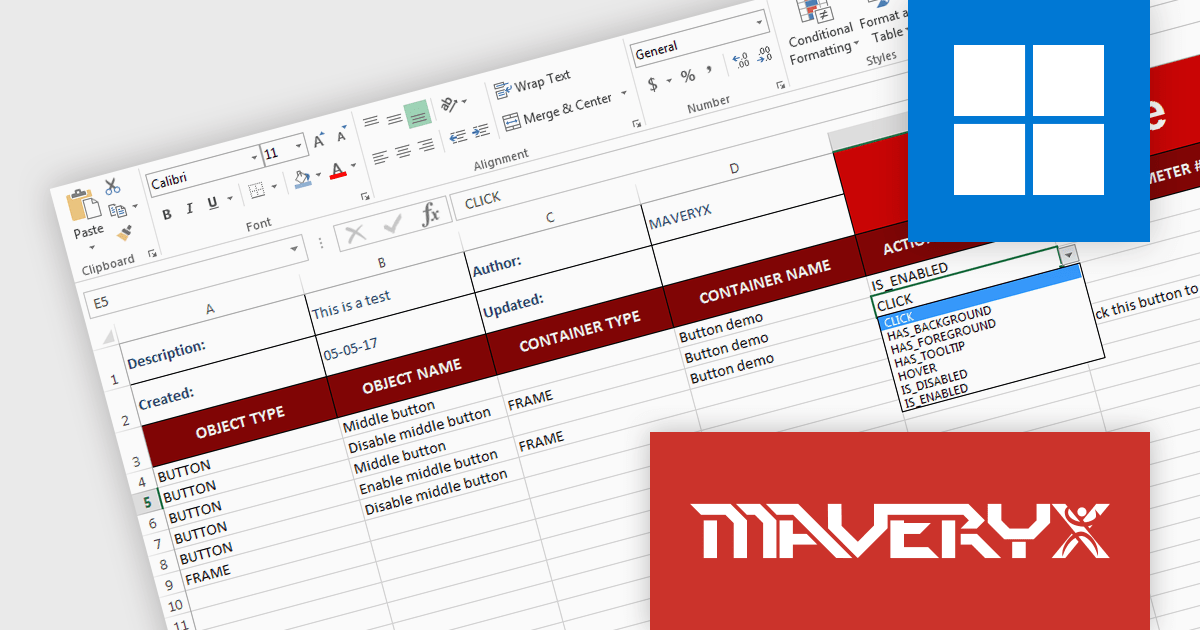
Maveryx Test Automation Framework is a powerful testing tool that tackles functional UI, regression, data-driven, and even codeless testing. It works across desktops and web apps, inspecting the application's interface on the fly, just like a seasoned tester would. Forget manual coding, screen captures, and clunky object repositories. With Maveryx, you can automate tests early in development, speeding up your time to market without sacrificing quality.
Version 2.7.0 introduces new actions to the keyword-driven framework. Keyword-driven testing involves using keywords to define test steps instead of code. These new features expand what you can achieve with your tests including introducing pauses, capturing screenshots and checking if an element on the screen contains a specific text. This makes it easier to write and maintain automated tests.
To see a full list of what's new in version 2.7.0, see our release notes.
Maveryx Test Automation Framework is licensed per user and is available as an annual license, either node-locked or floating. See our Maveryx Test Automation Framework licensing page for full details.
For more information, visit our Maveryx Test Automation Framework product page.
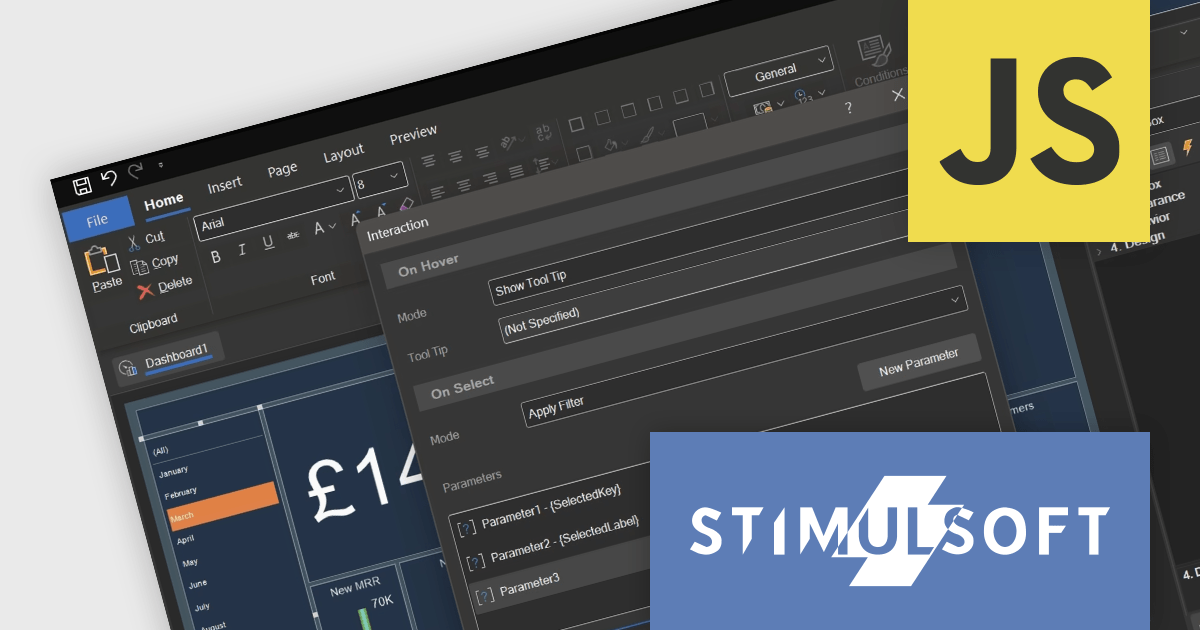
Stimulsoft Dashboards.JS is a JavaScript library designed for building interactive dashboards within web applications. It offers a comprehensive suite of tools for data processing, visualization, and dashboard design. Compatible with any HTML5 browser, it allows you to create a variety of dashboards for various purposes and integrates seamlessly with popular JavaScript frameworks like React and Vue.js.
The Stimulsoft Dashboards.JS 2024.2 update adds tooltip functionality for list box, combo box and shape elements. Hovering over an item can now reveal more information, providing additional details and context on demand. This intuitive feature empowers users to explore data and grasp its meaning at a glance, enhancing overall understanding.
For full details of what's new in version 2024.2, see our release notes.
Stimulsoft Dashboards.JS is licensed per developer and is available as a Perpetual license with 1 year support and maintenance. See our Stimulsoft Dashboards.JS licensing page for full details.
Stimulsoft Dashboards.JS is available to buy in the following products:
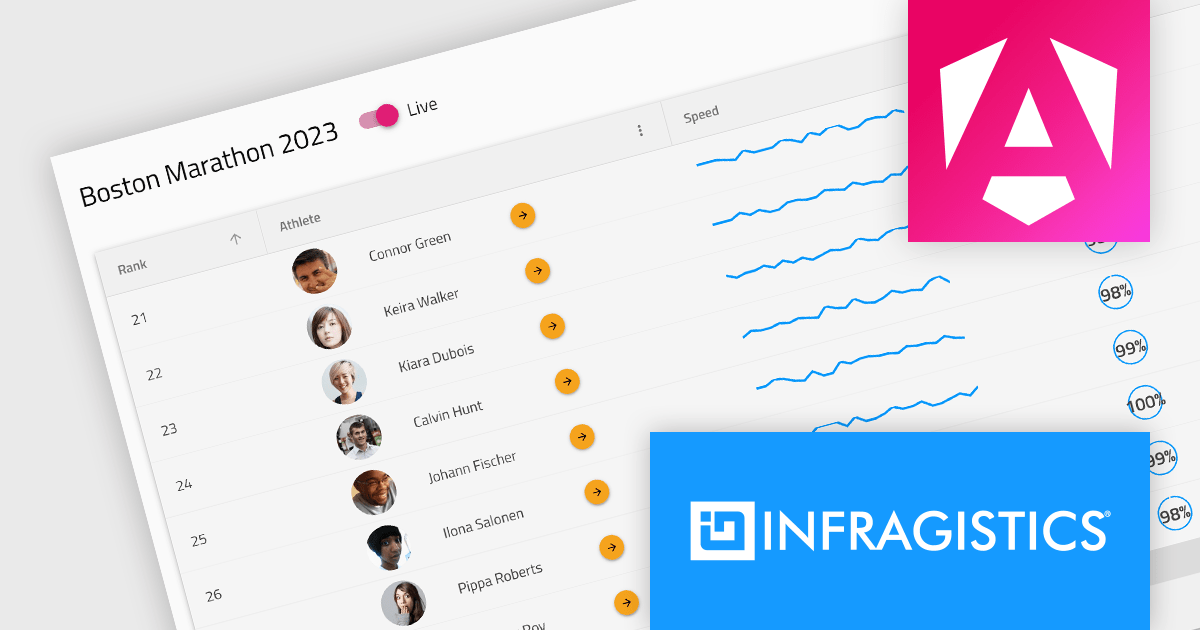
Infragistics Professional is a comprehensive toolkit for software developers, offering a wide range of pre-built, high-performance UI components for building visually appealing and feature-rich applications across Angular, React, Web Components, Blazor, ASP.NET MVC, ASP.NET Core, Windows Forms, WPF and Xamarin. It includes controls such as data grids, charts, navigation menus, and more, along with productivity tools to streamline development processes.
Infragistics Professional 23.2 includes the new Ignite UI Angular Data Grid, a full-featured modern component designed to enhance your data visualization capabilities. The grid boasts a rich set of features including data editing, selection, filtering, sorting, grouping, pinning, paging, templating, column moving, and exporting. This latest release brings even more functionality with collapsible column groups, column hiding, pinning, reordering, and moving capabilities. For customization, conditional styling allows for tailored aesthetics at the row or cell level. Advanced editing is empowered by a powerful API for Angular CRUD operations, and the grid also supports export to Excel, advanced filtering, and live data with real-time updates. These features, along with many more, provide a robust solution for all your data grid needs.
Infragistics Professional is licensed per developer and is available as a Perpetual License with a 1, 2 or 3 year support and maintenance subscription. See our Infragistics Professional licensing page for full details.
The Ignite UI for Angular Data Grid is available in the following products:
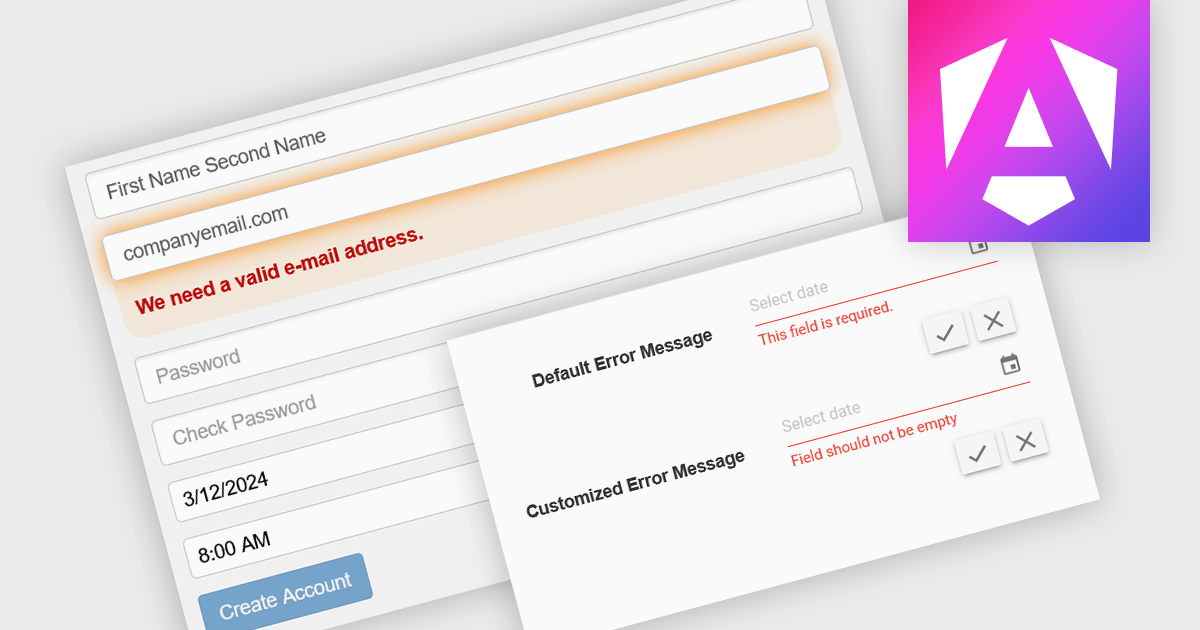
Data validation is a process built into data editors that ensures the accuracy and integrity of information being entered. It achieves this by applying various checks on the data, ranging from data type verification to ensuring values fall within a specific range or adhere to predefined formats. By implementing data validation, software developers can significantly reduce the risk of errors during data entry, leading to cleaner, more reliable datasets for downstream analysis and reporting.
Several Angular Data Editor controls offer data validation including:
For an in-depth analysis of features and price, visit our Blazor data editors comparison.

CodeRush Ultimate is a Visual Studio extension designed to improve developer productivity and creativity. It empowers you to generate sophisticated code, automate tedious tasks, and navigate your codebase effortlessly, all while boosting code quality and readability. By eliminating repetitive coding and providing intelligent assistance, CodeRush Ultimate frees you to focus on the big picture, helping you deliver more features faster and with higher quality.
The CodeRush Ultimate 23.2.5 release introduces a Community Technology Preview of the new Voice to Code functionality. This revolutionary feature leverages Visual Studio's IntelliSense to understand your spoken commands and translate them into actual code. This CTP release understands several basic commands including:
To see a full list of what's new in version CodeRush Ultimate 23.2.5, see our release notes.
CodeRush Ultimate is licensed per developer and is available as a Perpetual License with a 12 month support and maintenance subscription. See our CodeRush Ultimate licensing page for full details.
CodeRush Ultimate is available to buy in the following products:
電話: (888) 850 9911
Fax: +1 770 250 6199


