













公式サプライヤー
公式および認定ディストリビューターとして200社以上の開発元から正規ライセンスを直接ご提供いたします。
当社のすべてのブランドをご覧ください。
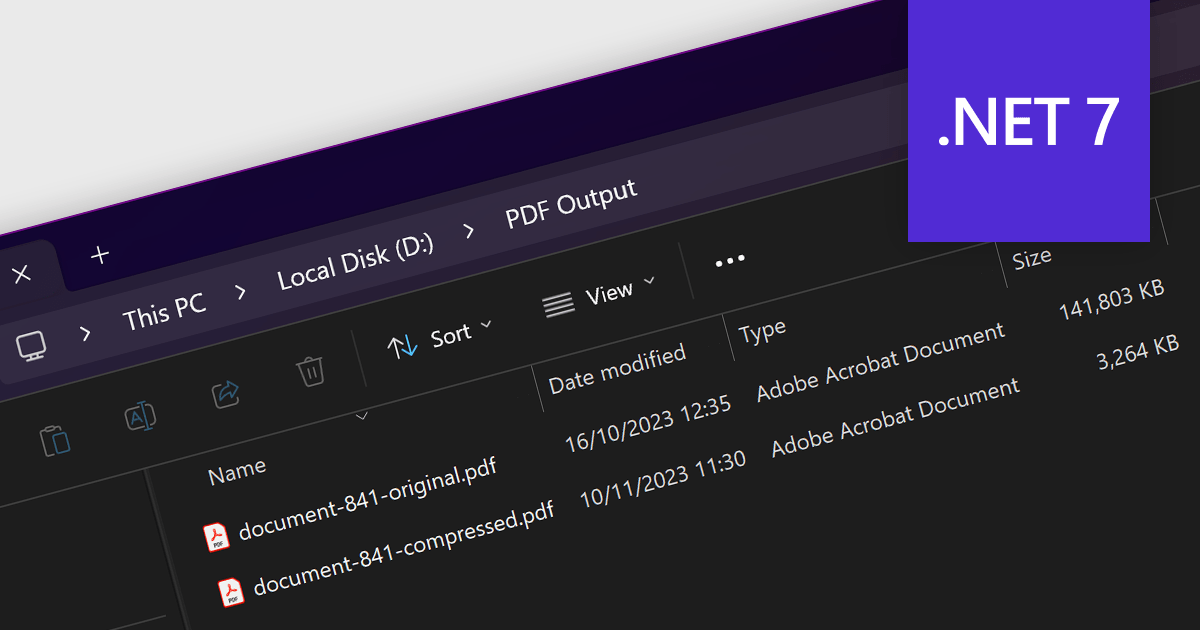
PDF compression is the process of reducing the file size of a PDF document without losing quality. Compressing PDFs has many benefits, including saving storage space, faster file transfer, and reduced bandwidth usage. It is a great way to optimize your PDFs for a variety of uses, such as sharing large documents over email, uploading PDFs to websites, and storing PDFs on cloud storage.
Several .NET 7 PDF components provide compression capabilities, including:
For an in-depth analysis of features and price, visit our comparison of .NET 7 PDF components.
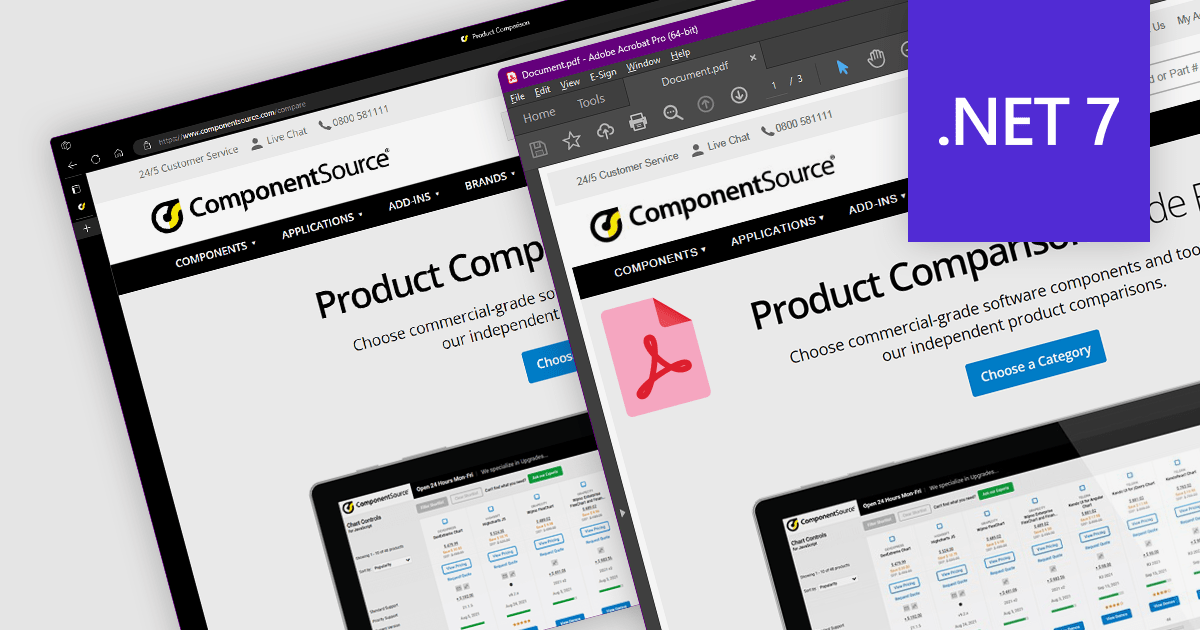
Converting HTML to PDF is a versatile and convenient way to create, share, and archive documents. It preserves the original formatting and layout of an HTML document and the converted PDF can be viewed on any device with a PDF reader.
Several .NET 7 PDF components provide HTML to PDF conversion, including:
For an in-depth analysis of features and price, visit our comparison of .NET PDF components.

Highcharts is an industry-leading JavaScript charting library, used by tens of thousands of developers and over 80% of the world's 100 largest companies. Highcharts Core (formerly Highcharts JS) is an SVG-based, multi-platform charting library that has been actively developed since 2009.
Highcharts v11.2.0 adds new options for the presentation of Sankey chart types. The nodeAlignment option lets you specify which side of the chart nodes should align to, facilitating a vertical layout. The linkColorMode option determines the color mode for Sankey links, including matching the "from" node, the "to" node, or a gradient between the two.
Sankey charts are a type of flow diagram suited to visualizing complex data that changes over time. With the added Sankey chart display options, Highcharts now offers more impactful ways to visualize your data.
To see a full list of what’s new in v11.2.0, see our release notes.
For more information, visit our Highcharts Core product page.

dbForge Studio for MySQL is a comprehensive tool for MySQL and MariaDB database development, management, and administration. It provides a wide range of features for database design, development, and administration, including visual tools for creating and editing database objects, a powerful SQL query editor, and tools for data manipulation, analysis, and synchronization. dbForge Studio is available for Windows, macOS, and Linux platforms.
dbForge Studio for MySQL V10 simplifies and streamlines team-driven database management by integrating with various popular version control systems, including Azure DevOps Server, Apache Subversion (SVN), TFVC, Git (including GitHub, GitLab, and Bitbucket), Mercurial (Hg), Perforce (P4), and SourceGear Vault. It enables version control of database schemas, static table data, and database changes under various development models. Users can commit, revert, and review changes, resolve conflicts, compare database versions, and view change history. This new support for source control makes managing database changes and collaboration easier than ever.
To see a full list of what's new in version 10.0.46, see our release notes.
For more information, visit our dbForge Studio for MySQL product page.
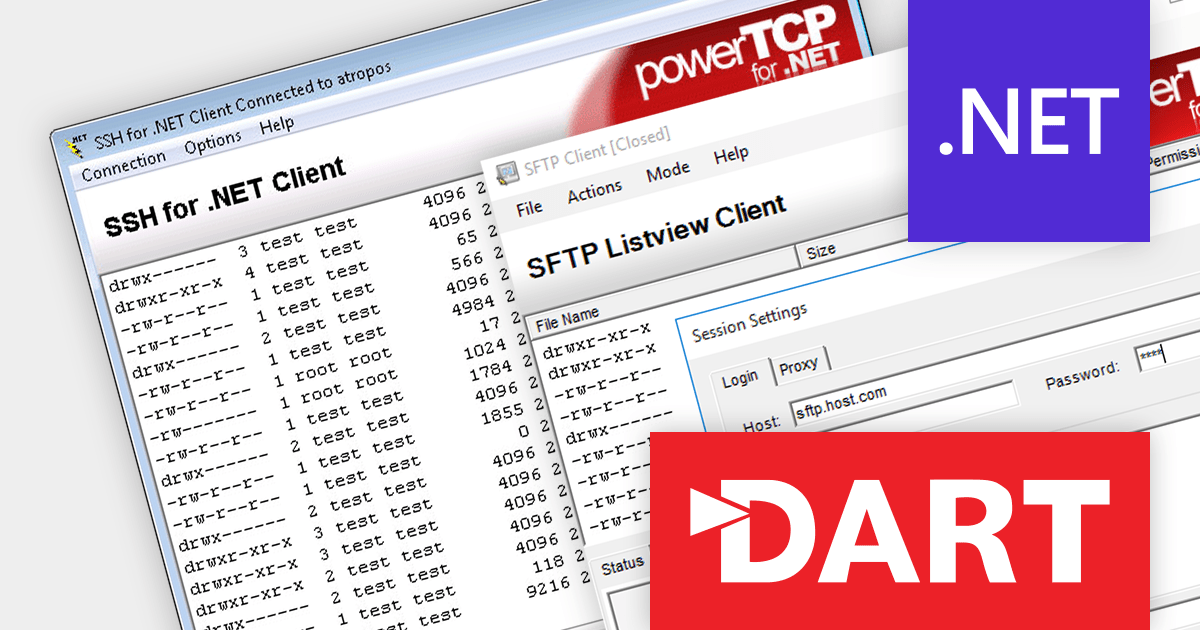
PowerTCP SSH and SFTP for .NET by Dart Communications is a comprehensive suite of SSH-2 and SFTPv3 components for the .NET Framework, providing developers with the tools they need to add secure remote access and file transfer capabilities to their applications.
The 7.0.0.3 release bolsters server security with support for RSA-SHA2-256, RSA-SHA2-384, and RSA-SHA2-512 host key algorithms. This technology offers stronger protection against cryptographic attacks compared with the previously used RSA-SHA1. By employing these enhanced algorithms, you can effectively safeguard your servers from a range of sophisticated attacks, including collision, preimage, and second preimage attacks.
To see a full list of what's new in version 7.0.0.3, see our release notes.
For more information, visit our PowerTCP SSH and SFTP for .NET product page.
電話: (888) 850 9911
Fax: +1 770 250 6199


