













公式サプライヤー
公式および認定ディストリビューターとして200社以上の開発元から正規ライセンスを直接ご提供いたします。
当社のすべてのブランドをご覧ください。

Devolutions Server is a comprehensive password management solution that is easy to set up and can handle a large number of users. It also includes the core features of a privileged access management (PAM) solution.
Version 2023.3 adds a new user tagging feature which lets you apply tags such as "external" for vendors and "privileged" for users with higher privileges. New reports allow you to filter by tag and track activity.
To see a full list of what's new in version 2023.3, see our release notes.
For more information, visit our Devolutions Server product page.
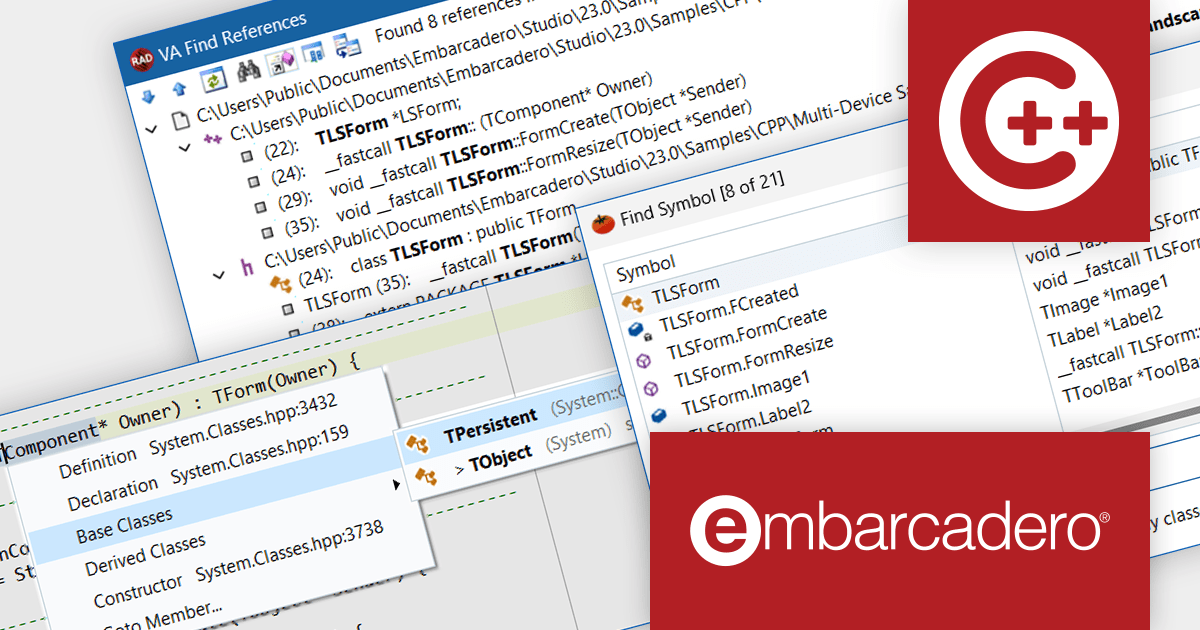
Delphiは、Windows、macOS、Linux、モバイル向けのシングルソース、マルチプラットフォーム、高性能アプリケーションを迅速に開発するための先進的な統合開発環境(IDE)です。
Delphi 12 Athensリリースでは、Skiaとの統合が追加されました。Skiaは、さまざまなハードウェアおよびソフトウェアプラットフォームで動作する共通のAPIセットを提供する、人気の高い2Dグラフィックスライブラリです。Skiaは、Google Chrome、ChromeOS、Android、Flutter、Mozilla Firefoxを含む多くの人気製品のグラフィックエンジンとして使用されています。Delphi開発者はこの機能を活用し、自身のアプリ内のグラフィックス品質とパフォーマンスを向上させることができます。
バージョン12 Athensの新機能については、リリースノートをご覧ください。
C++Builderは以下の製品で購入できます:
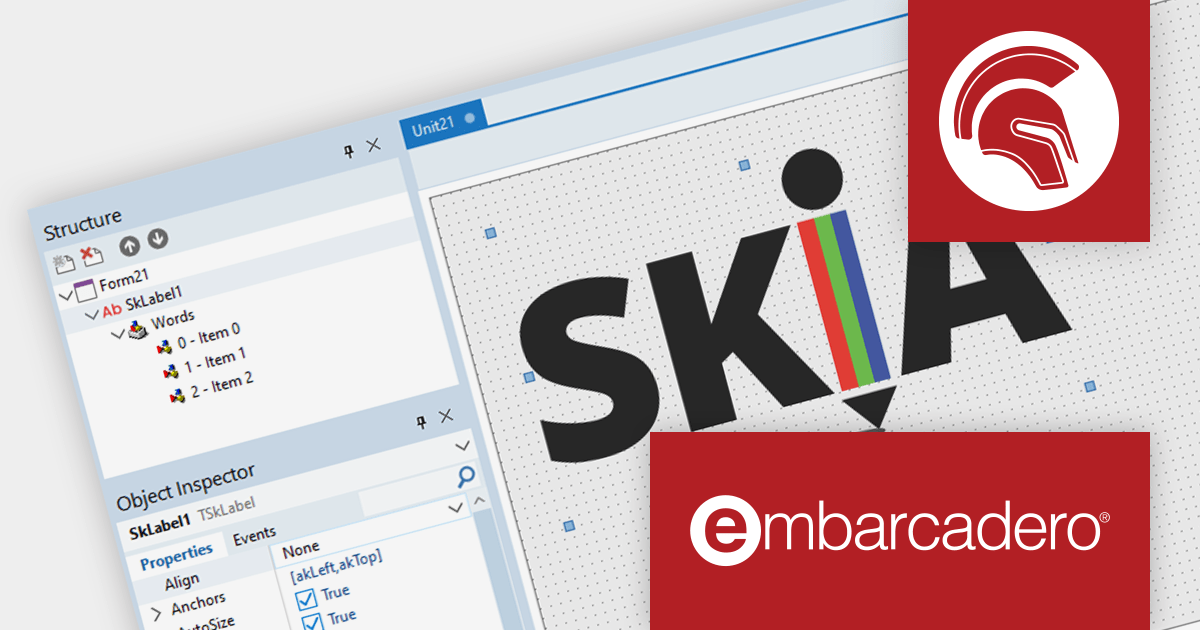
Delphiは、Windows、macOS、Linux、モバイル向けのシングルソース、マルチプラットフォーム、高性能アプリケーションを迅速に開発するための先進的な統合開発環境(IDE)です。
Delphi 12 Athensリリースでは、Skiaとの統合が追加されました。Skiaは、さまざまなハードウェアおよびソフトウェアプラットフォームで動作する共通のAPIセットを提供する、人気の高い2Dグラフィックスライブラリです。Skiaは、Google Chrome、ChromeOS、Android、Flutter、Mozilla Firefoxを含む多くの人気製品のグラフィックエンジンとして使用されています。Delphi開発者はこの機能を活用し、自身のアプリ内のグラフィックス品質とパフォーマンスを向上させることができます。
バージョン12 Athensの新機能については、リリースノートをご覧ください。
Delphiは以下の製品でご購入いただけます:

Highcharts Maps provides a standards-compliant method for creating schematic maps in web-based projects. It extends the user-friendly Highcharts JavaScript API to allow web developers to create interactive maps that display sales, election results, or any other geographically related information.
The Highchartts Maps v11.2.0 release adds support for interpolation in geographic heatmaps. The geoheatmap.interpolation feature allows the heatmap to render its data points as an interpolated image, estimating values between known data points. For example, you may have a have a table of temperature data that shows the temperature at specific points within a region. You can use interpolation to estimate the temperature in areas between the known data points. This new feature helps to create more easily understandable and visually appealing heatmaps, even with limited data sets.
To see a full list of what's new in version 11.2.0, see our release notes.
For more information, visit our Highcharts Maps product page.
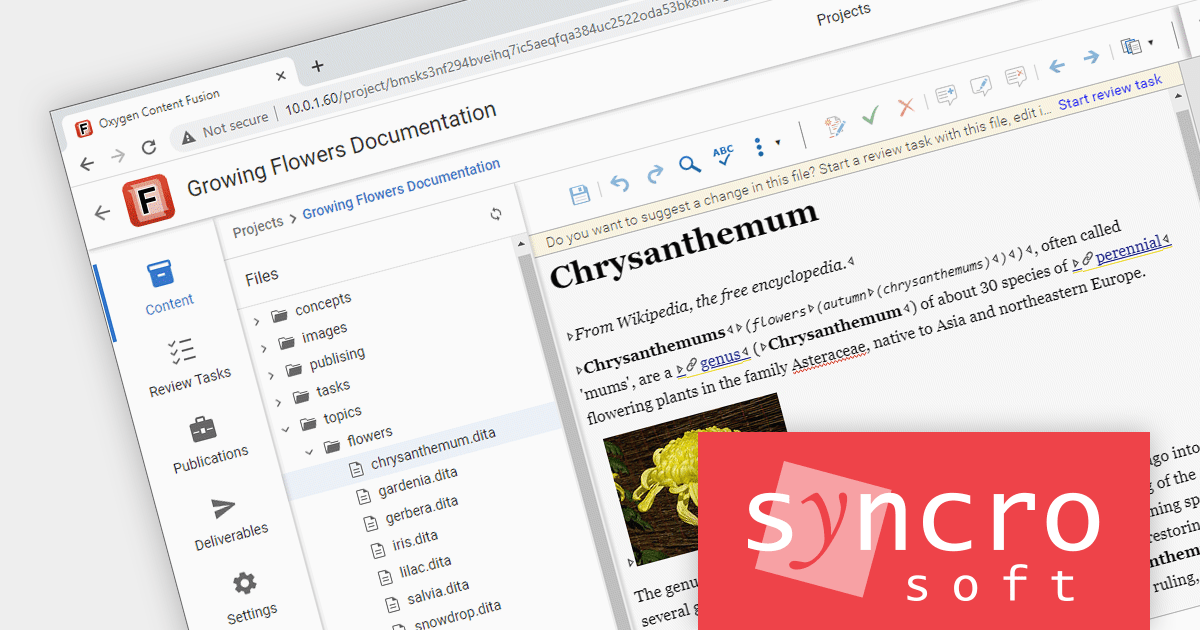
Oxygen Content Fusion by Syncro Soft is a cloud-based collaboration platform for managing and publishing DITA documentation. It allows authors, reviewers, and publishers to work together on the same content in real time, and to track changes and feedback throughout the documentation process. Oxygen Content Fusion also provides a variety of tools for generating and publishing DITA content in a variety of formats, including WebHelp, PDF, and EPUB.
The version 6.0 release of Oxygen Content Fusion makes it easier to collaborate on projects and track changes by allowing developers to manage DITA projects hosted in Git repositories. Content Fusion now automatically syncs DITA project configuration changes and merged review tasks with your Git repository. This allows users to integrate their workflow with Git from any client application or Continuous Integration job. Content Fusion projects allow authors to create and manage review tasks, define Content Fusion Publications as DITA map/DITAVAL pairs, and build Content Fusion Deliverables to publish DITA content to Webhelp and PDF.
To see a full list of what's new in version 6.0, see our release notes.
For more information, visit our Oxygen Content Fusion product page.
電話: (888) 850 9911
Fax: +1 770 250 6199


