













公式サプライヤー
公式および認定ディストリビューターとして200社以上の開発元から正規ライセンスを直接ご提供いたします。
当社のすべてのブランドをご覧ください。
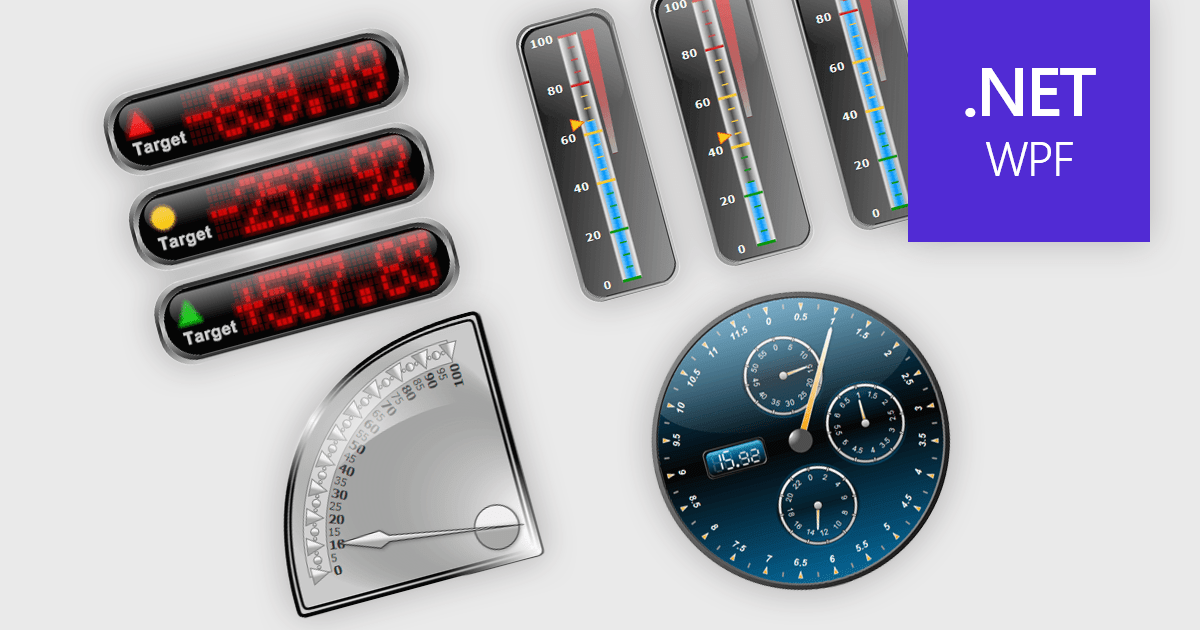
Gauge controls in .NET WPF UI suites are specialized visual components designed to present quantitative data in an intuitive, instrument-style format, similar to speedometers, thermometers, or dial indicators. They are commonly used in dashboards and monitoring applications to display key performance indicators, thresholds, and real-time metrics with clear visual cues such as ranges, tick marks, color-coded segments, and animated needles or pointers. Built to integrate with WPF’s data binding, templating, and styling capabilities, gauge controls allow developers to connect live data sources, customize appearance through themes and templates, and define ranges or alerts that highlight critical values. This makes them particularly useful in industrial systems, financial dashboards, health monitoring tools, and other applications where quick visual interpretation of numeric data is essential.
Many .NET WPF UI Suites contain gauges including:
For an in-depth analysis of features and price, visit our comparison of .NET WPF UI Suites.
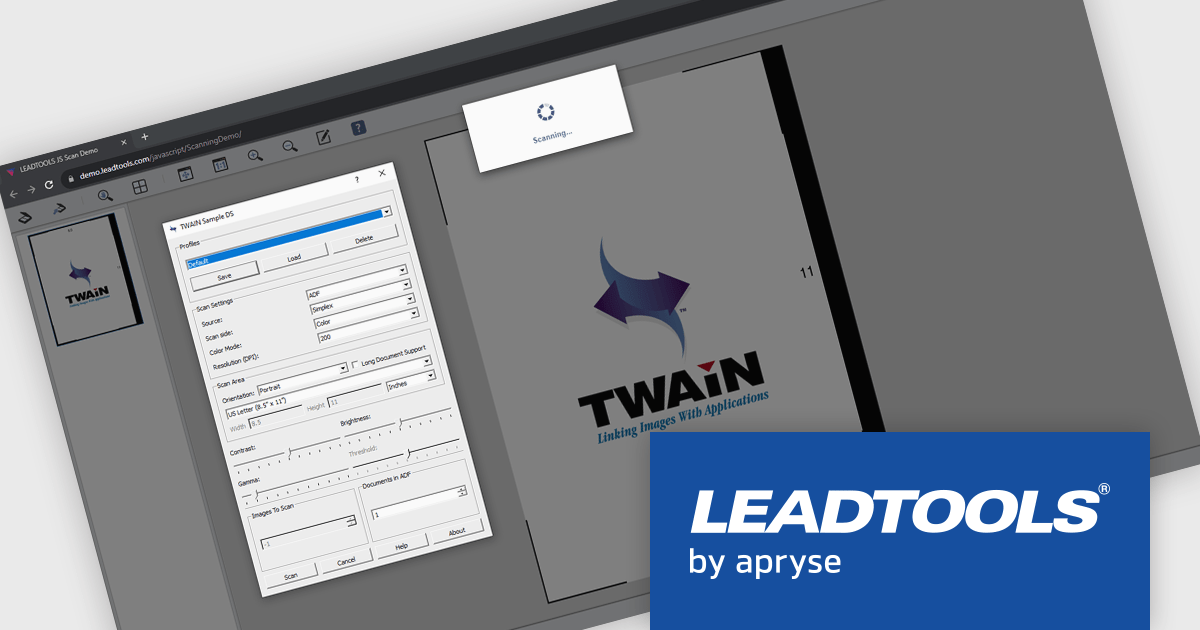
LEADTOOLS Document Suite is a comprehensive set of document imaging SDKs designed to facilitate document processing and management tasks within software applications. It offers developers advanced capabilities for tasks such as OCR (Optical Character Recognition), barcode recognition, PDF manipulation, document conversion, annotation, and more. Leveraging this suite, developers can integrate sophisticated document functionality into their software solutions, enabling efficient handling of various document formats and improving productivity in document-centric processes.
LEADTOOLS Document Suite SDK provides Fast TWAIN support that enables software developers to implement high performance, reliable document scanning directly within their applications. By accelerating image acquisition and optimizing scanner communication, it reduces development complexity while supporting high volume and batch scanning scenarios. Captured images can be routed into OCR, image cleanup, compression, and document processing pipelines, allowing developers to build efficient, end to end document capture and automation solutions without relying on external scanning components.
LEADTOOLS Document Suite SDK is licensed as Development Licenses, for developers to use the SDKs, and Deployment Licenses, for the right to distribute end user solutions. See our LEADTOOLS Document Suite SDK licensing page for full details.
Learn more on our LEADTOOLS Document Suite SDK product page.
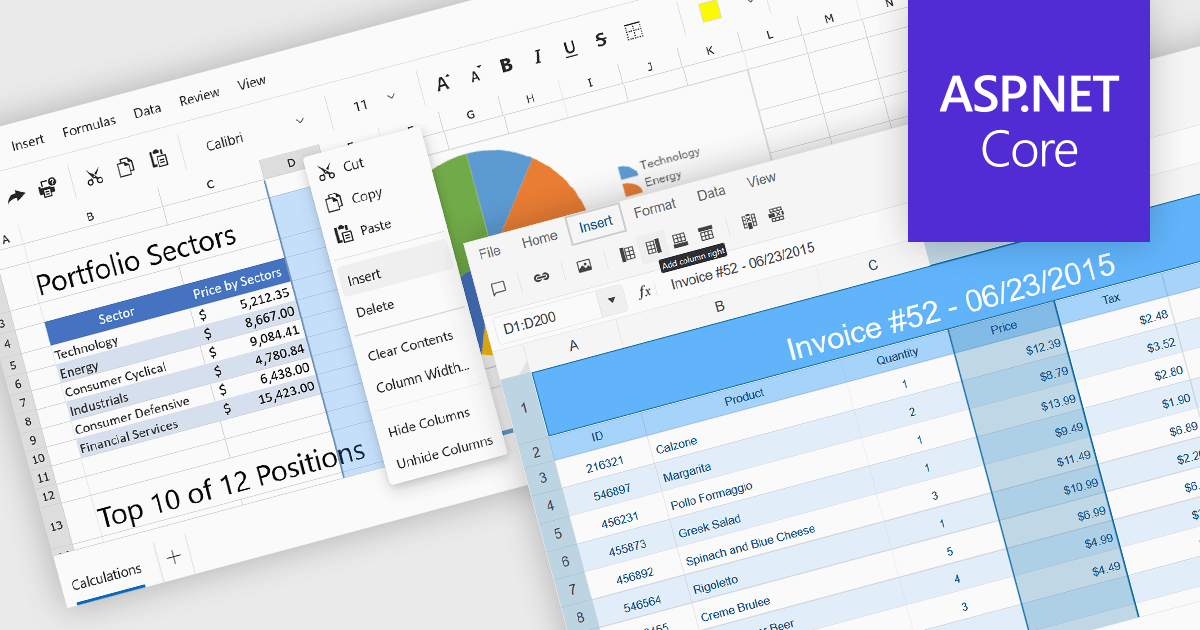
Inserting columns in a spreadsheet allows users to expand worksheets dynamically while preserving existing data and formulas. This capability is essential for scenarios where datasets evolve over time, such as adding new fields, categories, or calculated values. A well-implemented insert columns feature ensures that cell references, formatting, and formulas adjust automatically, helping maintain data integrity and reducing the risk of errors during updates.
Several ASP.NET Core spreadsheet controls offer the ability to insert columns including:
For an in-depth analysis of features and price, visit our ASP.NET Core spreadsheet controls comparison.
Flyway extends DevOps practices to databases, significantly speeding up how quickly software can be released and improving the overall quality of the code. By offering features like version control for database schemas and enabling continuous delivery pipelines for database changes, Flyway empowers individuals, teams, and organizations to enhance their existing software delivery through the automation of database development tasks. This integration ensures that database changes are managed with the same rigor and efficiency as application code, leading to faster, more reliable, and less error-prone software deployments.
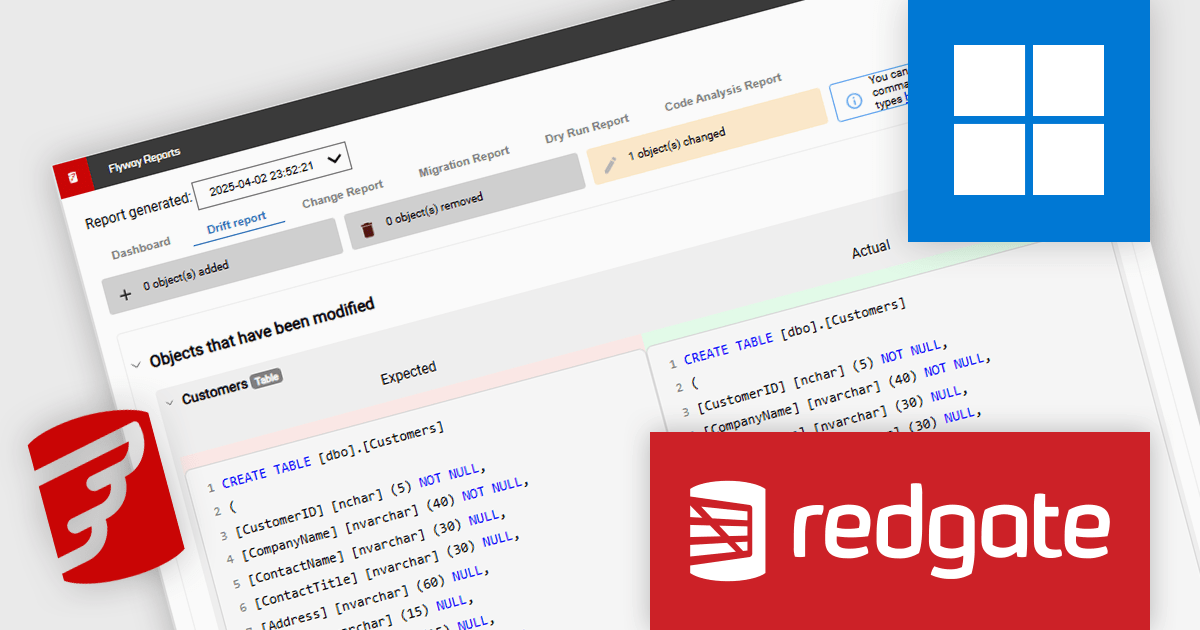
Redgate Software Flyway drift detection enables teams to identify and resolve unintended schema changes between the expected database state and target environments before deployment. By comparing environments against an embedded snapshot, it highlights precise differences and generates actionable SQL scripts to either incorporate approved changes into version control or revert unauthorized modifications. This reduces deployment risk, prevents pipeline failures caused by schema inconsistencies, and ensures development, test, and production environments remain aligned. Integrated into CI/CD workflows, it provides automated safeguards that improve release reliability, shorten troubleshooting time, and support consistent, controlled database delivery.
Flyway is licensed per server on an annual subscription basis. See our Flyway licensing page for full details.
For more information, visit our Redgate Flyway product page.
Lucky Penny Software is a software company based in Austin, Texas, USA, focused on delivering high-quality libraries for the Microsoft .NET ecosystem. Its flagship products, AutoMapper and MediatR, are widely used by developers building modern applications. Originally created as free, open-source projects by founder Jimmy Bogard, creator of Vertical Slice Architecture, both libraries achieved broad adoption, with more than a billion downloads combined. They have since evolved into commercial offerings to ensure sustainable development, professional support, and continued innovation aligned with customer needs.
Lucky Penny Software's product offering includes AutoMapper, a convention-based object mapping library designed to simplify the transformation of complex domain models and Language Integrated Query (LINQ) results into clean Data Transfer Objects (DTOs). By applying consistent naming conventions and reducing the need for repetitive mapping code, it helps teams maintain clearer separation between layers while improving code readability and reliability. Built-in configuration validation further supports robust application design by identifying mapping issues early in the development process.
MediatR implements the mediator and command dispatcher patterns to support scalable application architectures. It provides an in-process messaging framework that routes requests and notifications to the appropriate handlers, reducing tight coupling between components. This approach aligns with Clean Architecture and Vertical Slice Architecture principles, enabling teams to build applications that are easier to test, extend, and maintain over time.
Through its partnership with Lucky Penny Software, ComponentSource adds these proven .NET libraries to its global software marketplace. This collaboration gives organizations a straightforward way to license and manage AutoMapper and MediatR within established procurement processes. Customers benefit from reliable access to commercial licensing, centralized purchasing, and dedicated support, while continuing to build applications on widely adopted architectural patterns and trusted development tools.
For more information, visit our Lucky Penny Software page
電話: (888) 850 9911
Fax: +1 770 250 6199


