
Infragistics Ultimate UI for WPF(英語版)
企業アプリ開発に不可欠な速度とスケーラビリティ、タッチ操作サポート機能すべてが備わったWPFコントロール
Infragistics 社の製品
1996 年より日本国内にてComponentSourceで販売中。
価格:¥ 269,610 (税込)〜 バージョン: 26.1 新機能 更新日: Jun 24, 2026 
 (1)
(1)
企業アプリ開発に不可欠な速度とスケーラビリティ、タッチ操作サポート機能すべてが備わったWPFコントロール
Infragistics 社の製品
1996 年より日本国内にてComponentSourceで販売中。
価格:¥ 269,610 (税込)〜 バージョン: 26.1 新機能 更新日: Jun 24, 2026 (1)
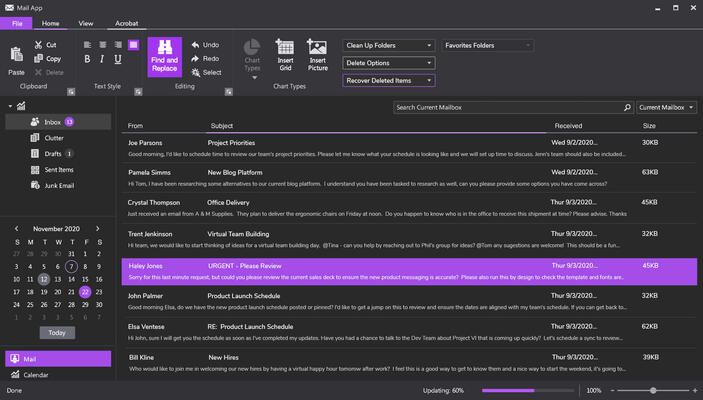
Infragistics WPF 製品のすべてのコントロールは Infragistics Professional 及び Infragistics Ultimate にも含まれています。
Infragistics Professional :Ignite UI, ASP.NET, Windows Forms, Windows UI, Silverlight and WPFが含まれています。
Infragistics Ultimate Ignite UI, ASP.NET, Windows Forms, Silverlight, WPF, Windows UI, Windows Phone, LightSwitch, NUCLiOS, Iguana UI, NetAdvantage ICONS, 5 ユーザーQuince Subscriptionが含まれています。
Released: Nov 18, 2011
電話: (888) 850 9911
Fax: +1 770 250 6199


