













公式サプライヤー
公式および認定ディストリビューターとして200社以上の開発元から正規ライセンスを直接ご提供いたします。
当社のすべてのブランドをご覧ください。
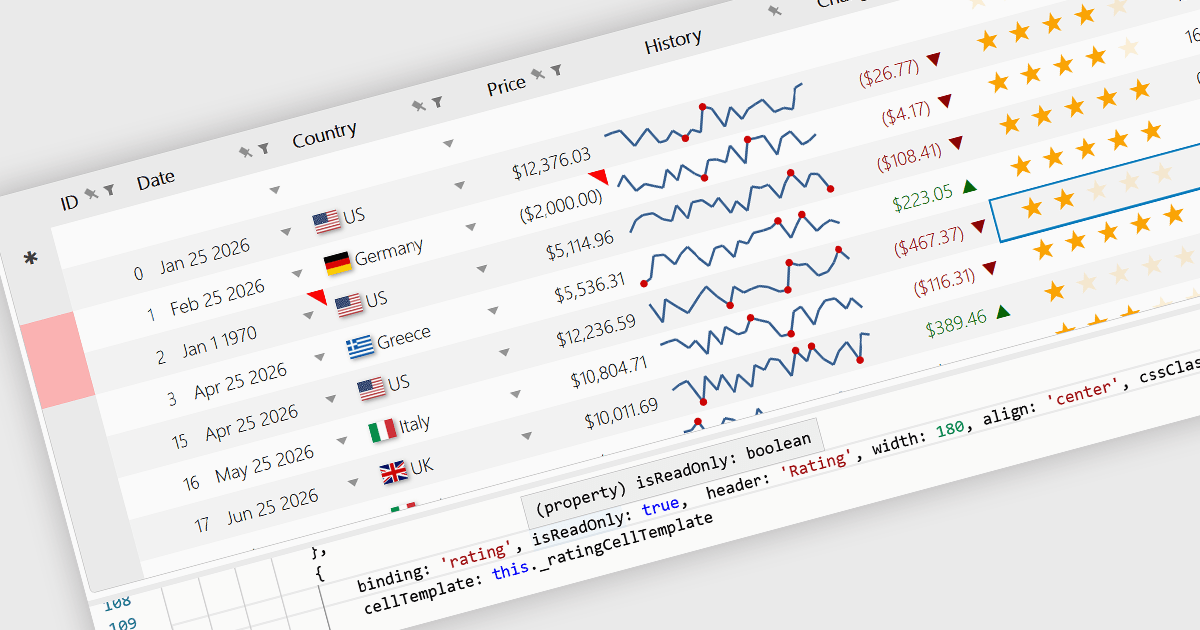
Read-only Columns are grid columns configured to display data without allowing users to edit the values directly in the interface. In a JavaScript grid control, this is typically used for fields that should remain fixed, such as calculated values, identifiers, audit data, or information controlled by business rules or backend processes. The main benefit is that it helps preserve data integrity while still making important information visible, reduces the risk of accidental changes, supports clearer editing workflows by distinguishing editable and non-editable fields, and makes it easier for developers to enforce validation and permission requirements consistently across the application.
Several JavaScript grid controls offer support for Read-only Columns including:
For an in-depth analysis of features and price, visit our comparison of JavaScript grid controls.
Sencha Ext JS is an enterprise-focused JavaScript framework for building complex, data-intensive web applications, particularly business software such as dashboards, admin systems, reporting tools, and other large-scale user interfaces. It provides a broad library of prebuilt components, including grids, charts, forms, layouts, and data handling features, along with supporting tools for theming, testing, and application development, which helps teams create consistent, cross-platform applications more efficiently. In practice, Ext JS is best known for its strong support for rich user interfaces and large datasets, making it a good fit for organisations that need robust, maintainable front-end applications rather than lightweight websites.
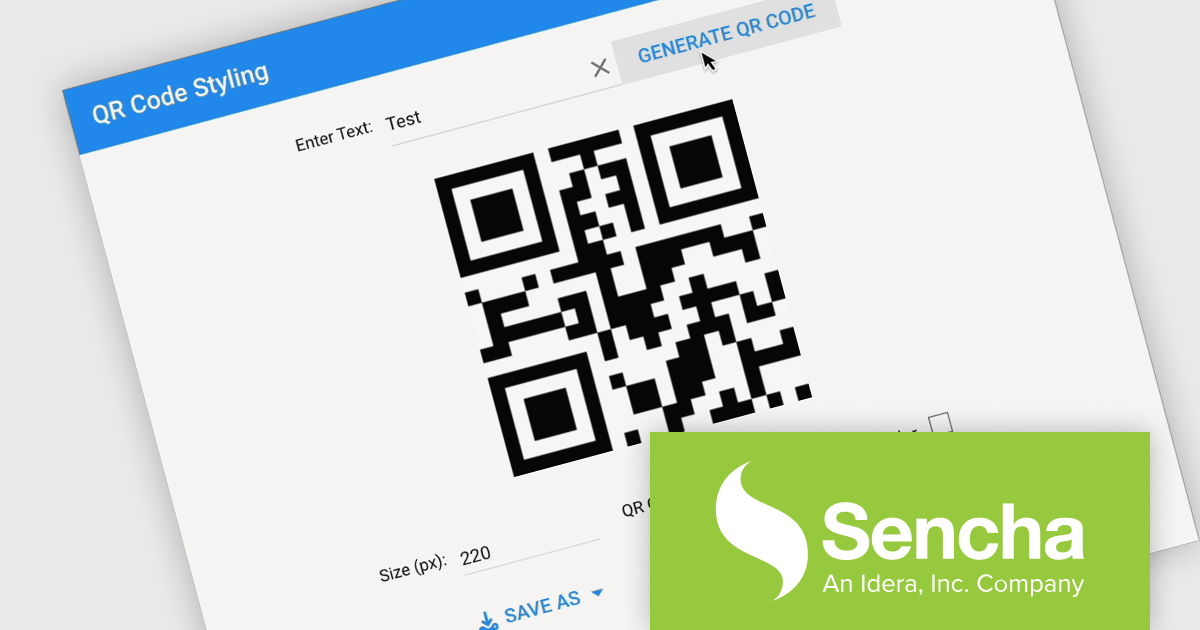
The Sencha Ext JS v8.0 update adds QR Code Reader/Generator functionality that lets developers generate and read QR codes directly within applications across both the Modern and Classic toolkits. It supports use cases such as payments, data sharing, contact exchange, calendar events, geolocation, phone and SMS, email, and Wi-Fi configurations, while also providing rendering options including SVG, Canvas, and PNG, plus image download, clipboard copy, preview, responsive sizing, customization, and input sanitization. The result is a built-in way to add QR code barcode capabilities to enterprise applications with broad format support and flexible configuration.
To see a full list of what's new in v8.0, see our release notes.
Sencha Ext JS is available in Pro, Enterprise and Ultimate editions, as Annual Subscription Licenses. See our Sencha Ext JS licensing page for full details.
For more information, see our Sencha Ext JS product page.
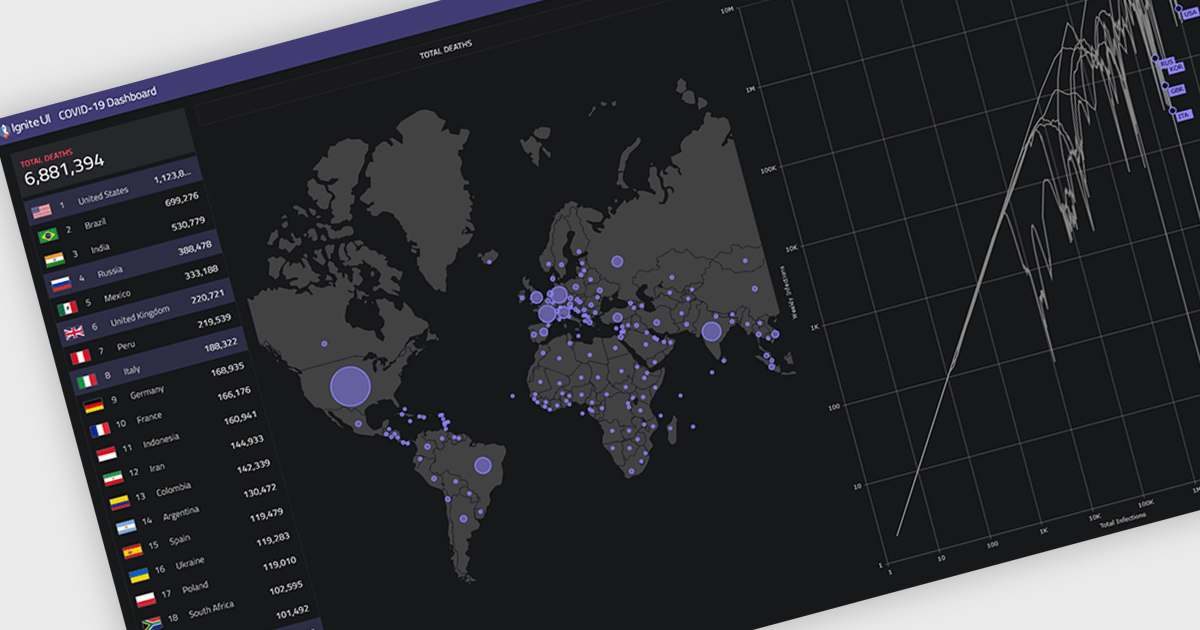
Map components allow developers to embed interactive, location-based data visualizations into applications and dashboards. By presenting data in a geographic context, they make it easier to identify patterns, monitor activity, and support faster decision-making. With features like real-time updates, data layering, and interactive navigation, maps are commonly used for tracking regional performance, visualizing logistics and routes, and monitoring live or spatial data within modern dashboards.
Several React UI suites provide map controls including:
For an in-depth analysis of features and price, visit our React chart controls comparison.
Syncfusion Essential Studio Spreadsheet Editor SDK is a library that lets developers embed spreadsheet functionality into web and desktop applications without requiring Microsoft Excel. It supports editing, formatting, and data analysis features such as cross sheet formula calculation, data binding to local and remote sources including JSON and REST, conditional cell styling, charts, data validation, worksheet protection, and workbook permissions. Available across frameworks including Blazor, React, Angular, Vue, JavaScript, ASP.NET Core and MVC, WPF and WinForms, it helps teams deliver a familiar spreadsheet experience for use cases like reporting, budgeting, and forecasting directly within their applications.
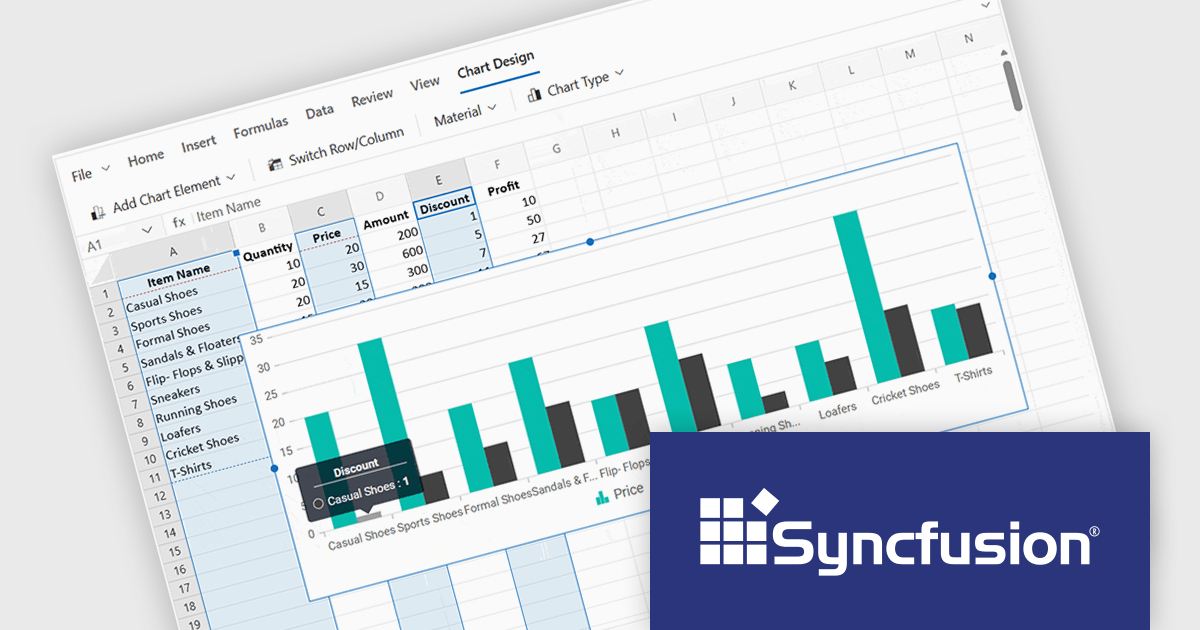
The Syncfusion Essential Studio Spreadsheet Editor SDK 2026 Volume 1 update introduces discontinuous chart range support, enabling developers to create charts from multiple non-adjacent rows, columns, or cell ranges without modifying the original data structure. This capability provides greater flexibility when working with complex, fragmented, or selectively relevant datasets, eliminating the need for manual data consolidation or duplication. It also ensures that charts remain automatically synchronized with updates across all referenced ranges, supporting more accurate, efficient, and maintainable data visualization within modern web and enterprise applications.
To see a full list of what's new in Syncfusion Essential Studio Spreadsheet Editor SDK 2026 Volume 1 (33.1.45), see our release notes.
Syncfusion Essential Studio Spreadsheet Editor SDK is licensed per developer on a one year timed subscription basis, with runtime royalty free redistribution included when the subscription is current, and includes one year of unlimited technical support and updates. See our Syncfusion Essential Studio Spreadsheet Editor SDK licensing page for full details.
Learn more on our Syncfusion Essential Studio Spreadsheet Editor SDK product page.
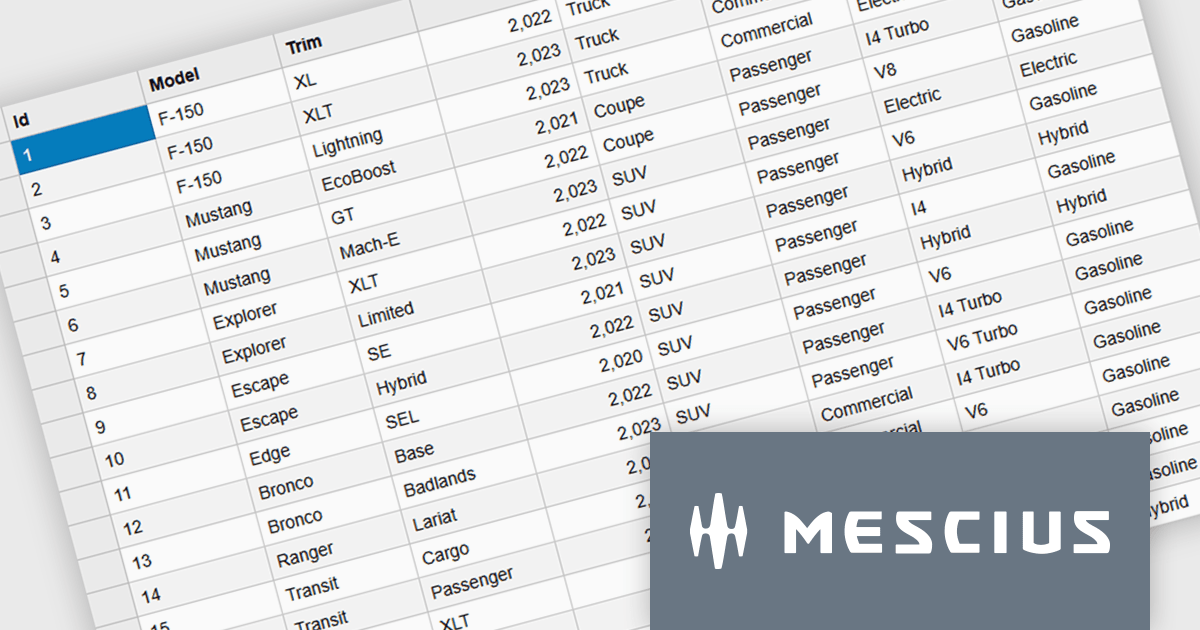
Wijmo is a cutting-edge collection of over 100 high-performance JavaScript UI controls designed for modern enterprise applications. Built for speed and flexibility, Wijmo empowers developers to deliver superior user experiences with fully responsive, touch-friendly, and accessible components.
In this blog post, MESCIUS Product Manager Joel Parks takes you through the process to Implement a PostgreSQL JavaScript workflow by capturing DataGrid state changes, issuing asynchronous POST requests, and processing updates through an Express API to reliably persist validated, row-level modifications in PostgreSQL. Steps include:
Detailed source code is included to help you get started.
Read the full blog now and get ready to build fully interactive, data-driven applications backed by PostgreSQL.
Wijmo is licensed per developer. Developer Licenses are perpetual and include 1 year Subscription which provides upgrades, including bug fixes and new features. See our Wijmo licensing page for full details.
Learn more on our Wijmo product page.
電話: (888) 850 9911
Fax: +1 770 250 6199


