













公式サプライヤー
公式および認定ディストリビューターとして200社以上の開発元から正規ライセンスを直接ご提供いたします。
当社のすべてのブランドをご覧ください。
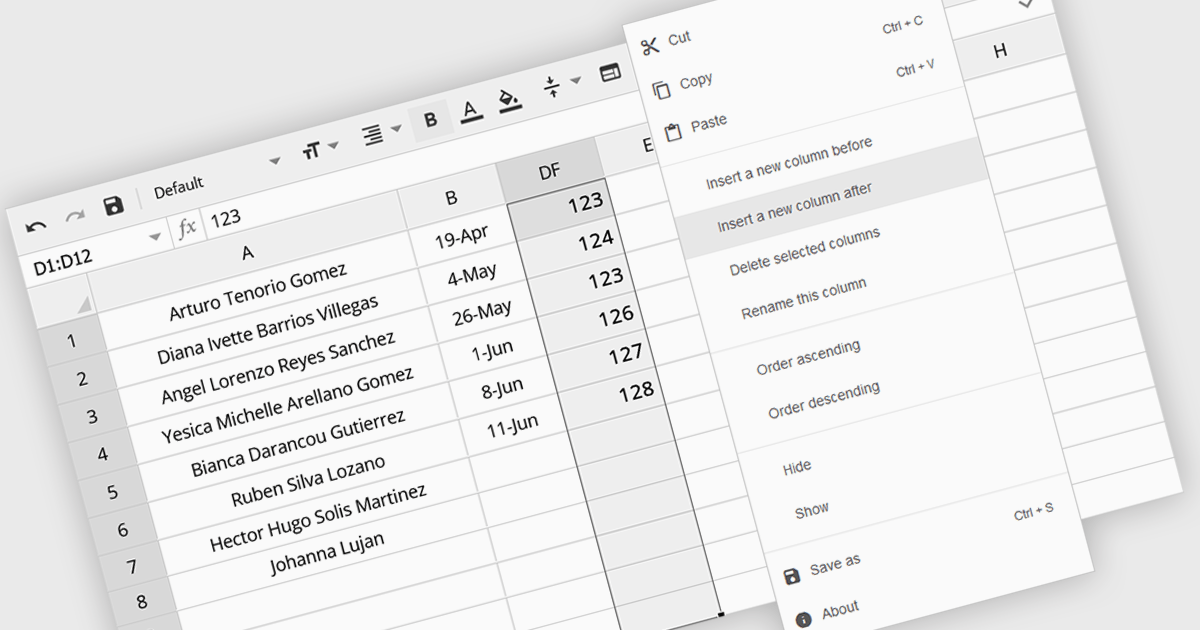
The option to insert columns in a spreadsheet gives users the flexibility to expand or reorganize their data as needed. This functionality allows for seamless adjustments, making it easier to add new data fields or restructure existing information. By enabling column insertion, users can customize their data views for more effective analysis and manipulation. This not only enhances productivity but also delivers a more responsive and adaptable interface that evolves with their data requirements, improving the overall user experience.
Several Angular spreadsheet controls offer the ability to insert columns including:
For an in-depth analysis of features and price, visit our Angular spreadsheet controls comparison.
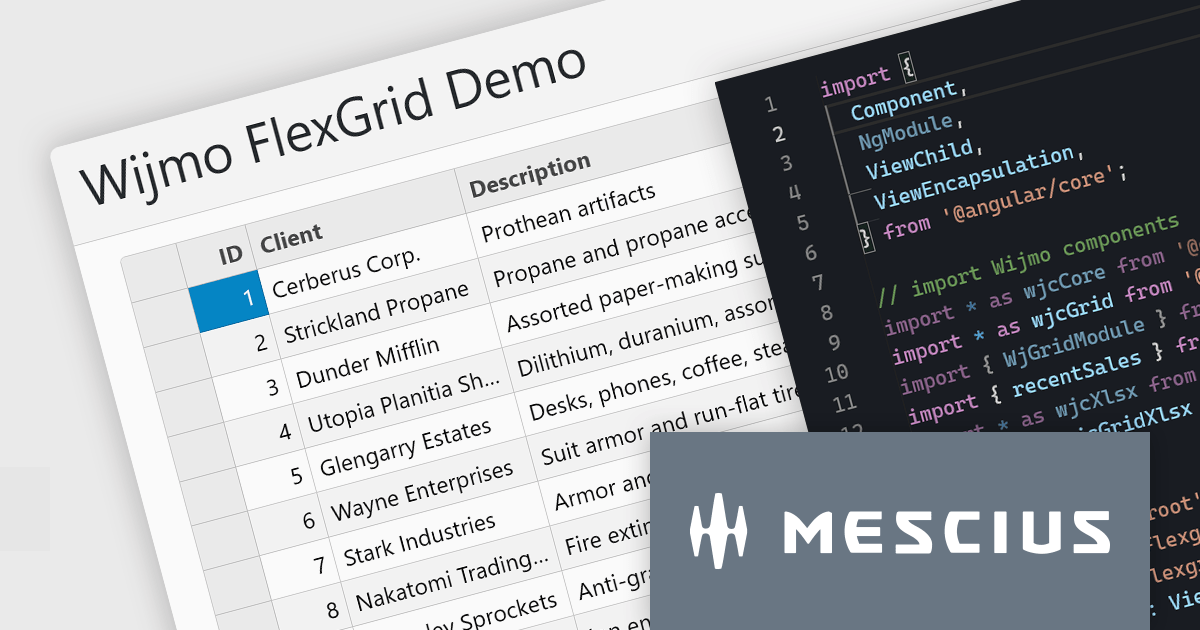
Wijmo is a complete collection of extensible, fast, flexible JavaScript UI components written in TypeScript. The framework-agnostic Wijmo components include first-class support for top frameworks including Angular, React, Vue and Web Components. Wijmo Enterprise has over 100 dynamic UI components to help cut your development time in half, allowing you to build lightweight, high-performance JavaScript applications using your favorite JavaScript framework.
In this blog post, MESCIUS Product Manager Joel Parks demonstrates how to leverage the FlexGrid control in Wijmo to display data tables for complex reports, dashboards, financial data, and more. Challenges include:
Read the complete blog to start building powerful JavaScript web applications to present and organize complex data.
Wijmo is licensed per developer. Developer licenses are perpetual and include 1 year subscription which provides upgrades, including bug fixes and new features. See our Wijmo licensing page for full details.
For more information, visit our Wijmo product page.

JavaScript PDF viewer components provide several features for the seamless and efficient navigation of complex documents, enhancing the user experience in web applications. These viewers allow users to move through PDFs using intuitive controls that support structured document exploration. By leveraging advanced navigation features, developers can integrate smooth, user-friendly access to content, whether through previews in the form of thumbnail images, internal links, or predefined document structures i.e. a table of contents.
Common features include:
For an in-depth analysis of features and price, visit our JavaScript PDF viewer components comparison.
Highsoft is a Norwegian software publisher best known for Highcharts Core, a widely used JavaScript library for interactive data visualization. It specializes in developing powerful, flexible, and accessible charting solutions for developers, businesses, and data analysts. Highcharts is recognized for its seamless integration, extensive customization options, and support for a broad range of chart types, making it a popular choice for web applications and enterprise dashboards. Expanding its data visualization portfolio, Highsoft also offers Highcharts Dashboards, Highcharts Gantt, Highcharts Maps, and Highcharts Stock, catering to diverse analytical and reporting needs.
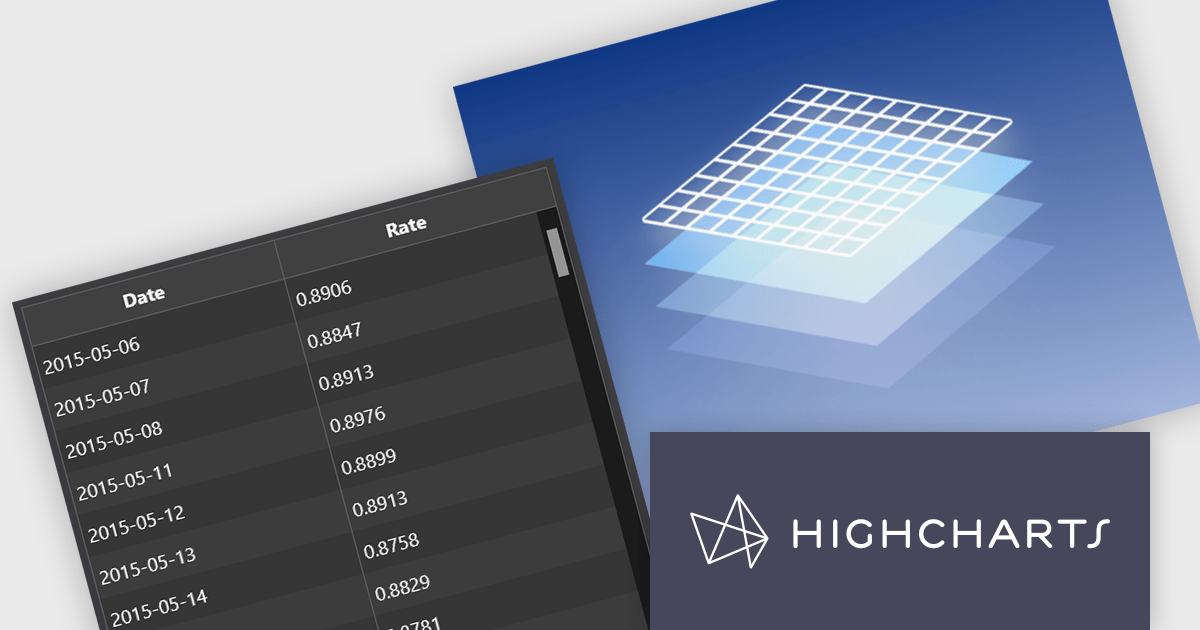
Highsoft has announced Highcharts Grid Lite, a forthcoming free solution that brings the core functionality of the data grid component in Highcharts Dashboards to a standalone, lightweight package. Designed for seamless integration into modern web applications, it offers high performance while remaining accessible and efficient. It supports WCAG-compliant interactions, ensuring usability across different environments. Its optimized row virtualization enables smooth handling of large datasets without performance degradation. Developers can easily integrate it with frameworks like React, Vue, and Angular while leveraging its intuitive API for streamlined data management and customization. With built-in CSS theming, it allows for flexible styling to match application requirements, making it a reliable solution for creating responsive, interactive tables.
Read the Highcharts Grid Lite blog post for more details on this advanced solution for building responsive, interactive data grids.
To explore the Highsoft product range, including Highcharts Dashboards, visit our Highsoft brand page.
Syncfusion Essential Studio JavaScript is a comprehensive UI library offering over 80 high-performance, lightweight, and responsive components to transform your web apps. Built from scratch with TypeScript, it boasts modularity and touch-friendliness, letting you pick and choose specific features while ensuring smooth mobile interaction. With rich themes, global accessibility features, and extensive documentation, it powers everything from basic buttons to interactive charts and data grids, simplifying frontend development across JavaScript, Angular, React, and Vue.
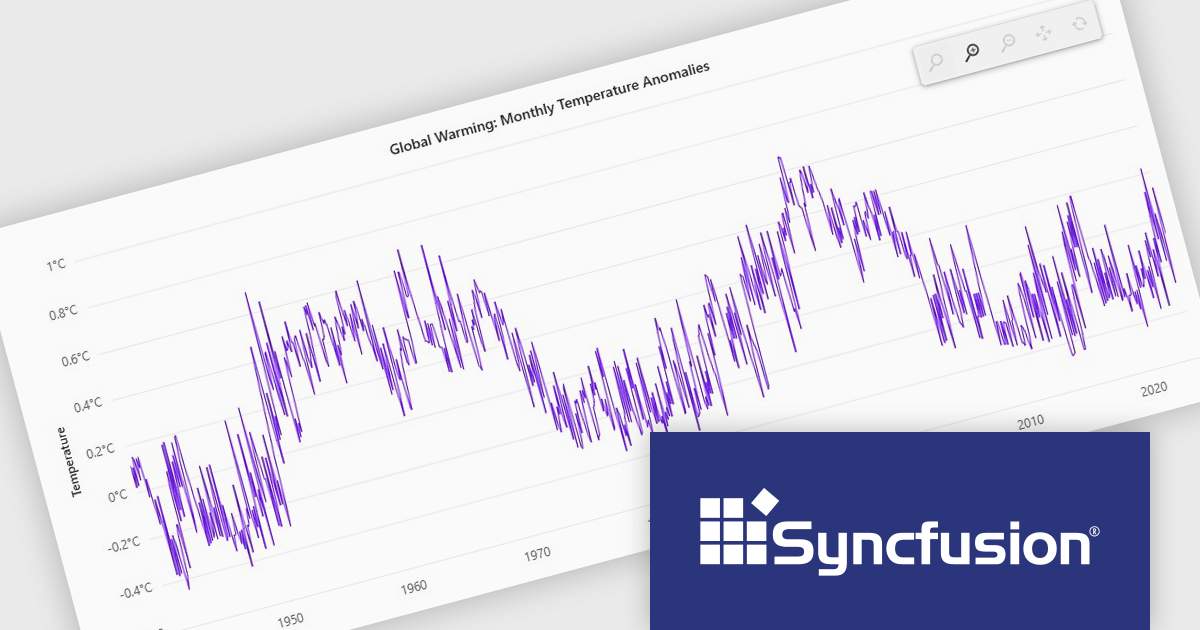
The Syncfusion Essential Studio JavaScript 2024 Volume 4 update introduces a new toolbar feature that allows users to customize the position of the zoom toolbar within charts. With drag-and-drop functionality, this feature offers greater flexibility in interface design, enabling developers to optimize chart layouts for better usability and alignment with specific application requirements. By allowing the toolbar to be re-positioned anywhere within the chart area, this update enhances both user experience and chart readability, providing a more adaptable and professional solution for modern web applications.
To see a full list of what's new in 2024 Volume 4, see our release notes.
Syncfusion Essential Studio JavaScript is available as part of Syncfusion Essential Studio Enterprise which is licensed per developer starting with a Team License of up to five developers. It is available as a 12 Month Timed Subscription License which includes support and maintenance. See our Syncfusion Essential Studio Enterprise licensing page for full details.
Learn more on our Syncfusion Essential Studio JavaScript product page.
電話: (888) 850 9911
Fax: +1 770 250 6199


